How is VidSbo helpful in script writing?
VidSbo contributes to script writing by providing AI-generated suggestions based on the user's video concept or an uploaded reference video. By turning these videos or ideas into professional storyboards that include scene descriptions and dialogue, VidSbo facilitates script creation by providing a clear and structured visual plan of the narrative flow.
Can VidSbo support multiple languages?
Yes, VidSbo supports multiple languages to cater for global teams. This feature allows users from different regions to work together seamlessly, making VidSbo an effective tool for international collaboration.
How can VidSbo save pre-production time?
VidSbo can majorly cut down on pre-production time. Automating the process of creating storyboards and generating shot lists, it helps users quickly translate their ideas or reference videos into detailed storyboards. It also allows users to define their own storyboard fields and structures to fit their production workflow, further streamlining the pre-production process.
How does VidSbo boost creative inspiration?
VidSbo boosts creative inspiration by providing AI-generated suggestions based on the users' ideas or reference videos. These suggestions can inspire filmmakers by presenting new perspective and angles, triggering creative thoughts that users may have overlooked.
How can I export my storyboard from VidSbo?
Exporting your storyboard from VidSbo is a simple process. Once you've generated your storyboard, went through it, and made any necessary edits, you can easily export it for further use in your production process.
Does VidSbo also provide post-production instructions?
Yes, VidSbo allows users to include post-production instructions in their customized storyboard templates. These instructions can cover aspects such as text overlays, VFX and any specific demands for the post-production phase.
What does VidSbo do with my uploaded video?
After you upload your video to VidSbo, the platform uses AI to analyze the video. It breaks down the video into components to gain insight on the structure, pacing, shot types and camera angles used. This analysis is then used to generate a comprehensive storyboard.
Can VidSbo generate storyboards from text descriptions of a video concept?
Yes, VidSbo is proficient at generating storyboards from users' text descriptions of a video concept. Users simply provide their video idea in text form and VidSbo translates this concept into a detailed and informative storyboard.
What is the 'flexible universal mode' in VidSbo?
The 'flexible universal mode' in VidSbo is adaptable to any user scenario and requirements. This inherently versatile feature denotes that the platform can accommodate various types of storyboarding needs and can adapt its output to align with user-specific production workflows.
How does VidSbo support me in film directing?
VidSbo supports film directing by providing detailed and professional-quality storyboards. These storyboards include timestamps, shot types, camera movements, scene descriptions, dialogues, and additional annotations that guide the director about each shot's requirements.
Can VidSbo adapt to my specific production workflow?
VidSbo can adapt to your specific production workflow by enabling custom-designed storyboard templates where you can define specific fields and structures. This means you can configure the storyboard format to mirror your workflow, making it easier to utilize the generated storyboard in your process.
What types of camera movements can VidSbo recognize?
VidSbo can identify and recognize various types of camera movements. The examples shown include pans to the left or right, tilts up or down, zooms in or out, dolly forward, handheld shot, or a static shot if there is no movement.
How does VidSbo help me with creative directing?
VidSbo aids creative directing by automating the technicalities of storyboard creation and script writing. It analyzes video or text inputs and generates comprehensive and professional storyboards that delineate visuals, key actions, props, lighting, emotions, pacing, transitions, and other aspects of the scene. This allows creative directors to focus on the narrative and artistic elements rather than the technical breakdown.
How does VidSbo assist with video conversion and shot list generation?
VidSbo contributes to video conversion and shot list generation by reverse-engineering videos. This process involves breaking a video down into its constituent shots and sequences. It then turns this analysis into actionable shot lists and prompts, thereby facilitating the transition from raw video to structured storyboard or script.
What is VidSbo?
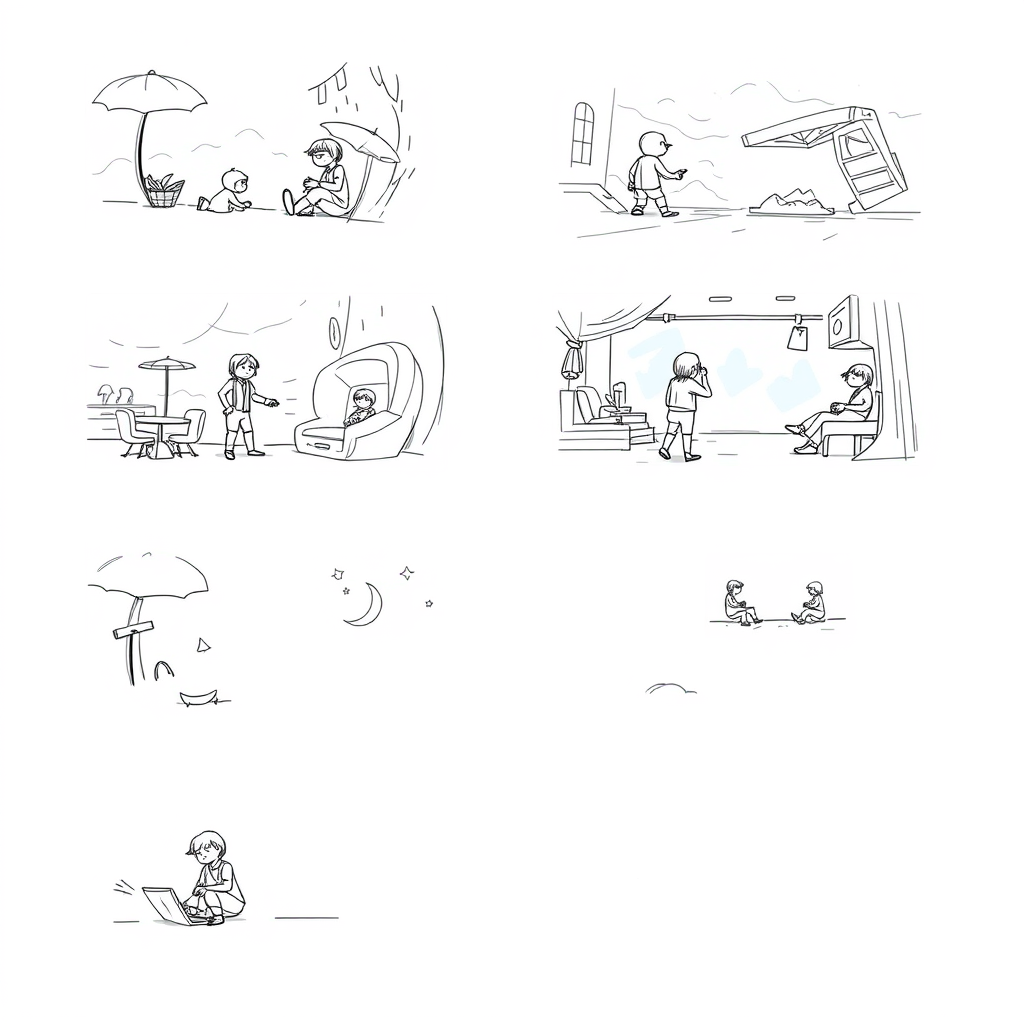
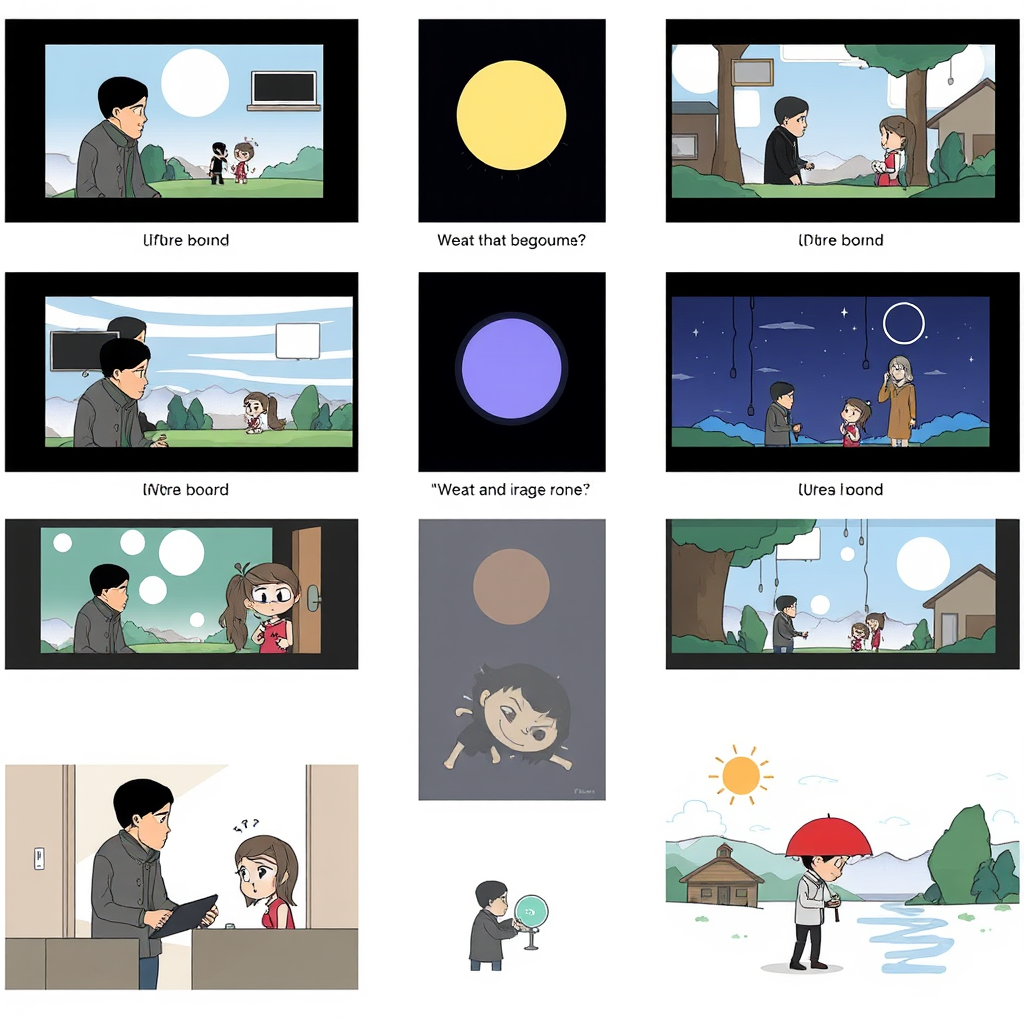
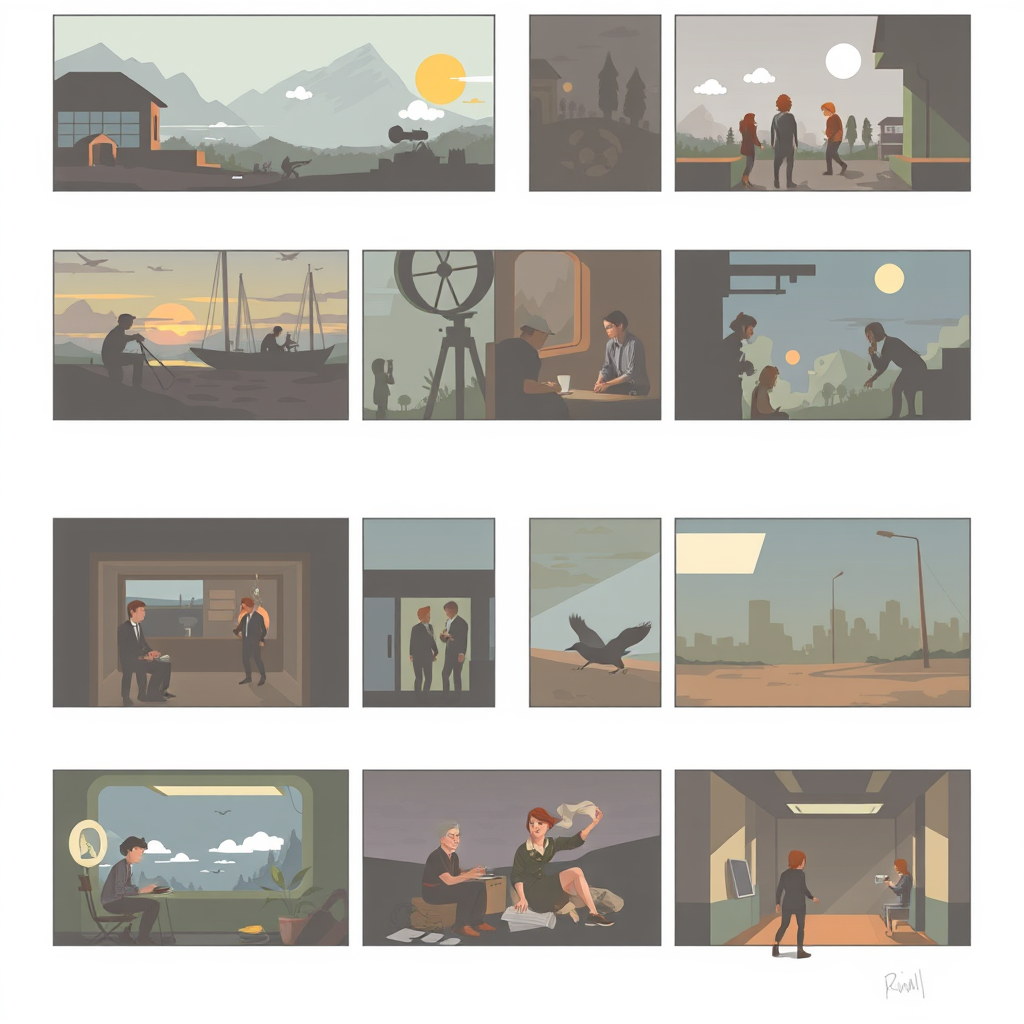
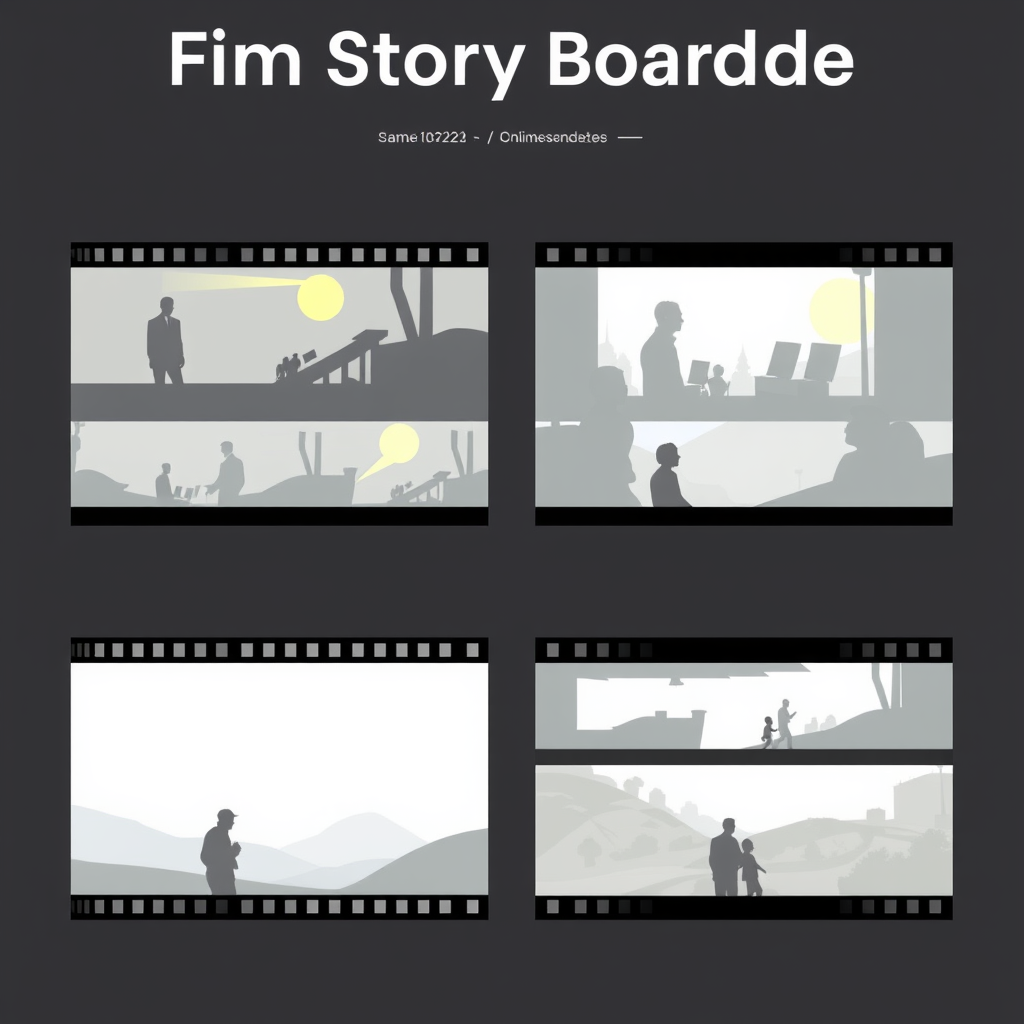
VidSbo is an AI-powered storyboard generator that provides advanced video pre-production tools. It caters extensively to creators and filmmakers by enabling the creation of professional storyboards from basic ideas or videos. VidSbo also offers users the unique ability to reverse-engineer videos into actionable shot lists and prompts.
How does VidSbo generate storyboards from text or video?
VidSbo generates storyboards from text or video by first allowing the user to upload a reference video, or input their video concept in text form. The AI system then analyzes the content and generates a comprehensive storyboard based on the input. This process performs a deep analysis of the video structure, camera angles, lighting, etc. or text content to create detailed prompts.
What customization options does VidSbo provide for storyboards?
VidSbo provides various customization options for storyboards. Users can create custom storyboard templates and define fields such as timestamp, shot type, camera movement, scene description, dialogue or sound notes, and additional annotations. These annotations can include elements like emotion, pacing, lighting, and post-production instructions.
Can I reverse-engineer videos with VidSbo?
Yes, VidSbo offers functionality to reverse-engineer videos. This unique feature allows users to upload a video, after which the AI analyzes the video and converts it into corresponding actionable shot lists and prompts.
How does VidSbo aid in pre-production?
VidSbo aids in pre-production by automating the process of creating professional storyboards. It minimizes time spent on manual tasks such as sketching and writing scene descriptions, thus speeding up the pre-production timeline. VidSbo's AI-driven solution also helps boost creativity by inspiring users with AI-generated suggestions, further contributing to pre-production efficiency.
Which languages does VidSbo support?
VidSbo supports multiple languages, catering to global teams by allowing the creation, generation, and export of storyboards in various languages.
What export functionalities does VidSbo offer?
VidSbo offers export functionality that allows users to export the generated storyboard for further usage. This makes it easy to integrate the generated storyboard into existing project management tools and workflows.
How does VidSbo's AI Director work?
VidSbo's AI Director is a function of the tool that assists in video content creation. It analyzes input – be it a video or text – and generates comprehensive storyboards, provides prompts and suggestions, and offers advanced customization options to align with the user's specific production workflow.
What is the process of generating a storyboard with VidSbo?
There are four main steps in generating a storyboard with VidSbo. First, upload a reference video or describe the video idea in text. Second, choose a storyboard template or customize your own fields. Third, let the AI analyze the content and generate a detailed storyboard. Finally, review, edit, and export the storyboard.
What information is included in the storyboards generated by VidSbo?
The storyboards generated by VidSbo include key elements such as timestamp, shot type, camera movement, scene description, dialogue or sound, and additional notes. These additional notes encompass elements like emotion, pacing, lighting, and post-production instructions, providing an extensive visual and narrative breakdown of scenes.
Can VidSbo conform to my specific production workflow?
Yes, VidSbo can be adjusted to conform to specific production workflows. The tool allows users to customize their storyboard templates and define their own fields and structures, making it a very adaptable tool for many different user scenarios and requirements.
How can VidSbo enhance creative collaboration?
VidSbo enhances creative collaboration by offering automated generation and customization of storyboards. This automation process allows creators to focus on storytelling and creative aspects of pre-production, while the AI efficiently handles the technical breakdown. Outputs can be easily integrated into existing project management tools, fostering an enhanced creative collaboration experience.
What templates are provided by VidSbo for storyboarding?
VidSbo provides a default storyboard template that includes distinct fields designed for a comprehensive storyboard. These fields are time, shot type, camera movement, scene description, dialogue or sound, and additional notes. Each field captures a particular aspect of the shot or scene, contributing to a thorough breakdown of the video content.
Can I create custom storyboard templates using VidSbo?
Yes, within VidSbo, users can create custom storyboard templates. They have the flexibility to define and customize their storyboard fields and structures, enabling them to create templates that match their specific production workflow and needs.
How does VidSbo save pre-production time?
VidSbo saves pre-production time by providing automated generation of storyboards from video uploads or text description. This process reduces manual effort and streamlines pre-production tasks, allowing more time for other aspects of the production process, ultimately saving pre-production time by up to 80%.
What kind of prompts does VidSbo provide?
VidSbo provides actionable shot lists and prompts derived from the analysis of uploaded videos. These prompts can help creators understand the structure, camera angles, and lighting theories applied in the reference video, serving as an effective learning tool and inspiration for new video projects.
What type of content can I analyze with VidSbo?
With VidSbo, users can analyze various types of content including videos and textual ideas. The AI system can break down the structure, camera angles, lighting, and other critical elements of a video, or generate a storyboard from a simple textual idea or description.
Does VidSbo offer integration with existing project management tools?
Yes, VidSbo offers seamless export functionality which allows for integration with existing project management tools. This makes it possible to import the generated storyboards into different workstreams, ensuring the continuity of the pre-production process.
How does VidSbo cater to global teams?
VidSbo caters to global teams by supporting multiple languages. This makes it possible for teams across different geographical locations, communicating in different languages, to use the tool effectively for their video content creation and pre-production activities.
How can VidSbo boost my creative inspiration?
VidSbo can significantly boost creative inspiration by providing AI-generated suggestions and visual breakdowns. By analyzing video structure, camera angles, and lighting, VidSbo offers users precise prompts that can inspire new creative ideas and perspectives for their video content creation.
How would you rate VidSbo - AI Storyboard Generator?
Help other people by letting them know if this AI was useful.