Does the Password App store password data on third-party servers?
No, the Password App does not store password data on third-party servers. It operates directly on the user's computer, preserving privacy and minimizing data breach risks.
Does the Password App automate the process of changing passwords?
Yes, the Password App automates the process of changing passwords, which saves time and reduces errors.
Can the Password App replace comprehensive cybersecurity practices?
No, the Password App does not replace comprehensive cybersecurity practices. While it serves to update user passwords, users should still uphold other safety measures.
What are the major benefits of using the Password App?
The major benefits of using the Password App include enhanced digital security through automatically updating old passwords with AI, direct operation on the user's computer to minimize data breach risks, and automating the process of changing passwords.
How does the Password App improve overall digital security?
The Password App improves overall digital security by generating more secure replacements for old, potentially weak passwords using AI technology, and by keeping password data secure on the user's computer, away from third-party servers and databases.
How does the Password App learn the complexity and structure of user's passwords?
The Password App learns the complexity and structure of user's passwords by utilizing AI technology. From recognizing recurring patterns and structures in user's passwords, it generates stronger and more secure replacements.
Is the Password App a desktop application?
Yes, the Password App is a desktop application. It is designed to be hosted on a user's local desktop.
Why is the Password App hosted on a local desktop?
The Password App is hosted on a local desktop to reduce exposure to potential hacking threats and provide optimum security and privacy. By operating locally, it avoids the need to store password data on third-party servers or databases.
What are the data safety features provided by the Password App?
The Password App offers data safety features such as direct operation on the user's computer to avoid storing password data on third-party servers, automatic updating of old passwords, and generation of stronger and more secure password replacements.
Does the Password App protect user data?
Yes, the Password App protects user data by updating potentially weak and outdated passwords and by operating directly on the user's computer, thus minimizing the risk of password data being exposed on third-party servers or databases.
How reliable is the Password App in cybersecurity practices?
The reliability of the Password App in cybersecurity practices is emphasized in its design, which focuses on updating potentially weak passwords, operating directly on a user's local desktop, and avoiding the storage of password data on third-party servers.
What measures do users still need to uphold when using the Password App?
Users still need to uphold measures such as using a variety of passwords across different sites and enabling two-factor authentication where possible when using the Password App.
What is the Password App?
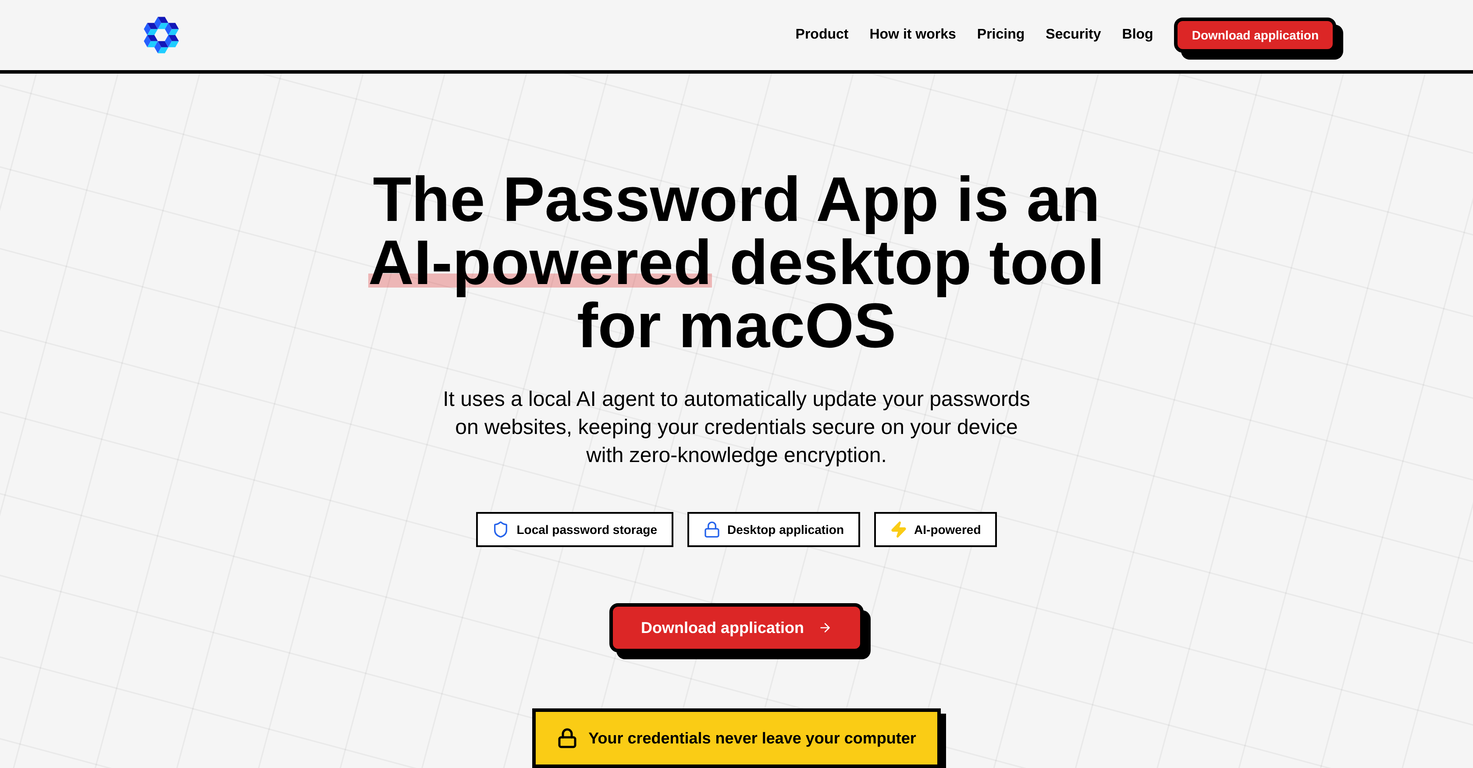
The Password App is an AI-powered desktop tool designed to enhance digital security through managing and updating user passwords.
How does the Password App work?
The Password App works by utilizing AI technology to understand user's password complexity and structure. It then generates stronger, more secure replacements.
What features does the Password App have?
Features of the Password App include local hosting, privacy prioritization, automated updates, user-friendly interface, and a risk mitigation approach.
How does the Password App enhance digital security?
The Password App enhances digital security by automatically updating old or weak passwords and hosting the service on a local desktop to minimize exposure to potential hacking threats.
What is the core functionality of the Password App?
The core functionality of the Password App is centered around the automatic update of potentially weak and outdated passwords.
How does the AI in the Password App generate stronger passwords?
The AI in the Password App generates stronger passwords by learning the complexity and structure of a user's current passwords and creating stronger, more secure replacements from that data.
How safe is it to use the Password App?
Usage of the Password App is quite safe as it is hosted locally, reducing exposure to potential hacking threats and it doesn't store password data on third-party servers diminishing the risk of data breaches.
Does the Password App store my password data on third-party servers?
No, the Password App does not store user password data on third-party servers. It ensures privacy by operating on the user's computer directly.
How does the Password App ensure privacy?
The Password App ensures privacy by operating directly on the user's local desktop and not storing any password data on third-party servers or databases.
Does the Password App reduce the risk of a data breach?
Yes, the Password App considerably reduces the risk of a data breach as it doesn't store any password data on third-party servers and operates at a local level.
Does the Password App replace the need for standard cybersecurity practices?
No, the Password App does not replace the need for standard cybersecurity practices. It should be used in conjunction with safety measures like using a variety of passwords and enabling two-factor authentications where possible.
How does the Password App avoid potential hacking threats?
The Password App avoids potential hacking threats by operating on a local desktop and eliminating the need to store password data on third-party servers.
Why is the Password App hosted on a local desktop versus the cloud?
The Password App is hosted on a local desktop versus the cloud to ensure privacy and security by reducing the risk of exposure to potential hacking threats.
How user-friendly is the Password App interface?
The Password App interface is user-friendly making it easy for users to navigate.
How does the Password App help in mitigating risks associated with outdated passwords?
The Password App helps in mitigating risks associated with outdated passwords by using AI algorithms to automate the updates, ensuring that passwords are strong and secure at all times.
Is the Password App a complement to or a substitute for conventional password managers?
The Password App can be seen as a complement to conventional password managers, offering an additional layer of security rather than replacing it entirely.
 PDFClean.ai
 Mini tools
 AI automatically updates your old passwords.
 Atomic Mail
 Polymer Runtime Data Security


 1
1






How would you rate The Password App?
Help other people by letting them know if this AI was useful.