 PDFClean.ai
 Mini tools
 Create engaging AI videos 10X faster, for free.
 freebeat AI
 D-ID
D-ID
 MagicLight
 Kaiber
 ByteCap
 HeyGen
 Sora
Sora
 Manga TV
 AI Video Generator by RenderFlow AI
 Keytake - AI Video Editor
 neural frames
 ViGi
ViGi
 Kling
Kling
 Videnly
 Viddo AI - AI Video Generator
 D-ID Creative Reality Studio
 AI Studios
 VUBO
VUBO
 VideoGen
 Hoox
Hoox
 GoEnhance
 Remini
 Creative Minds Think Alike
 cre8tiveAI
 Unboring
 Ceacle tools
 So You Want To Be A Writer?
 Minka
Minka
 Ancient AI powered spirits
 somacguffin
 Cuty
Cuty
 Jvb ai
 Superfly Stoner
 APOB
neural frames
APOB
neural frames
 Unscreen Pro
 Higgsfield AI
 VidFlux AI
 Subformer
 Shoorts
Overview
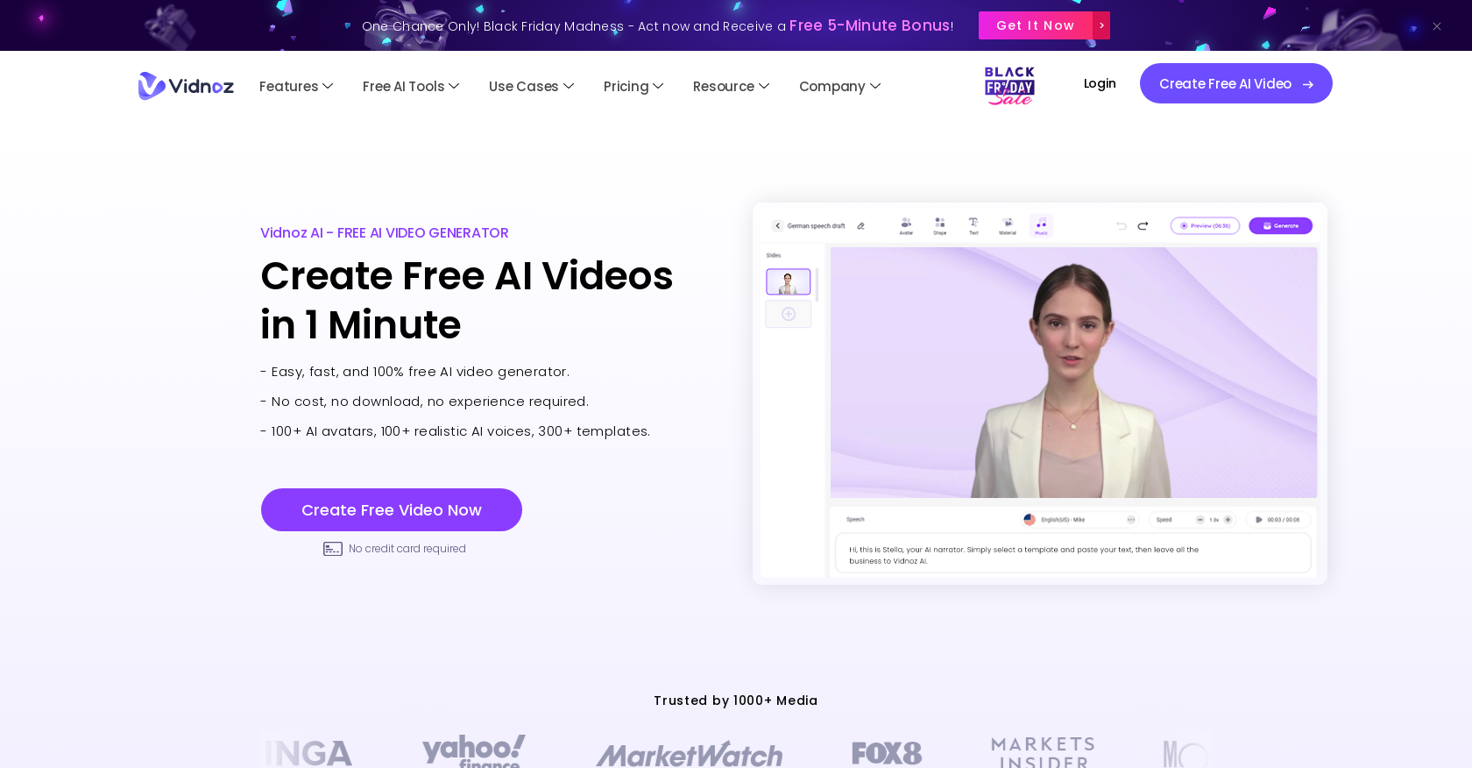
Vidnoz AI Tools is a free online video creation tool that utilizes AI and intelligent automation. It offers several features to create engaging videos quickly and efficiently.
With over 300 pre-designed video templates, users can easily customize their videos according to their needs. Vidnoz AI also provides the option to generate AI avatars from your own videos, adding a personalized touch to the content.In terms of free AI tools, Vidnoz AI offers various options such as AI Talking Avatar, AI Text to Speech, AI Avatar Generator, AI Background Remover, AI Vocal Remover, Face Swap, and AI Cartoon Generator.
These tools enable users to enhance their videos with improved visuals and audio.The tool finds applications in various fields including training and development, e-learning, news, support, sales, marketing, and communication.
Users can create tutorial videos, educational content, product demos, and social media videos, among other types of videos.Vidnoz AI offers a flexible pricing plan that includes a free option.
The tool is user-friendly and does not require any prior experience or downloads. It provides a wide range of AI avatars and realistic AI voices in multiple accents.
Vidnoz AI also supports over 140 languages, making it accessible to users from different regions.Overall, Vidnoz AI Tools is a reliable and efficient platform for individuals and businesses to create high-quality AI videos in a matter of minutes.
Releases


Pricing
Top alternatives
-
🔥 Freebeat V9.9 introduces Lyric Video & AI Captions, Gallery Remix and our biggest Cyber Week discount yet. --- What’s New - 🎞️ Gallery Remix – Explore public projects, draw inspiration, and one-click remix styles, characters, and music setups. - 💬 Lyrics Video & AI Captions – Add dynamic, beat-synced subtitles with customizable fonts, effects, and animation presets. - 💸 Cyber Week Deal – Up to 65% OFF Pro and Standard annual plans until Dec 7, 2025, 23:59. --- How It Works 1. Upload your track — drop in music from Spotify, YouTube, SoundCloud, TikTok, or a local file. 2. Describe your vision — type a simple prompt to set the mood, style, or visual direction, or jump into Gallery Remix to grab inspiration and one-click reuse styles, characters, or prompts from the community. 3. Enhance with lyrics — add dynamic AI captions or fully customized lyric visuals to make your story clearer and more expressive. 4. Watch the magic unfold — our AI generates your looping cover or music video, synced to your beat and ready to share anywhere. --- Why It Matters V9.9 connects creators, adds a new dimension of visual storytelling, and makes high-end creativity more affordable than ever. 👉 Try it now – Your first video is free: www.freebeat.ai
-
Franco Arteseros🙏 67 karmaOct 23, 2024@D-IDWE USE D-ID AT THE COLORADO VIRTUAL CREATIVE FACTORY...AND LOVE IT.
-
You get 300 credits upon signing up, which is enough to test out the app and see its potential. I had a bit of fun with it. It takes a few minutes to generate content, but the results are impressive. There are many styles, modifiers, and customization options available. I would definitely use this for content creation or storytelling.
-
They're dreaming if they think I'd give them my credit card info just for a free trial. Most useless thing ever...
-
Generating captions was super fast like seconds. Wish they had Anton font though
-





 12
12





