 Notis
Notis
 Mini tools
▼ Latest
Video editing ai tools
Free mode
100% free
Freemium
Free Trial
Featured matches
-
 Remove watermarks from Sora videos instantly.Open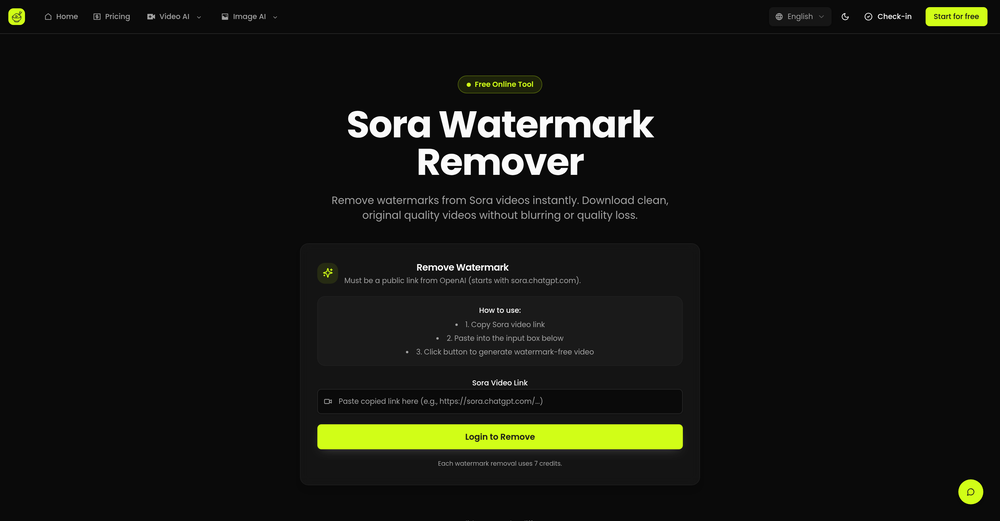
-

-

-
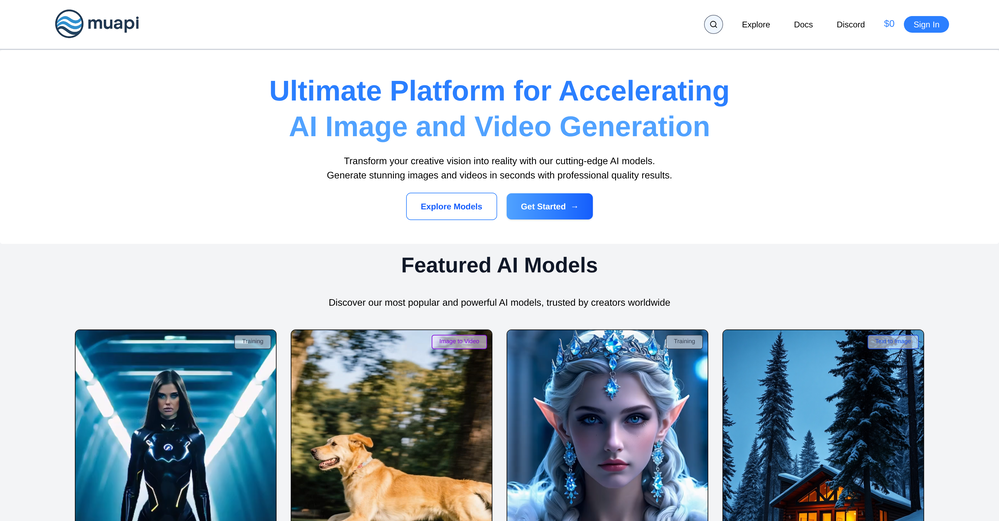 Ashwin Nair🙏 2 karmaAug 5, 2025@MuapiNothing beats this api platform for AI media generation
 -
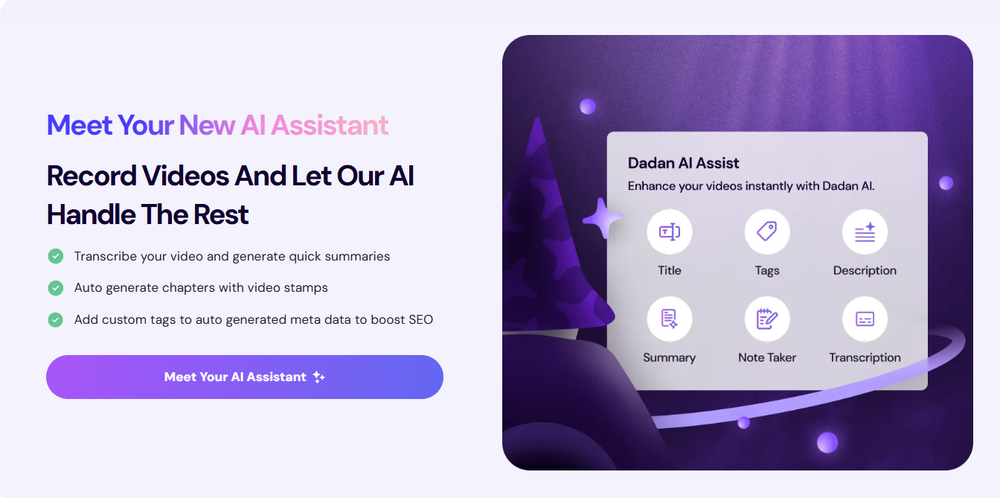 Love Dadan's new AI features. I used to hate searching through videos to find specific points and actions. Now I just get AI Assist to transcribe them and use one of the meeting templates to find what I need in a few seconds.






Verified tools
-
Currently, generating course videos is basically free, and everyone is welcome to use it! If you have any problems during use, you can complain and we will quickly iterate! Thank you~!
-
 Edit smarter, faster and easier with Filmora’s powerful AI video tools.OpenNew Features, Enhancements & Improvements: - AI Extend Effortlessly extend video and audio clips directly on the timeline. Generates seamless, natural-looking continuations for smoother storytelling. - Pen Tool Draw custom paths and shapes with full stroke controls. Bind paths to clips to create dynamic motion tracking and advanced visual effects. - Animated Charts Create animated data visuals with one-click data import. Includes adjustable styles, presets, and motion options for presentations and info-driven videos. - Source & Timeline Preview Editing Dual-preview workflow with a Source Monitor for reviewing raw footage and a Timeline Monitor for project playback. Enables faster, more accurate editing decisions. - Dual-Timeline Editing Work with multiple timelines through tabs, making it easier to manage compound clips, navigate edits, and organize complex projects. - Import Subprojects Import multiple Filmora project files as compound clips to support multi-project workflows and cross-project material reuse. Optimized Performance: - AI Object Remover Upgrade Introduces the new Magic Box engine with significantly improved removal results. Removes watermarks, subtitles, people, and distractions while maintaining natural clarity. - Smart Cutout Upgrade Improved edge detection and smudging interaction for cleaner extractions and fewer repetitive adjustments. - Dynamic Captions Enhanced subtitle editing with batch text processing and new, exclusive animation presets. - 32-Bit Audio Pipeline New high-fidelity audio processing engine with greater dynamic range. Projects needing V14 compatibility can be saved as Legacy Projects. System & Compatibility Improvements: - Improved overall system stability, faster rendering performance, enhanced GPU utilization, and better compatibility across supported devices for a smoother editing experience.
 -
 OpenHi! I'm the founder of LyricEdits. After 20 years as a bass player and 20 years in software engineering, I finally combined both passions into one. I'd love to hear your comments and suggestions!
 - Spotlight: Notis (Personal assistant)
-
Thanks for the feedback. We would love to know more about your issue. Could you please provide more details at [email protected] ?
-
I use Fliz to create videos to promote my store's products. I also use it for my blog posts. The result is really good and I can post it on tiktok quickly.
-
Easy to use, good visuals and good price to videos ratio. Made a few with 10k views.
-
 Turn photos into realistic AI kissing videos instantly.Open
 -
-
Crazy stuff, it's so useful, i feel like a weight's been lifted off my shoulders. Real game changer 10/10
-
 Transforming creativity and automation with AI-powered image, video, and content editing toolsOpen
 -
-
Videos made with vmagic go viral on social media.
-
excellent to use! very helpful in my content creation journey. the UI is elegant and easy to navigate, plus the founder keeps on shipping new features faster than I can imagine. love the product 👏
-
WTF... this thing is actually wiiiildd! everything i've tried came out looking like straight up high quality movie scenes.. i'm actually mind blown... insane..
-
 Open
Open -
-
-
I completely agree with the previous comment. I first purchased the $5 package and then upgraded to the Pro package, hoping to create videos longer than 3.5 minutes. However, I was disappointed to find out that I needed to purchase the $99 package to create longer videos. It was not clear that the 5000 characters of script only equated to 3.5 minutes of video. To make things worse, the company has a strict no-refund policy, which feels unfair. They seem more focused on taking your money than providing quality service. I would highly recommend avoiding this service at all costs.
-
5 star and Ai is the best to guide anybody Ai helps many things like hardwork is easy due to use of Ai .You help in your study

























Other tools
-
-
 OpenHere's the rundown. If you thought image editing like Photoshop or Affinity Photo, you were wrong. It's 100% insert a photo and put a filter over it or change it into another AI image. Signing up for an account gets you 4 credits. Enough for one image to image generation. Instead, you should go to aistudio.google.com. This Dreamega site is just using google to generate their stuff anyways. You can do this yourself without paying per generation, the only difference is you need to type the prompt yourself. Is it worth paying some overblown monthly subscription on Dreamega for something you can do yourself or something you'll probably only do once?
 -
This tool has completely transformed my social media content. I can now create engaging talking videos from my photos in minutes. The lip sync is incredibly realistic!
-
Not really worth it, not only does it only support Youtube, but can only generate up to 30s of video and has no options to control the image style.
- Didn't find the AI you were looking for?
-
So right away, when you go to their site, it allows you to create a video. I punched in a short sentence about Hannahbelle And Tami, 2 women in pink ski masks that rob a bank and get away in a pink dodge charger, a recurring theme in many of my AI Generated tests. I didnt expect too much but i have to say, while I would have liked to have more control over the voiceover, and perhaps some of the images used, it wasnt bad for just going to the site and really without even signing up, getting a demo of what the site is capable of. The features are...few...but there is potential. No free tier, but you do get one free video. With little to no editing or manipulation available, the prices seem high. Also, not sure if you can change this, but the voiceover is auto-captioned inside the video.
-
Fantastic product - it helped me increase my conversions on my website quite a bit. The support was really helpful too.
-
-
 AI video editor that transforms raw footage into multilingual presentations.Open
 -
-
You can make video narrations in so many different languages and in any style you want! Awesome!
-
Seemed good UI at first. But the quality is not good at all.
-
-
-
Results are ok, you maynget nothing younget results thatbare barley acceptable, but they are very generous with their free offerings.
-
Watch out! I canceled the trial period 2 or 3 days before its end but I was still charged.
-
-
 AI-powered video editing for YouTube creators.OpenI bought it. But its pretty slow and laggy
 -
We've released multi-language support and resolved a few pesky bugs that were affecting some users. Videos now chop much more accurately and faster :)
-
-
-
The demo of this AI zagent is pretty stunning. The agent understand what I am saying zand is replying on the spot. Very interesting. The sky seems to be the limit. But how can a small company use this kind of tool in practice.
-
AutoEditor is a tool powered by AI that allows users to create highly customized short videos. It is primarily designed to make video editing easier and more efficient, thus enabling users to focus more on content creation. Distinct features include the automatic generation of subtitles in more than 40 languages, detection of silence or non-relevant content in videos, and the ability to enhance videos by adding b-rolls, watermarks, and other effects. The platform provides an easy-to-use interface for video editing, putting users in complete control of their content. Users can change text, styles, and various other aspects of their videos without prior knowledge in video editing. Furthermore, AutoEditor supports editing of long videos, which can be broken down into smaller parts without pre-cutting them. Videos for editing can be directly processed from YouTube, eliminating the need for separate downloading websites. Users can also customize their captions, save their unique styles as presets, and create videos with a few simple clicks for a fast editing experience. AutoEditor's pricing is designed to be simple and affordable, with plans tailored to suit different needs. Users can also access a free tier to get started. Flexibility is one of its key advantages, providing users the means to edit their videos exactly how they want them. The software works best with videos containing any type of voice or talking, such as podcasts, talk shows, documentaries, educational videos, or speeches.
-
Appears to be a full-featured video editor. It tried hard…but chose such shit B-roll.
-
TopView is a very good tools to make tiktok/youtube/ig ads video, ecommerce video.
-
I've been using it for a while. In the begging I need to contact the support team to solve my issue, which is annoying. It has improved though. Especially after they launched the AI video director around Sep. Really time-saving for me. Anyway, hoping it could improve more
-


















































































Post





