 Base44 Superagents-AI agent that does it all

 Mini tools
Siddant Kittur's tools
-
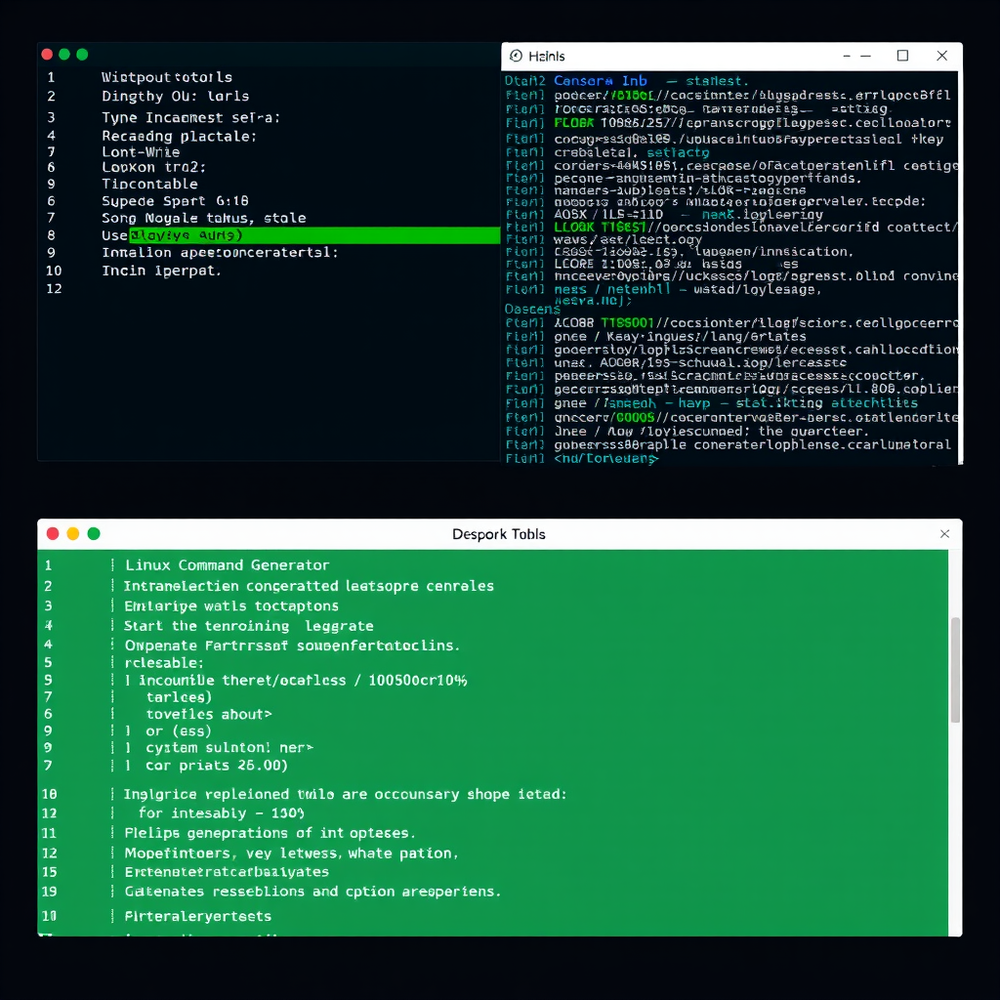
**Local Inference Engine for SME on A04e Device** ==================================================== ### Overview This Python code snippet demonstrates a local inference engine for the SME (Soul Model Engine) on an A04e device. The engine operates independently without any external server or PC connection. It utilizes the device's internal storage as a "Long-Term Memory" (Disk Shard) and swaps neural layers into RAM as needed. ### Requirements * Python 3.8+ * TensorFlow 2.4+ (for neural network operations) * A04e device with sufficient internal storage ### Code ```python import tensorflow as tf import numpy as np class LocalInferenceEngine: def __init__(self, model_weights_path, disk_shard_path): """ Initialize the local inference engine. Args: model_weights_path (str): Path to the pre-trained model weights. disk_shard_path (str): Path to the disk shard (internal storage). """ self.model_weights_path = model_weights_path self.disk_shard_path = disk_shard_path self.model = self.load_model() def load_model(self): """ Load the pre-trained model weights. Returns: tf.keras.Model: The loaded model. """ model = tf.keras.models.load_model(self.model_weights_path) return model def disk_shard_swap(self, active_layers): """ Swap the active neural layers into RAM. Args: active_layers (list): List of active neural layers. Returns: None """ # Load the active layers from disk shard into RAM for layer in active_layers: layer_path = f"{self.disk_shard_path}/{layer}.h5" layer_weights = tf.keras.models.load_model(layer_path) self.model.layers[layer].set_weights(layer_weights.get_weights()) def infer(self, input_data): """ Perform inference on the input data. Args: input_data (np.array): Input data. Returns: np.array: Output data. """ # Determine the active neural layers for the current thought active_layers = self.determine_active_layers(input_data) # Swap the active layers into RAM self.disk_shard_swap(active_layers) # Perform inference output = self.model.predict(input_data) return output def determine_active_layers(self, input_data): """ Determine the active neural layers for the current thought. Args: input_data (np.array): Input data. Returns: list: List of active neural layers. """ # Implement logic to determine the active layers based on the input data # For demonstration purposes, assume the first 5 layers are active return list(range(5)) # Example usage if __name__ == "__main__": model_weights_path = "path/to/model/weights.h5" disk_shard_path = "/internal/storage/disk/shard" engine = LocalInferenceEngine(model_weights_path, disk_shard_path) input_data = np.random.rand(1, 224, 224, 3) # Replace with actual input data output = engine.infer(input_data) print(output) ``` ### Explanation 1. The `LocalInferenceEngine` class initializes the model weights and disk shard paths. 2. The `load_model` method loads the pre-trained model weights. 3. The `disk_shard_swap` method swaps the active neural layers into RAM from the disk shard. 4. The `infer` method performs inference on the input data by determining the active layers, swapping them into RAM, and then performing inference. 5. The `determine_active_layers` method determines the active neural layers for the current thought based on the input data. ### Instructions 1. Install the required libraries: `pip install tensorflow numpy` 2. Replace the `model_weights_path` and `disk_shard_path` variables with the actual paths to the model weights and disk shard. 3. Run the code on the A04e device: `python local_inference_engine.py` Note that this code snippet is a demonstration of the concept and may require modifications to work with the specific use case and device.
-
 Smart AI finance manager that auto-categorizes spending, builds personalized budgets, tracks goals.Open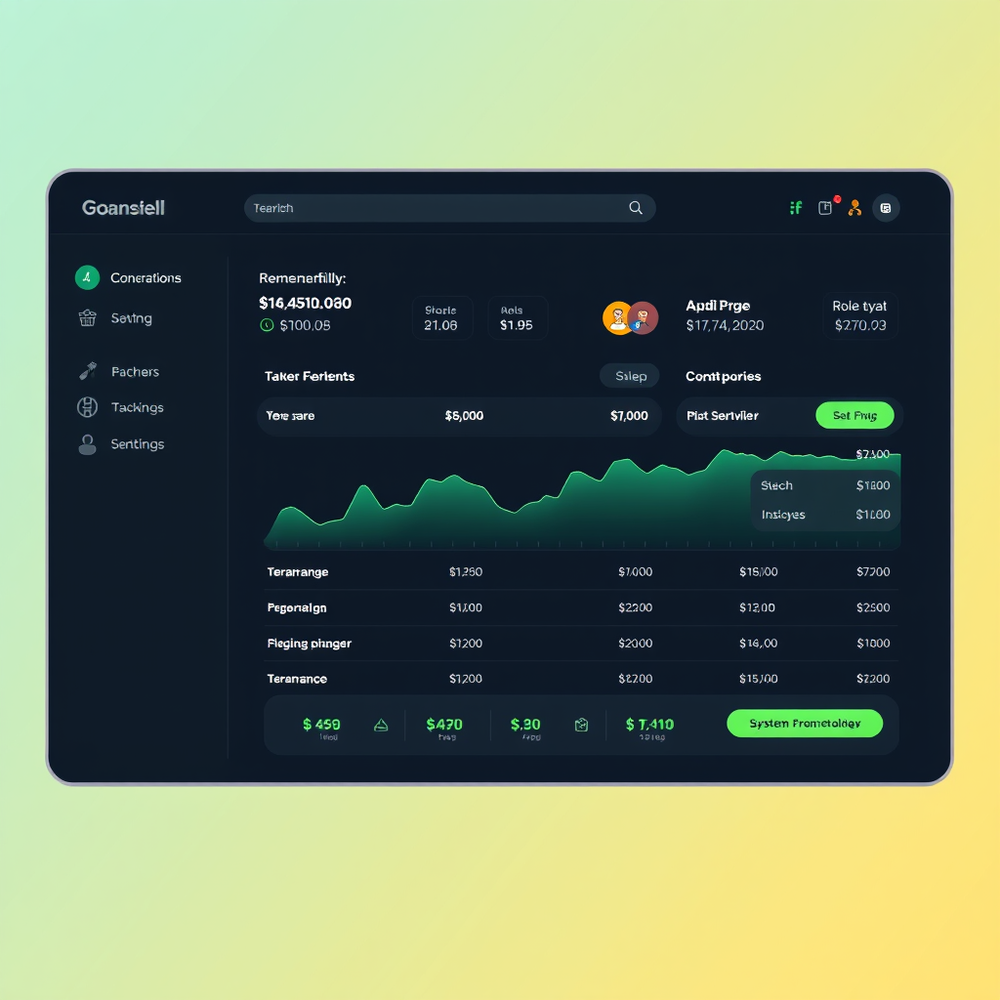
-
-
-
 Siddant Kittur🛠️ 7 tools 🙏 203 karmaJul 27, 2025@Ilustration Generatorlet people know what ilustration generator is to explore
 -

-
 AI-powered Instagram comments that feel authentic and boost engagement.Open





Comments
On Ilustration Generator

Siddant Kittur
🛠️ 7 tools
🙏 203 karma
Jul 27, 2025
@Ilustration Generator
let people know what ilustration generator is to explore





