Mini tools
-

-
-

-
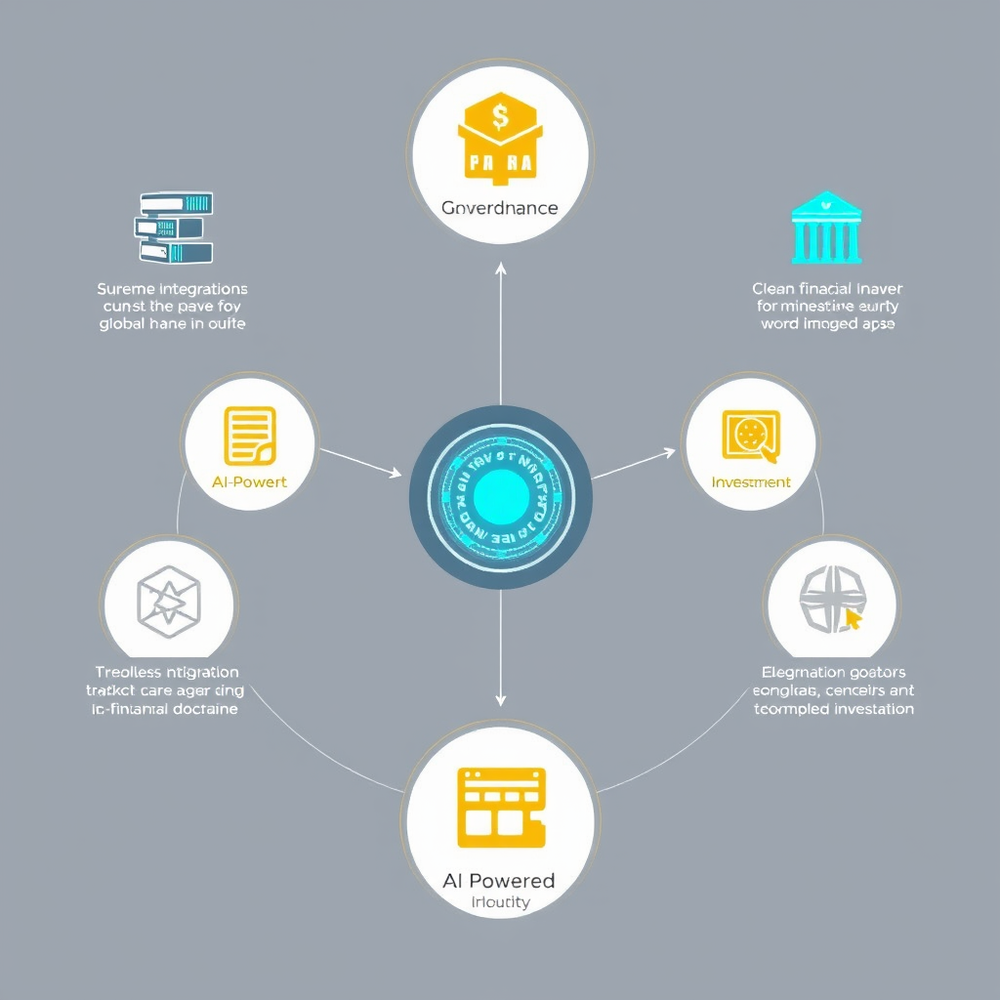
 Revolutionary AI financial ecosystem for equitable global transactions.Open
-

-
 Open
Open
-

-

-

-
 AI-generated virtual meeting backgrounds that inspire focus.Open
-
 Open
Open
-

-
-
 AI assistant crafting tailored educational materials for English teachers.Open
-
 Turn images and text into stunning websites and chatbots.Open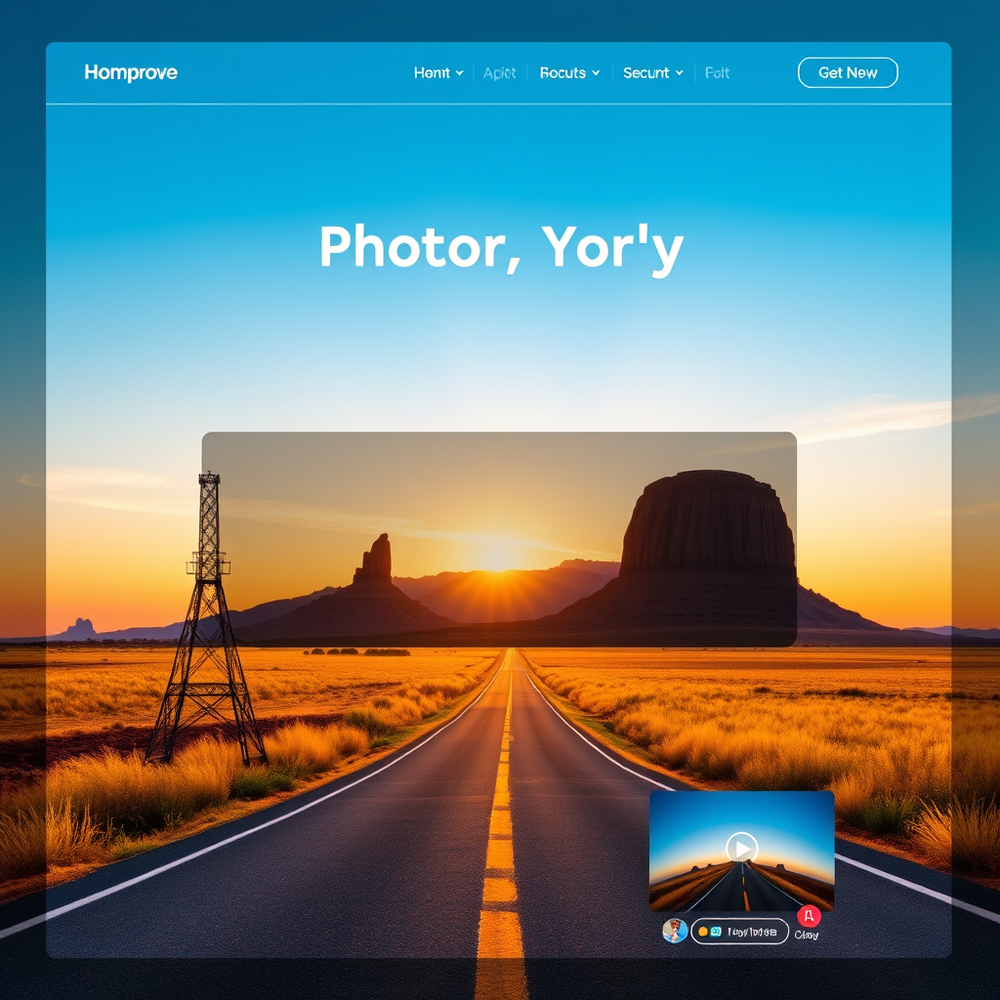
-
 AI-powered graphic design for stunning social media postsOpen
 -

-
The formal Tamil translation for "How are you?" in a professional email context is: **"நீங்கள் எப்படி இருக்கிறீர்கள்?"** *(Nīṅkaḷ eppaṭi irukkiṟīrkaḷ?)* This is the polite and respectful form suitable for formal communication. For additional context, you could also use: **"உங்கள் நலம் எப்படி உள்ளது?"** *(Uṅkaḷ nalam eppaṭi uḷḷadhu?)* *(Literally: "How is your well-being?")* Both are appropriate for professional correspondence.
-
-
-
 Open
Open
-
 Futuristic cloud storage with AI and a conscience.Open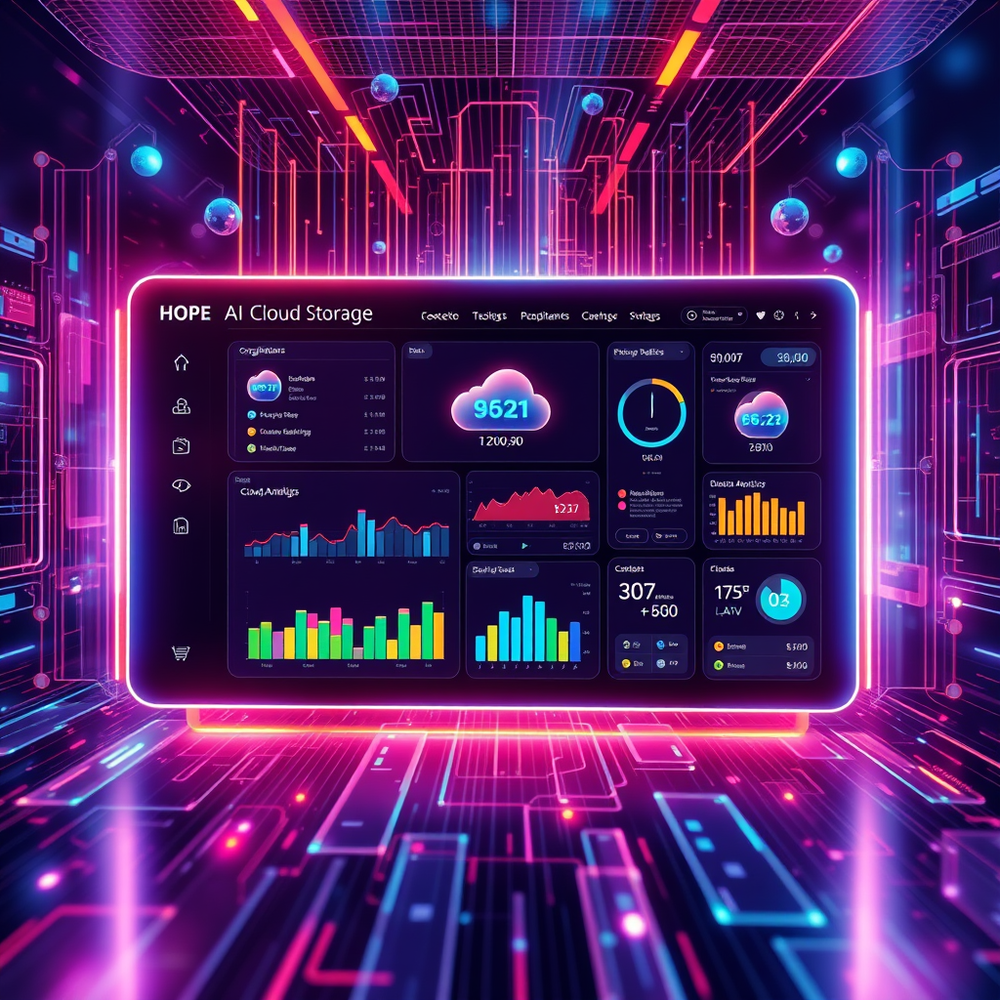
-
 Open
Open
-

-

-
-
 Open
Open
-
 Turn ordinary inputs into extraordinary characters.Open
-

-
 Open
Open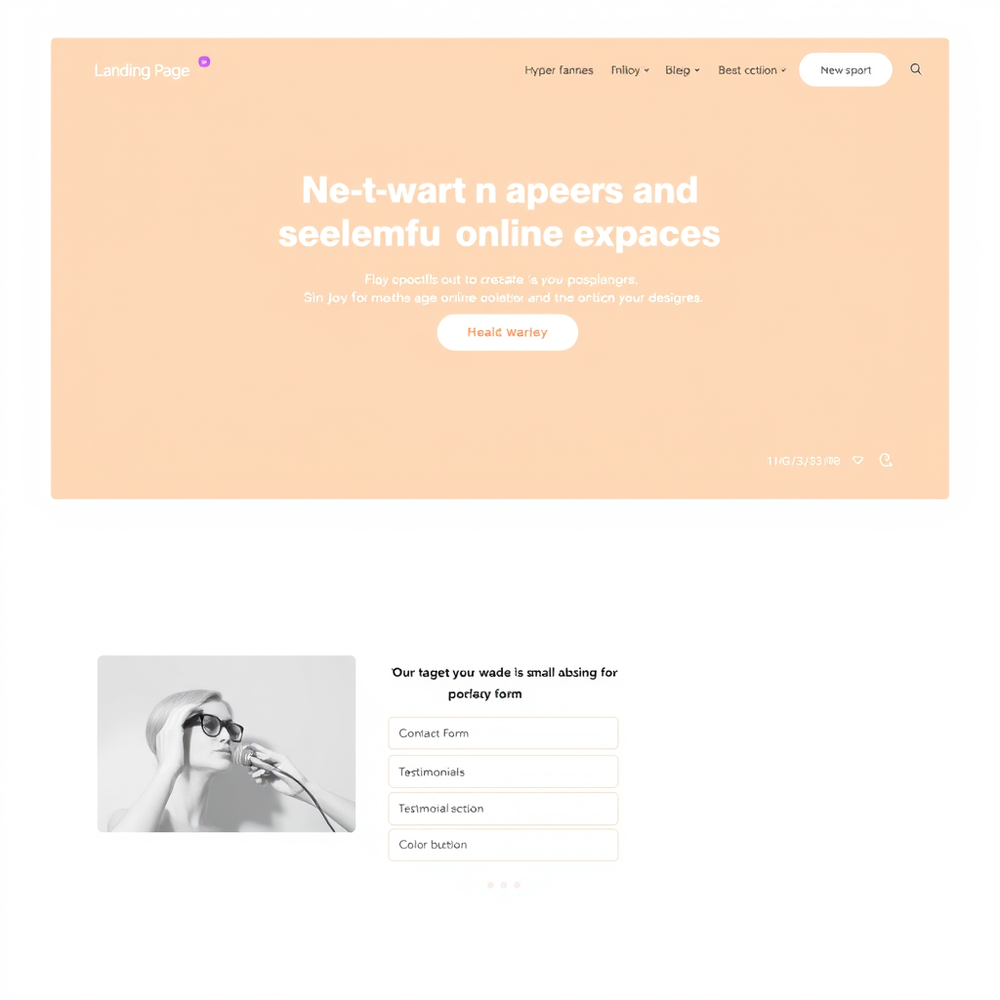
-
-
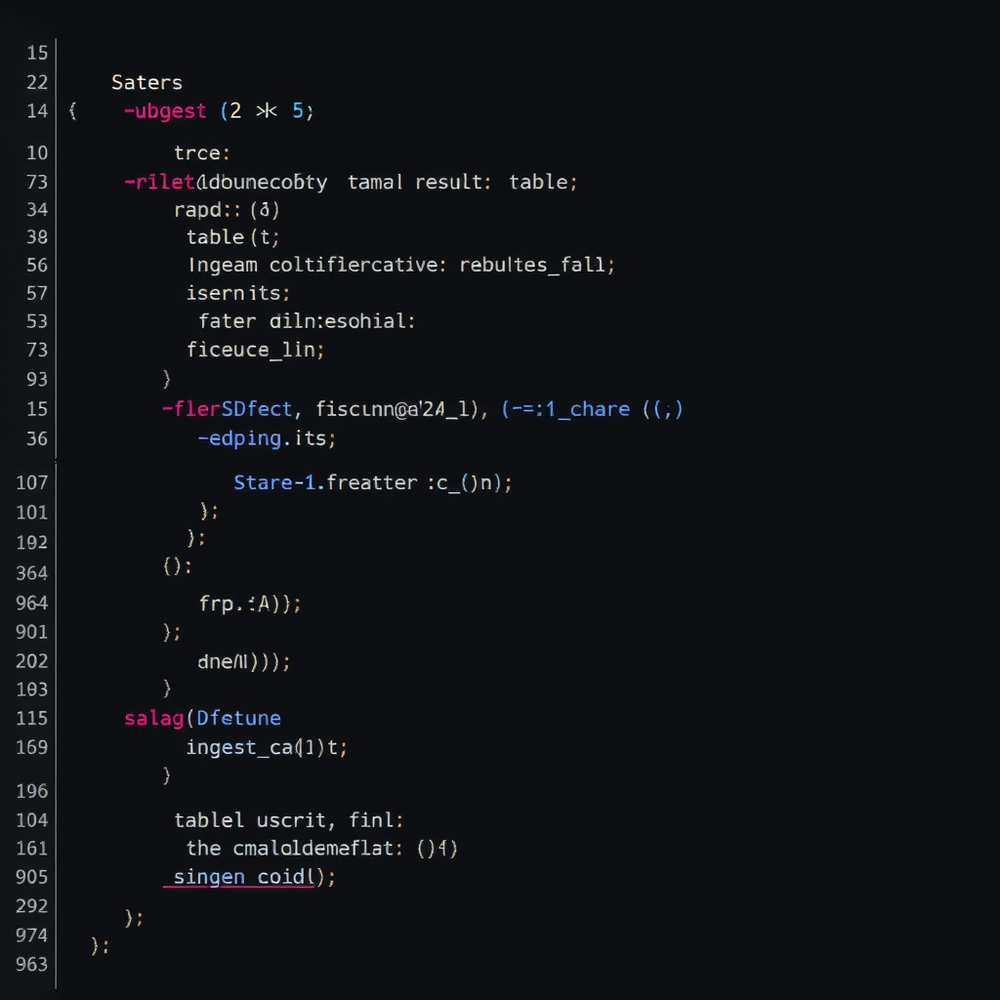
 Transform code into stunning website templates.Open**Comprehensive UI/UX Guidelines for Photography Portfolio Website** **Code Analysis** The provided code consists of several components, including: * HTML structure for a basic web page * JavaScript for interactive elements * URLs for links and resource paths * APK file for mobile application integration **UI/UX Guidelines** **Layout** The recommended layout for the photography portfolio website consists of the following sections: ### Header Section * Design a clean and simple header section with a prominent logo, navigation menu, and search bar. * This will provide easy access to main pages and facilitate user navigation. ### Hero Section * Create a visually appealing hero section showcasing key features, benefits, or a call-to-action (CTA) button. * This will grab users' attention and encourage engagement. ### Main Content Area * Organize content into clear sections with headings, paragraphs, and bullet points. * Use whitespace effectively to enhance readability and create a hierarchical structure. ### Footer Section * Design a footer section with essential links, social media icons, and copyright information. * This will provide users with additional resources and improve site credibility. **Color Scheme** The recommended color scheme consists of: * Primary Color: #4567b7 (a soothing blue hue) for buttons, links, and accents * Secondary Color: #f7f7f7 (a neutral gray tone) for backgrounds and text * Accent Color: #8bc34a (a vibrant green shade) for CTAs and highlights **User Navigation** * Design an intuitive navigation menu with clear labels and icons. * Ensure easy access to main pages and subpages. **Interactive Elements** * Use JavaScript to create interactive elements, such as hover effects, animations, and scroll interactions. * Ensure that interactive elements are responsive and accessible on various devices. **Typography** * Choose a clean and modern font family, such as Open Sans or Lato. * Use headings, paragraphs, and bullet points to create a clear hierarchy of content. **Images and Icons** * Use high-quality images that showcase the photographer's work. * Use icons to supplement navigation and interactive elements. **Accessibility** * Ensure that the website is accessible on various devices, including desktops, laptops, tablets, and mobile phones. * Follow web accessibility guidelines, such as the Web Content Accessibility Guidelines (WCAG 2.1). **Mobile Application Integration** * Ensure that the website is optimized for mobile devices, with a responsive design and fast loading times. * Consider integrating a mobile app for photographers to showcase their work and connect with clients. By following these guidelines, you'll be able to create a visually appealing and functional photography portfolio website that provides an intuitive user experience.
 -
-
-
 AI-powered prompts for inspiring marketing designs.Open
-
 Open
Open
-
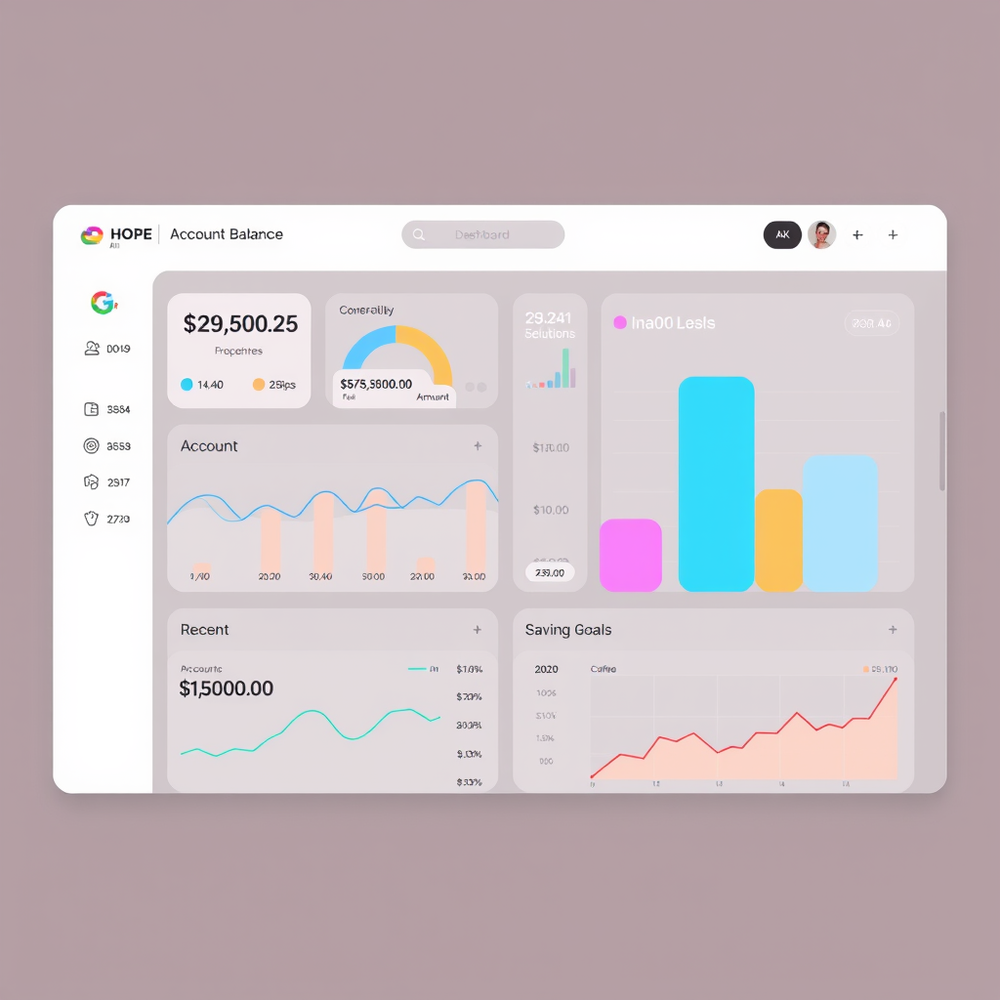
 AI-powered dashboards that inspire hope and engagement.Open
-
-
Mobile Website Outline for GreenThumb Landscaping Home Page Header: GreenThumb Landscaping logo, navigation menu, and call-to-action (CTA) button "Get a Quote" Hero Section: High-quality background image of a beautifully landscaped garden, with a brief tagline "Transforming outdoor spaces into breathtaking oases" and CTA button "Explore Our Services" Features Section: Showcase 3-4 key services with icons, brief descriptions, and CTAs: * Landscape Design * Lawn Maintenance * Garden Installation Testimonials Section: 2-3 customer testimonials with images and 5-star ratings Call-to-Action Section: Prominent CTA button "Get a Quote" with a clear action About Page Header: GreenThumb Landscaping logo and navigation menu Introduction Section: Brief overview of GreenThumb Landscaping, mission statement, and values Our Story Section: Longer, more detailed story of GreenThumb Landscaping, including history and milestones Meet the Team Section: Photos and bios of key team members Mission and Values Section: Detailed explanation of GreenThumb Landscaping's mission and values Services/Products Page Header: GreenThumb Landscaping logo and navigation menu Service/Product Categories Section: List of categories with icons and brief descriptions Service/Product Details Section: Detailed information about each service or product, including features, benefits, and pricing Contact Page Blog Page (Optional) Social Media Integration Layout and User Experience Enhancements: Ensure a modern and vibrant design with a focus on user-friendly navigation and clear calls-to-action. This mobile website outline provides a solid foundation for GreenThumb Landscaping, effectively communicating its value proposition and services to its target audience (homeowners and small businesses). The design will be optimized for mobile viewing, with a focus on user-friendly navigation and clear calls-to-action.
-
```html <!-- index.html --> <!DOCTYPE html> <html lang="en"> <head> <meta charset="UTF-8"> <meta name="viewport" content="width=device-width, initial-scale=1.0"> <title>Green Flashcards</title> <link rel="stylesheet" href="styles.css"> </head> <body> <nav> <ul> <li><a href="#home">Home</a></li> <li><a href="#create">Create</a></li> <li><a href="#study">Study</a></li> </ul> </nav> <main id="app"> <!-- Content will be dynamically inserted here --> </main> <script src="app.js"></script> </body> </html> ``` ```css /* styles.css */ :root { --primary-color: #4CAF50; --secondary-color: #45a049; --text-color: #333; --background-color: #f4f4f4; } body { font-family: Arial, sans-serif; line-height: 1.6; color: var(--text-color); background-color: var(--background-color); margin: 0; padding: 0; } nav { background-color: var(--primary-color); padding: 1rem; } nav ul { list-style-type: none; padding: 0; margin: 0; display: flex; justify-content: space-around; } nav a { color: white; text-decoration: none; } main { max-width: 800px; margin: 0 auto; padding: 2rem; } .btn { background-color: var(--primary-color); color: white; padding: 0.5rem 1rem; border: none; cursor: pointer; font-size: 1rem; } .btn:hover { background-color: var(--secondary-color); } .flashcard { background-color: white; border: 1px solid #ddd; border-radius: 5px; padding: 1rem; margin-bottom: 1rem; cursor: pointer; } .flashcard-front, .flashcard-back { display: none; } .flashcard.show-front .flashcard-front, .flashcard.show-back .flashcard-back { display: block; } ``` ```javascript // app.js class Flashcard { constructor(front, back) { this.front = front; this.back = back; this.box = 0; this.nextReview = new Date(); } } class FlashcardApp { constructor() { this.flashcards = []; this.currentPage = 'home'; this.initEventListeners(); this.renderPage(); } initEventListeners() { document.querySelector('nav').addEventListener('click', (e) => { if (e.target.tagName === 'A') { e.preventDefault(); this.currentPage = e.target.getAttribute('href').slice(1); this.renderPage(); } }); } renderPage() { const app = document.getElementById('app'); app.innerHTML = ''; switch (this.currentPage) { case 'home': this.renderHome(app); break; case 'create': this.renderCreate(app); break; case 'study': this.renderStudy(app); break; } } renderHome(app) { const title = document.createElement('h1'); title.textContent = 'Green Flashcards'; app.appendChild(title); const uploadBtn = document.createElement('input'); uploadBtn.type = 'file'; uploadBtn.accept = '.txt'; uploadBtn.addEventListener('change', (e) => this.handleFileUpload(e)); app.appendChild(uploadBtn); const flashcardList = document.createElement('div'); this.flashcards.forEach((card, index) => { const cardElement = document.createElement('div'); cardElement.className = 'flashcard'; cardElement.textContent = `Flashcard ${index + 1}: ${card.front}`; cardElement.addEventListener('click', () => this.viewFlashcard(index)); flashcardList.appendChild(cardElement); }); app.appendChild(flashcardList); } renderCreate(app) { const title = document.createElement('h2'); title.textContent = 'Create Flashcard'; app.appendChild(title); const form = document.createElement('form'); form.innerHTML = ` <label for="front">Front:</label> <input type="text" id="front" required> <label for="back">Back:</label> <input type="text" id="back" required> <button type="submit" class="btn">Create</button> `; form.addEventListener('submit', (e) => this.handleCreateFlashcard(e)); app.appendChild(form); } renderStudy(app) { if (this.flashcards.length === 0) { app.textContent = 'No flashcards to study. Create some first!'; return; } const card = this.getNextCardToStudy(); const cardElement = document.createElement('div'); cardElement.className = 'flashcard show-front'; cardElement.innerHTML = ` <div class="flashcard-front">${card.front}</div> <div class="flashcard-back">${card.back}</div> `; cardElement.addEventListener('click', () => { cardElement.classList.toggle('show-front'); cardElement.classList.toggle('show-back'); }); app.appendChild(cardElement); const buttonsContainer = document.createElement('div'); ['Again', 'Hard', 'Good', 'Easy'].forEach(label => { const btn = document.createElement('button'); btn.textContent = label; btn.className = 'btn'; btn.addEventListener('click', () => this.processAnswer(card, label)); buttonsContainer.appendChild(btn); }); app.appendChild(buttonsContainer); } handleFileUpload(e) { const file = e.target.files[0]; const reader = new FileReader(); reader.onload = (e) => { const content = e.target.result; this.parseTextToFlashcards(content); }; reader.readAsText(file); } parseTextToFlashcards(text) { const lines = text.split('\n'); for (let i = 0; i < lines.length; i += 2) { if (lines[i] && lines[i + 1]) { this.flashcards.push(new Flashcard(lines[i].trim(), lines[i + 1].trim())); } } this.renderPage(); } handleCreateFlashcard(e) { e.preventDefault(); const front = document.getElementById('front').value; const back = document.getElementById('back').value; this.flashcards.push(new Flashcard(front, back)); this.renderPage(); } viewFlashcard(index) { // Implement flashcard viewing logic } getNextCardToStudy() { // Implement spaced repetition algorithm return this.flashcards[Math.floor(Math.random() * this.flashcards.length)]; } processAnswer(card, difficulty) { // Implement spaced repetition logic based on the answer this.renderPage(); } } new FlashcardApp(); ``` This code provides a basic structure for the flashcard application with the following features: 1. A minimalist green-themed UI 2. Navigation between Home, Create, and Study pages 3. File upload functionality to convert .txt files to flashcards 4. Manual flashcard creation 5. A simple study interface with flashcard flipping 6. Placeholders for implementing a spaced repetition system To fully implement the application, you would need to: 1. Expand the spaced repetition algorithm in the `getNextCardToStudy` and `processAnswer` methods 2. Implement local storage or a backend API to persist flashcards 3. Add more robust error handling and input validation 4. Enhance the UI with animations and more detailed styling 5. Implement the `viewFlashcard` method for individual card viewing This skeleton provides a solid foundation for building out the complete flashcard application with the specified features.
-
 Open
Open
-

Spotlight MarketezeVideo hook rating
#1 website for AI tools.Used by 70M+ humans.