
 Mini tools
▼ Latest
Ai editor
Free mode
100% free
Freemium
Free Trial
Featured matches
-
 Modular & Cross-Platform Vibe Coding Editor and Workflow Automation on Any DeviceOpen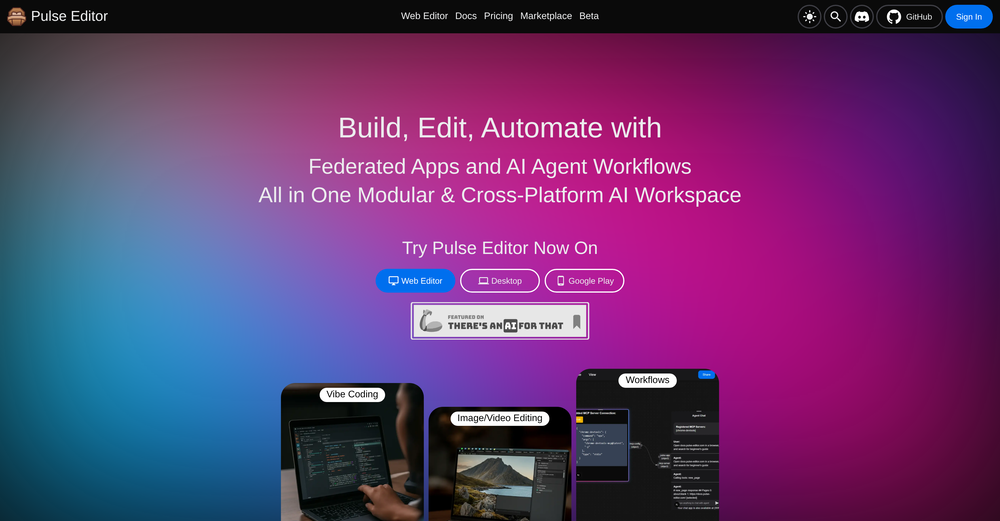
 jerry🙏 3 karmaJan 28, 2026@Pulse Editor: Vibe Code & Automategood!A different kind of AI tool that has been very helpful for my work!
 -
 🎉 Limited-Time Launch Offer — 20% Off We’re celebrating the release of Deep Research with 20% off NextDocs. Use code: TAAFT Apply it at checkout. Limited time only. ⸻ NextDocs v1.5.0 — Deep Research Released: February 2026 Great documents start with great research. With Deep Research, NextDocs creates documents backed by real, current information—not guesses. AI researches first, then writes. You get accurate, sourced, executive-ready output. Describe what you need. AI researches. You get informed results. ⸻ Deep Research NextDocs now researches your topic before creating your document. Instead of relying on training data alone, AI actively gathers fresh information: • Searches the web for relevant content • Reads and extracts insights from articles • Searches your uploaded files and knowledge base • Combines information from multiple sources • Cites sources directly in your document This is research you can trust. ⸻ Research Depths Choose how deep you want AI to go. Standard Best for most documents. Focused searches. Key sources. Fast and reliable. Deep Built for whitepapers, investment memos, and detailed reports. More sources. Deeper analysis. Maximum coverage. You control the depth. AI handles the work. ⸻ Real-Time Progress No black box. Watch AI research live as it happens: • See every search query • Track articles being read • Monitor progress in real time • View sources as they’re gathered Total transparency. Full confidence. ⸻ Source Citations Every researched document includes: • A complete list of sources • Direct links to original articles • Clear attribution for facts and data • A transparent research trail Your documents are backed by real information—not AI imagination. ⸻ Example Use Cases Market Research Report “Create a report on AI trends in 2026 with current market data and expert predictions” Competitive Analysis “Research and compare the top 5 project management tools — features, pricing, and user reviews” Industry Overview “Write a comprehensive overview of the renewable energy sector with recent statistics” Investment Memo “Research Tesla’s 2025 financials and create an investment analysis document” ⸻ How It Works 1. Enter your prompt 2. Choose research depth (Standard or Deep) 3. Click generate 4. Watch AI research in real time 5. Get a fully sourced document Same simple workflow. Much better results. ⸻ Also in v1.5.0 Performance Boost Faster editing. Smoother interactions across the editor. Export Improvements More reliable exports to Google Slides and PowerPoint. ⸻ Try Deep Research Go to nextdocs.io. Start a new document. Select your research depth. Generate. And don’t forget: use code TAAFT for 20% off. ⸻ Research first. Create second. Better documents. — The NextDocs Team
 -
 You can charge clients $$$$ for landing pages done in minutes using this plugin.
 -
 Insanely easy to use yet reliable automation tool. Recommend to give it a try.
 -
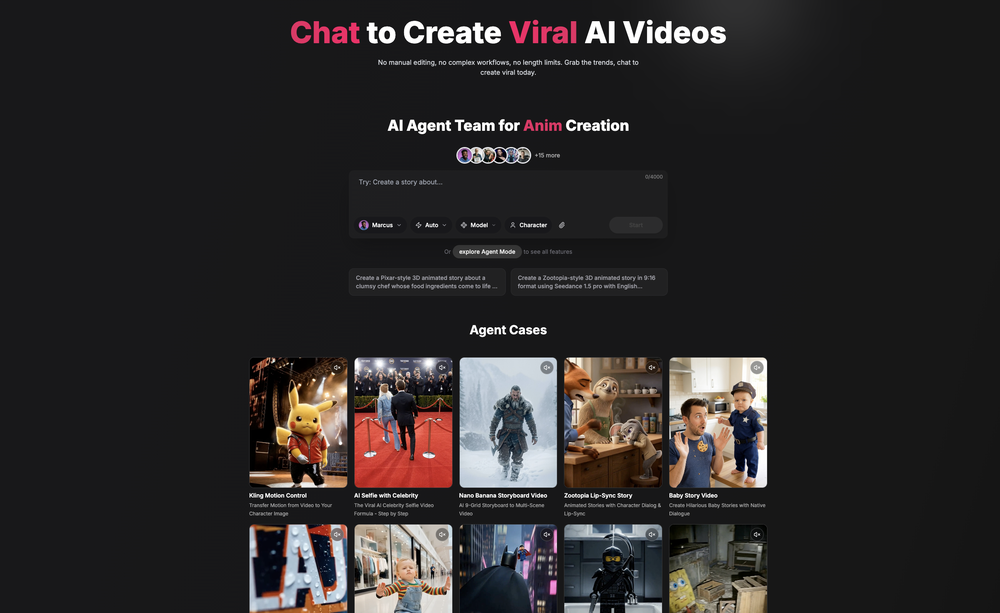 Been using CloneViral for my UGC ad campaigns and it's honestly a game-changer. The Agent Mode feature is what sold me - you basically describe what you want, and their AI agents collaborate to handle everything from scripting to final video. No more jumping between 5 different tools. The UGC Ads generator is surprisingly good. I can create authentic-looking user testimonials and product demos in minutes instead of hiring creators or spending days editing. Quality is solid enough that my clients can't tell the difference. Not perfect, but for the price and time it saves me, it's become essential in my workflow. If you're doing any kind of social media marketing or content creation at scale, worth trying out.





Verified tools
-
 AI chat with images – Create, edit, innovate for free!Openthis is completely free, and it is amazing that you can change pictures into art and animations without paying anything.
 -
Hello Everyone, My name is Mohamed, the Co-Founder of linesNcircles.com. At linesNcircles our mission is to revolutionize AI & Humen Interaction. Our first product TheBar is an AI agent which can build websites for you, edit them, saves files locally, browses the internet and provide you with answers to your questions all in very simple interface. TheBar runs on your computer without signup. Your website files are saved locally with the option to publish them under our website with one click. All your files are under your creations folders. We built TheBar to be simple to use, super fast in building things for you and we are working tirelessly, to bring in more features for you like writing pdf documents and making presentations which are coming soon. Check TheBar out it is available for free now on our website https://www.linesncircles.com. We would love to hear your feedback and comments
-
 AI documentation that stays fresh and reduces support tickets.Open
 - Sponsor:
 Base44💻 Build to win
 -
img2img AI is the first image editor that actually replaced three tools on our team. I can upload a product shot, type what I want in plain English.
-
 Ask data questions, get instant insights, SQL, and charts — all poweredOpen
 -
 Get viral crazy youtube thumbnail faces, change facial expression for free.OpenNeat mate. I love the feature of change facial expression





Other tools
-
Understood — I’ll keep it gentle, faithful, and not over-polished: Verdent uses a credit system similar to Windsurf’s early flow credits, and runs in isolated git worktrees so agents don’t interfere with one another. It offers adjustable reasoning depth, an optional planning mode, and support for custom instructions—plus a VS Code extension that fits naturally into my workflow.


Post





