
 Mini tools
▼ Latest
For api
Free mode
100% free
Freemium
Free Trial
Featured matches
-

-
 Create accurate estimates in minutes with AI.Open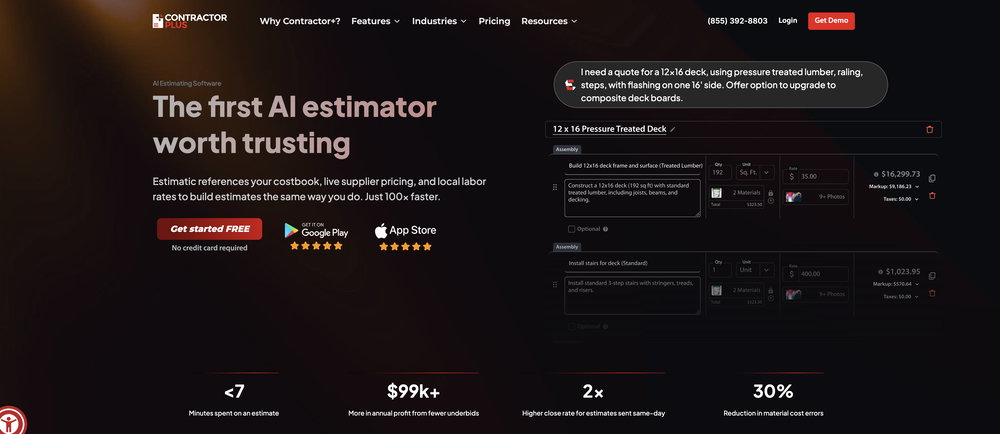
-
 NextDocs v1.4.8 – Generate beautiful docs and slides directly from ChatGPT and Claude via our MCP Integration Released: January 2026 Create presentations and documents directly from Claude and ChatGPT. Connect NextDocs as an MCP server, describe what you need, and get professionally designed results — complete with AI-generated themes and multiple design variants. No more copy-pasting. Just describe and create. --- MCP Integration NextDocs now works as an MCP (Model Context Protocol) server, letting you create documents directly from your favorite AI assistants: - Works with Claude (desktop, web, and API) - Works with ChatGPT (via Apps SDK) - OAuth 2.0 authentication for secure access To try it, add this server URL in your AI assistant's settings: https://mcp.nextdocs.io/mcp --- Available Tools NextDocs MCP provides three tools: create_presentation Creates canvas-based slide presentations. Perfect for pitch decks, sales presentations, training materials, and visual storytelling. create_document Creates professional documents — either canvas-based (fixed pages) or pageless (continuous flow). Great for resumes, proposals, reports, and whitepapers. hello A simple connectivity test that returns a greeting. Use it to verify your connection is working before creating documents. --- Key Features Multi-Variant Generation Generate 2-4 design variations simultaneously. Each variant has different structure, visual direction, and layout approach. Compare side-by-side and pick your favorite. AI-Generated Themes Set theme_mode to "auto" (default) and NextDocs analyzes your prompt to generate custom color themes that match your content. A presentation about "Ocean Conservation" might get Deep Sea Blue, Aquatic Teal, or Marine Green themes. Fast vs Quality Models - fast (default): Optimized for quick generation, typically under a minute - quality: More powerful models for complex content, better for detailed topics Canvas vs Pageless Documents - Canvas: Page-based with fixed dimensions, perfect for presentations and PDF exports - Pageless: Continuous flow without page breaks, ideal for long-form content and articles --- How to Connect Claude: 1. Go to Settings → Connectors 2. Click "Add Custom Connector" 3. Enter server URL: https://mcp.nextdocs.io/mcp 4. Authorize with your NextDocs account 5. Start creating from any Claude conversation ChatGPT: 1. Go to Settings and add a custom MCP connector 2. Enter server URL: https://mcp.nextdocs.io/mcp 3. Authorize with your NextDocs account 4. Start creating --- Example Prompts Sales Presentation: "Create a 10-slide sales presentation for a B2B SaaS product called 'DataFlow' that helps companies automate their data pipelines. Include slides for: problem statement, solution overview, key features, pricing tiers, customer testimonials placeholder, and a call to action." Project Proposal: "Create a project proposal document for renovating a historic downtown building into a mixed-use development. Include sections for executive summary, project scope, timeline, budget overview, and risk assessment." Quick Document: "Create a pageless document outlining the benefits of remote work for a company internal memo. Keep it concise — about 3-4 main points with brief explanations." --- What You Get Back When NextDocs creates your document, you receive: - A direct link to view and edit in NextDocs - Document details (title, type, page count) - Variant selection if you generated multiple copies - Full editing capabilities in NextDocs - Export to PDF, PowerPoint, Google Slides, or images --- Tips for Best Results Be Specific: "Make a presentation about marketing" → Less optimal "Create an 8-slide presentation about digital marketing strategies for small e-commerce businesses. Include slides on SEO, social media, email marketing, and paid advertising." → Better Choose the Right Variants: - 1 variant: When you know exactly what you want - 2 variants (default): Good balance for A/B selection - 3-4 variants: When exploring creative directions --- Privacy & Security - OAuth 2.0 for secure authentication - Documents stored in your NextDocs account - No conversation history stored from Claude or ChatGPT - Disconnect anytime from your AI assistant's settings --- What's New in v1.4.8 - MCP server integration for Claude and ChatGPT - OAuth 2.0 authentication flow - create_presentation and create_document tools - Multi-variant generation from AI assistants - AI-generated themes based on prompt analysis - Fast and quality model options --- Try It Now Add the server URL to your AI assistant: https://mcp.nextdocs.io/mcp Full setup guide: https://nextdocs.io/en/blogs/introducing-nextdocs-mcp-create-slides-from-claude-chatgpt Questions or feedback? [email protected] --- Your ideas. Your AI assistant. Beautiful results. — The NextDocs Team
 -
 Henrik Harju🛠️ 3 tools 🙏 106 karmaMay 7, 2025@AgionicHelp Users Find Answers Instantly
 -
 A Game-Changer for Deep Work and Creativity! Flowith has completely transformed my workflow. The infinite canvas is an intuitive and powerful way to interact with AI, moving beyond the limits of traditional linear chats. I can now explore multiple ideas in parallel, compare outputs from different AI models like GPT-4o and Claude 3.5 side-by-side, and visually organize complex projects. The personal knowledge base feature is incredible. By simply uploading my own documents, the AI generates content that is perfectly tailored and context-aware, which has significantly boosted the quality and relevance of its outputs. It's the ultimate tool for long-form content generation, brainstorming, and real-time collaboration. Highly recommended for anyone looking to enhance their productivity and creativity with AI.
 -




Verified tools
-
 AI-powered sports trading signals for Kalshi with 59% win rateOpen
 -
 Your Visitors Can Talk to Your Website. AI Answers Instantly.Open
 -
 Chain AI tasks with no-code into workflows for chatbots, video, documents, andOpenThis tool removes all of the prep work of getting an LLM API endpoint running. I can try out ideas quickly and see within minutes whether an endpoint concept actually works. And when it does, moving it into a production app is about as easy as it gets.
 -
Used it for PPT generation and performed extremely well, especially the numbers and data part.
- Spotlight:
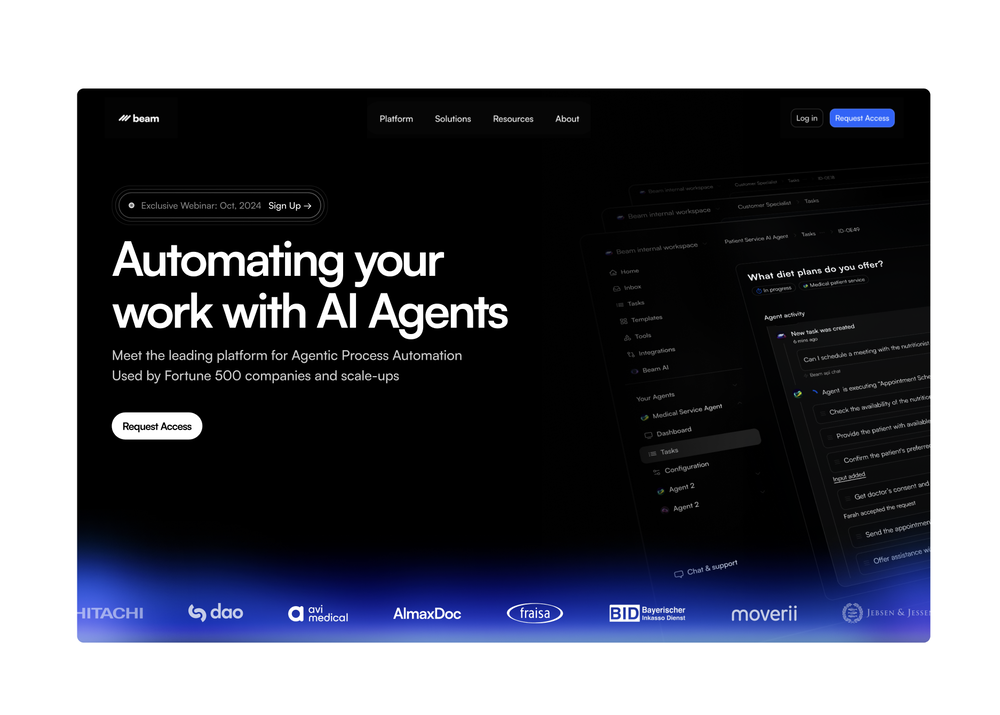
 TendemTask automation
 -
Thanks for noticing this Tyler, we really liked the idea of getting back to lifetime one-time purchases. Alice is a desktop app and it doesn’t use our cloud resources much, so this should be also feasible for the long run. Please, give Alice a try, you won’t regret it!
-
 Create AI assistants that chat, talk, and answer from your data.OpenHi there, I’m Alix, co-founder of Invent. We’re building the future of Customer Support UX, where humans and AI truly collaborate. Would love to read&hear your thoughts. DM for any questions. We ship fast!
 -
We have conducted a practical test on this software, and its comprehensive operational performance is excellent. Despite being a newly launched product, it boasts outstanding operational stability; crucially, it adopts a budget-friendly pricing model with prominent cost performance, which makes it highly adaptable and user-friendly for startups and independent AI developers.
-
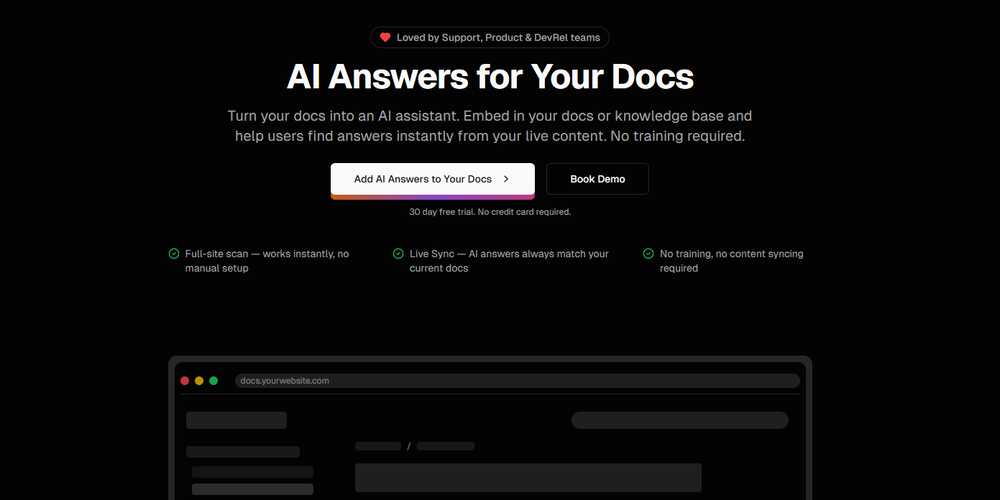
 AI documentation that stays fresh and reduces support tickets.Open
 -
This is a very useful tool, especially for me as a small business owner. It keeps everything in one place
-
I use Olostep to gather data from millions of e-commerce pages for my AI shopping assistant service and it's the most cost-effective and reliable product on the market
-
So many SaaS offerings need rethought to be AI/agent first. And the new thinking really start with the simplicity and appropriate costs needed for the "user" being an agent. tny.dev is really a master class in this new thought process. If you need link shortening, it's completely solved here. I've been using it with Claude Desktop, and Claude just "gets" this MCP server, and its free at the relatively infrequent rate I use it. The analytics are awesome and simple to understand. They are the key feature for me.
-
 Slash 70% time-to-hire with one-way video interviewsOpenA perfect solution for candidate screening! 🔥 Very convenient and efficient for interviews. Saves time, automates the process, and helps quickly assess candidates. Highly recommend!
 -
While Mazaal still has a ways to go in terms of product stability, it has lots of potential and can potentially one day be a competitor to Zapier.















Other tools

Post





