 Rocket - Start building, Now!

 Mini tools
▼ Latest
Plan
Free mode
100% free
Freemium
Free Trial
Featured matches
-
Waitlist
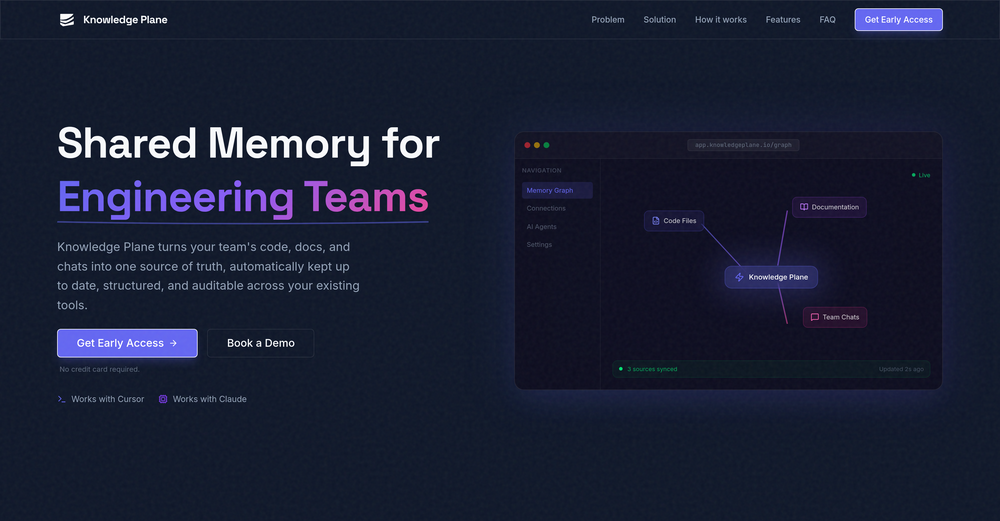
 Vitaliy Filipov🙏 3 karmaFeb 12, 2026@Knowledge PlaneI'm in early beta and I'm managing to orchestrate my 3 openclaw agents with my 2 claude code sessions. It's cool, maybe this is the future.
 -
 This is a great tools for planning trips and sorting out logistics in an automated way so you don't have to do things manually https://youtu.be/l81t1n1qTEU
 -
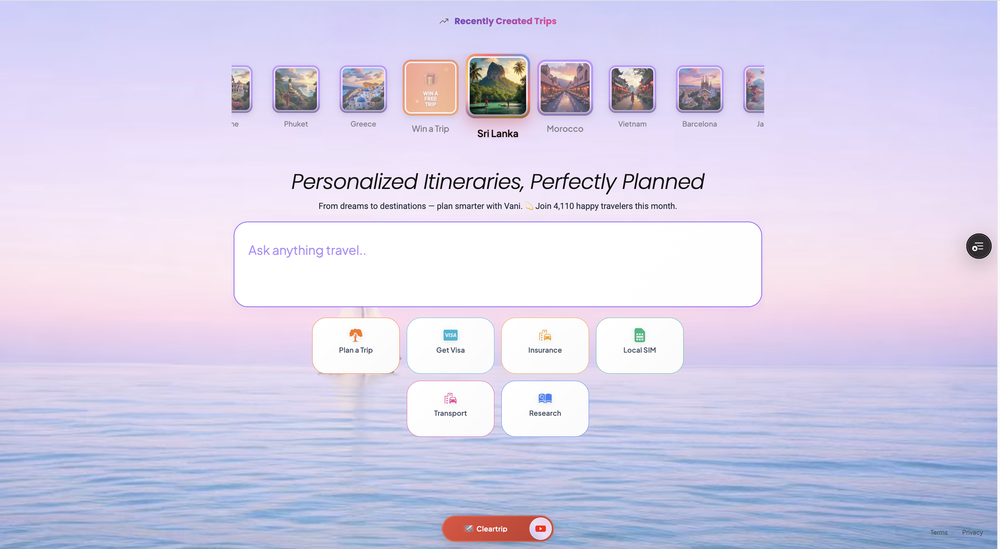 This is awesome! I love that it tells you exactly how much time it takes you from one location to another and how to get there
 -
 New: one-shot snapshot plan for makers Between February 25, 2026 and March 11, 2026, we shipped a set of upgrades focused on activation, reliability, and retention. Added a one-shot snapshot offer for indie makers and micro-SaaS. New affordable plan starting from 19$ The snapshot provides a one-time AI visibility check with no subscription. The goal is to offer a fast first diagnostic before upgrading to full monitoring. Maker one-shot report You can now unlock a true one-shot Lucid report designed for makers and indie builders. The flow is faster to access, easier to understand, and built to lead naturally into ongoing monitoring. Smoother maker checkout We improved the full maker checkout experience: cleaner redirects, fewer broken states, better guest handling, and more resilient recovery when a run does not start correctly on the first try. Clearer upgrade experience We added a stronger upgrade journey for maker users, with better preview states, clearer locked sections, and a more structured path from one-shot value to recurring monitoring. Truth Layer persistence Truth Layer insights are now better persisted across the product experience, making the analysis feel less ephemeral and more operational over time. Linear closed loop Lucid now connects action planning more tightly with execution. Actions sent to Linear can later be measured against weekly runs once the work has actually shipped. More reliable live measurement We improved live run feedback across the app, including progress counters, engine-level progress behavior, and automatic refresh of derived cards after completion. Pause subscription flow Users can now pause a subscription instead of going straight to cancellation, which creates a better retention path for teams that want to step back temporarily. Expanded GEO research pipeline Google Scholar is now included in the GEO research pipeline, expanding the source base Lucid can use for research workflows. Stronger maker follow-up We shipped better upsell and follow-up logic for maker users, including onboarding preview improvements and a more structured post-purchase sequence.
 -
 NextDocs v1.6.6 - Math Equations, Tables, and Code Blocks Released: March 2026 Technical and academic content, built into your slides. NextDocs v1.6.6 adds real LaTeX equations, structured tables, and syntax-highlighted code blocks directly in presentations and documents. If you're a researcher, teacher, student, or engineer, your slides can finally look the way your content demands. Describe what you need. AI generates proper technical content. You get publication-ready results. --- Math Equations Write real math equations in your slides. Inline equations within paragraphs and full block equations on their own line, all rendered with KaTeX. The AI generates proper LaTeX notation that renders beautifully and exports cleanly to PDF, PowerPoint, and HTML. What this means: - Thesis defenses with real formulas instead of screenshots - Lecture slides with equations that render live, not pasted images - Research presentations with statistical models and proofs displayed correctly - Technical reports with inline equations that flow naturally in text Ask AI to create a slide about machine learning and it includes the relevant equations with proper notation. Not pseudocode approximations. --- Tables in Rich Text Real structured tables with rows, columns, and headers. No more arranging rectangles and text boxes to simulate a table layout. Features: - Add and remove rows and columns - Cell background colors - Header row support - Proper export to all formats (PDF, PPTX, Google Slides) AI uses real tables automatically when your content calls for comparisons, data summaries, schedules, or any organized information. --- Code Syntax Highlighting Code blocks render with proper syntax coloring for all major programming languages. Use cases: - Engineering standups with actual code, not IDE screenshots - Teaching with syntax coloring that helps students read code faster - Technical documentation with copy-paste ready API examples - Conference talks with clean, readable code on stage --- Smoother Group Editing Click a group once to select it as a whole. Click again to drill inside and select individual elements. No double-click, no special key combinations. Adjust a single text block or image within a complex slide layout without ungrouping everything first. --- Faster Canvas Rich text blocks on the canvas only mount their full editor when you click to edit. In view mode, they render as lightweight static content. If your slides have many text blocks, you will notice the difference immediately. Faster loading, smoother scrolling. --- Also in v1.6.6 Page Numbers Automatically re-index when you add, delete, or reorder pages. Broken Images Show a "Replace Image" button so you can fix them without opening the side panel. Theme Generation Now produces a balanced set of 2 light and 2 dark themes. Locale Handling Improved for non-English pages with correct lang attribute in HTML. --- Who is this for? Academics and Researchers Real equations in conference talks and thesis defenses. Teachers and Professors Lecture slides with formulas, code examples, and data tables. Students Coursework, lab reports, and thesis presentations. Engineers and Developers Technical content with code snippets and system diagrams. Data Scientists Statistical formulas alongside analysis. --- Try It Go to nextdocs.io. Open a document. Add an equation, a table, or a code block. If you have ever pasted a screenshot of an equation into a slide, v1.6.6 fixes that. - The NextDocs Team
 -
-

-
 Build professional, on-brand decks — 10x faster. Inside PowerPoint or online.Open
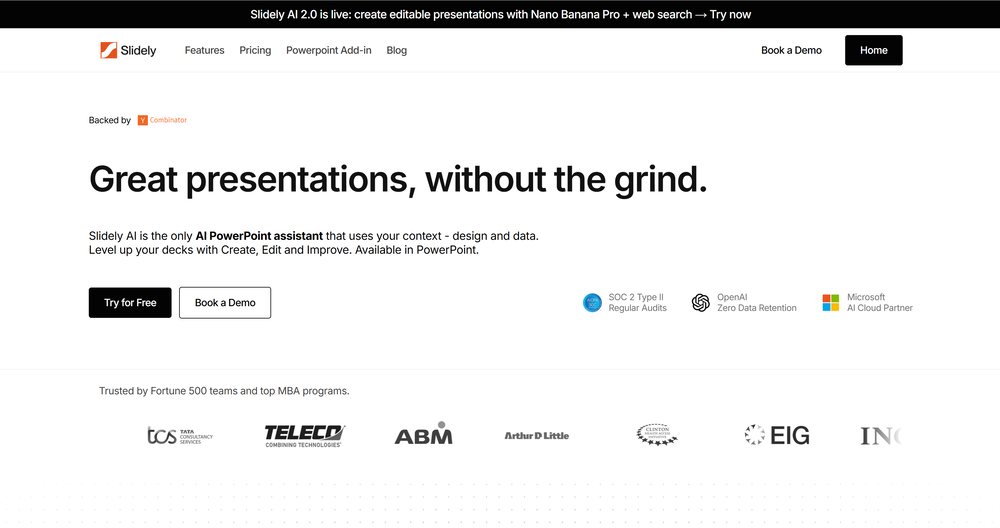 I think Slidely is the only tool that has worked for me when creating my client presentations. The presentations aren't web pages or images like the other tools but actual PowerPoint slides which I really like.











Verified tools
-
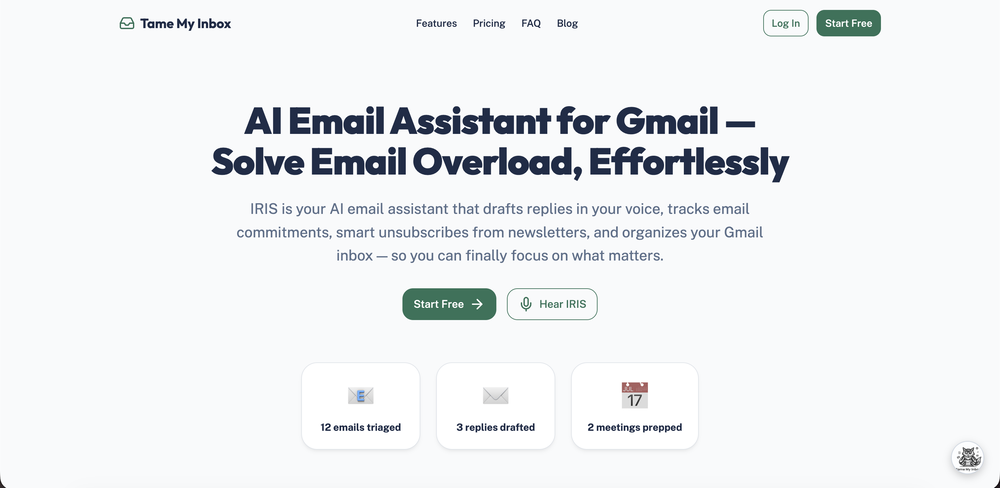
 Schedule without effort: speak, snap, paste — plan and adapt as youOpenGood job dud good job , i wanna try sure
 -
Thank you, if we can help with anything reach out any time!




Lists
-
Europe Holiday Travel Planning ToolsPublicSubscribe218




-
Meal PlanningPublicSubscribe3320









 +5
+5 -
Useful Tools for Wedding PlanningPublicSubscribe186



-
US museums trip planning toolsPublicSubscribe810




-
Business Strategy and PlanningPublicSubscribe836


-
BUSINESS PLAN GENERATIONPublicSubscribe1111




-
Planning, Prototyping, ProofingPublicSubscribe57






-
Business planningPublicSubscribe465





Post





