Is AutoNotes HIPAA-compliant?
AutoNotes is fully HIPAA-compliant. It operates under stringent protocols to secure Protected Health Information (PHI).
How does AutoNotes ensure data encryption?
AutoNotes ensures secure and confidential data management by employing data encryption techniques. This applies to both data in transit and at rest.
Can I dictate, type or upload data with AutoNotes?
Clinicians have the opportunity to dictate, type, or upload data with AutoNotes. Their inputs are then transformed into a structured progress note for review.
Does AutoNotes provide treatment plans, intake assessments, and discharge summaries?
Yes, AutoNotes can generate comprehensive clinical documentation that includes treatment plans, intake assessments, and discharge summaries.
What types of clinical documentation can AutoNotes generate?
AutoNotes can produce a variety of clinical documentation. It creates SOAP, DAP, BIRP, GIRP, EMDR notes and more. Additionally, AutoNotes generates treatment plans, intake assessments, and discharge summaries.
What's the process of reviewing and editing the notes created by AutoNotes?
Once AutoNotes creates a note, clinicians can review the draft within seconds, and finish documentation speedily without falling behind or staying up late.
How does AutoNotes streamline healthcare workflow?
AutoNotes streamlines healthcare workflow by generating clinical notes rapidly and efficiently, saving clinicians significant time. It fits into existing workflows, requires no learning of a new system, and even learns the clinician's writing style over time, making the notes feel more personalized and consistent.
Is there a free trial for AutoNotes?
Yes, AutoNotes offers a 7-day free trial. Starting a trial doesn't require a credit card.
How quickly can AutoNotes generate note drafts?
AutoNotes generates note drafts at an almost instantaneous pace. Drafts are ready to review as quickly as 10 seconds after submission of a session or recording.
Can AutoNotes notes be signed directly?
With AutoNotes, structured notes are ready for review and signature since they cater to the individual nuances of general clinical note-taking.
Can AutoNotes convert my uploaded files into progress notes?
Yes, AutoNotes can convert uploaded content into progress notes. This includes past notes or rough drafts that are instantly converted into clean and consistent documentation.
How secure is my data with AutoNotes?
AutoNotes provides robust security for user data. It maintains HIPAA compliance and uses enterprise-grade protocols for data encryption, both while in transit and at rest.
How does AutoNotes fit into the needs of a therapist?
AutoNotes meets the needs of a therapist in several ways. Therapists can speak, type or upload content from sessions and have this information converted into a structured clinical note. Therapists also have the options of generating a wide range of professional documentation and have freely written information organized, formatted, and cleaned up.
Can AutoNotes automate my documentation completely?
AutoNotes can significantly automate a clinician's documentation process. From generating structured notes from dictated, typed, or uploaded session data, to cleaning up and formatting freely written information, and converting past notes or rough drafts into consistent documentation instantly. However, reviewing and finalizing the documentation involves the clinician's manual input.
What is AutoNotes?
AutoNotes is an AI-driven tool primarily designed to assist clinicians in creating clinical progress notes. It is specifically geared towards therapists and supports different note formats such as SOAP, DAP, BIRP, GIRP, EMDR, and others.
How can AutoNotes assist with clinical documentation?
AutoNotes assist with clinical documentation by enabling therapists to dictate, type, or upload data from sessions. This data is then converted into a structured progress note for review. It can also clean up, structure, and format information that is freely written during or after a session. Furthermore, AutoNotes can convert past notes or rough drafts into consistent and instantly prepared documentation.
Does AutoNotes support various note formats like SOAP and DAP?
Yes, AutoNotes supports various note formats including SOAP, DAP, BIRP, GIRP, and EMDR. It also supports specialty formats like group therapy, couples therapy, family therapy, and more.
Can I dictate or type data into AutoNotes?
Yes, AutoNotes provides an interface where users can dictate or type their session data. Alternatively, it can upload session data from external files.
How does AutoNotes format and structure my input data?
AutoNotes uses AI to automatically clean up, structure, and format input data. It can convert dictations, free-form typing, or uploaded files into structured progress notes. This includes reformatting and restructuring the information into a consistent and cleaned-up document, ready for review and signing.
Can AutoNotes convert my rough drafts into clean documentation?
Yes, AutoNotes uses AI to convert rough drafts into clean, consistent documentation instantly. This can be achieved through the upload feature for past notes or drafts.
Will I need to learn a new system to use AutoNotes?
No, AutoNotes is designed to fit seamlessly into existing workflows, thereby enhancing efficiency without the need for users to learn a new system.
What other types of documentation can AutoNotes generate?
Apart from session notes, AutoNotes can generate professional clinical documentation including treatment plans, intake assessments, and discharge summaries.
How does AutoNotes ensure data security and privacy?
AutoNotes ensures data security and privacy through multiple features. Your data is protected, encrypted both in transit and at rest, and is not used to train public AI models. Recordings and data can be automatically deleted after use, upon your preference. The platform is fully HIPAA-compliant and provides user-managed access control to ensure who can see what in your dashboard.
Can I use AutoNotes to upload past session notes?
Yes, AutoNotes includes a feature allowing users to upload past session notes for conversion into clean and consistent documentation.
Is AutoNotes HIPAA-compliant?
Yes, AutoNotes adheres to HIPAA compliance standards. This includes features to manage permissions and decide who can access certain information, and full data encryption in transit and at rest.
Can AutoNotes help me save time on clinical documentation?
Yes, AutoNotes can help save time on clinical documentation. By transforming dictations, typed notes, or uploaded files into structured progress notes, it reduces the time spent on managing paperwork. This allows clinicians to focus more on their clients and less on administrative tasks.
How well does AutoNotes fit into my existing workflow?
AutoNotes fits very well with an existing workflow. It eliminates the need to learn a new documentation system and can handle different note input methods — dictation, typing, or file uploads. Over time, it learns your writing style, preferred formats, and therapeutic modalities for better personalized and consistent notes.
How does AutoNotes handle different forms of note input?
AutoNotes handles different forms of note input by providing multiple input methods. Users can dictate, type freely, or upload existing data. It can then convert these inputs into structured, easy to review clinical notes.
How does AutoNotes improve efficiency in clinical note generation?
AutoNotes improves efficiency in clinical note generation by automating the note creation process using artificial intelligence. It takes spoken, typed, or uploaded content and quickly converts it into structured, clean, and consistent clinical notes. This significantly reduces the time clinicians need to spend on paperwork.
Can AutoNotes help me focus more on patient care?
Yes, AutoNotes helps clinicians focus more on patient care. By reducing the time spent on administrative tasks like clinical documentation, it allows for more time to be dedicated to patient interactions and care.
What user-managed access control features does AutoNotes provide?
AutoNotes provides user-managed access control features. Users can assign roles, manage permissions, and decide who can see what, right from their dashboard. This lets them maintain full control of their documentation.
How can AutoNotes convert my spoken or typed text into structured progress notes?
AutoNotes uses advanced AI to convert spoken or typed text into structured progress notes. The software takes the content provided by the user — whether dictated, typed, or even uploaded, and transforms it into structured notes in the selected format, like SOAP, DAP, BIRP, GIRP, or EMDR. This process is immediate, enabling quick review and completion.
How does AutoNotes handle encryption to ensure data security?
AutoNotes handles encryption to ensure data security by employing enterprise-grade protocols. All data, during transfer (in transit) and when stored (at rest), is encrypted to keep it secure and confidential.
Can AutoNotes fully automate the process of creating clinical progress notes?
Yes, AutoNotes is designed to fully automate the process of creating clinical progress notes. Using artificial intelligence, it's able to transform dictated, typed, or uploaded information into structured, review-ready clinical notes.
 Rocket - Start building, Now!
 Mini tools
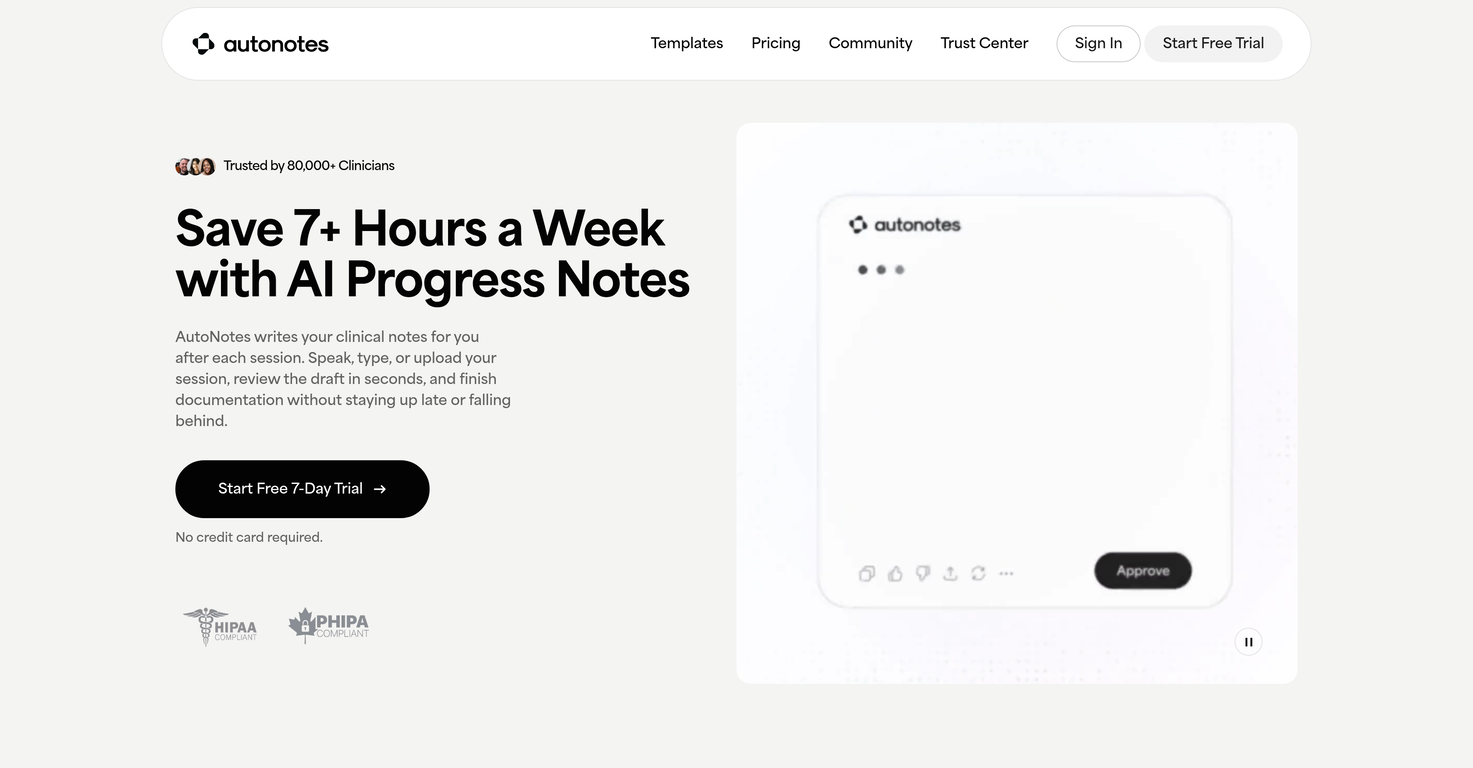
 AI writes your clinical notes after each session.
 ClinFolio


 Open
Open 0
0






How would you rate AutoNotes?
Help other people by letting them know if this AI was useful.