In what ways can BPMNify integrate with other business systems?
BPMNify provides integration options by allowing users to export created diagrams in multiple formats like XML, SVG, and PNG. These formats are broadly recognised and compatible, making the diagrams interchangeable with other programs or business systems.
Is BPMNify a web-based tool?
Yes, BPMNify operates as a web-based tool. Thus, users can easily work with their process diagrams anywhere with internet access. They can create and edit their diagrams without needing any specific software installations.
Is there any software installation required to use BPMNify?
No, BPMNify being a web-based tool does not require any specific software installation. Users can access and utilise it via any modern web browser.
Does BPMNify follow a freemium model?
Yes, BPMNify follows a Freemium model. This means users can start using the basic capabilities of the tool for free, and can then choose to upgrade to premium for accessing advanced features.
Are there any compatibility issues to be aware of when using BPMNify?
There are no known compatibility issues when using BPMNify. Due to its web-based design and support for exporting diagrams in universally accepted formats like XML, SVG, PNG, it displays high compatibility with a range of systems.
What is the level of customization possible when creating process diagrams using BPMNify?
BPMNify allows for high degree of customization when creating process diagrams. Not only can text be converted into a BPMN diagram, but users can also refine and alter these using the business process editor. In addition to this, images can be imported to augment the flexibility in creating the diagrams.
Can BPMNify be used for workflow visualization?
Yes, BPMNify can indeed be used for workflow visualization. The ability to convert text into flowcharts allows for a detailed, visual representation of workflows, making them easier to understand and analyze.
Can I use BPMNify for in-depth process analysis and optimization?
Absolutely, one of the main features of BPMNify is to allow for in-depth process analysis and optimization. This is achieved through its business process editor that facilitates refinement and customization of the diagrams to match specific requirements.
How can BPMNify help with Business Process Modeling?
BPMNify significantly aids in Business Process Modeling. By transforming textual data into clear, visually engaging BPMN diagrams, it simplifies the process of understanding, analyzing, and optimizing business processes.
How efficient is BPMNify in visualizing complex procedures and processes?
BPMNify is extremely efficient in visualizing complex procedures and processes. Its AI-powered technology effectively converts text into detailed flowcharts, enabling users to better understand and interpret intricate processes.
Can BPMNify's AI-powered tool help in creating professional BPMN diagrams instantly?
Yes, BPMNify's AI-powered tool greatly assists in creating professional BPMN diagrams instantly. It can convert text into flowcharts efficiently – making it a robust tool for real-time visualizations of business processes.
Can I share the diagrams created on BPMNify?
Yes, sharing diagrams created on BPMNify is possible. The tool supports exporting these diagrams in multiple formats, facilitating easy sharing and integration with various platforms.
How do I start using BPMNify for free?
To begin using BPMNify for free, users simply need to access the website and start utilizing its basic functionality. The freemium model adopted by BPMNify allows users to experience the tool without any initial investment.
What is BPMNify?
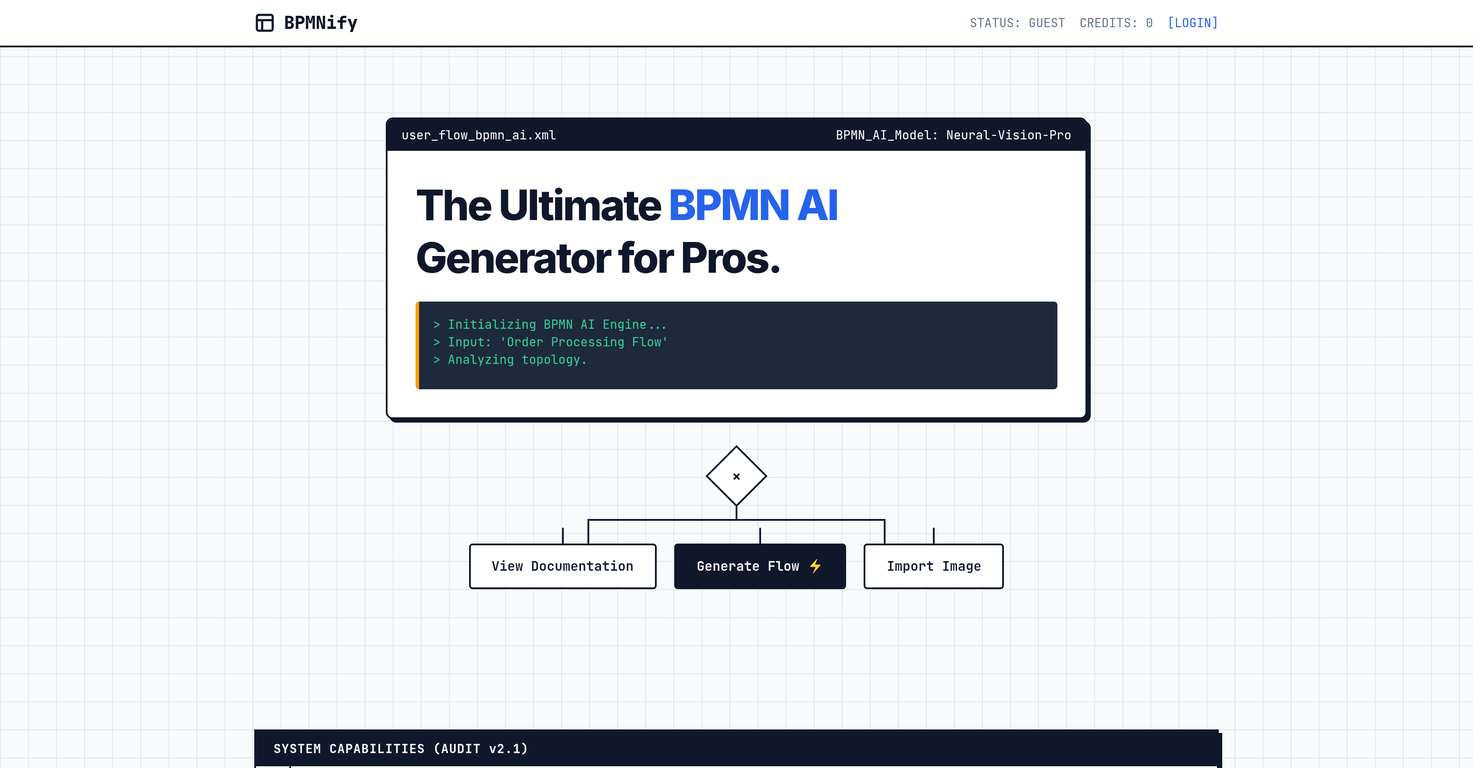
BPMNify is an AI-powered tool specifically designed for the creation of professional-grade Business Process Model and Notation (BPMN) 2.0 diagrams. It provides users with a unique ability to convert text-based input into flowcharts, thereby enabling the efficient visualization of complex procedures. This tool also allows the import of images and customization of pre-existing diagrams. Boldly embracing a freemium model, BPMNify is web-based, therefore requiring no specific software installation.
How does BPMNify use AI technology?
BPMNify employs AI technology to convert textual descriptions into their corresponding professional BPMN 2.0 diagrams. Through sophisticated machine learning algorithms and a deep understanding of BPMN notation, the AI is capable of converting written procedures or processes into visually detailed, clear, and comprehensible process charts.
What can BPMNify transform text into?
BPMNify possesses the unique ability to transform text-based input directly into flowcharts, ultimately expediting the visualization and understanding of complex business procedures and processes.
How can BPMNify help visualize complex procedures?
Through its AI-driven technology, BPMNify turns complex procedures detailed in text into visually interpretable Business Process Model and Notation diagrams. These diagrams can graphically represent multiple facets of the process, including activities, events, gateways, and connections, making it a powerful tool for process visualization.
Can BPMNify be used to customize BPMN diagrams?
Absolutely, BPMNify does allow the customization of BPMN diagrams. Its user-friendly process editor can be used to modify, refine, and tailor the diagrams to meet specific requirements, thereby allowing users to carry out an in-depth analysis of their business processes.
Does BPMNify support image imports?
Undoubtedly, BPMNify supports the import of images. This functionality imparts a greater degree of flexibility and customization to the creations of process diagrams.
In what formats can BPMNify diagrams be exported?
BPMNify diagrams can be exported in multiple commonly-used formats such as XML, SVG, and PNG ensuring a high degree of interoperability and compatibility with various business systems.
How does BPMNify ensure interoperability?
Through its ability to export diagrams in multiple formats, including XML, SVG, and PNG, BPMNify ensures a high degree of interoperability. These export formats are universally compatible, allowing the diagrams to be readily used in various software and systems.
Do I need to install any software to use BPMNify?
No, there is no specific software installation required to use BPMNify. Since it is a web-based tool, users can simply access it through web browsers to create and edit their BPMN diagrams.
Is BPMNify free to use?
Yes, BPMNify adopts a freemium model, meaning it is free to get started. Users are able to access and utilize a majority of the tool's basic features at no initial cost.
How does BPMNify generate BPMN diagrams?
BPMNify leverages Artificial Intelligence to generate BPMN diagrams. When a user inputs a text description of a business process, the AI system interprets that text and translates it into its visual BPMN 2.0 representation, creating detailed, understandable, and professional diagrams.
Can I transcribe textual inputs into visual components on BPMNify?
Indeed, BPMNify allows users to transcribe textual inputs into their visual counterparts. The software is intuitive and efficient, automatically interpreting the text and producing the equivalent visual components of a BPMN diagram.
What conceptual elements can be incorporated into BPMNify diagrams?
BPMNify allows the incorporation of various conceptual elements into its diagrams. This also includes elements from images that have been imported into the tool.
Can BPMNify be used for business process editing?
Yes, BPMNify can definitely be used for business process editing. In addition to generating diagrams, it features a process editor that allows users to make necessary adjustments, improvements, and customizations to their BPMN diagrams.
What is BPMN 2.0 and how does BPMNify utilize it?
BPMN 2.0 or Business Process Model and Notation is a graphical representation for specifying business processes in a model. BPMNify utilizes BPMN 2.0 to translate textual input into its relevant visual notation, thereby creating clear, professional process diagrams. This ensures an easy understanding and visualisation of complex procedures.
How can I start using BPMNify?
One can start using BPMNify by simply accessing their website. Given the tool is web-based, there is no need for specific software installation. It adopts a freemium model, meaning it's free to get started.
In what capacity does BPMNify use AI-powered technology?
BPMNify uses AI-powered technology to facilitate the automatic generation of professional BPMN diagrams and support the editing of business processes. By interpreting text-based descriptions of business processes, the AI system can quickly generate detailed, visually comprehensive BPMN diagrams.
Can BPMNify be accessed from any web browser?
Absolutely, since BPMNify is a web-based tool, it can be accessed from any web browser, without the need for specific software installation.
Do I need special training to use BPMNify?
No, special training is not required to use BPMNify. Its user-friendly interface and intuitive design makes it accessible to all users, regardless of their prior technical knowledge or skills.
Can BPMNify be integrated with other business systems?
Yes, BPMNify can indeed be integrated with other business systems. The tool’s ability to export diagrams in universally compatible formats such as XML, SVG, and PNG ensures its interoperability and integration with various business systems.
 MongoDB - Build AI That Scales
 Mini tools
 Create professional BPMN diagrams instantly with AI.
 Mindflow
 VoooAI


 0
0






How would you rate BPMNify?
Help other people by letting them know if this AI was useful.