 Flow - 4x faster than typing

 Mini tools
 Convert AI figures into editable vector graphics.
Editable Figure
 FigPad
 Figviz
 SciFig
 ManualFig
 Image to STL
Overview
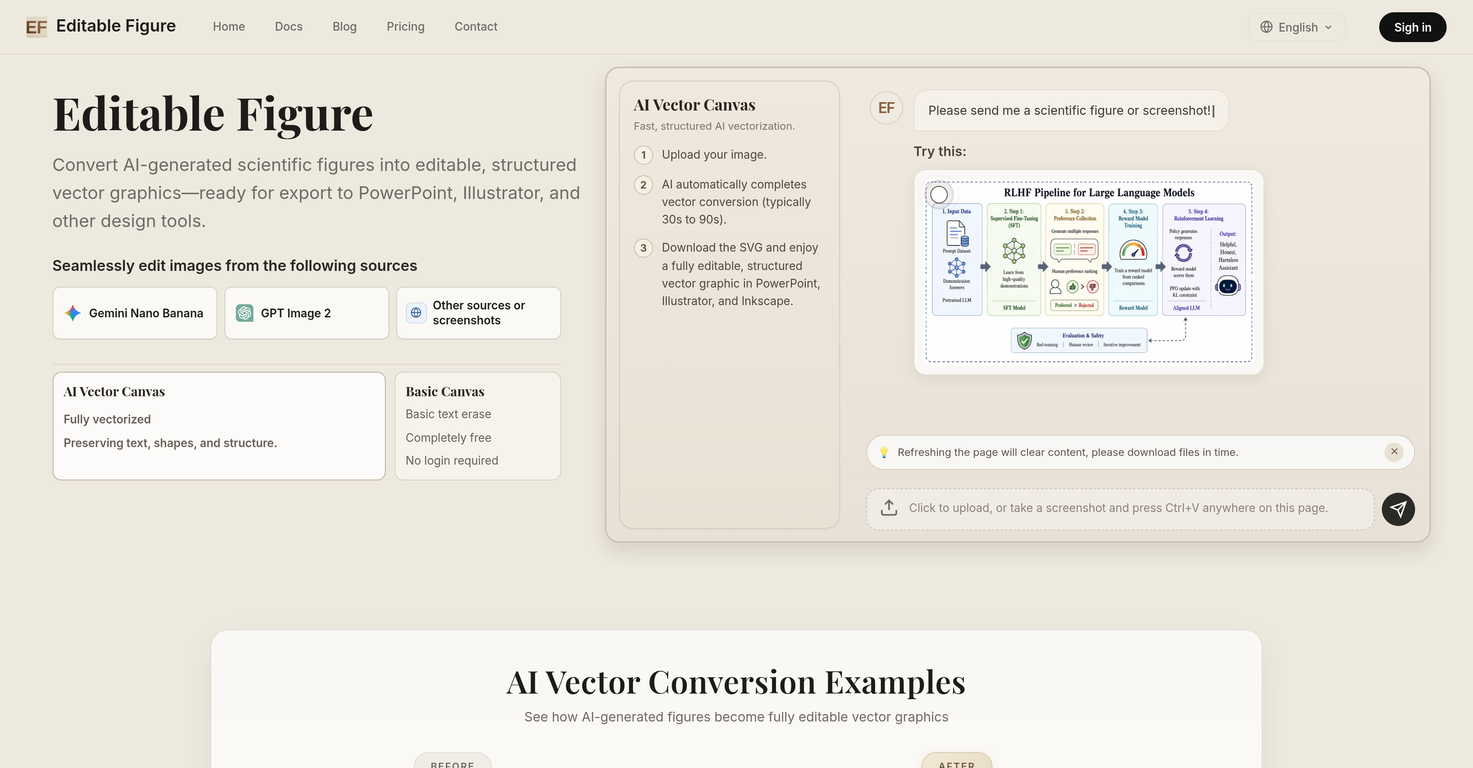
Editable Figure is an AI tool that converts AI-generated scientific figures into structured, editable SVG vector graphics. This tool has been professionally designed to preserve text, shapes, arrows, and structural information during the conversion process, making the resulting figures ready for further editing in PowerPoint, Illustrator, Inkscape, or other design software that can work with SVG files.
Within this tool, there are sophisticated features such as the AI Vector Canvas, fast and structured AI vectorization, and the Smart OCR Recognition system.
The AI Vector Canvas serves to provide a full vectorization of input images, maintaining shapes and structure. Meanwhile, the fast AI vectorization allows users to easily upload an image and download the converted vector graphic.
The tool also implements Smart OCR Recognition, a feature that intelligently recognizes text, frames, arrows, and all structured elements in an image.A notable free feature is the Basic Canvas, which enables users to select and remove unwanted text from figures, add custom text with full font control, and resize or rotate text boxes freely.
Editable Figure supports figures generated by a variety of AI image generators, such as Gemini Nano Banana and GPT Image 2 among others. Overall, Editable Figure offers a streamlined workflow to researchers, students, and professionals who regularly work with scientific figures and helps them to make figures from AI tools editable and ready for use for an array of purposes.
Supported features
Releases

Pricing






How would you rate Editable Figure?
Help other people by letting them know if this AI was useful.