What is the main purpose of JigsawML?
JigsawML's main purpose is to provide comprehensive visibility into system architecture and interactions in the context of AI-driven coding. It is designed to allow users to visualize and understand swift changes in software architecture created by AI agents. By mapping dependencies, overlaying cloud costs, and tracking changes with each commit, it creates an immersive environment.
How does JigsawML integrate with code repositories?
JigsawML integrates with code repositories by automatically generating interactive and detailed architecture diagrams. This integration allows JigsawML to map dependencies and track changes with every commit, providing a comprehensive view of your system.
What are the key features of JigsawML?
Key features of JigsawML include AI-driven coding, infrastructure comprehension, code repositories integration, cloud scanning, architecture visualization, mapping dependencies, overlaying cloud costs, tracking changes, visualization of software architecture changes, rigorous management of infrastructure footprint, and the provision of a real-time health panorama of the system.
How does JigsawML work with cloud accounts?
JigsawML works with cloud accounts by leveraging its Cloud Scanner feature. This feature connects to the user's cloud accounts to provide a detailed insight into the entire infrastructure, helping manage the infrastructure footprint more efficiently.
What is the purpose of JigsawML's Cloud Scanner feature?
The Cloud Scanner feature of JigsawML serves the purpose of connecting to user's cloud accounts to provide comprehensive visibility into the entire infrastructure, enabling users to manage the system's infrastructure footprint rigorously.
What information can I get from JigsawML’s architectural visualization?
JigsawML's architectural visualization gives users a comprehensive view of the system architecture. This includes the mapping of dependencies, overlaying cloud costs, and tracking changes with each commit. This visualization can help users visually trace and comprehend their code, allowing them to gain a swift understanding of changes within the software architecture.
How does JigsawML aid in decision-making?
JigsawML aids in decision-making by providing immersive information about the system’s infrastructure and code. It allows users to visualize changes in their software architecture quickly, providing a detailed view of the entire system. This enlightened view helps facilitate more informed decisions.
How does JigsawML track changes in my code?
JigsawML tracks changes in the user's code by integrating with code repositories. Every commit is tracked and its impact on the system is reflected in the interactive architecture diagrams, creating a detailed historical record of all changes.
How can JigsawML help to manage my infrastructure footprint?
JigsawML helps to manage your infrastructure footprint by connecting with your cloud accounts and scanning your infrastructure. It overlays cloud costs, maps dependencies and offers a real-time panorama of the system's health, aiding in efficient infrastructure management.
Can JigsawML help with understanding changes in software architecture?
Yes, JigsawML can help understand changes in the software architecture. Using its key utilities, it allows users to visualize changes swiftly, providing a comprehensive view of the architecture, and the impact of each change.
What is the interaction between AI agents and JigsawML?
AI agents interact with JigsawML by generating code. JigsawML takes this code and produces comprehensive views of the system architecture, allowing users to understand the changes and their impacts quickly and efficiently.
How does JigsawML create a controlled environment for AI-written code?
JigsawML creates a controlled environment for AI-written code by visualizing the architecture and tracking each code commit's effect on the overall system. This visualization provides a comprehensive and manageable view of AI-written code.
What is the utility of mapping dependencies in JigsawML?
In JigsawML, mapping dependencies serves the purpose of creating a comprehensive picture of how each part of the system interacts with the others. By knowing how each element depends on others, users can better understand their code and the potential impacts of changes.
How does JigsawML handle the overlay of cloud costs?
JigsawML handles the overlay of cloud costs by connecting to the user's cloud accounts. This function allows JigsawML to provide users with a complete view of their infrastructure costs, aiding in better resource management.
Can JigsawML provide a real-time system health panorama?
Yes, JigsawML presents a real-time panorama of system health. By integrating with code repositories and cloud accounts, and tracking changes with each commit, JigsawML can provide a real-time view of the system's health.
Is JigsawML strictly for AI-driven coding?
While JigsawML is designed to offer comprehensive insight into AI-driven coding, it doesn't strictly apply solely to AI-driven coding. The tool can be beneficial for any code and infrastructure comprehension, providing a clear visualization and understanding of the system architecture.
How is the information generated by JigsawML immersive?
JigsawML generates immersive information by visually presenting complex data about the system's architecture. This visualization provides an interactive, comprehensive view of the system that helps users understand and handle their code and infrastructure footprint more effectively.
How do I start using JigsawML?
To start using JigsawML, one needs to connect their repositories and cloud accounts. JigsawML will then automatically generate intelligent, interactive architecture diagrams mapping dependencies, overlaying cloud costs, and tracking changes in the system.
Does JigsawML offer a demo of its functionalities?
Yes, JigsawML does offer a demo to showcase its functionalities, as stated on its website
How does JigsawML keep its architecture diagrams up-to-date?
To keep its architecture diagrams up-to-date, JigsawML integrates with code repositories and syncs with every commit. This allows JigsawML to reflect changes in real-time, providing the most current view of the system's architecture.
What is JigsawML?
JigsawML is an Architectural Intelligence Platform designed to offer comprehensive visibility into system architecture and interactions, tailored for AI-driven code. It provides features such as architecture visualization, cloud scanning, and repository syncing. The platform is aimed at managing and understanding AI-generated code and navigates system infrastructures by integrating with code repositories and cloud accounts.
How does JigsawML work?
JigsawML functions by integrating with your code repositories and cloud accounts, automatically creating interactive architecture diagrams. These diagrams are designed to map out dependencies, trace changes with each code commit and overlay information about cloud costs onto the architecture. This automated mechanism provides real-time data, enhancing comprehension of AI-generated code and facilitating informed decision-making.
What is the purpose of JigsawML’s architecture visualization feature?
The purpose of JigsawML's architecture visualization feature is to generate interactive diagrams that depict the system's software architecture. The diagrams produced help users understand and visualize changes in the software architecture swiftly created by AI agents. By mapping out dependencies and overlaying cloud costs, users gain a comprehensive and easy-to-understand view of their system architecture.
How does the cloud scanning feature of JigsawML work?
JigsawML's cloud scanning feature works by connecting to the user's cloud accounts. It provides an insight into the entire infrastructure, enabling users to track and manage their entire cloud footprint. By integrating with cloud accounts, JigsawML can overlay specific cloud costs to provide a comprehensive understanding of the infrastructure.
How do I integrate JigsawML with my code repositories and cloud accounts?
To integrate JigsawML with code repositories and cloud accounts, users connect their accounts with the platform. Once connected, JigsawML automatically syncs with your repositories and cloud accounts, using the derived data to generate intelligent, interactive architecture diagrams.
How does JigsawML assist in understanding AI-generated code?
JigsawML assists in understanding AI-generated code by creating comprehensive and interactively detailed architecture diagrams that map out dependencies and overlay cloud costs. By tracking any changes with every commit, the platform enables users to comprehend the rapid changes within the software architecture that are generated by AI agents.
Can JigsawML track changes in my codebase?
Yes, JigsawML can track changes in the codebase. It automatically detects and tracks how every commit changes your system, providing users with an up-to-date image of their system architecture and data.
What kind of diagrams does JigsawML generate?
JigsawML generates interactive and detailed architecture diagrams. These diagrams are designed to provide a visual representation of the system's software architecture, highlighting system dependencies, cloud costs and the impact of every code change.
What is the role of AI agents in JigsawML?
The role of AI agents in JigsawML is to rapidly produce code, outpacing traditional team comprehension rates. JigsawML contributes to managing and understanding the code created by these AI agents by creating interactive, detailed architecture diagrams and tracking each change that occurs.
Does JigsawML offer any managed services?
Yes, JigsawML does offer managed services. This function is included in the platform for service providers to better manage and understand their system architecture, alongside the AI-generated code.
Is there an offline version of JigsawML?
Yes, an offline version of JigsawML is available. A downloadable local installer is offered for ease of use and offline access, ensuring users can utilize the tool even without internet connectivity.
What can I learn from the demo option on JigsawML?
The demo option on JigsawML provides a practical demonstration of how the platform functions. Through this, users can gain insights into the platform's capabilities, learn how to use its various features such as the Software Architecture Visualizer and the Cloud Scanner and understand the value and impact of the platform's functionality.
How does JigsawML produce software architecture diagrams?
JigsawML produces software architecture diagrams through its Software Architecture Visualizer. This feature works by automatically generating interactive system diagrams from any given codebase, offering users an easy-to-understand visual representation of their system's architecture.
Can JigsawML map dependencies in the software?
Yes, JigsawML can map dependencies in the software. The platform's diagrams are drawn to explicitly highlight system dependences, providing users with a detailed comprehension of their software's interconnectivity.
How does JigsawML's system demonstrate cloud costs?
JigsawML's system demonstrates cloud costs by overlaying them onto the interactive architecture diagrams. By integrating with user's cloud accounts, it provides a detailed insight on cloud consumption and associated costs.
Can JigsawML help me understand the health of my system?
JigsawML can help users understand the health of their system by providing real-time data derived from their system's architecture, code changes and cloud costs. By mapping dependencies and showing changes with each commit, users gain a panoramic perspective of the system's health.
How does JigsawML overlay cloud costs on the diagrams?
JigsawML overlays cloud costs on the diagrams by integrating with user's cloud accounts and mapping their costs into the interactive architecture diagrams. This gives a clear picture of a system's cloud expenses against its architecture.
Can JigsawML be used for infrastructure visibility?
Yes, JigsawML can be used for infrastructure visibility. By connecting with the user's cloud accounts, the platform's Cloud Scanner can provide a detailed insight into your entire infrastructure while charting out dependencies, tracking commits and overlaying cloud costs.
How does JigsawML handle code comprehension?
JigsawML handles code comprehension by automatically creating interactive and detailed architecture diagrams. These diagrams map dependencies and overlay cloud costs, while tracking each change that is made. Through these actions, JigsawML facilitates cognitive navigation of the rapidly expanding field of AI-generated code.
How can I start using JigsawML?
To start using JigsawML, you can download the local installer from their website. Connect your code repositories and cloud accounts for an automatic generation of intelligent, interactive architecture diagrams. You may also explore the demo to have a hands-on experience with the platform's functionalities before beginning to use it.


 Mini tools
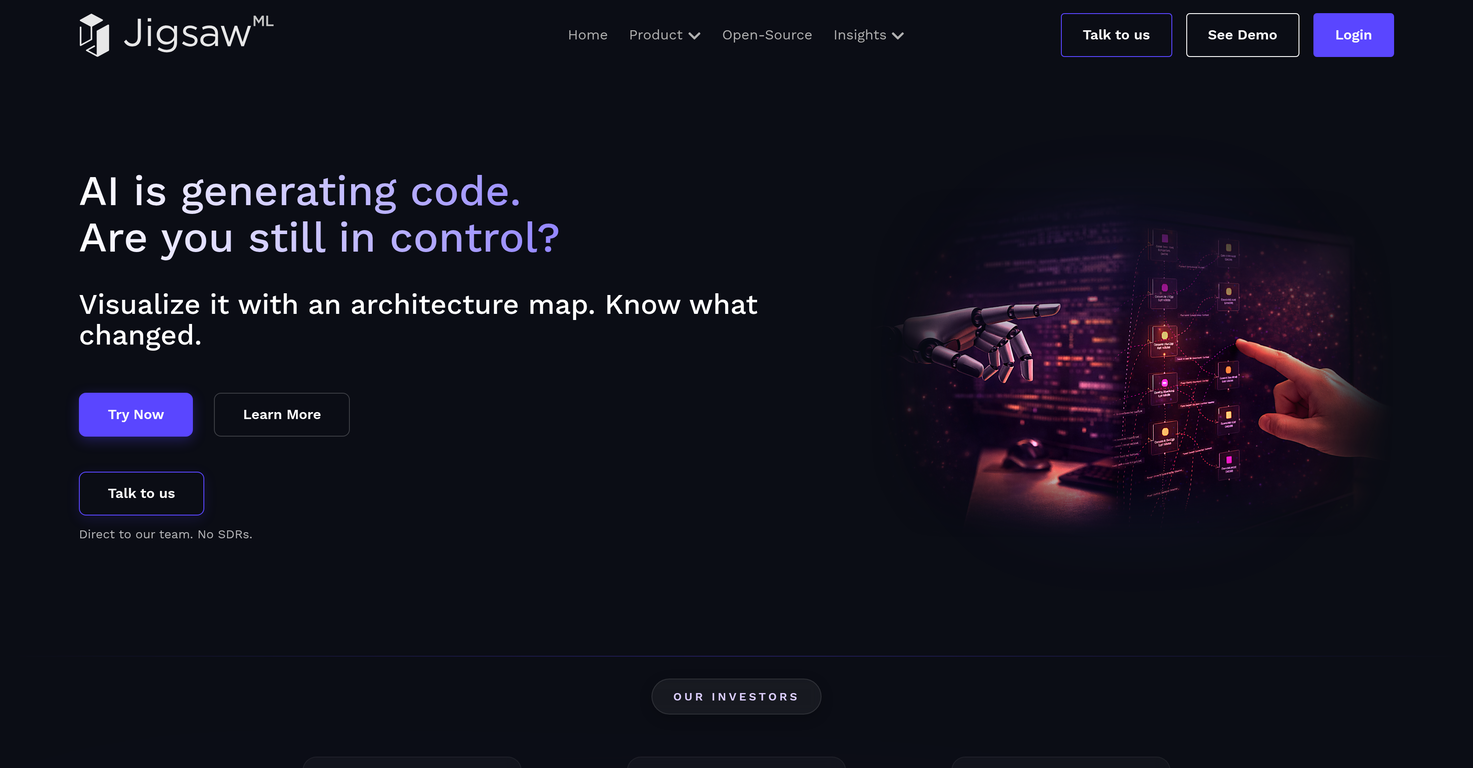
 The control plane for AI-written code.
 MySpec
 Flowova AI
 Rift-code
 ClarifyNow.AI
 GreenPRD
 Stilla






How would you rate JigsawML?
Help other people by letting them know if this AI was useful.