What is Luma AI?
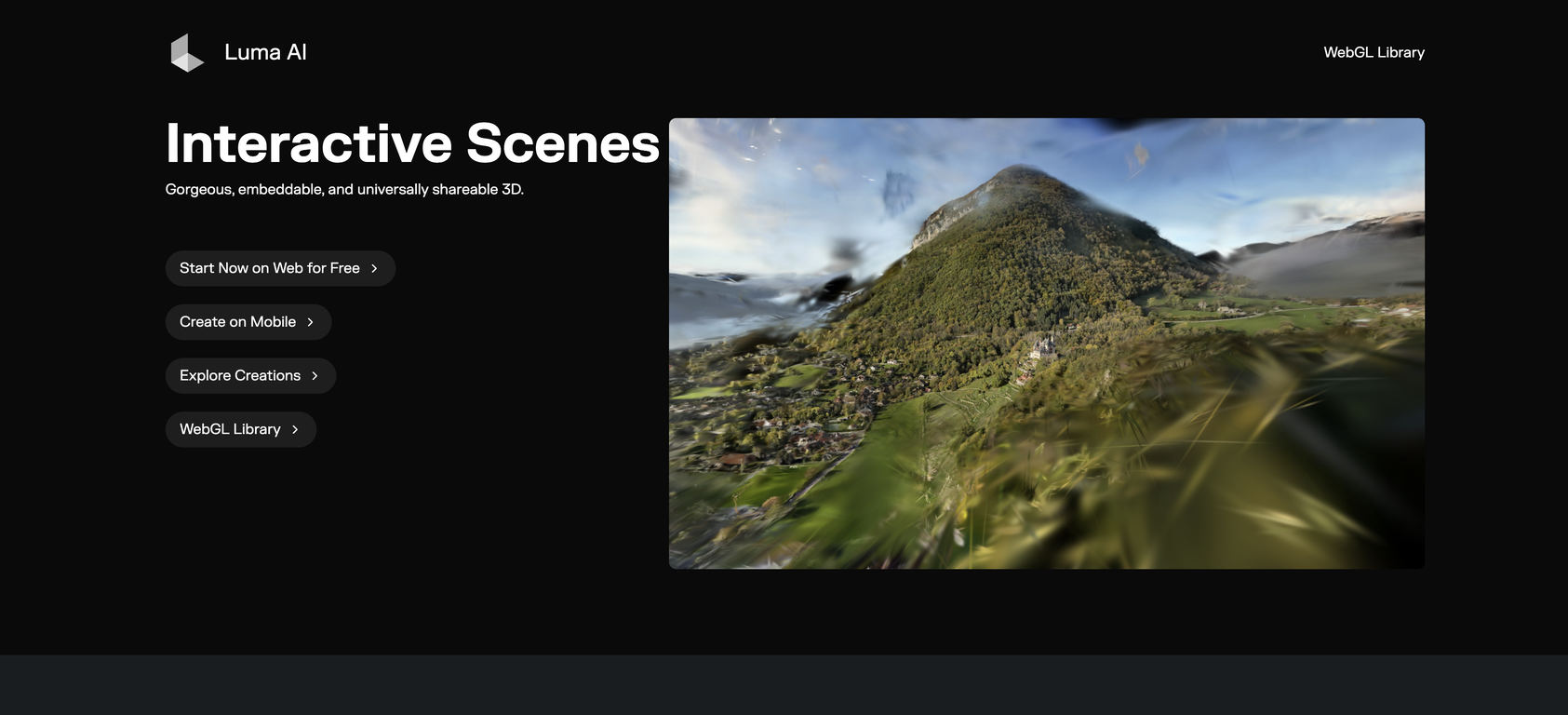
Luma AI is a powerful tool specifically designed to redefine the creation, sharing, and embedding of 3D media. It aims to tackle key challenges in the 3D media industry, by simplifying the process of creating and sharing 3D content. It also allows users to embed 3D media with ease. It is platform agnostic, supporting Web, iOS, and Android platforms.
How does Luma AI facilitate the creation of 3D media?
Luma AI simplifies the creation of 3D media by offering a user-friendly interface that removes most barriers to 3D content creation. This ease of use means that users, irrespective of their level of 3D design expertise, can create stunning, interactive 3D scenes with little effort.
In what ways can I share the 3D content created using Luma AI?
Luma AI supports multiple ways of sharing 3D content. Users can freely embed the scenes they create on various platforms, making it accessible across Web, iOS, and Android platforms. In addition, Luma AI's focus on efficiency means that these 3D scenes load quickly, facilitating instant sharing and interaction.
Can I use Luma AI on all platforms, including Web, iOS and Android?
Yes, you can use Luma AI across all platforms. It's platform-agnostic, meaning it supports Web, iOS, and Android platforms. This flexibility reduces barriers for users to interact with 3D content, regardless of their device or operating system.
Is the 3D media produced with Luma AI commercially usable, or are there additional licenses required?
Yes, the 3D content produced with Luma AI can be used commercially. Luma AI has made provisions to ensure that contents created using the tool can be used commercially without any additional licensing requirements.
How does Luma AI handle user privacy?
Luma AI handles user privacy effectively, ensuring that all scenes created through the tool remain private by default, unless otherwise specified by the user. This gives users control over who sees their 3D scenes, hence offering them a strong assurance of privacy.
What measures does Luma AI take to assure efficient rendering and low latency?
Luma AI achieves efficient rendering and low latency through optimization. It's designed to maintain minimal latency and fast loading times, even when used in web browsers which can be critical in interactive 3D applications. This gives it a significant edge in terms of performance and user experience.
How does Luma AI manage to generate small file sizes?
Luma AI's remarkable efficiency extends to the file sizes, which remain surprisingly small. This is achieved through advanced programming and compression techniques that allow for efficient storage without compromising on the quality of the 3D scenes.
What is the nature of interactive loading in Luma AI?
Interactive loading, in the context of Luma AI, means that as your 3D scene loads, it remains interactive. This means you can start exploring and interacting with the content immediately, instead of waiting for the whole scene to load.
Does Luma AI offer real-time streaming?
Yes, Luma AI offers real-time streaming due to its advanced programming and efficient rendering. This allows 3D scenes to start streaming immediately, facilitating real-time interaction and viewing.
How does Luma AI adapt to advancements and breakthroughs in 3D AI technology?
Luma AI is constantly evolving in line with advancements and breakthroughs in 3D AI technology. This commitment to remain at the forefront of 3D AI technology guarantees that Luma AI always utilizes the latest technologies and techniques in its operations.
Will my existing data and captures migrate with new updates in Luma AI?
Indeed. With every new update, all your captures and data will migrate alongside it. In simpler terms, when Luma AI is upgraded, all your previous data and captures will also be upgraded and compatible with the new version.
What does 'platform agnostic' mean in the context of Luma AI?
'Platform agnostic' in the context of Luma AI simply means that the tool can be used across various platforms, be it Web, iOS or Android without any limitations or variations in performance or functionalities.
Do I have control over who sees the 3D scenes I create with Luma AI?
Yes, you do have control over who sees the 3D scenes you create with Luma AI. It ensures user privacy by making all scenes created with the tool private by default, unless otherwise specified by the user. This feature gives you the control to decide the accessibility and visibility of your work.
How fast are the loading times of 3D scenes on web browsers using Luma AI?
The loading times of 3D scenes on web browsers using Luma AI are impressively fast due to the tool's focus on efficient rendering. This ensures that users experience minimal latency, thus offering a smooth, user-friendly experience.
Is the 3D content created using Luma AI embeddable across various platforms?
Yes, the 3D contents created using Luma AI are embeddable across various platforms. This allows users to seamlessly integrate their 3D scenes into websites, applications or digital platforms that support 3D content.
How has Luma AI facilitated 3D sharing and where can I experience it?
Through its intuitive design and powerful features, Luma AI has broadened the horizons for sharing 3D content. It offers a hassle-free method for creators to share their 3D scenes across various platforms such as Web, iOS and Android. Hence, Luma AI has made it possible for these spectacular 3D experiences to be accessible anywhere, changing the traditional limitations of how and where we can experience 3D media.
How efficient is Luma AI in terms of FPS on web browsers?
Luma AI is remarkably efficient, able to deliver 30 FPS on web browsers. This performance level ensures smooth, immersive 3D experiences that load fast and perform well, even in real-time.
What is the file size limit for Objects and Scenes in Luma AI?
In Luma AI, the file size limit is 8 MB for Objects and 20 MB for Scenes. This encompasses a balance between maintaining high-quality visuals and ensuring files remain agile for fast loading and streaming.
How can I bulk generate with Luma AI?
To bulk generate with Luma AI, users can utilize the Luma API. This feature allows for automation and generation of multiple 3D scenes concurrently, offering an efficient solution for flawless 3D content production in bulk.
 Rocket - Think it. Type it. Launch it.
 Mini tools






 0
0






How would you rate Luma AI - Interactive Scenes?
Help other people by letting them know if this AI was useful.