What is Producta?
Producta is an AI tool designed to support teams in managing and executing technical tasks. It automates processes such as planning and testing, thereby simplifying the generation of good code. It can directly solve technical tickets, initiate pull requests for solutions, help your team clarify their tickets if needed, and more. More than just problem-solving, Producta guides effective and efficient operations from concept to completion.
How does Producta automate technical task management?
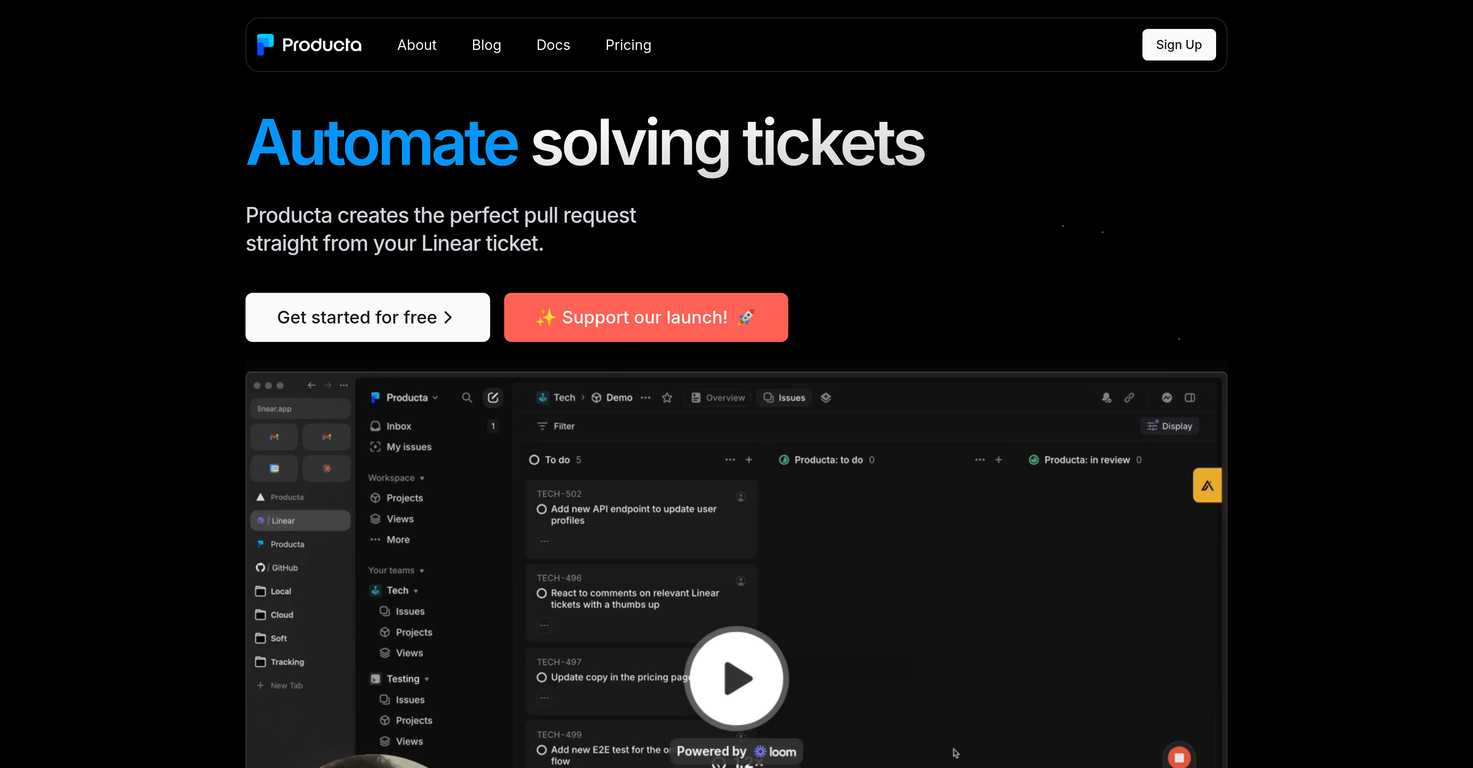
Producta automates technical task management by directly solving technical tickets and initializing pull requests with solutions. It does this by allowing your team to simply move their desired ticket to the Producta column. Additionally, it can facilitate the process of converting ideas into well-structured technical tasks by refining new ticket drafts.
Can Producta assist in improving the clarity of my team's tickets?
Yes, Producta can assist in improving the clarity of your team's tickets. This is achieved by allowing your team to assign these tickets to Producta, where the tool will then work on refining them until they become clearly defined technical tasks.
How is Producta compatible with Github?
Producta demonstrates compatibility with Github by having the ability to not only open a PR with the solution, but also respond to your team's comments as needed in Github. This aids in creating a seamless workflow between Producta and Github.
What does it mean when Producta is said to open a 'PR'?
When Producta is said to open a 'PR', it means that it's creating a 'pull request'. This is a process in Github where one proposes changes to a codebase. In context, Producta is generating and proposing solutions to technical problems in the form of code changes, which are then subject to team review.
How does Producta help in converting ideas to technical tasks?
Producta assists in transforming ideas into technical tasks by allowing you to draft your concept as a new ticket, assign that ticket to Producta, and personalizing the AI to refine your concept into well-defined technical tasks. This way, you can move from idea conception directly into task execution.
What is the role of Producta in code generation?
Producta plays a role in code generation by automating critical aspects of the coding process. From validating tasks, planning work, generating and testing solutions, Producta uses its AI capabilities to create efficient and functional code, reducing human error and time spent on these processes.
Can Producta support my team in project planning and execution?
Yes, Producta can support your team in project planning and execution. It does this by allowing tickets to be assigned to it, in turn automating the planning and code generation process. It can solve technical tickets and initiate pull requests, driving projects forward and ensuring proper execution.
How does Producta handle task execution?
Producta handles task execution by taking on technical tickets assigned to it, generating solutions for them, and initiating pull requests with those solutions. It works independently from the moment a ticket is assigned until a pull request is created, handling all the steps in between.
How is Producta helpful with software testing?
Producta aids in software testing by being an integral part of its automated process. Once it generates a solution to a task, it proceeds to test it. This lowers the chances of errors and increases the efficiency and speed of the software development cycle.
Does Producta improve code quality?
Yes, Producta assists in improving code quality. By automating the generation of code and running tests on it, it ensures that the output is both efficient and free of errors, thereby leading to a higher standard of code quality.
What is the idea behind 'automate solving tickets' feature of Producta?
The 'automate solving tickets' feature in Producta aims to speed up and automate the task of resolving technical tickets. Instead of having to manually solve each ticket, you can simply move your desired ticket to the Producta column, and the AI will solve it and initiate a pull request with the solutions.
What are the steps to let Producta solve my tickets?
To allow Producta to solve your tickets, first move the ticket you want solved to the Producta column. If needed, Producta will assist in clarifying the ticket. At the end, Producta will open a pull request with the solution in Github.
What does it mean to 'assign the ticket' to Producta?
To assign the ticket to Producta means to make Producta responsible for solving it. This is achieved by moving the desired ticket to the Producta column, triggering the AI automated process to solve the ticket and create an appropriate pull request.
How do I sign up for Producta?
You can sign up for Producta using this link: https://dashboard.producta.ai
What are the pricing details of Producta?
The pricing details for Producta can be found on its website under the '/pricing' tab.
 Base44 Superagents-AI agent that does it all
 Mini tools
 0
0






How would you rate Producta?
Help other people by letting them know if this AI was useful.