 Tripo AI 3D Generator

 Mini tools
 AI video cleanup for reposts, ads, and reuse


Remove Text From Video.net








Overview
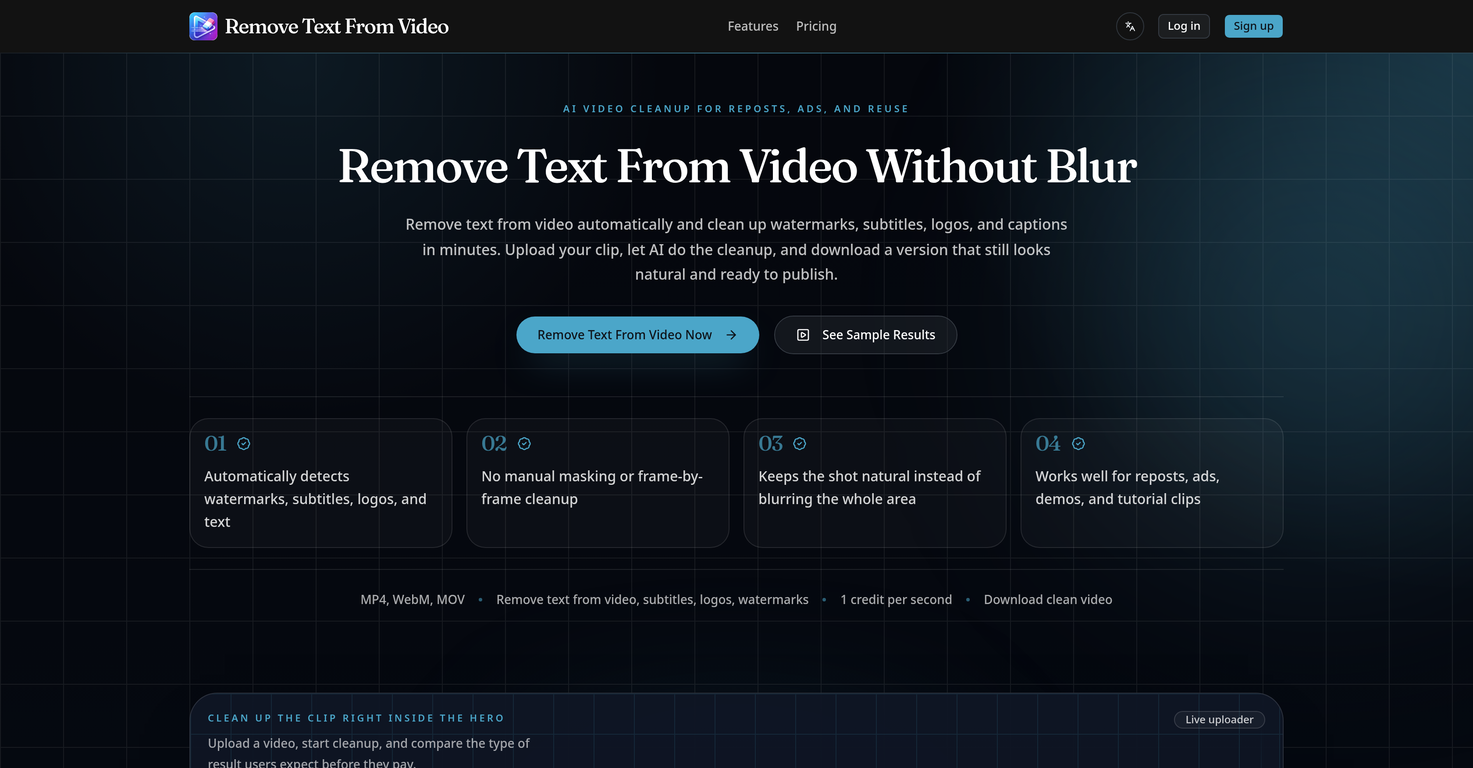
This AI-powered tool is designed to remove text from videos automatically, notably cleaning up watermarks, subtitles, logos, and captions in a matter of minutes.
The tool ensures the cleaned-up video looks natural and remains publication-ready, eliminating the need for manual masking or frame-by-frame cleanup. It is capable of handling various formats, including MP4, WebM, and MOV.
The AI not only removes text but also detects and cleans distracting areas found in videos. This function is particularly handy when dealing with mixed overlays of text, subtitles, logos, and watermarks concurrently.
Unlike other tools that might resort to heavy blurring, this tool makes the video scene look natural while removing the unwanted text, ensuring the end result is suitable for editing, reposting, and advertising.
The tool is also versatile and can facilitate the removal of text for various reuse needs such as the cleanup of short-form reposts on platforms like TikTok, Reels, and Shorts.
It can remove burned-in subtitles from talking-head clips to make them easier to localize or re-edit. Brands can use it to remove distracting corner logos or labels from product demo videos.
It's an ideal tool for cleaning up old tutorial footage, user-generated content ads, and archived footage where titles, captions, or lower-thirds are no longer applicable.Removing text from a video is as simple as uploading the desired video, letting the AI do the cleanup, and downloading the cleaned-up version ready for reuse.
The tool is designed for teams and individual users who need to clean video clips for reposting or repurposing.
Releases

Pricing
Top alternatives
-
 AI video text and object remover for cleaner content.
 -
 Remove subtitles, captions, and watermarks from videos instantly.






How would you rate Remove Text From Video.net?
Help other people by letting them know if this AI was useful.