Can I customize the final tutorial video created by VideoMule?
Yes, the final tutorial video created by VideoMule can be further customized according to specific needs. Even after the editor synchronizes the video, audio, and subtitles, users are free to make any minor changes they require. They maintain full creative control over their project, including the time to refine the output until it matches their precise vision.
What additional features does VideoMule provide?
In addition to its core features, VideoMule offers several additional features. Some of these include an auto-save AI-script editor with full script control, instant HD rendering of finished projects, and an extensive library of voices for global accent selection. It supports multi-language output for catering to global audiences, which enhances global reach and eliminates language barriers.
How does VideoMule's AI-script editor with total script control function?
VideoMule's AI script editor with total script control functions in a very user-friendly manner. It auto-saves the scripts, which can be edited, refined, or completely rewritten by the user as needed. The editor allows users to tweak the wording, adjust the tone, or change sections to ensure the narration perfectly matches the desired message. Any changes made are updated in real-time, giving users instant feedback and control over their scripts.
What is the quality of the HD rendering provided by VideoMule?
VideoMule provides high-definition (HD) rendering of the final video project. It offers instant processing, allowing the final project to be rendered in 1080p HD quality seconds after editing finishes. This ensures a high-quality, professional finish for all videos, making them suitable for any platform.
Does VideoMule support multi-language output?
Yes, VideoMule supports multi-language output. It is designed to cater to global audiences by allowing the creation of AI-generated voiceovers in over 100+ human voices in over 35 languages. This ensures that language barriers are eliminated and the reach of the videos is not confined to any specific geographic conditions or language constraints.
How can VideoMule help improve global reach?
VideoMule is an effective tool for enhancing global reach. It supports multiple languages and offers a wide range of professional voices in different accents which makes it possible for content creators to target and cater to a global audience. By removing language barriers, VideoMule helps in delivering content to a wider audience irrespective of their geographical location or native language.
How efficient is the video production process with VideoMule?
The video production process with VideoMule is efficient and fast. By implementing a structured four-step process, VideoMule enables users to transform raw screen recordings into finished, professional videos with minimal effort. With features like automated voice-over generation, multi-track editing, and instant HD rendering, the video production process becomes considerably faster and smoother than traditional methods.
Can VideoMule be used by both individuals and teams?
Yes, VideoMule is suitable for both individuals and teams. Whether it's a solo content creator working on a single project or a collaborative team engaged in creating a series of tutorial videos, VideoMule provides an efficient, user-friendly platform suitable for varying needs.
What categories of users can benefit from VideoMule?
VideoMule is designed to be beneficial to a wide range of users. This includes product marketers, learning and development teams, founders and startups, course creators and educators, technical writers and documentation teams, and customer success managers. It's perfect for anyone who needs to transform simple screen recordings into professional, polished product demos, feature walkthroughs, tutorials, or training videos without needing a studio or voice actor.
What are the various pricing plans for using VideoMule?
VideoMule offers a four-tier pricing plan. The 'Trial' plan is ideal for trying out VideoMule's basic features and is priced at $0.99 per month. The 'Plus' plan suits solo creators who need high-quality voices, more uploads, and watermark-free videos, and is available for $19.00 per month. 'Teams' is designed for small teams collaborating on video content and costs $49.00 per month. The 'Pro' plan is ideal for agencies and enterprises with high-volume needs, longer videos and larger teams, and is priced at $199.00 per month. Launch offers and discounts are available for new signups on certain plans.
What are the benefits of using VideoMule over traditional video editing methods?
The advantages of using VideoMule over traditional video editing methods are numerous. With VideoMule, users don't have to struggle with manual scripts or hiring expensive voice talent. Furthermore, VideoMule enables a fast and highly efficient video creation process, provides a wide selection of professional voices, imparts full script control with an auto-saving feature, and allows users to export videos in high-definition instantly. With these features, VideoMule stands head and shoulders above traditional video editing methods.
How diverse is the voice library offered by VideoMule?
VideoMule offers a highly diverse voice library with over 100+ professional voices. It ensures high diversity in tones, languages, and accents, enabling a wide variety to choose from for creating voiceovers. The vast library enables users to find a voice that fits their brand or specific requirements, enhancing the overall value and appeal of their content.
How does VideoMule cater to different accents across the globe?
VideoMule caters to different accents across the globe through its extensive voice library. It offers users a variety of professional voices in globally diverse accents, allowing the creation of AI-generated voiceovers that match the brand's language and accent needs. By providing such diversity, VideoMule takes away any linguistic limitations that might hinder a brand's global reach.
Is VideoMule suitable for e-learning and education purposes?
Yes, VideoMule is particularly well-suited for e-learning and education purposes. With its easy and seamless process of converting screen recordings into professional, voice-narrated tutorials, educators can significantly boost their online course effectiveness. It can help in creating clear and detailed lessons, training videos, and educational content that can be localized in multiple languages using AI-powered voiceovers.
What is VideoMule used for?
VideoMule is used for creating tutorial videos. It transforms screen recordings into professional videos, complete with automatic voiceovers. Beyond creating instructional videos, VideoMule is also used for product demonstrations, training material, and providing other types of visual content that benefits from a guided vocal narrative.
How does VideoMule generate a narration script?
VideoMule's AI analyses the uploaded screen capture to understand the context and then writes a professional, step-by-step narration script automatically. The job is done by artificial intelligence, providing users with an initial script based on the screen recording content.
Can I edit scripts generated by VideoMule?
Yes, scripts generated by VideoMule can be edited. Users have total script control and the flexibility to modify the AI-generated script to match their specific requirements or messaging. They can adjust the wording, tone, or rewrite entire sections to ensure their narration is perfected.
What languages are supported by VideoMule's AI-generated voiceover feature?
VideoMule's AI-generated voiceover feature supports over 35 languages. This allows users to deliver their content to a global audience, removing language barriers, and enhancing reach.
How does VideoMule's multi-track editor work in video creation?
VideoMule's multi-track editor syncs the video, audio, and subtitles to produce a polished tutorial video. The editor provides an intuitive interface where users can make minor modifications and customize the video to meet personal or corporate needs.
How can I customize the video output on VideoMule?
VideoMule allows video output to be customized through a range of options. Users can edit the AI-generated script, choose the voiceover from a vast library of options that include different languages, accents, genders, and styles, and modify the subtitles, audio, and video livestreams in the multi-track editor to create a personalized output.
Does VideoMule support HD rendering of tutorial videos?
Yes, VideoMule supports HD rendering of tutorial videos. It provides users the benefit of instant HD rendering, making the finished project available for export in high-definition seconds after completion.
What accents and languages are available in VideoMule's voice library?
VideoMule's voice library offers a large range of languages, accents, genders, and styles for human-like AI voices. This comprehensive library enables users to select the perfect accent and language that align with their brand or the expected audience of the video.
What are the main features of VideoMule's AI-script editor?
The main features of VideoMule's AI-script editor include auto-save functionality, sync between script and video, and the capability to edit the script anytime. It gives complete control of the script to the user, allowing adjustments of tone and real-time updates.
Does VideoMule support multiple video formats?
Yes, VideoMule supports multiple video formats. It is compatible with video files from any AI screen recorder or capture tool, making it adaptable to different types of video content for tutorial creation.
How many languages does VideoMule support for voice generation?
VideoMule supports voice generation in over 35 languages. This wide linguistic coverage is designed to maximize global reach, making content accessible to users of different languages around the world.
Can I use VideoMule for creating product demonstration videos?
Yes, VideoMule can be used for creating product demonstration videos. Its features make it suitable to turn screen recordings of product functionalities into vetted, professional videos complete with voiceovers and subtitles.
How does VideoMule handle video synchronization?
VideoMule handles video synchronization by using its multi-track editor to weave together the video, audio, and subtitles seamlessly. The process enables a perfectly synced output of video and sound.
Does VideoMule offer options for global accent selection in its voiceover feature?
Yes, VideoMule offers options for global accent selection in its voiceover feature. With over 100 professional voices in different languages, accents, genders, and styles, users can select the perfect language and accent to represent their brand voice.
How efficient is VideoMule for tutorial video production?
VideoMule is highly efficient for tutorial video production. Its automated script creation, voiceover selection, multi-track editing, real-time updates, and instant HD rendering provide a swift and simple method for video production, saving time and effort.
Does VideoMule help in creating training videos?
Yes, VideoMule can be used to create training videos. By turning screen recordings into professional videos with automatic voiceovers, it allows users to develop high-quality instructional content.
Can the AI voices in VideoMule be customized?
Yes, the AI voices in VideoMule can be customized. Users can choose from a library of human-like AI voices, picking a voice that matches their requirements in terms of language, accent, gender, and tone.
Does VideoMule have the ability to cater to global audiences?
Yes, VideoMule has the capacity to cater to global audiences. With support for voiceovers in over 35 languages, it can help users overcome language barriers and reach viewers across different geographies.
What is the maximum file size VideoMule can handle?
VideoMule can handle large files. It has been engineered to function smoothly, even with high-resolution screen recordings and can work with largescale formats conveniently.
Can VideoMule convert screen recordings into professional instructional videos?
Yes, VideoMule can convert screen recordings into professional instructional videos. Using AI, it generates a professional narration script which is then used to create a voiceover that syncs with the video, resulting in a polished instructional video.
 MongoDB - Build AI That Scales
 Mini tools
 Turn screen recordings into professional videos with automatic voiceover.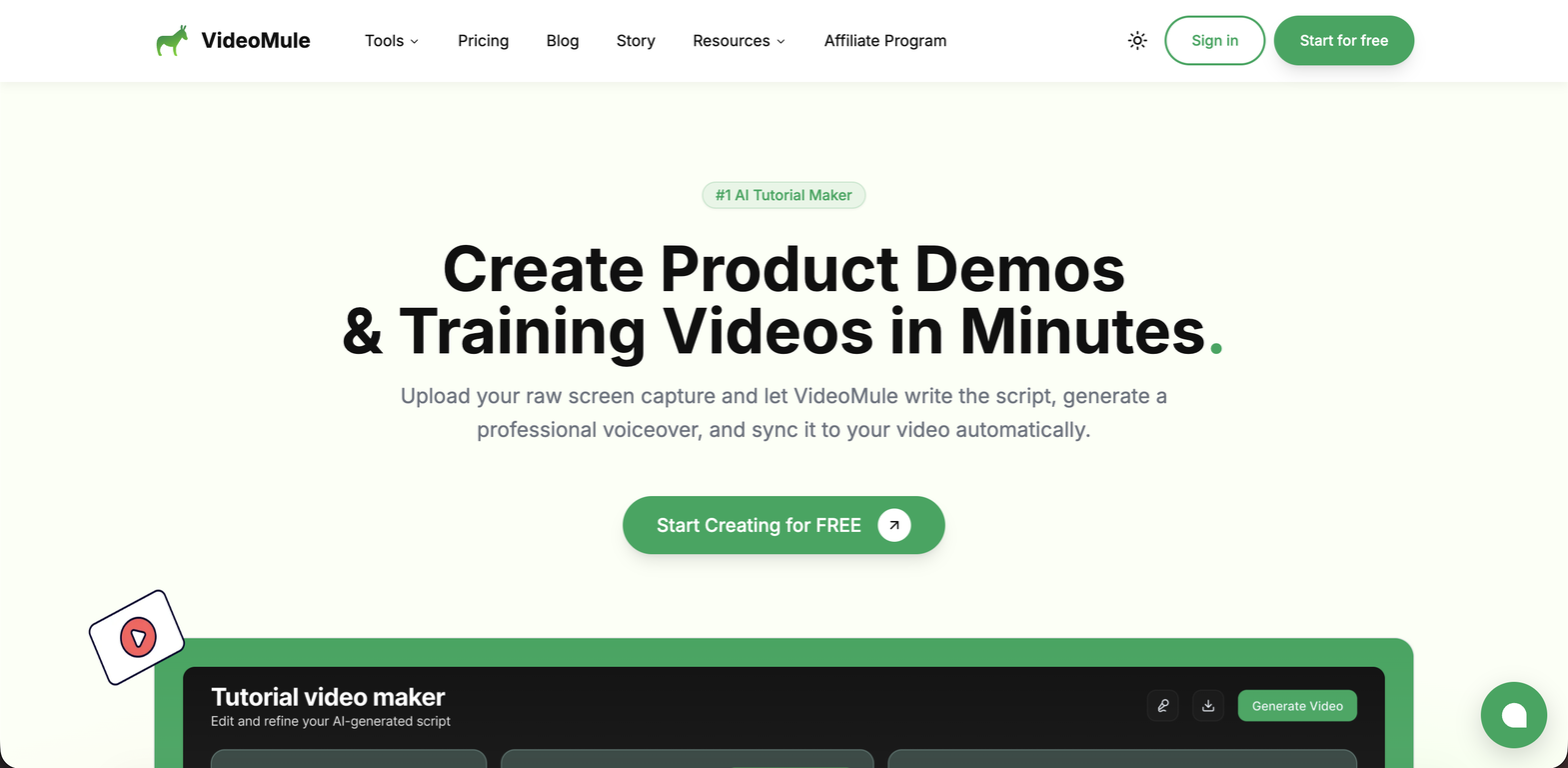
 VibrantSnap



 24
24






How would you rate VideoMule?
Help other people by letting them know if this AI was useful.