Does Video Text Remover require any software installation?
No, Video Text Remover does not require any software installation. It is an online tool with a user-friendly interface designed to streamline the video cleanup process.
What are the steps for using Video Text Remover to clean up my videos?
To use Video Text Remover, users need to upload their video, mark the specific area for removal and generate a cleaned preview. Upon satisfaction with the cleanup quality in the preview, users can proceed with cleaning up the full video.
How can Video Text Remover help with repurposing content without unnecessary text or watermarks?
Video Text Remover assists with repurposing content by efficiently removing subtitles, captions, logos and watermarks from videos. The user-friendly platform allows creators and editors to maintain their content originality without unnecessary text or watermarks.
How does the 'preview before full export' feature work in Video Text Remover?
The 'preview before full export' feature in Video Text Remover allows the users to assess the quality of the cleanup in a preview before proceeding with the full video. This feature adds flexibility and ensures users are satisfied with the cleanup before proceeding to the final stage.
Can the cleaned videos be saved in the personal history of my account in Video Text Remover?
Yes, the cleaned videos can be saved in the personal history of users' accounts on Video Text Remover. This feature allows users to compare previous outputs and continue editing without having to start over.
Does Video Text Remover offer subscription plans for heavier production use?
Yes, Video Text Remover offers subscription plans designed to cater to heavier production use. The subscription plans come with features such as priority processing queue, high-quality full video exports, commercial usage support, and more.
Are the credits in Video Text Remover pay-as-you-go?
Yes, part of Video Text Remover's pricing model includes pay-as-you-go credits. This provides flexibility for users who prefer a pay-as-you-go system.
Can Video Text Remover remove logos from videos?
Yes, Video Text Remover has the capability to remove logos from videos, in addition to removing subtitles, captions and watermarks.
How user-friendly is the interface of Video Text Remover?
The interface of Video Text Remover is highly user-friendly. It ensures a smooth, straightforward process without complex timeline editing or software installation requirements.
What types of videos is Video Text Remover optimized for?
Video Text Remover is optimized for short-form videos such as TikTok, Reels, and Shorts, as well as tutorials and marketing clips.
How do I mark specific areas for removal in Video Text Remover?
Users can mark specific areas for removal in Video Text Remover by identifying and selecting the area with the unwanted object or text during the video upload process.
Can Video Text Remover handle batch video processing?
This feature isn't explicitly mentioned on their website. However, its capacity to handle heavier production use suggests it may have the ability for batch video processing.
Is Video Text Remover effective for removing text without hampering the originality of the video's background?
Yes, Video Text Remover is effective at removing text without hampering the originality of the video's background. Its AI engine works as a cleanup tool to maintain the visual consistency of the background while removing unwanted elements.
How can Video Text Remover help creators who need clean videos ready for publishing?
Video Text Remover aids creators by providing a tool that removes text, logos, watermarks and other distractions while preserving the original background. This ensures the production of clean videos that are ready for publishing. The 'preview before full export' feature additionally permits users to review the cleanup output before finalizing the video, guaranteeing satisfaction with the final product.
What is Video Text Remover?
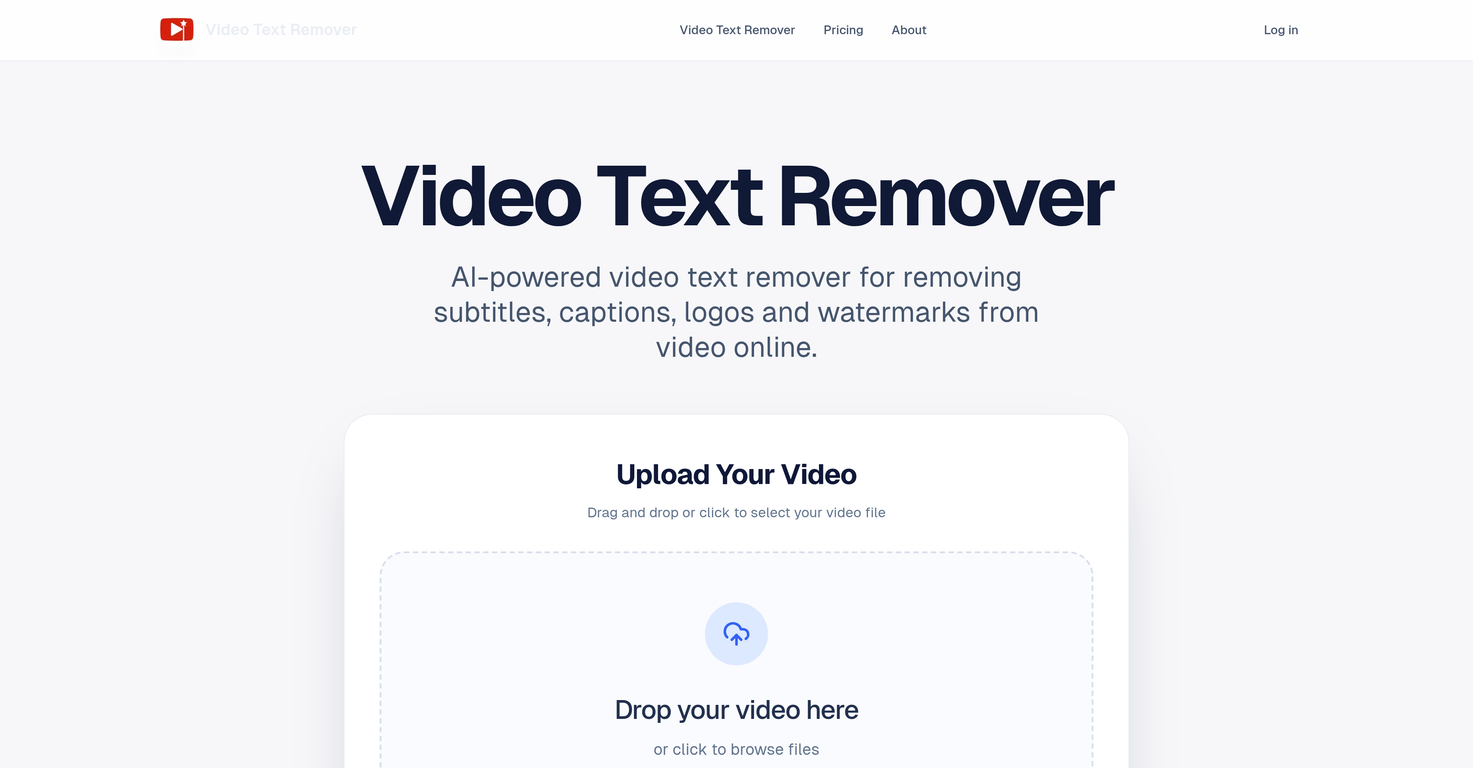
Video Text Remover is an online tool powered by artificial intelligence. It's primarily designed to efficiently remove subtitles, captions, logos, and watermarks from videos while preserving the originality of the video's background. The tool caters to the needs of creators and editors who want to repurpose their content, free from unnecessary text or watermarks.
How does Video Text Remover work?
To operate Video Text Remover, users need to upload their video, mark the specific area containing the unwanted text or objects, and then generate a cleaned preview. The tool's AI engine works to seamlessly and naturally conduct the cleanup, ensuring that the original background of the video is maintained.
What can I remove with Video Text Remover?
With Video Text Remover, users can remove several unwanted elements such as subtitles, captions, logos, watermarks, as well as additional objects, people or distractions within the frame of the video.
Can Video Text Remover handle different video formats like MP4, MOV, and WEBM?
Yes, Video Text Remover can handle different video formats such as MP4, MOV, and WEBM.
What is the pricing model of Video Text Remover?
Video Text Remover offers a flexible pricing model. This model includes pay-as-you-go credits for occasional users and subscription plans for heavier usage. The subscription plans are offered on a one-time, monthly, or yearly basis and cater to different levels of user requirements.
How user-friendly is Video Text Remover?
Video Text Remover is extremely user-friendly. It offers a simple, fast workflow that does not require any complicated timeline editing or software installation. It's designed to be immediately intuitive so creators and editors can focus on achieving clean, ready-to-publish videos.
Does the Video Text Remover offer a 'preview before full export' feature?
Yes, Video Text Remover does offer a 'preview before full export' feature. It allows users to check the quality of the cleanup before committing to processing the full video.
Can the Video Text Remover remove additional objects, people, or distractions from a video?
Yes, Video Text Remover has the capability to remove additional objects, people, or distractions from a video. Users can mark these within the video frame, and the tool will work to generate a clean result while keeping the background visually consistent.
Does Video Text Remover offer two cleanup modes including a dedicated object removal mode?
Yes, Video Text Remover does offer two cleanup modes. One is for removing text-based elements like subtitles, captions, logos, and watermarks. The second mode is dedicated to object removal, allowing the erasure of people or distractions from within the video frame.
What types of videos is Video Text Remover optimized for?
Video Text Remover is optimized for short-form videos commonly featured on platforms like TikTok, Instagram Reels, and YouTube Shorts. It also caters to marketing clips and tutorial videos.
How does Video Text Remover maintain visual consistency in the background of videos?
Video Text Remover maintains visual consistency in the video backgrounds by utilizing an AI engine that seamlessly and naturally conducts the cleanup. Rather than simply blurring or cropping unwanted elements, it works to rebuild the background behind subtitles, stickers, and logo overlays to maintain the original scene.
Can I use Video Text Remover to remove watermarks?
Yes, one of the many functionalities of Video Text Remover is the ability to remove watermarks from videos.
How does Video Text Remover assist in removing unwanted text from short-form videos?
Video Text Remover helps remove unwanted text from short-form videos by allowing users to upload their clip, select the area containing unwanted elements, and instantly generate a cleaned preview. The users can then decide to process the full video, resulting in a clean, ready-to-publish output.
Can the Video Text Remover handle high-volume video editing tasks?
Yes, Video Text Remover is capable of handling high-volume video editing tasks. This is demonstrated in the Agency plan, one of its subscription packages designed specifically for high-volume processing and client work.
Does the Video Text Remover store cleaned results in user's personal history?
Yes, cleaned results are stored in the personal history of a user's account in Video Text Remover. This allows users to compare outputs and continue editing without having to start over.
Can I use Video Text Remover to remove TikTok watermarks?
Yes, Video Text Remover is capable of removing TikTok watermarks from videos. The tool makes this process easy, enabling an unruined footage after the watermark is removed.
Does Video Text Remover rebuild the background behind subtitles, stickers and logo overlays?
Yes, the AI engine of Video Text Remover works to rebuild the background behind subtitles, stickers, and logo overlays. This feature ensures the cleaned videos don't just blur or crop removed elements but preserve the original scene.
What does the term 'credit-based' usage mean in relation to Video Text Remover?
The term 'credit-based' usage in relation to Video Text Remover refers to its pay-as-you-go system. Users purchase credits which are then deducted based on their use of the service, such as generating previews or exporting cleaned videos. This model is designed to accommodate occasional users and heavier users alike, with different subscription plans offering different amounts of monthly credits.
Can Video Text Remover be used effectively for republishing videos across different platforms?
Yes, Video Text Remover can be used effectively for creating clean, distraction-free videos ready for republishing across different platforms. The tool is specifically optimized for short-form videos popular on platforms like TikTok, Instagram Reels, and YouTube Shorts.
Does the Video Text Remover tool require any software installation?
No, Video Text Remover is an online tool and does not require any software installation. Users can access all its features directly through the browser.
 Rocket - Start building, Now!
 Mini tools
 AI video text and object remover for cleaner content.






 0
0






How would you rate Video Text Remover?
Help other people by letting them know if this AI was useful.