
 Rocket - Think it. Type it. Launch it.
 Mini tools
azurespheredev / KernelDriver2DrawLine
Enables developer to draw a line with start point and end point.
README
Simple Kernel Driver for Drawing Lines and Rectangles
This is a simple kernel driver project that allows developers to draw lines and rectangles on a PC screen by calling functions defined in the kernel driver. It's designed to be used with Visual Studio 2022, making it easy to integrate into your existing development workflow.
Features
-
Draw Lines: Use the provided functions to draw lines on the screen. You can specify the coordinates, color, and line thickness.
-
Draw Rectangles: Draw rectangles with ease, defining the position, dimensions, color, and line thickness.
-
Easy Integration: This kernel driver can be integrated into your Visual Studio 2022 project, making it simple to use for your development needs.
Prerequisites
Before you get started, ensure you have the following prerequisites:
- Visual Studio 2022
- Windows Development Environment
Getting Started
- Clone the repository to your local machine.
git clone https://github.com/yourusername/kernel-driver-draw-line-.git-
Open the project in Visual Studio 2022.
-
Build the project to generate the kernel driver.
-
Install the kernel driver on your system.
-
Use the provided functions in your code to draw lines and rectangles on the screen.
Video Demonstration
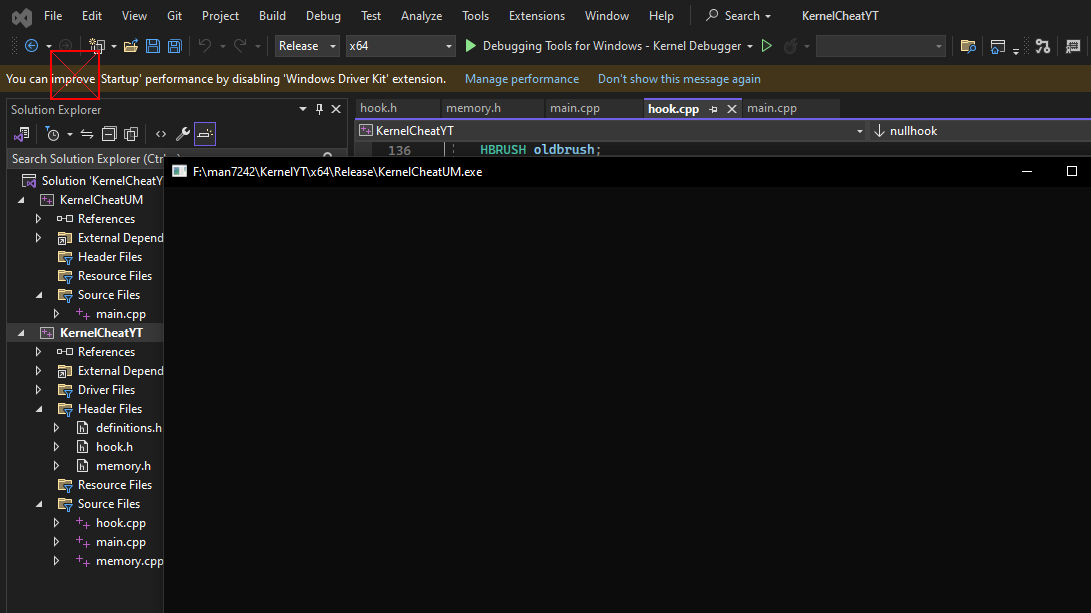
Click on the image above to watch a video demonstration of this kernel driver in action.
Feel free to contribute to this project or report issues. We welcome your feedback and contributions to make this kernel driver even better!





