 Rocket - Think it. Type it. Launch it.

 Mini tools
backnotprop / plannotator
Annotate and review coding agent plans visually, share with your team, send feedback to agents with one click.
README

Plannotator
Interactive Plan Review for AI Coding Agents. Mark up and refine your plans using a visual UI, share for team collaboration, and seamlessly integrate with Claude Code, OpenCode, and Pi.
<table>
<tr>
<td align="center" width="50%">
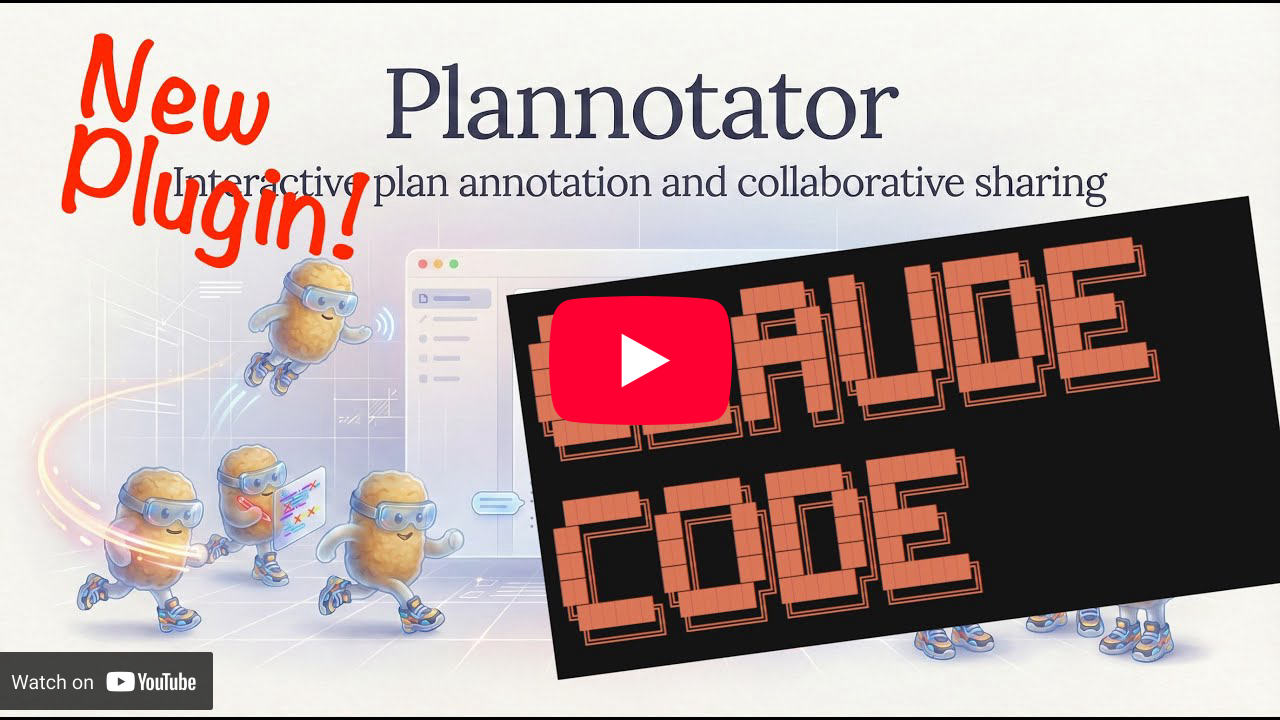
<h3>Claude Code</h3>
<a href="https://www.youtube.com/watch?v=a_AT7cEN_9I">
</a>
</td>
<td align="center" width="50%">
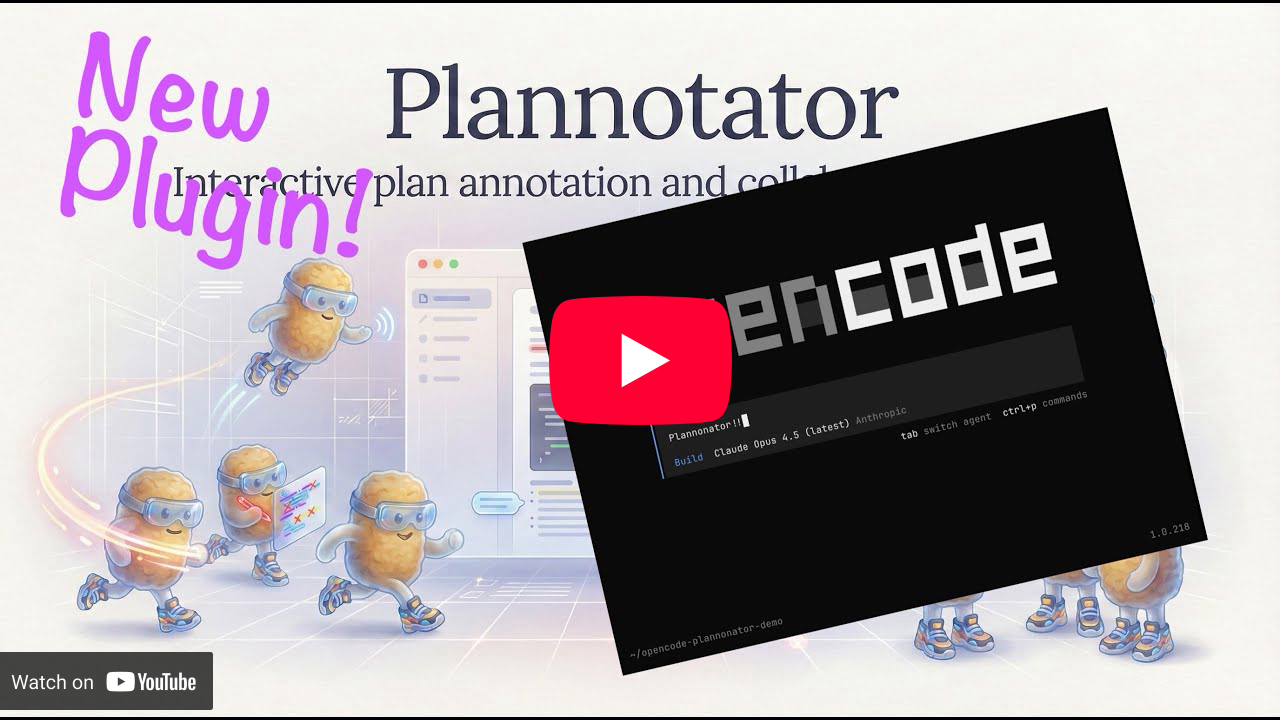
<h3>OpenCode</h3>
<a href="https://youtu.be/_N7uo0EFI-U">
</a>
</td>
</tr>
</table>
Features
<table>
<tr><td><strong>Visual Plan Review</strong></td><td>Built-in hook</td><td>Approve or deny agent plans with inline annotations</td></tr>
<tr><td><strong>Plan Diff</strong></td><td>Automatic</td><td>See what changed when the agent revises a plan</td></tr>
<tr><td><strong>Code Review</strong></td><td><code>/plannotator-review</code></td><td>Review git diffs with line-level annotations</td></tr>
<tr><td><strong>Annotate Any File</strong></td><td><code>/plannotator-annotate</code></td><td>Annotate any markdown file and send feedback to your agent</td></tr>
</table>
Sharing Plans
Plannotator lets you privately share plans, annotations, and feedback with colleagues. For example, a colleague can annotate a shared plan, and you can import their feedback to send directly back to the coding agent.
Plans are shared via compressed URL through a static site: share.plannotator.ai
- No backend or database; nothing is stored
- The site's deployment is open source
- You can self-host your own share site and point Plannotator to it via an environment variable (see docs)
[!NOTE]
share.plannotator.ai uses a default fallback (demo) plan that is hard-coded into the site. This isn't a leaked plan—the site has no storage layer.
Install
Install for Claude Code
Install the plannotator command:
macOS / Linux / WSL:
curl -fsSL https://plannotator.ai/install.sh | bashWindows PowerShell:
irm https://plannotator.ai/install.ps1 | iexThen in Claude Code:
/plugin marketplace add backnotprop/plannotator
/plugin install plannotator@plannotator

# IMPORTANT: Restart Claude Code after plugin install
See apps/hook/README.md for detailed installation instructions including a manual hook approach.
Install for OpenCode
Add to your opencode.json:
{
  "plugin": ["@plannotator/opencode@latest"]
}
Run the install script to get /plannotator-review:
curl -fsSL https://plannotator.ai/install.sh | bashWindows:
irm https://plannotator.ai/install.ps1 | iexThis also clears any cached plugin versions. Then restart OpenCode.
Install for Pi
pi install npm:@plannotator/pi-extensionThen start Pi with --plan to enter plan mode, or toggle it during a session with /plannotator.
See apps/pi-extension/README.md for full usage details, commands, and flags.
How It Works
When your AI agent finishes planning, Plannotator:
- Opens the Plannotator UI in your browser
- Lets you annotate the plan visually (delete, insert, replace, comment)
- Approve → Agent proceeds with implementation
- Request changes → Your annotations are sent back as structured feedback
License
Copyright 2025-2026 backnotprop
This project is licensed under either of
- Apache License, Version 2.0 (http://www.apache.org/licenses/LICENSE-2.0)
- MIT license (http://opensource.org/licenses/MIT)
at your option.
Contribution
Unless you explicitly state otherwise, any contribution intentionally submitted
for inclusion in this project by you, as defined in the Apache-2.0 license,
shall be dual licensed as above, without any additional terms or conditions.





