
 Rocket - Think it. Type it. Launch it.
 Mini tools
BaseMax / BlogExpressGraphQLTS
BlogExpressGraphQLTS is a TypeScript-based project for creating a feature-rich blog using Express.js and GraphQL, without relying on NestJS. This project aims to provide a flexible and powerful backend solution for managing a blog application through GraphQL queries and mutations.
README
Blog Express GraphQL TS
BlogExpressGraphQLTS is a TypeScript-based project for creating a feature-rich blog using Express.js and GraphQL, without relying on NestJS. This project aims to provide a flexible and powerful backend solution for managing a blog application through GraphQL queries and mutations.
Features
- GraphQL API: Utilize the power of GraphQL to efficiently query and manipulate data according to your application's needs.
- Express.js: Built on top of Express.js, allowing you to have fine-grained control over your server configuration and middleware setup.
- Type-graph : it is a Modern framework for GraphQL API in Node.js to build schemas more flexible
- Apollo Server : Build a production-ready GraphQL API in Node.js. Fetch and combine results from multiple data sources.
- Full-Featured Blog: Implement a comprehensive set of features for a fully functional blog, including creating, updating, and deleting blog posts, user authentication, comments, tags, and more.
- TypeScript: Leverage TypeScript's static typing to enhance code quality, maintainability, and development experience.
Getting Started
Follow these steps to set up and run the BlogExpressGraphQLTS project on your local machine.
Prerequisites
Make sure you have the following installed:
- Node.js (v14 or higher)
- npm (Node Package Manager)
Installation
Clone the repository:
git clone https://github.com/BaseMax/BlogExpressGraphQLTS.gitNavigate to the project directory:
cd BlogExpressGraphQLTSInstall dependencies:
npm installConfiguration
Rename the .env.example file to .env in the root directory.
Open the .env file and configure the environment variables:
DATABASE_URI=mongodb://localhost/blog-express-graphql # MongoDB connection URI
SECRET_KEY=your-secret-key # Secret key for JWT authentication
Running the Server
Start the server using the following command:
$ tsc

$ npm run dev
The server should now be running at http://localhost:4000. You can access the GraphQL playground at http://localhost:4000/graphql to interact with the API and explore available queries and mutations.
Usage
The GraphQL schema and resolvers define the available queries and mutations for the blog application. You can refer to the schema and resolver files in the src/graphql directory to understand the available functionality and customize them according to your needs.
GraphQL
| Query/Mutation | Description | Screenshot |
|---|---|---|
likeComment |
Like a comment. | 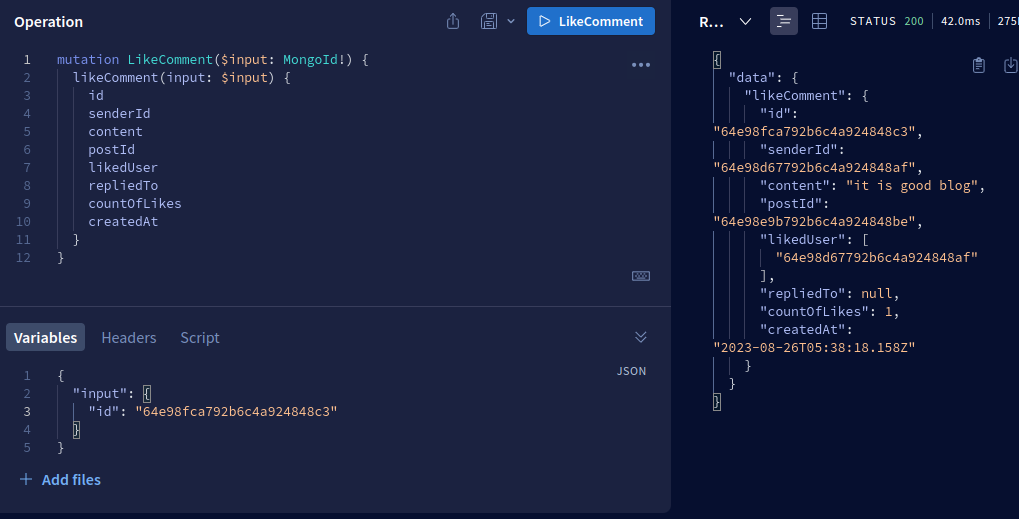 |
unlikeComment |
Remove a like from a comment. | 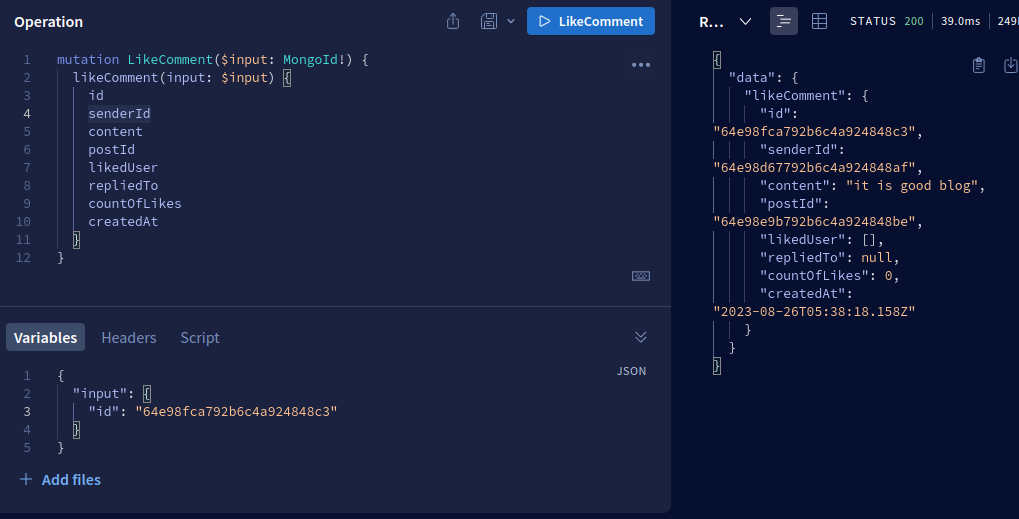 |
updatePost |
Update an existing blog post. | 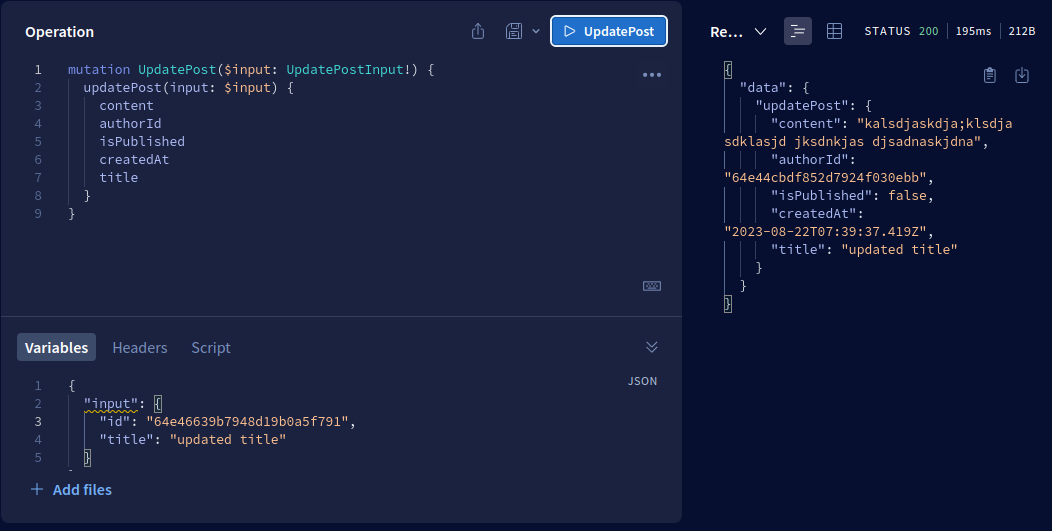 |
getAllTags |
Get a list of all available tags. | 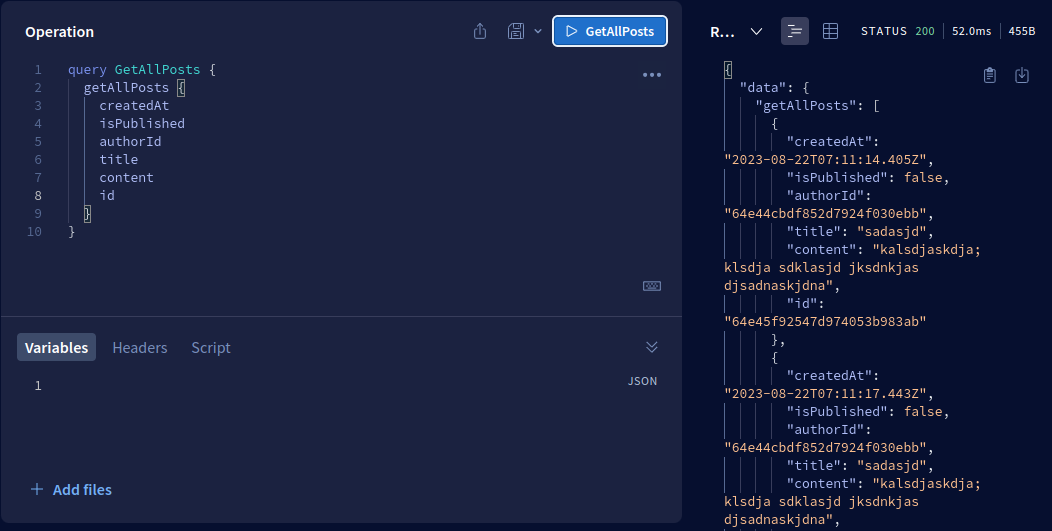 |
getAllPosts |
Get a list of all blog posts. | |
getPostById |
Get a single blog post by ID. | 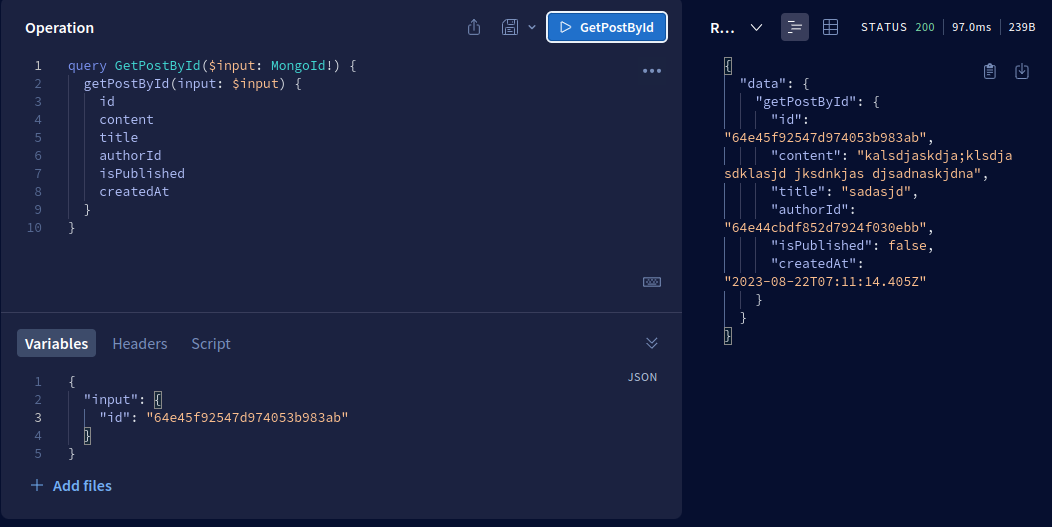 |
login |
Authenticate a user and receive a token. | 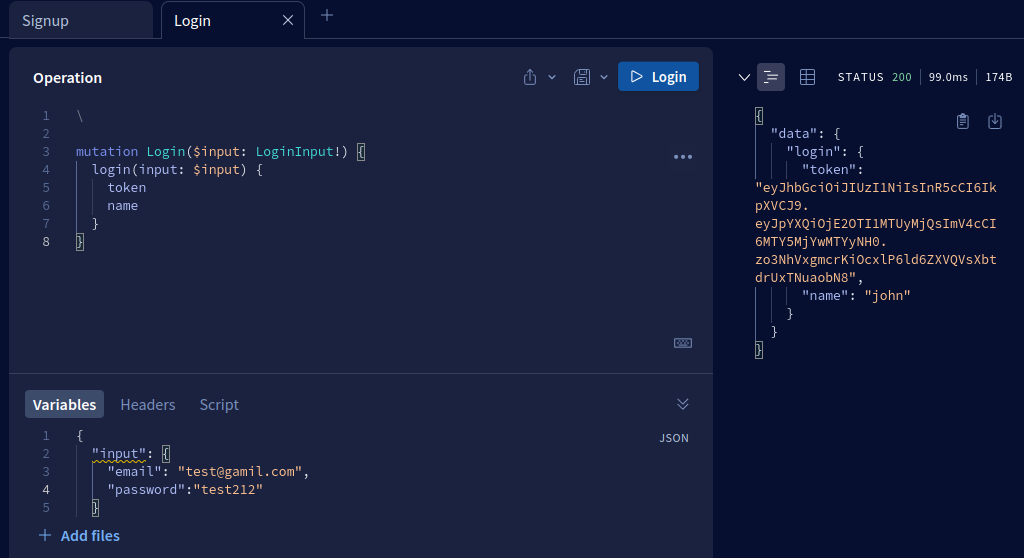 |
createPost |
Create a new blog post. | 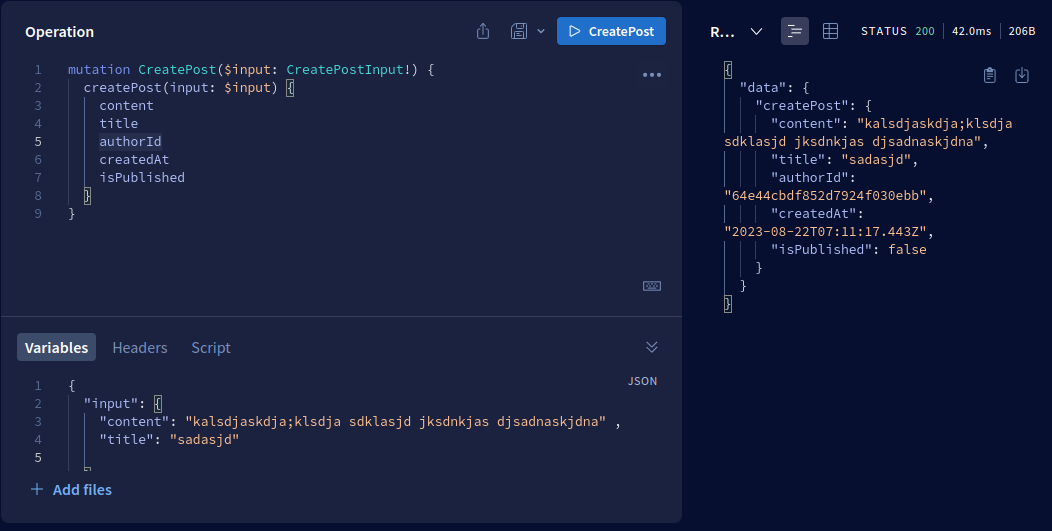 |
deletePost |
Delete a blog post. | 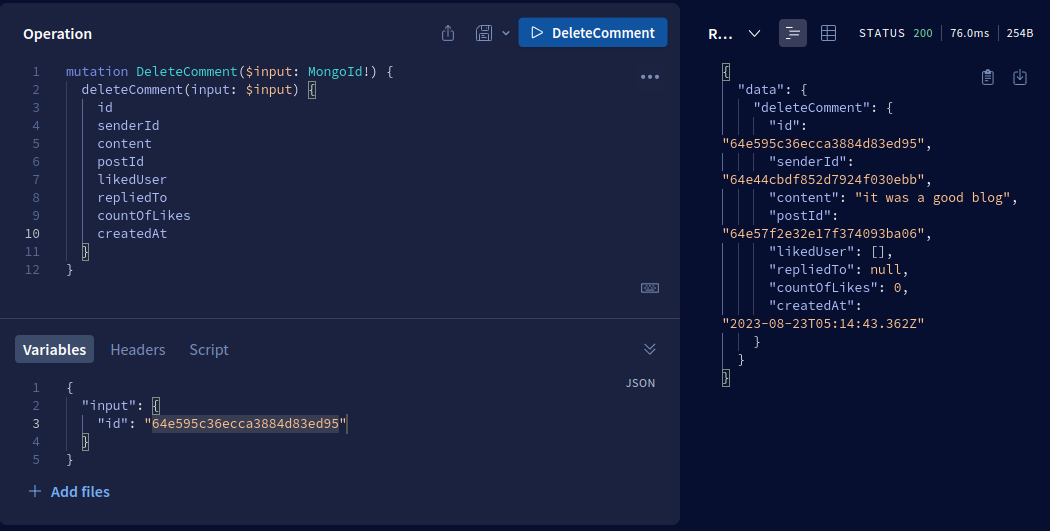 |
createComment |
Add a comment to a blog post. | 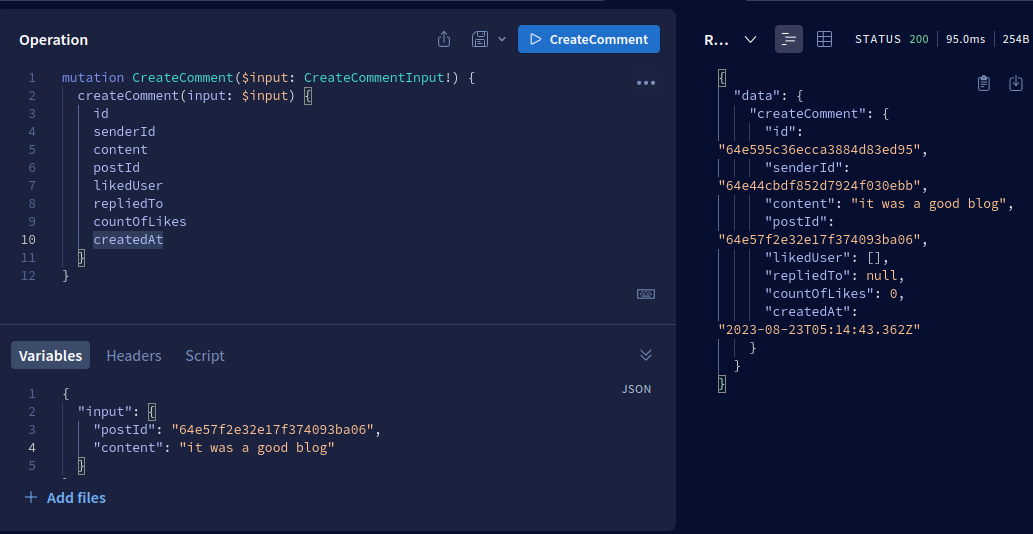 |
updateComment |
Update an existing comment. | 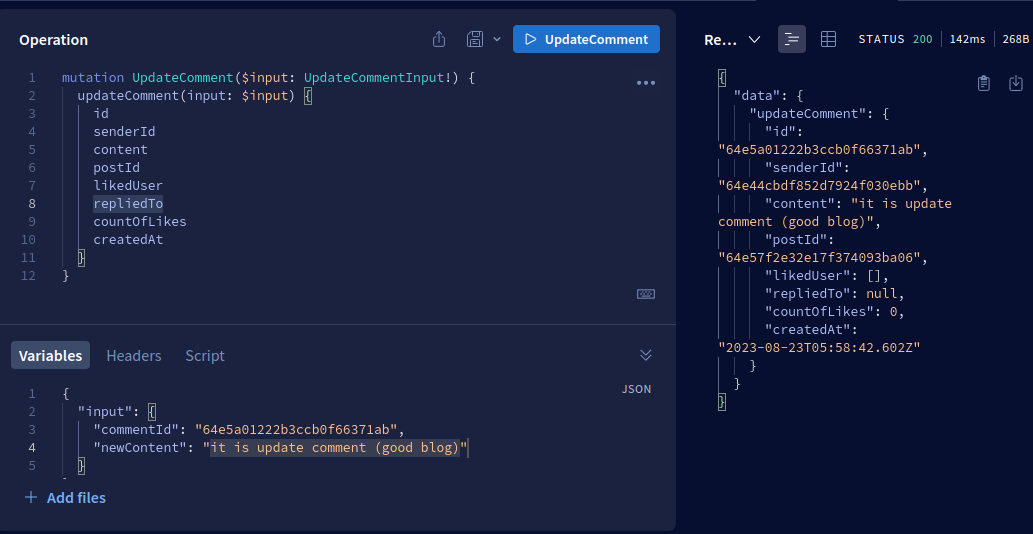 |
deleteComment |
Delete a comment. | |
likePost |
Like a blog post. | |
unlikePost |
Remove a like from a blog post. | 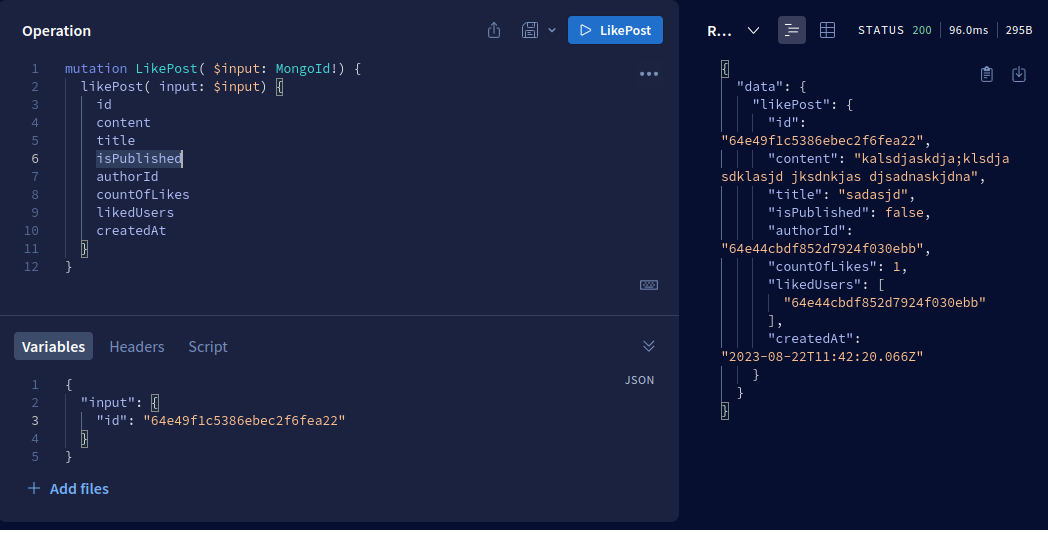 |
getPostsByTag |
Get a list of blog posts by tag. | 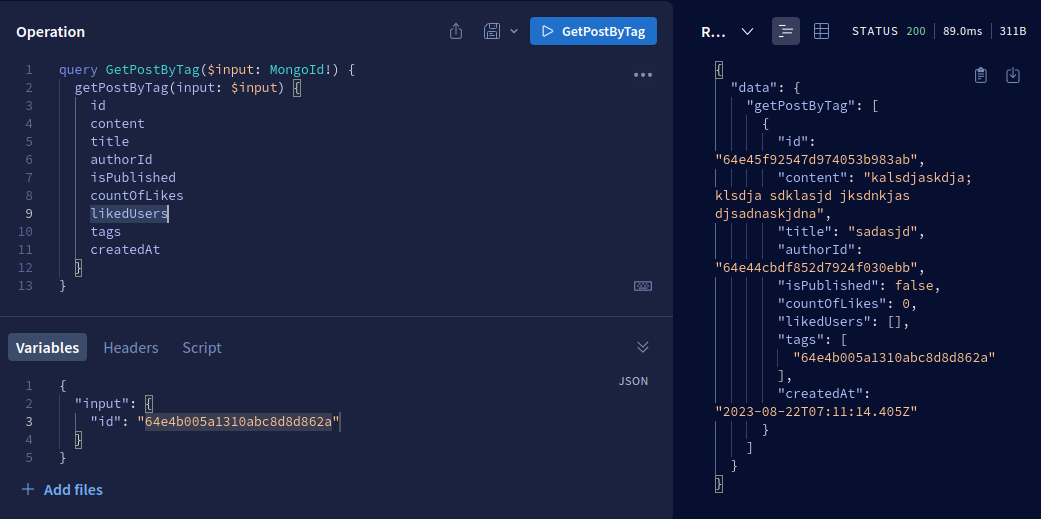 |
searchPosts |
Search for posts based on keywords. | 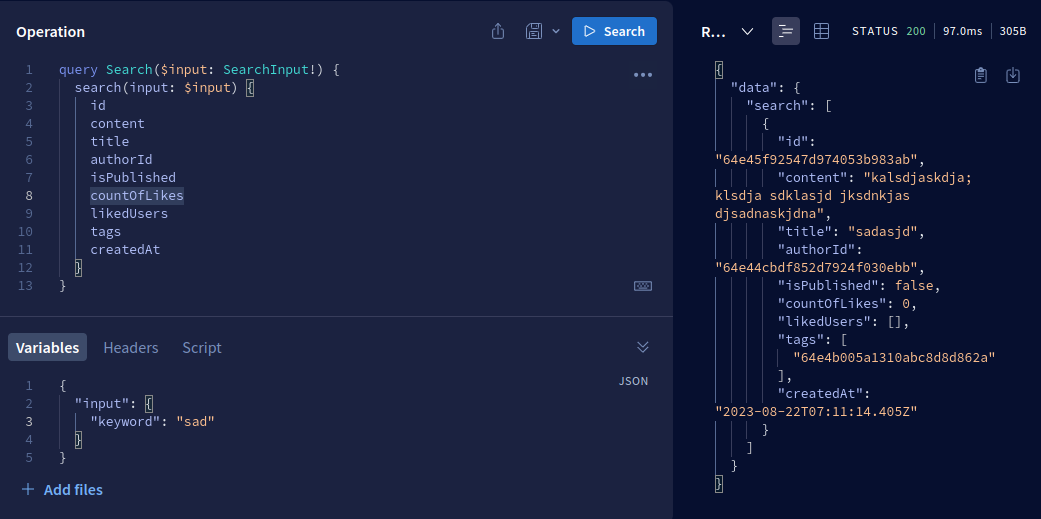 |
signUp |
Create a new user. | 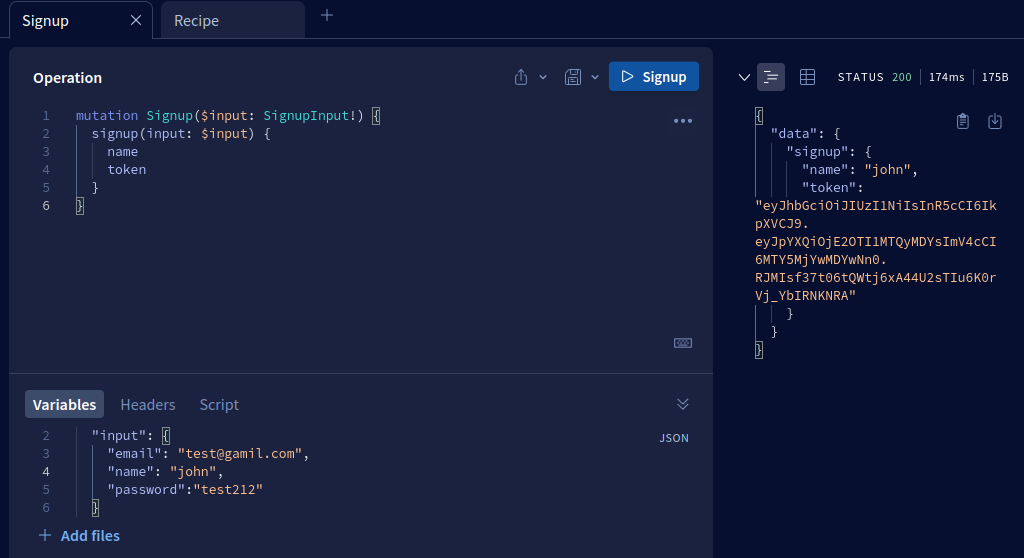 |
addTagToPost |
Add a tag to a post. | 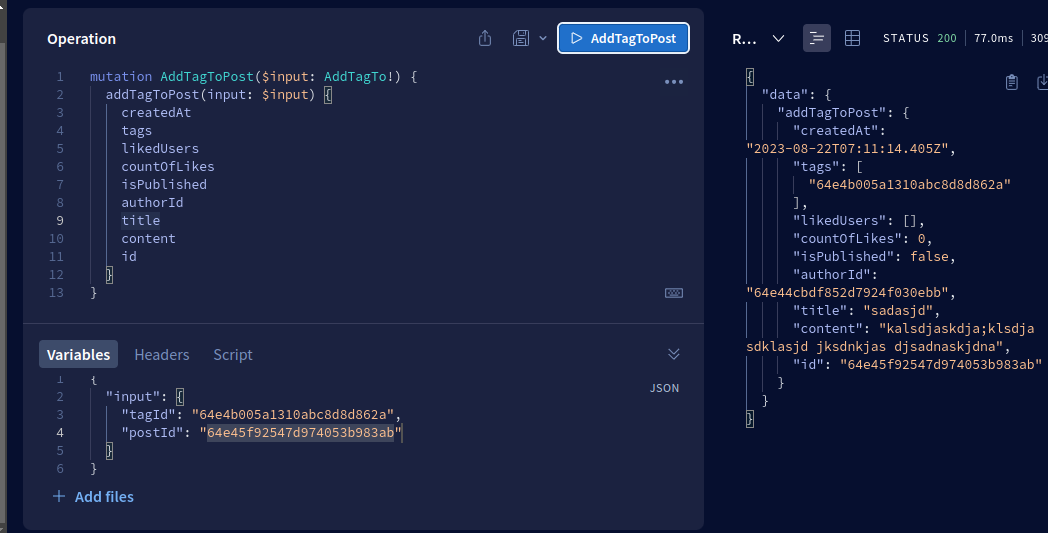 |
removeTagFromPost |
Remove a tag from a post. | 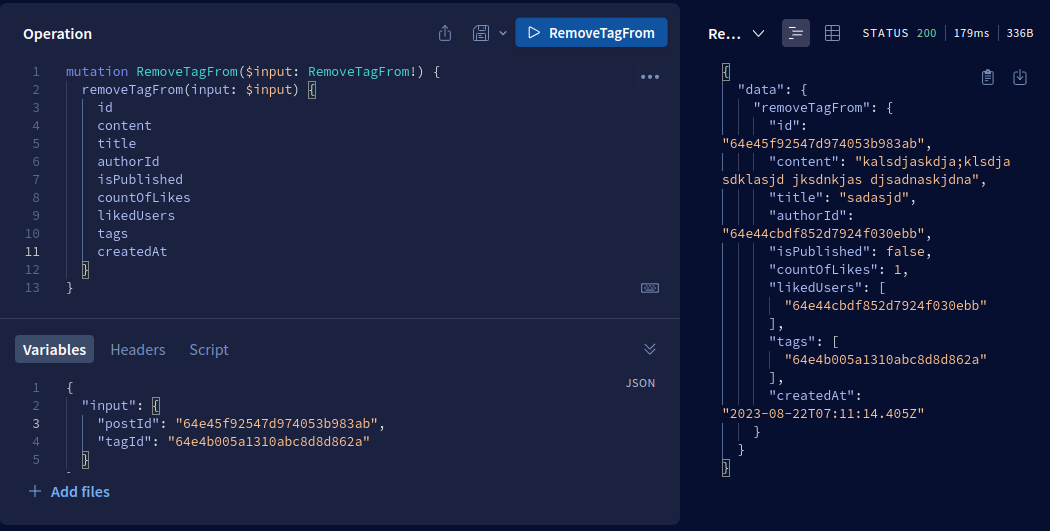 |
createTag |
Create a new tag. | 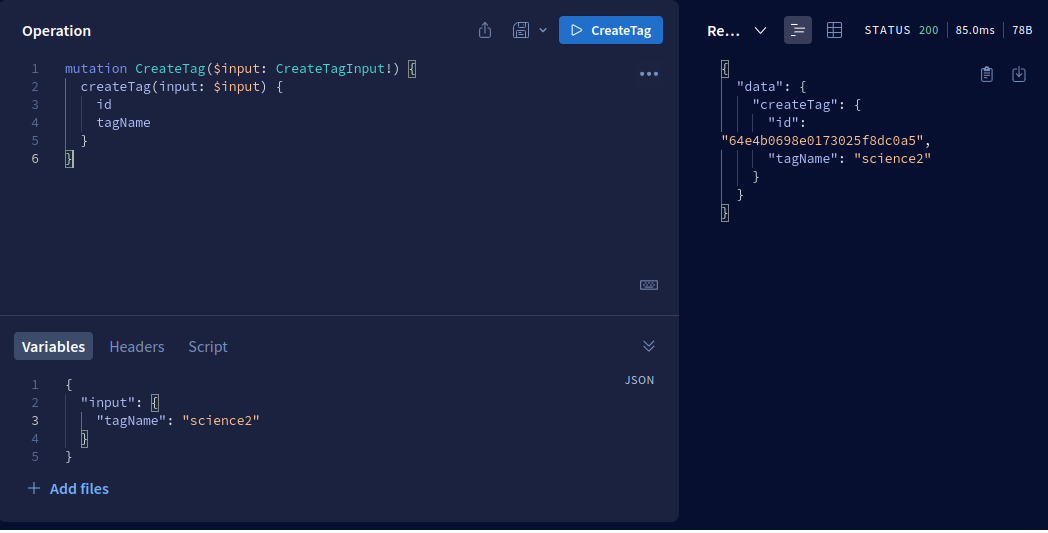 |
deleteTag |
Delete a tag. | 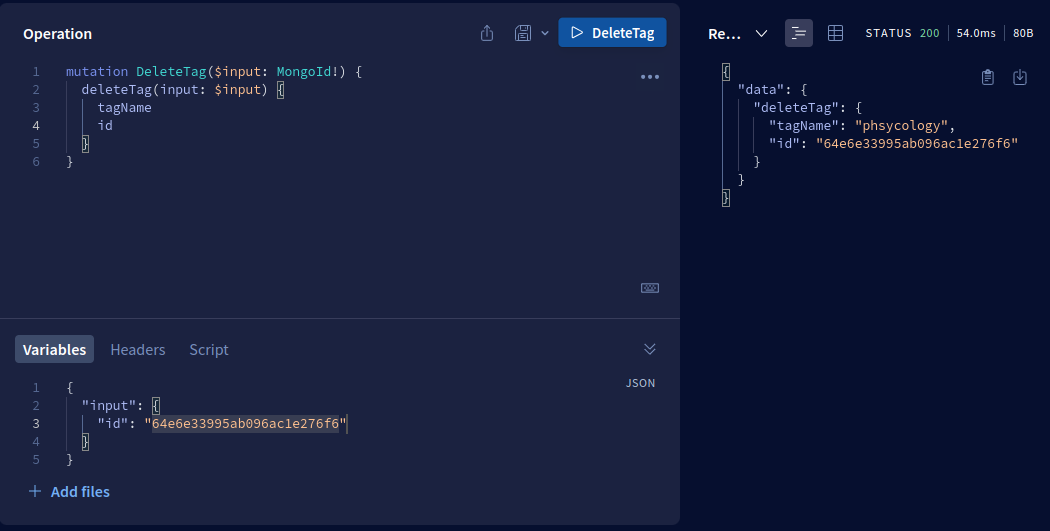 |
getCommentReplies |
Get replies to a specific comment. | 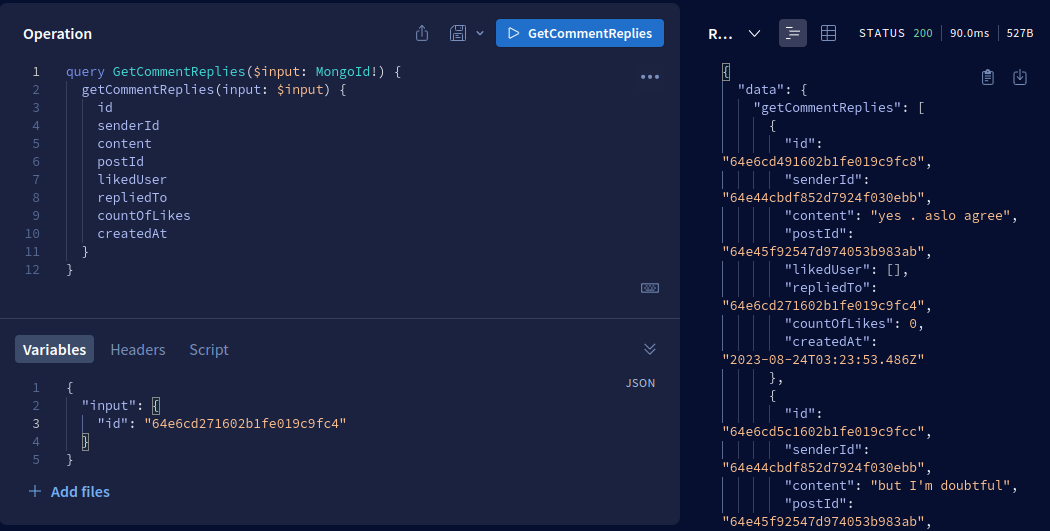 |
createComment |
Create a new comment. | |
publishPost |
Publish a draft post. | 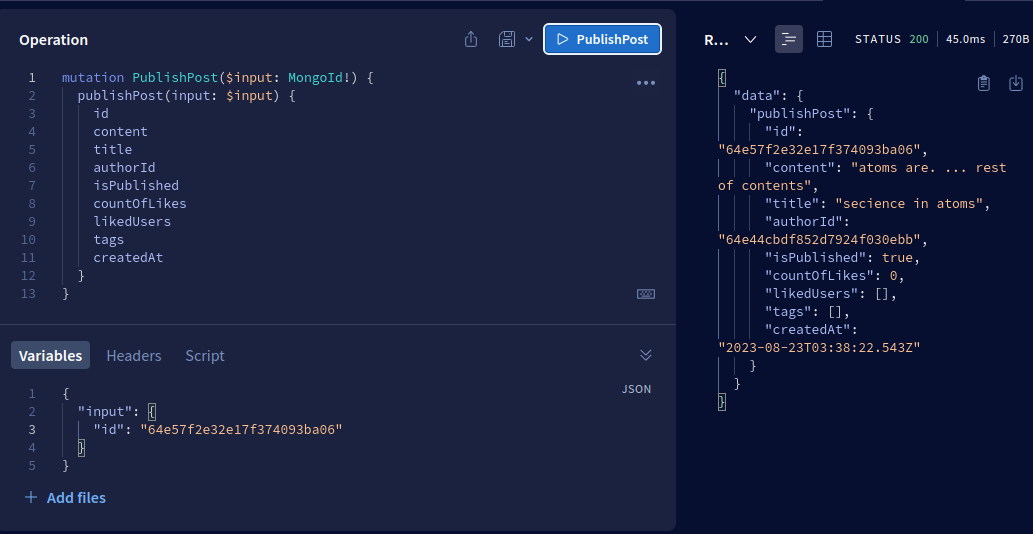 |
getTopTag |
Get top tag by usage count. | 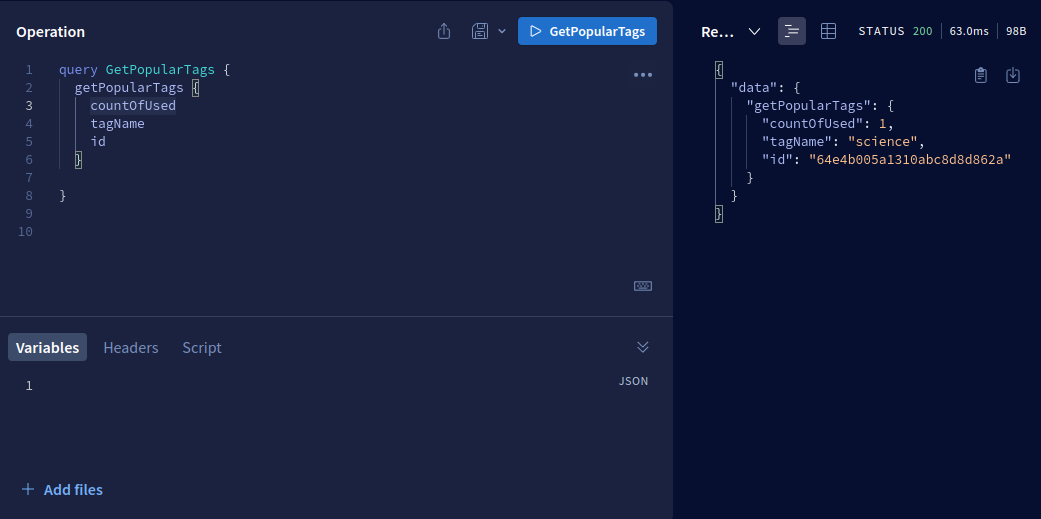 |
getPostComments |
Get comments for a specific post. | 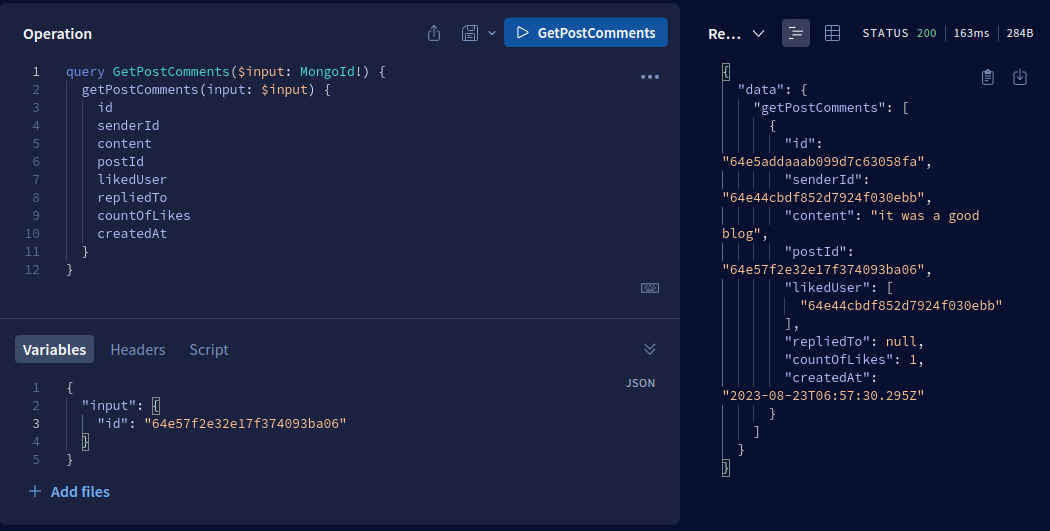 |
createPostComment |
Create a comment on a post. | |
deletePostComment |
Delete a comment on a post. | |
getPostsByPopularity |
Get posts ordered by popularity. | 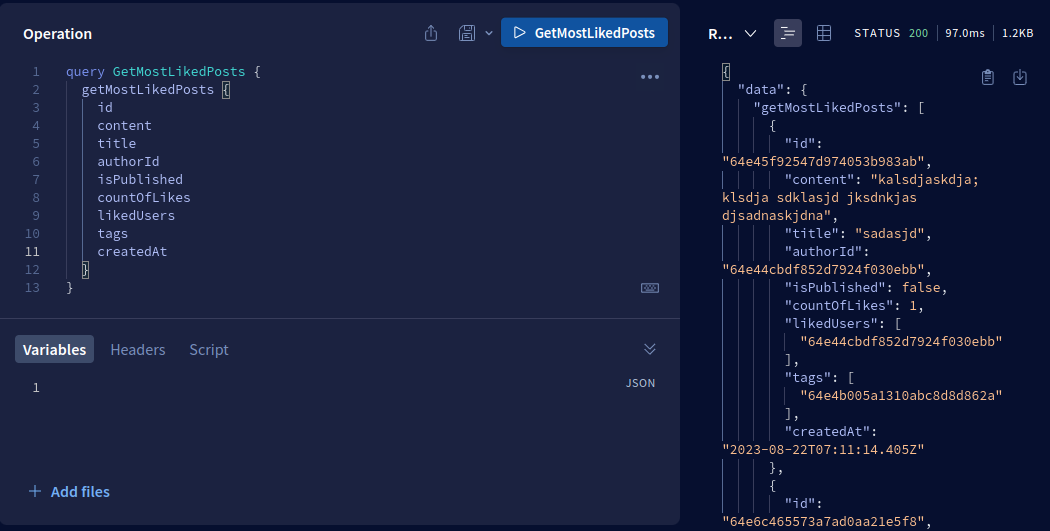 |
getPopularAuthors |
Get popular authors based on likes and comments. | 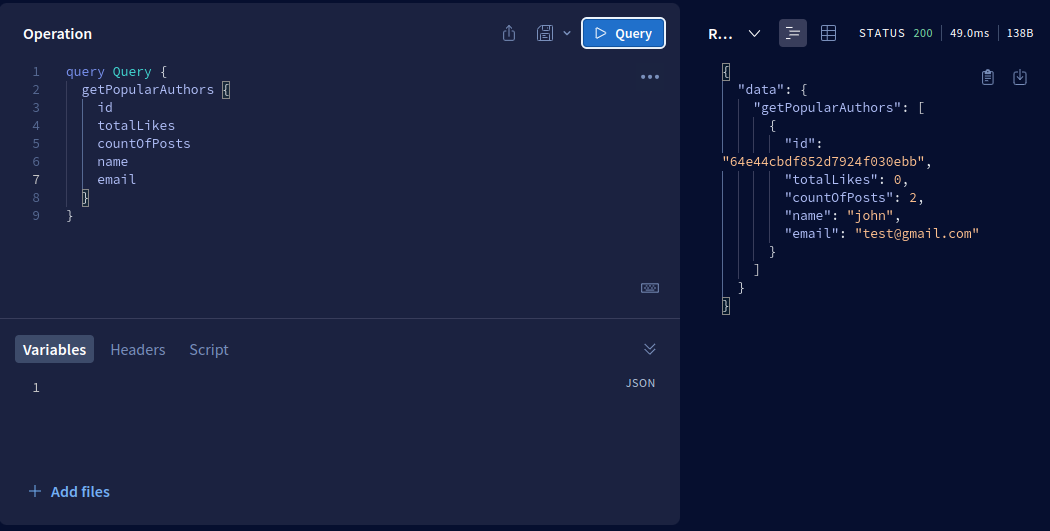 |
getCommentByContent |
Get comments based on content. | 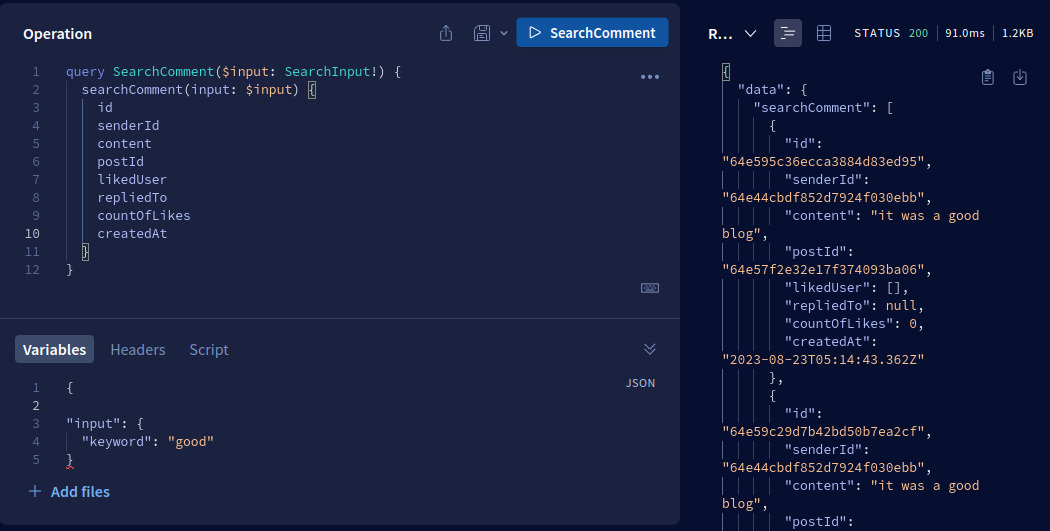 |
getPostsByUser |
Get posts by a specific user. | 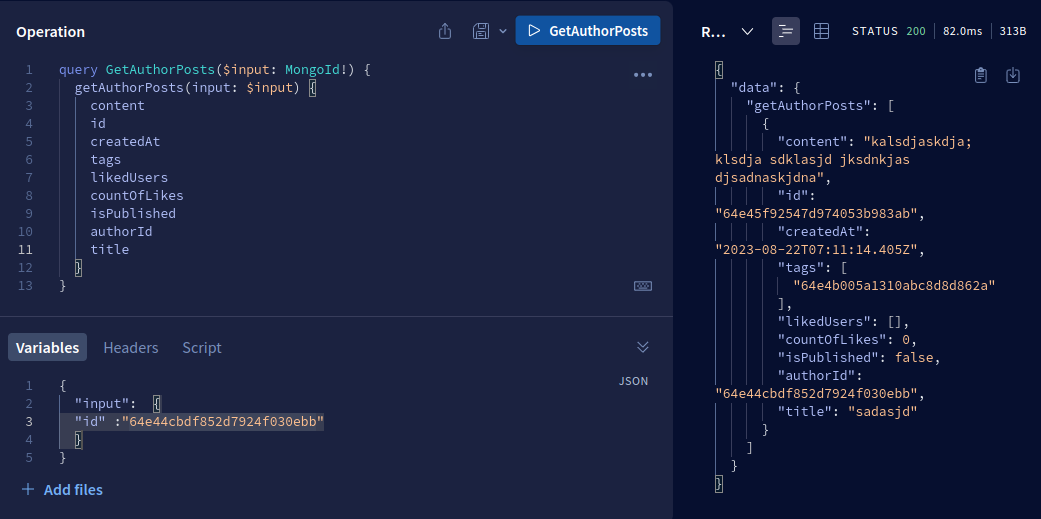 |
getTrendingTags |
Get trending tags based on usage. | |
getPostsByTagAndPopularity |
Get posts of a specific tag ordered by popularity. | |
getTagById |
Get a tag by ID. | 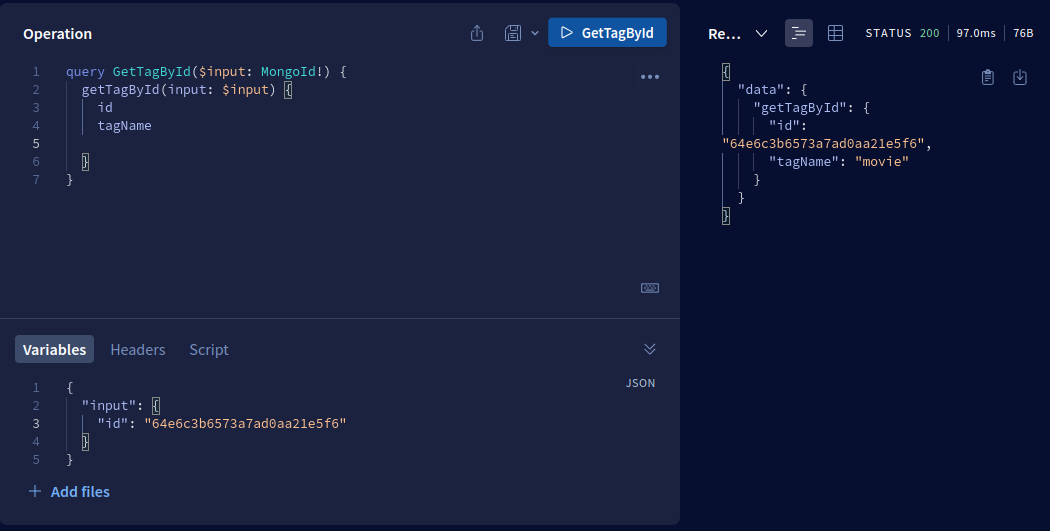 |
Contributing
Contributions are welcome! If you find any issues or want to add new features, feel free to submit a pull request. Please make sure to follow the existing code style and guidelines.
License
This project is licensed under the GPL-3.0 License. See the LICENSE file for details.
Copyright 2023, Max Base





