 Base44 Superagents-AI agent that does it all

 Mini tools
h2oai / nitro-matplotlib
Matplotlib plugin for H2O Nitro
README
Matplotlib plugin for H2O Nitro
This plugin lets you use Matplotlib
and Seaborn visualizations in Nitro apps.
Warning: Try to avoid pyplot in web apps! pyplot maintains references to the opened figures to make show() work, but
this will cause memory leaks unless the figures are properly closed1.
Demo
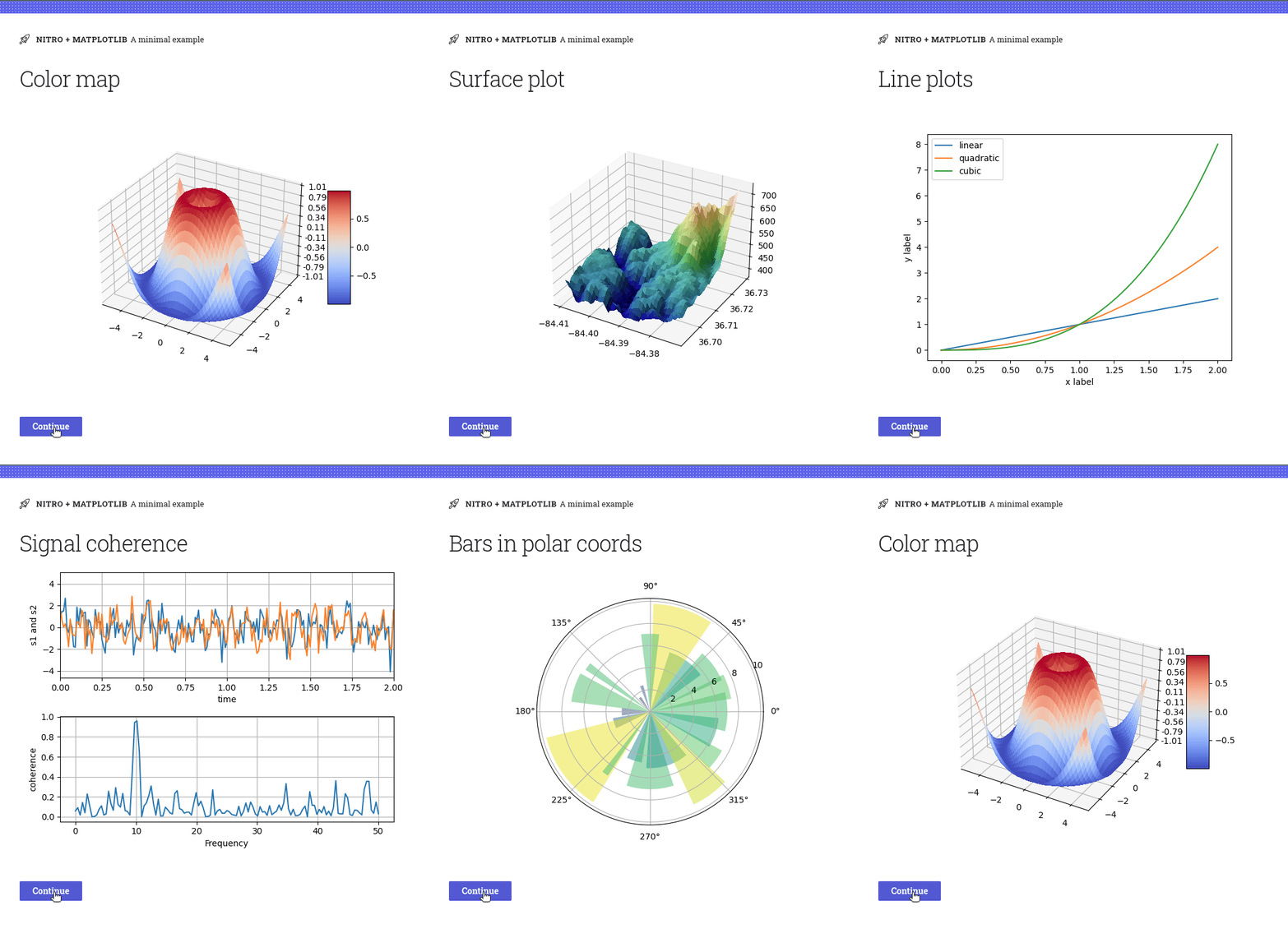
Matplotlib
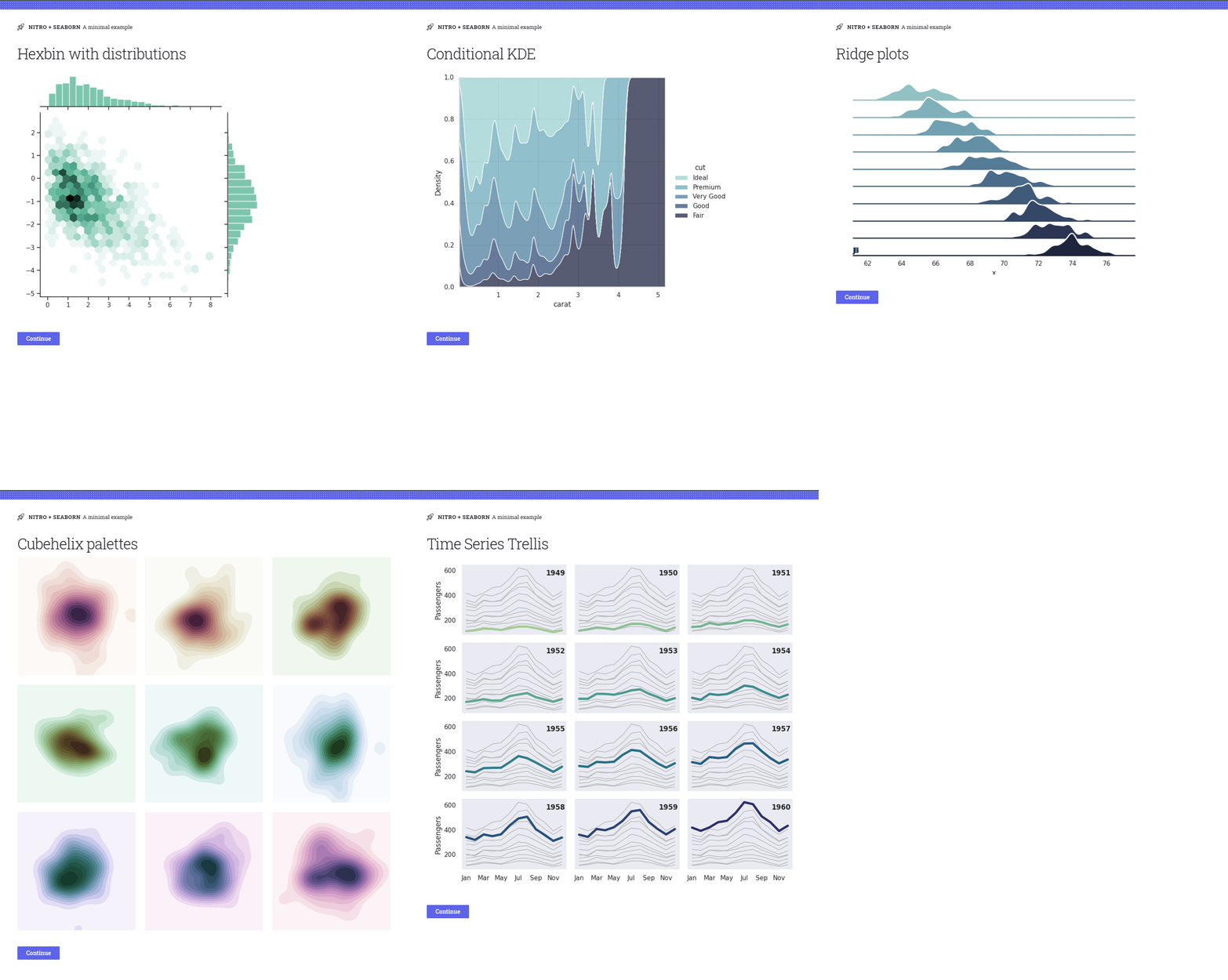
Seaborn
Install
pip install h2o-nitro-matplotlibUsage
- Import the plugin:
from h2o_nitro_matplotlib import matplotlib_plugin, matplotlib_box- Register the plugin:
nitro = View(main, title='My App', caption='v1.0', plugins=[matplotlib_plugin()])- Use the plugin:
# Make a figure:
x = np.linspace(0, 2, 100)  # Sample data.
fig = Figure()
ax = fig.subplots()
ax.plot(x, x, label='linear')  # Plot some data on the axes.
ax.plot(x, x ** 2, label='quadratic')  # Plot more data on the axes...
ax.plot(x, x ** 3, label='cubic')  # ... and some more.
ax.set_xlabel('x label')  # Add an x-label to the axes.
ax.set_ylabel('y label')  # Add a y-label to the axes.
ax.legend()  # Add a legend.

# Display the figure:
view(matplotlib_box(fig))
Change Log
- v0.2.1 - Jun 09, 2022
- Fixed
- Don't return value from plots.
- Fixed
- v0.2.0 - May 30, 2022
- Added
- Use global pyplot if a figure is not passed (for Seaborn support).
- Added
- v0.1.0 - May 29, 2022
- Initial Version





