Rocket - Start building, Now!

 Mini tools
Mini Tools



Jeff Ermoian
Feb 10, 2026
@POSTERIZED IMAGES
Does what it says pretty consistently. Doesn't make changes to the source image


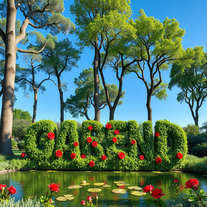














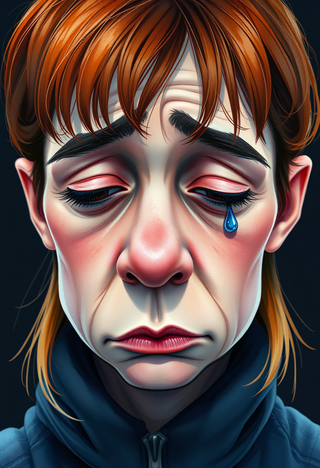

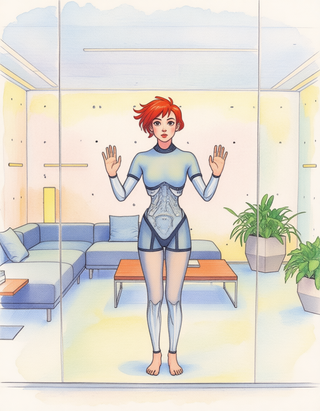


I am very satisfied with the result, and all from the first prompt. great.

























Open













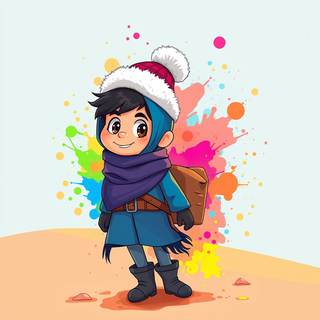
Transform any character into vibrant cartoon art with whimsical rainbow splashes.
Open
















Open
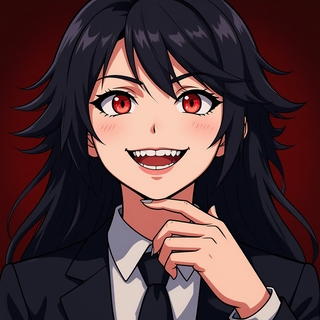

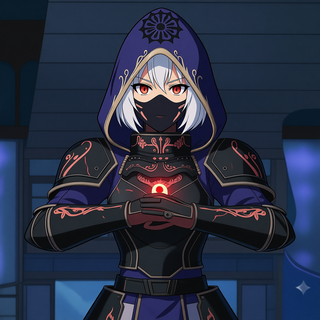


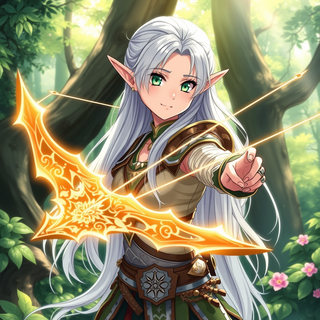
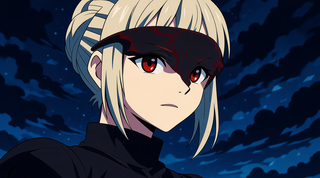
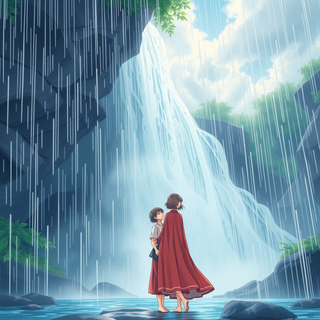
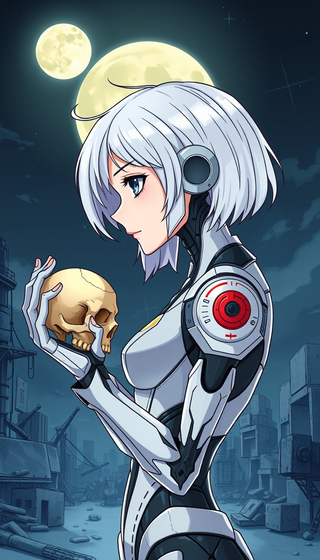

not at all accurate

Open


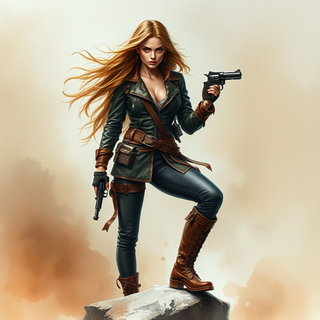


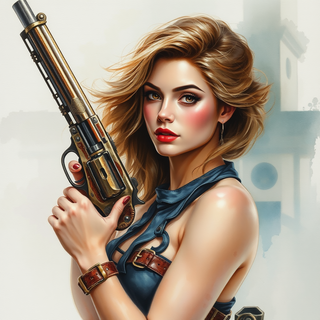



It follows the prompt almost precisely and offers a free 4x upscale ;-)

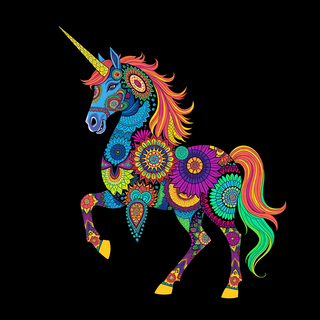







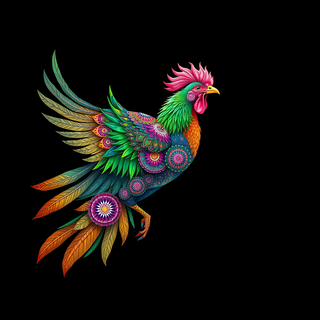







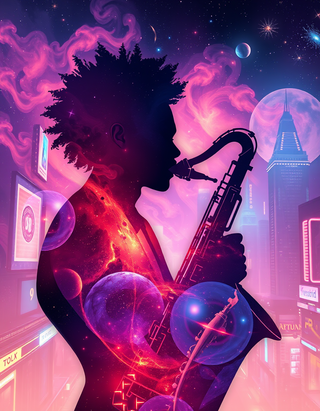









Generate ultra-realistic 8K freefall photographs with perfect identity accuracy.
Open

Open




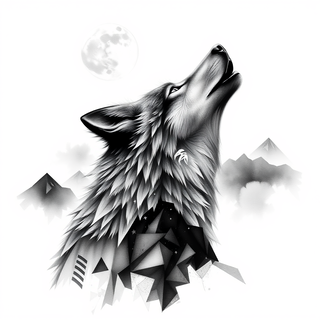


Transform photos into Coca-Cola Christmas ads with polar bears.
Open



### Mastering the Art of Introductions: A Guide to Making a Memorable First Impression
Introductions are a crucial aspect of our daily interactions, whether we're attending a business meeting, social gathering, or simply meeting someone new. A well-executed introduction sets the tone for future interactions and helps build strong connections. By following these simple yet effective guidelines, you'll feel more confident and poised in any setting.
#### 1. Introducing Yourself: Take the Initiative
When meeting someone for the first time, a confident self-introduction can make all the difference. Here's how to do it right:
* Establish eye contact and flash a warm smile to put both yourself and the other person at ease.
* Enunciate your name clearly, speaking slowly so the other person can catch it. For example, "Hi, I'm Kristi Johnson, an etiquette coach based in the Midwest."
* Share a brief detail about yourself to spark a conversation. "I specialize in helping people master the art of social and business etiquette."
After introducing yourself, pause briefly to allow the other person to introduce themselves, creating a balanced and respectful interaction from the start.
#### 2. Introducing Others: Show Respect and Consideration
When introducing two people, the way you do it can demonstrate respect and thoughtfulness. Here's how to handle it with grace:
* Give priority to the person you want to honor, such as an older person, a boss, or an important guest. For instance, "Grandma, this is my roommate Kevin. Kevin, this is my Grandmother Harris."
* When introducing someone to a group, start with the new person. "Blake, Kim, Jess, this is Kris. Kris, I'd like you to meet Blake, Kim, and Jess."
* Always use full names and titles in formal settings, unless instructed otherwise. For example, "I'd like to introduce Dr. Lisa Miller."
If the person you're introducing has a nickname they prefer, feel free to use it, but make sure it's what they're comfortable with.
#### 3. Providing Context: Foster Connections
When introducing others, a little context can go a long way in helping them connect. For instance, "Jan, I think you and Helen both used to be Girl Scouts." This small detail gives them common ground to start the conversation.
#### 4. Tips for Kids: Building Confidence
Teaching children how to introduce themselves and others is a great way to build their confidence and social skills. Encourage them to practice these steps, so they become second nature. The big takeaway? Just do it. Even if the introduction isn't perfect, it's much better than no introduction at all.
#### 5. What If You Forget Someone's Name?
Forgetting someone's name happens to the best of us. If it does, don't panic. Simply say, "I apologize, but I've forgotten your name." Most people will appreciate your honesty, and it's far better than avoiding the situation.
By following these simple yet effective guidelines, you'll be well on your way to mastering the art of introductions and making a memorable first impression.

Hi there! The tool works just fine, all you need to do is copy the text you want to rewrite and paste it in the little prompt box, where it says "Enter your prompt here". Click "Generate" and you're done!
Open


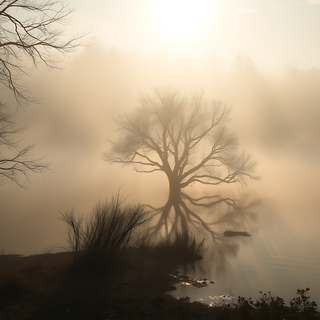




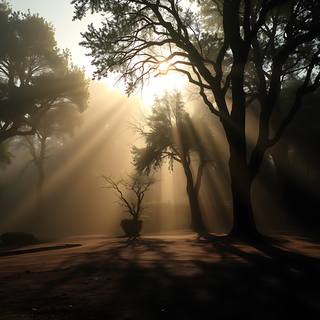








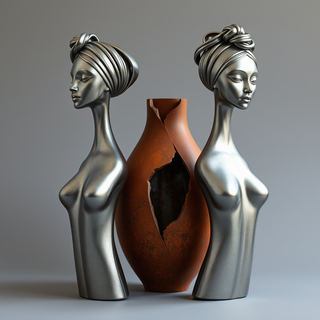


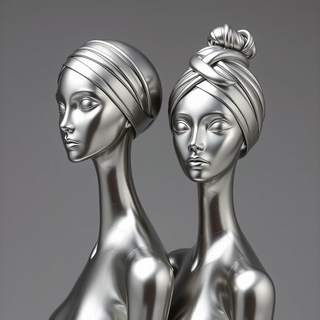



Didn't follow my prompt at all..did it's own thing,which was beautiful just not what I wanted.

Transform ideas into hyper-realistic epoxy resin portraits.
Open


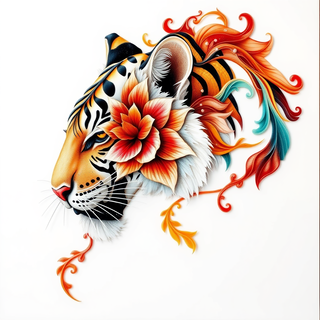





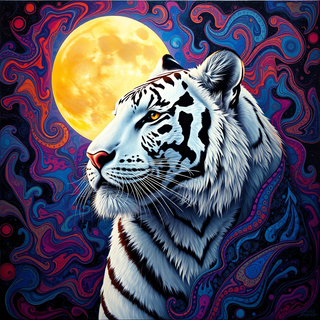
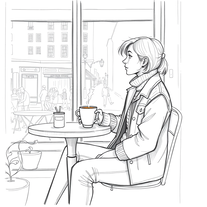



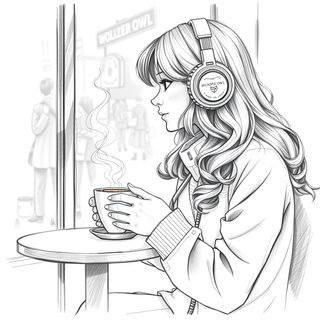

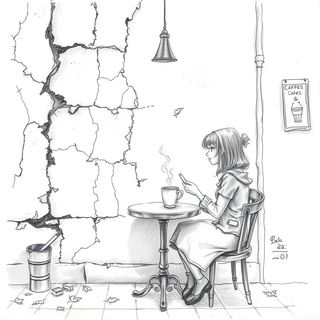
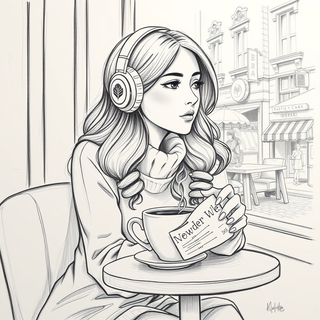
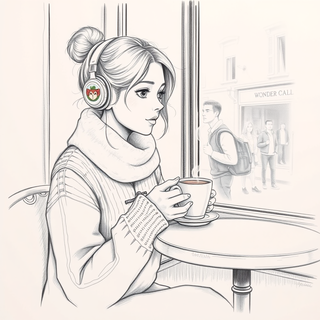


very surprising and real traces, wonderfull
Open
It follows the prompt almost precisely and offers a free 4x upscale ;-)

Create vivid expressionist portraits from any subject.
Open


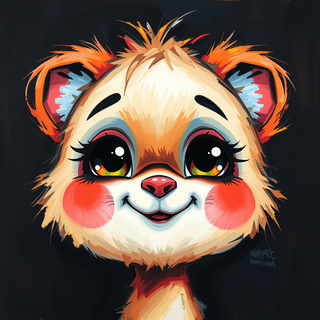

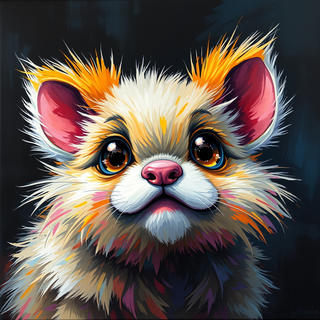

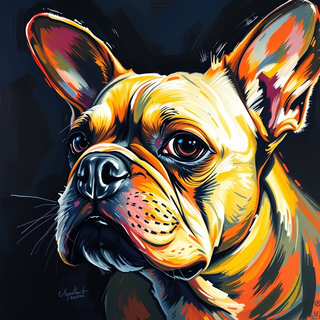




































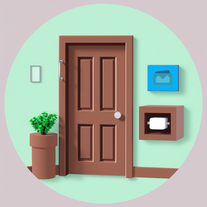
Effortlessly craft Roblox doors with AI-powered Lua scripts.
Open
Here is a script for a sniper rifle in Roblox that includes scope functionality and bullet drop simulation:
```lua
-- SniperRifleScript.lua
-- Services
local Players = game:GetService("Players")
local RunService = game:GetService("RunService")
local TweenService = game:GetService("TweenService")
local UserInputService = game:GetService("UserInputService")
-- Variables
local sniperRifle = script.Parent -- assume the script is a child of the sniper rifle model
local player = Players.LocalPlayer
local character = player.Character
local humanoid = character:FindFirstChild("Humanoid")
local camera = workspace.CurrentCamera
local scopeOverlay = sniperRifle:FindFirstChild("ScopeOverlay") -- a GUI element to display the scope
local fireMode = "Single" -- can be "Single" or "Auto"
local bulletSpeed = 1000 -- meters per second
local bulletDrop = 0.5 -- gravity multiplier
local ammo = 10 -- starting ammo
local reloadTime = 3 -- seconds
local scopeZoom = 10 -- zoom multiplier
-- Functions
local function shoot()
-- Check if the player has ammo
if ammo > 0 then
ammo -= 1
sniperRifle.Ammo.Value = ammo
-- Calculate the direction of the shot
local direction = camera.CFrame.lookVector
-- Raycast to find the target
local ray = Ray.new(camera.CFrame.Position, direction * 1000)
local hit, position, normal = workspace:FindPartOnRay(ray)
-- If a part is hit, create a bullet hole
if hit then
local bulletHole = Instance.new("Decal")
bulletHole.Texture = "http://www.roblox.com/asset/?id=123456" -- replace with your bullet hole decal
bulletHole.Parent = hit
bulletHole.CFrame = CFrame.new(position, normal)
end
-- Simulate bullet drop
local gravity = workspace.Gravity
local bulletDrop Velocity = direction * bulletSpeed
bulletDropVelocity.Y = bulletDropVelocity.Y - gravity * bulletDrop
local bulletPosition = camera.CFrame.Position
local bullet = Instance.new("Part")
bullet.Anchored = true
bullet.CanCollide = false
bullet.Parent = workspace
local bulletTween = TweenService:Create(bullet, TweenInfo.new(1, Enum.EasingStyle.Quad, Enum.EasingDirection.Out), {Position = bulletPosition + bulletDropVelocity * 1000})
bulletTween:Play()
bulletTween:WaitForCompletion()
bullet:Destroy()
else
-- Play an "out of ammo" sound effect
sniperRifle.OutOfAmmoSound:Play()
end
end
local function reload()
-- Play a reload animation
humanoid:LoadAnimation(sniperRifle.ReloadAnimatie).Play()
-- Wait for the reload animation to finish
wait(reloadTime)
-- Refill ammo
ammo = 10
sniperRifle.Ammo.Value = ammo
sniperRifle.ReloadSound:Play()
end
-- Listeners
local function InputBegan(input)
if input.KeyCode == Enum.KeyCode.Mouse0 then
shoot()
elseif input.KeyCode == Enum.KeyCode.R then
reload()
end
end
local function InputChanged(input)
if input.KeyCode == Enum.KeyCode.Mouse2 then
-- Toggle scope
scopeOverlay.Visible = not scopeOverlay.Visible
camera.FieldOfView = scopeOverlay.Visible and 10 or 60
end
end
UserInputService.InputBegan:Connect(InputBegan)
UserInputService.InputChanged:Connect(InputChanged)
-- Initialize
sniperRifle.Ammo.Value = ammo
scopeOverlay.Visible = false
camera.FieldOfView = 60
```
This script assumes that you have already set up a sniper rifle model in Roblox Studio with the following elements:
* A `ScopeOverlay` GUI element to display the scope
* A `ReloadAnimatie` Animation to play when reloading
* An `OutOfAmmoSound` Sound to play when out of ammo
* A `ReloadSound` Sound to play when reloading
* An `Ammo` IntValue to store the current ammo count
The script uses the `UserInputService` to detect when the player presses the left mouse button to shoot, the right mouse button to toggle the scope, and the "R" key to reload. It also uses the `TweenService` to simulate the bullet's trajectory and gravity.
Note that this script is just an example, and you will need to customize it to fit your specific game's requirements. You may also want to add additional features, such as bullet penetration, ricochet, or hit detection.
I hope this helps! Let me know if you have any questions or need further assistance.






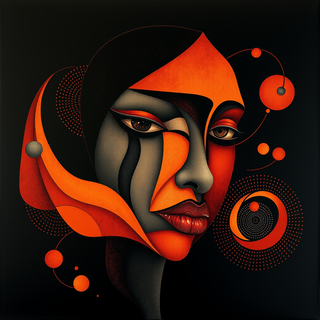
Transform ideas into captivating visuals with AI.
Open

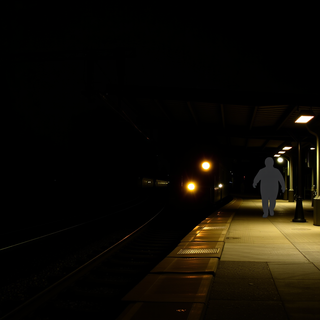
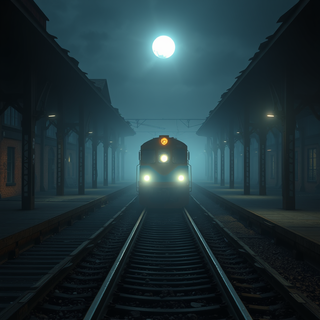



Transform images into mesmerizing, ornate masterpieces.
Open






















Turn your screen into a Michael Myers Halloween nightmare.
Open


























she's so right the app is so hard to see the things around what you create and if you go off it for just one second it deletes everything you have worked for!
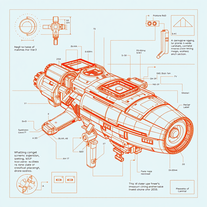
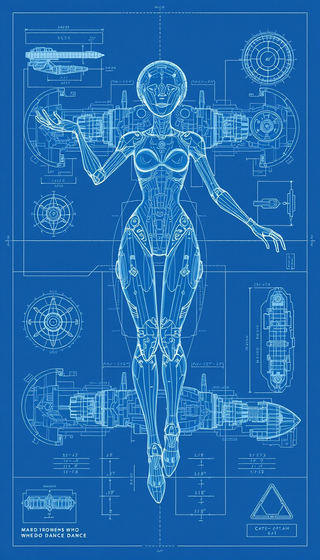
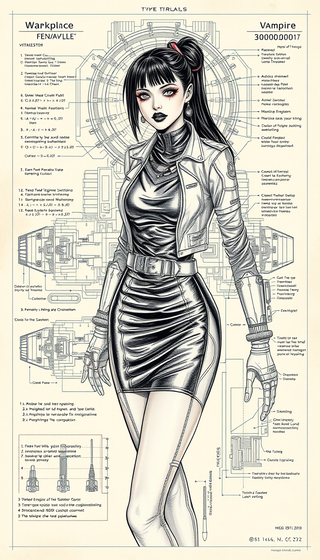
Transform ideas into futuristic sci-fi blueprints.
Open
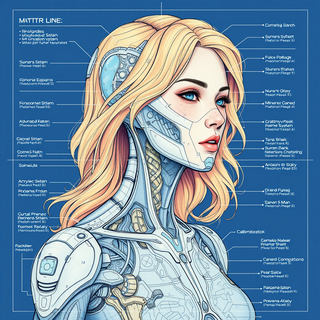

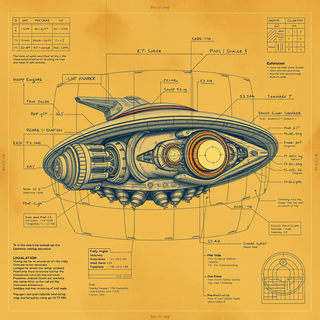

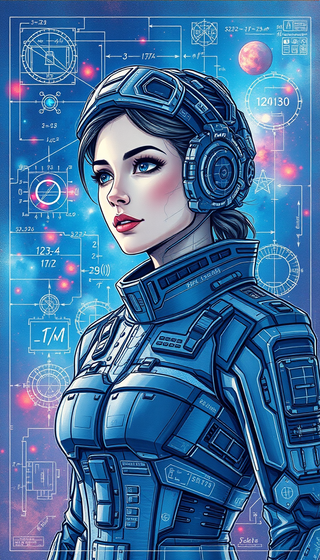
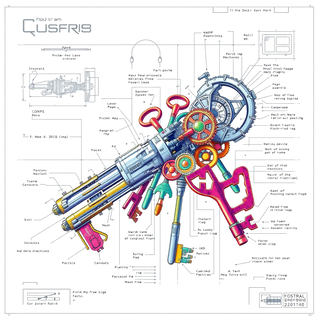
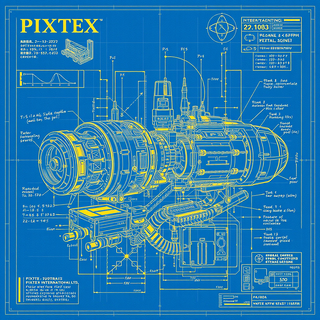

The image generation model uses a basic interpretation and assumes the rest as something random. I am working on improving this and many other factors soon. My tip is to be very objective and basic, that is, let’s say you want to make a cat, simply put black cat on the beach in the prompt, and never use the suggestion because it makes a mess and doesn’t follow it. Take advantage and get to know my tools and again always use key and objective words for your description. You will be successful, ok.

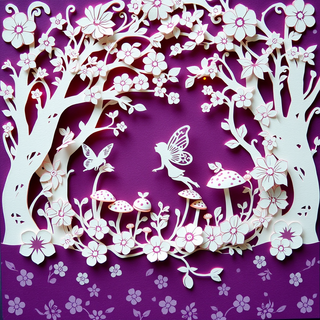
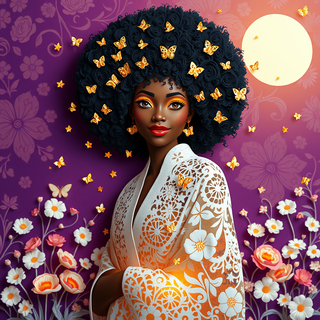
Turn ideas into ethereal paper art masterpieces.
Open














Open