 Rocket - Start building, Now!

 Mini tools
Mini Tools




Ionut Oancea
🛠️ 1 tool
🙏 15 karma
Mar 11, 2025
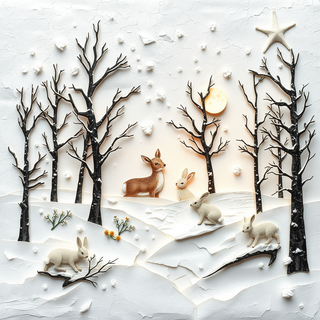
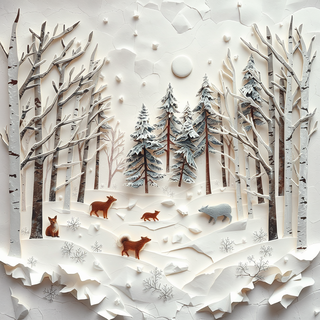
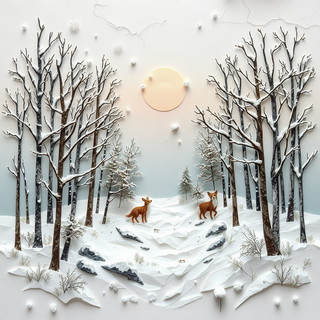
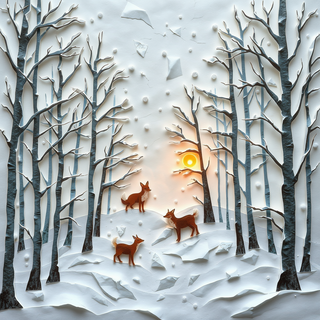
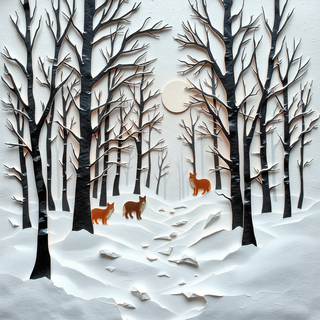
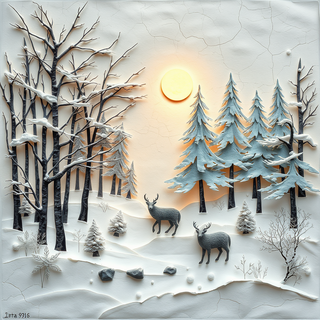
@3d torn paper pieces
very cool, love it!







Open



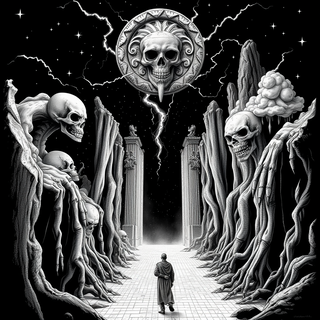
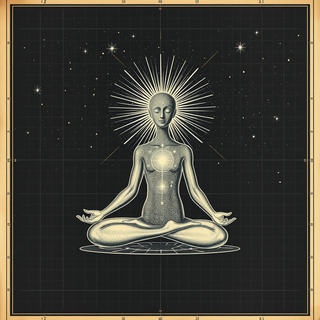
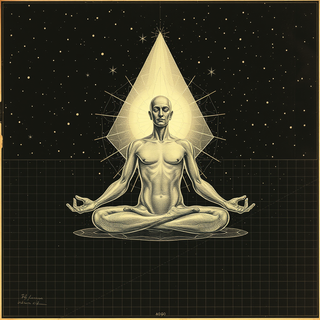


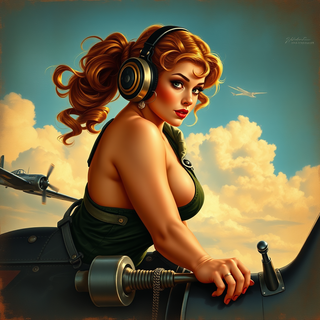
Transform food ideas into mouthwatering visual masterpieces.
Open


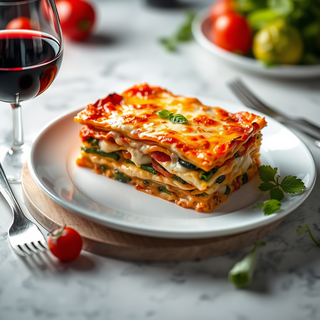


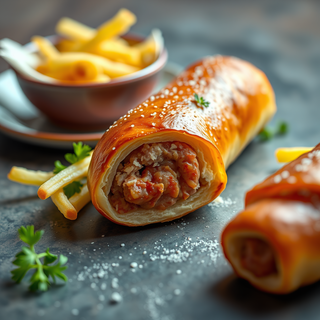
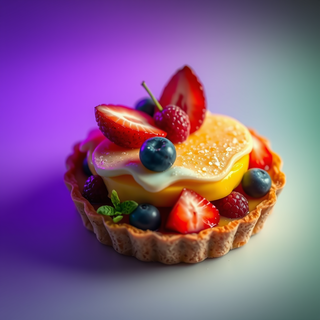

not baaad. it turned my prompts into something that actually looked... tasty? def better than i expected for a mini tool like this. good stuff

Generate ultra-realistic candid photography with facial recreation.
Open


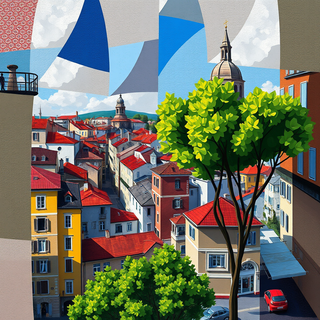
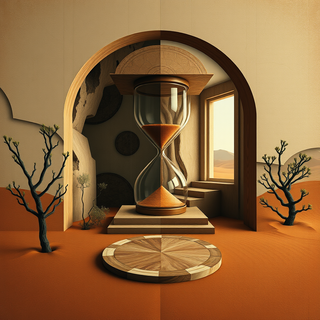
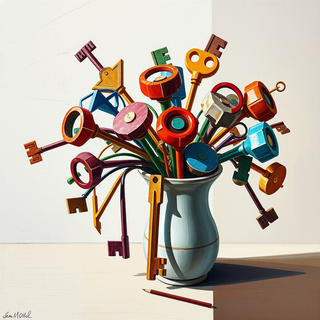
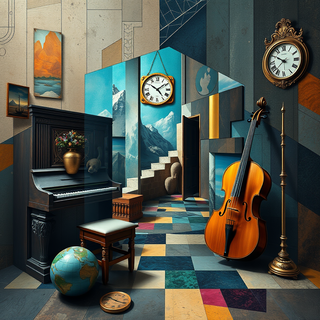
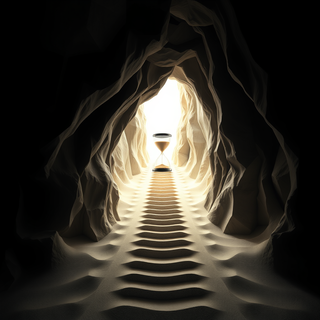
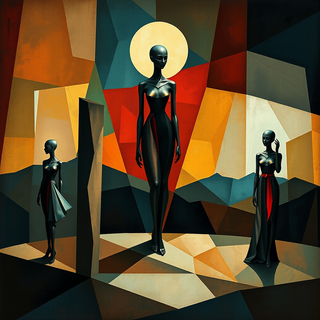
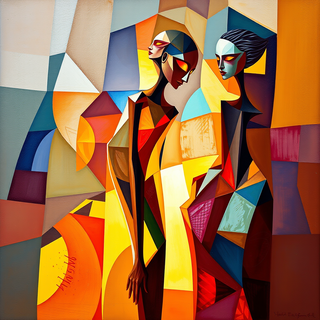



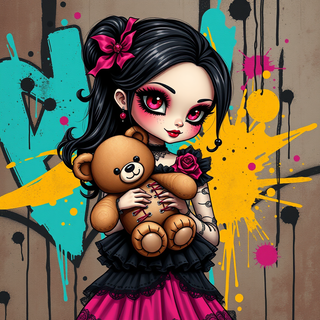
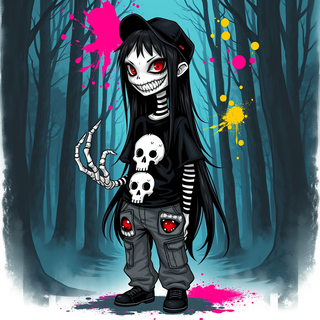
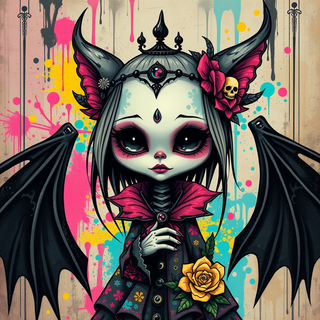
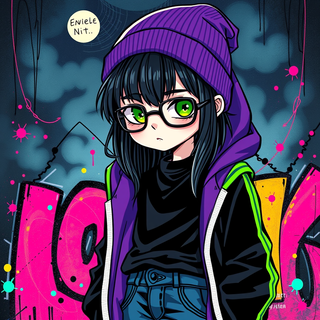
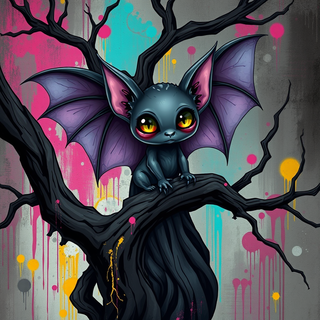
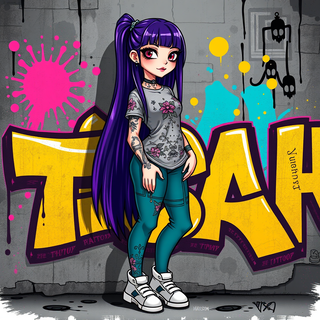

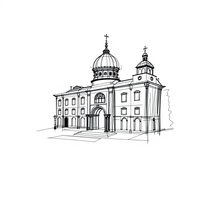
Open
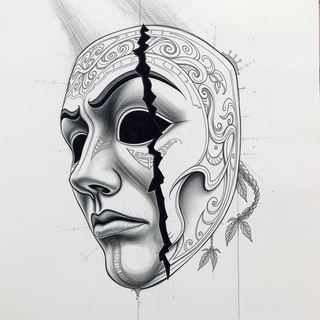
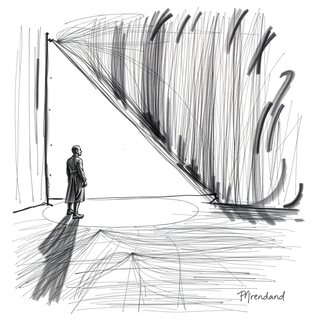

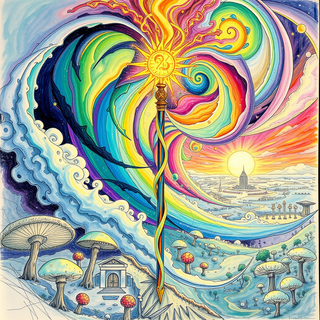
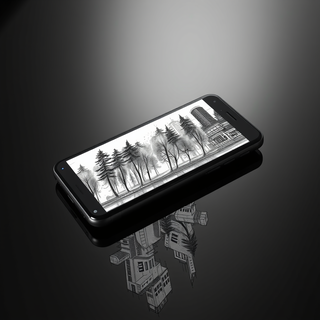


Open




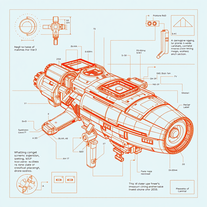
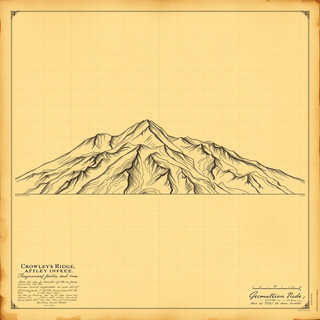
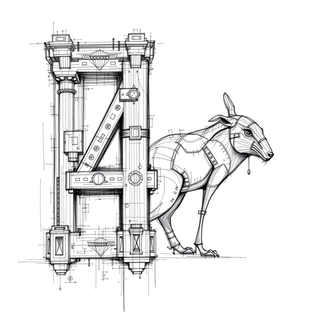
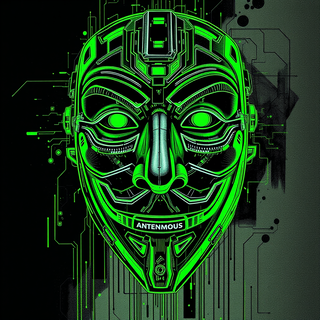
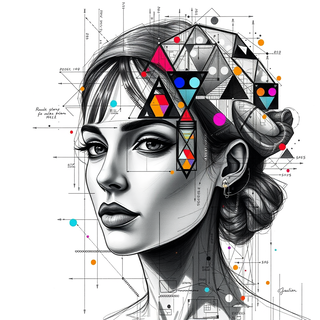
Transform ideas into futuristic sci-fi blueprints.
Open
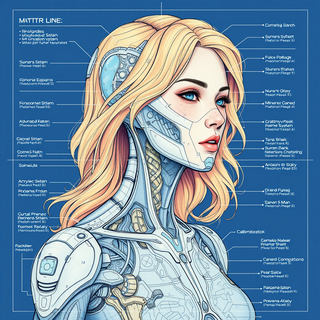
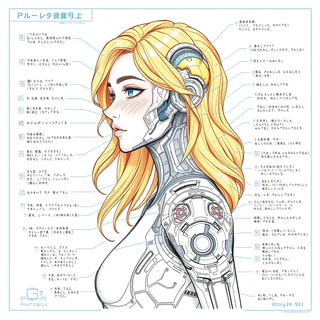
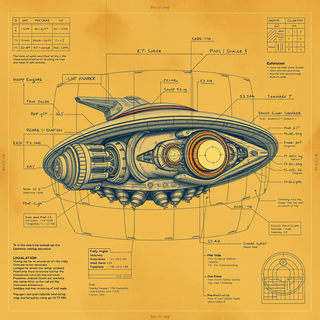

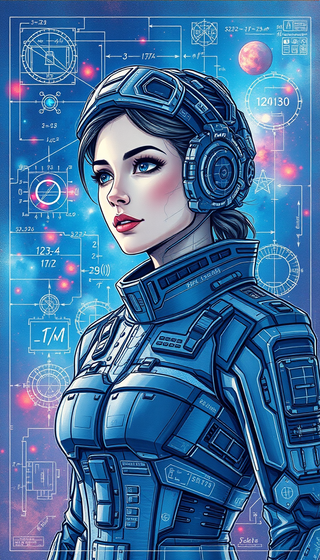
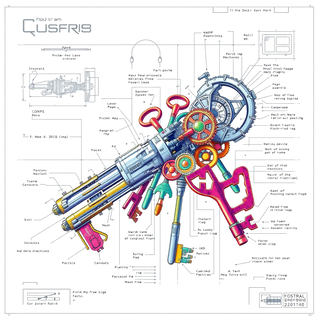
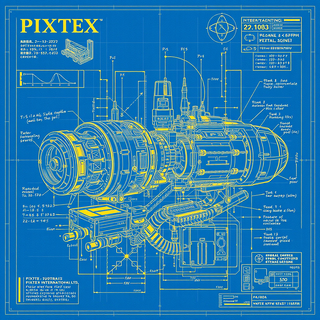
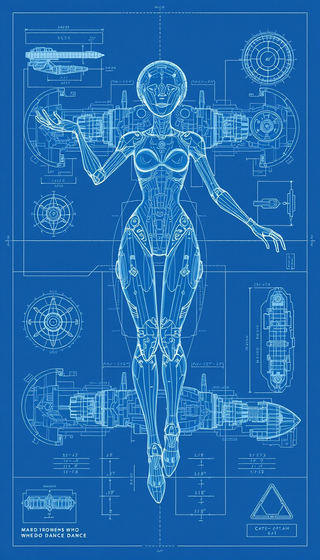
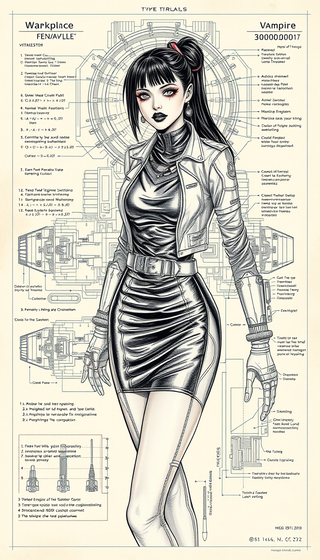

The image generation model uses a basic interpretation and assumes the rest as something random. I am working on improving this and many other factors soon. My tip is to be very objective and basic, that is, let’s say you want to make a cat, simply put black cat on the beach in the prompt, and never use the suggestion because it makes a mess and doesn’t follow it. Take advantage and get to know my tools and again always use key and objective words for your description. You will be successful, ok.

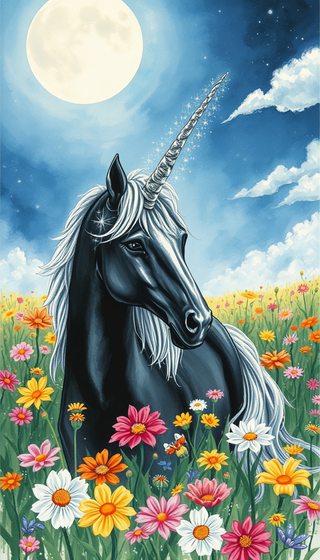
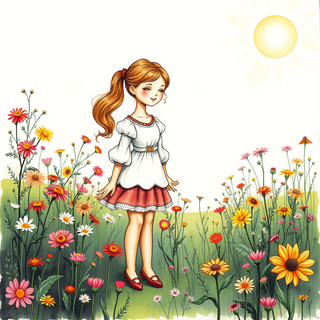
Transform concepts into mesmerizing Art Nouveau artworks.
Open
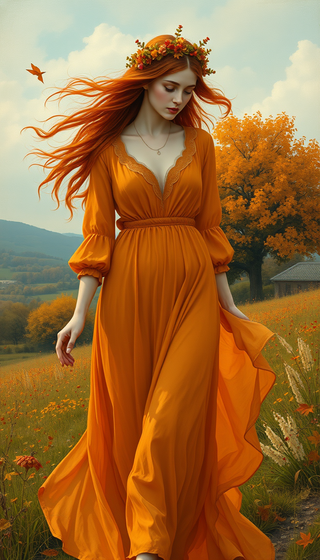
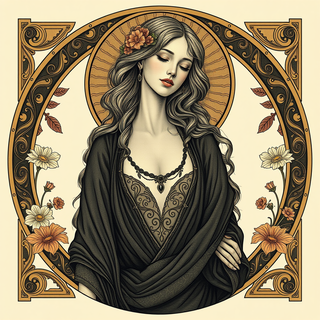

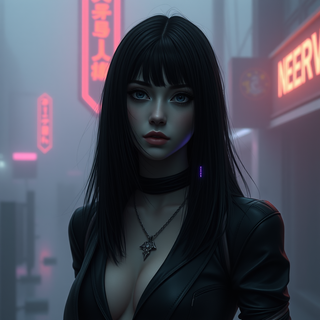

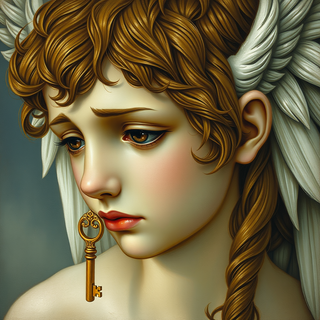

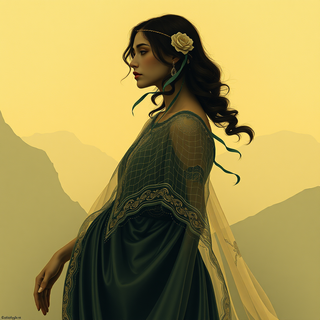
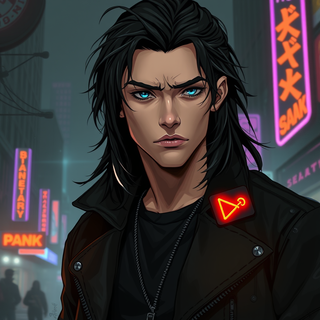
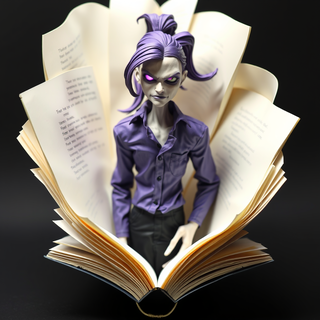
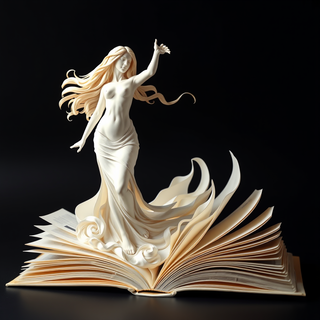


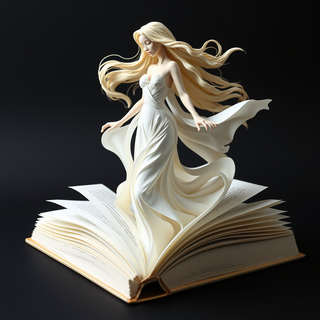
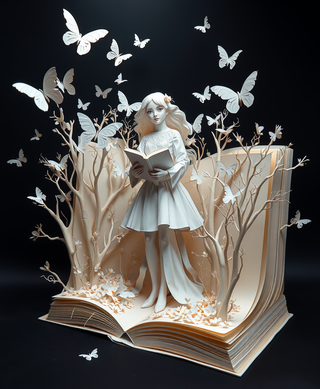
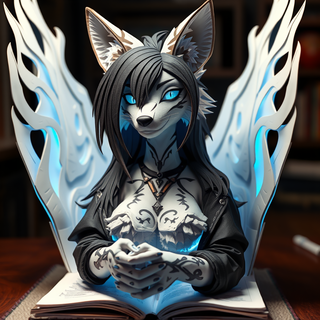
Easily eliminate the background from any image to isolate the subject. Perfect for creating clean product shots, profile pictures, and creative designs with transparent or custom backgrounds.
Open
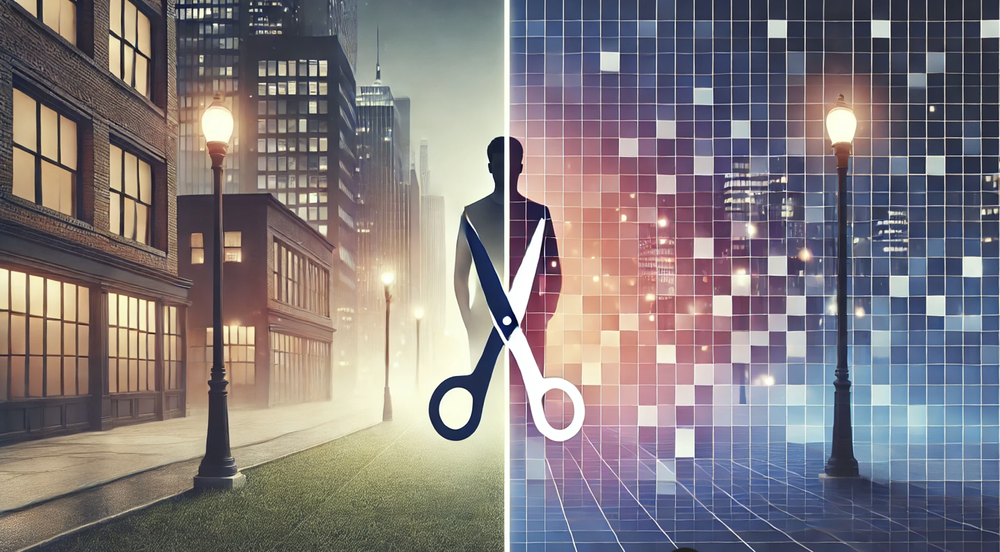

still background removing accuracy is required. it only 80% not 100%

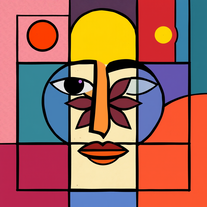
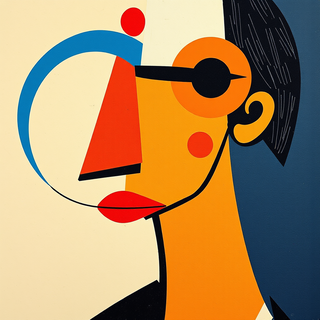
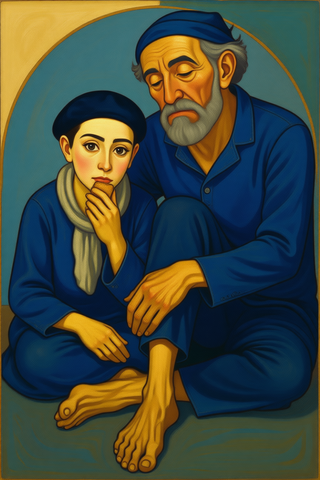
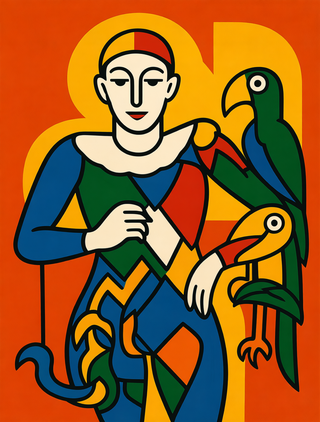
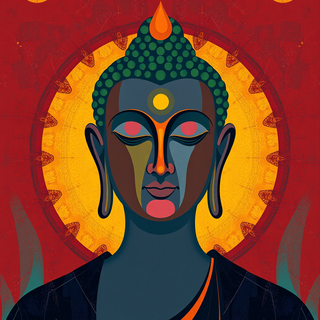
Create vivid expressionist portraits from any subject.
Open
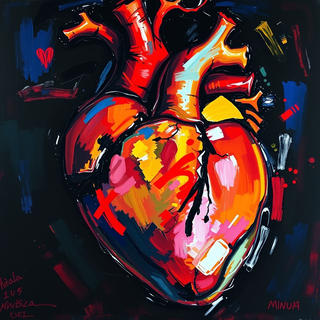

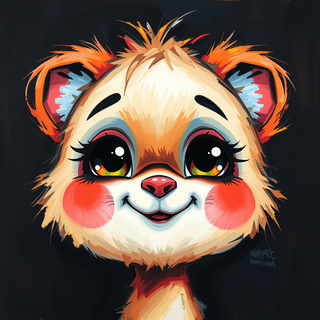

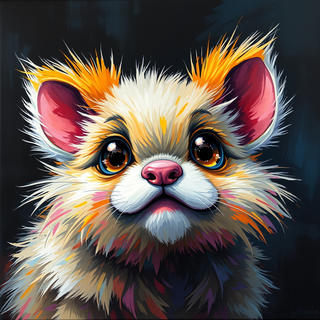

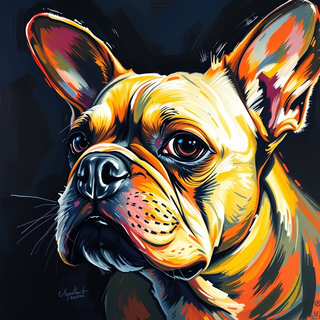
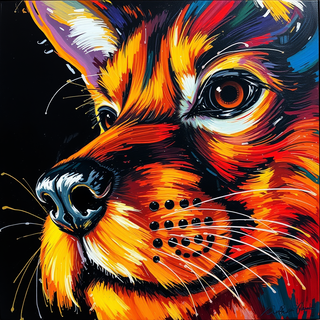

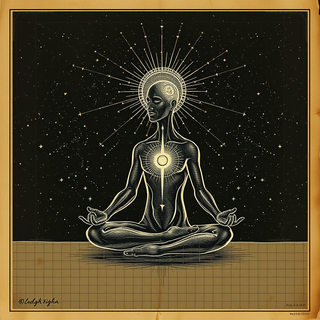
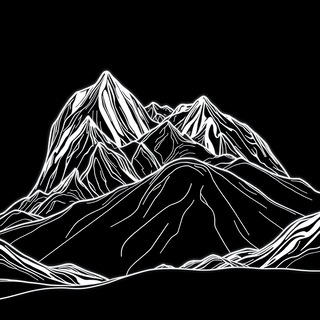
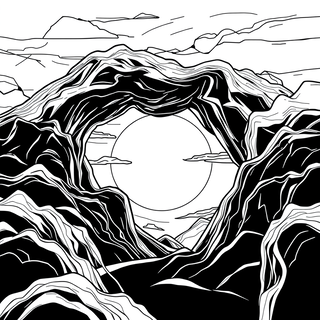
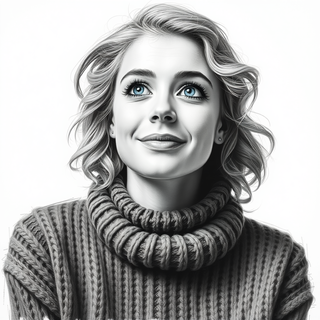
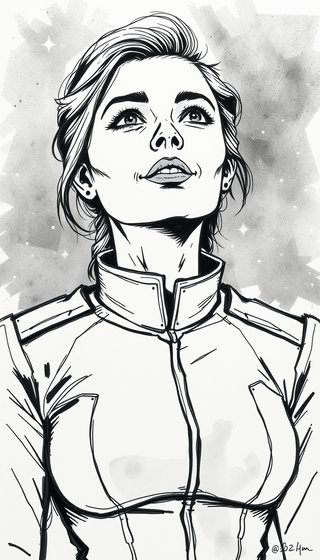
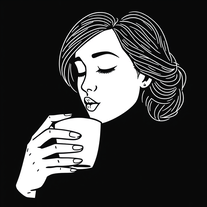
Transform ideas into striking black and white illustrations.
Open




**Prompt 1: Realistic Historical Scene**
"A dramatic, realistic depiction of Byzantine Emperor Basil II, known as the 'Bulgar-Slayer,' standing tall in his ornate golden armor, his face stern and resolute. He is surrounded by a group of rebellious aristocrats, their expressions a mix of defiance and fear. The scene is set in a grand Byzantine throne room, with towering marble columns, intricate mosaics of saints and emperors, and flickering oil lamps casting golden light. The mood is tense, with shadows dancing on the walls, and the emperor's hand rests on the hilt of his sword, ready to assert his authority. The colors are rich and regal: deep purples, golds, and crimson, evoking the opulence of the Byzantine Empire."
**Prompt 2: Surreal and Symbolic Interpretation**
"A surreal, dreamlike image of Basil II as a towering, godlike figure, his body composed of shimmering gold and mosaic tiles, symbolizing his divine authority. Below him, the rebellious aristocrats are depicted as shadowy, fragmented figures, their forms breaking apart like shattered glass. The background is a swirling mix of Byzantine iconography and abstract patterns, with floating crowns, swords, and religious symbols. The colors are vibrant yet otherworldly: electric blues, fiery oranges, and glowing whites, creating a sense of divine judgment and cosmic order."
**Prompt 3: Cartoonish and Dramatic**
"A dynamic, cartoonish scene of Basil II, exaggerated with a larger-than-life presence, his golden armor gleaming and his cape billowing dramatically. He stands on a raised platform, pointing an accusatory finger at a group of cowering, comically exaggerated aristocrats, their faces twisted in exaggerated fear and guilt. The throne room is stylized with bold, colorful patterns and oversized Byzantine motifs, like giant mosaics and oversized columns. The mood is intense but playful, with bright, saturated colors and exaggerated expressions, perfect for a historical drama with a humorous twist."
**Prompt 4: Abstract and Emotional**
"An abstract representation of Basil II's confrontation with the rebellious aristocrats, focusing on the emotional tension. The emperor is depicted as a sharp, angular figure in gold and black, his form cutting through the composition like a blade. The aristocrats are represented as chaotic, swirling shapes in dark reds and purples, their forms dissolving into the background. The scene is set against a stark, minimalist backdrop of geometric patterns inspired by Byzantine art, with a single beam of light illuminating the emperor. The mood is somber and introspective, with a focus on the struggle for power and control."
**Prompt 5: Fantasy-Inspired Epic**
"A high-fantasy interpretation of Basil II, reimagined as a legendary warrior-king with a glowing, enchanted sword and a crown that radiates divine light. He stands in a grand, otherworldly throne room, with floating orbs of light and ethereal Byzantine symbols surrounding him. The rebellious aristocrats are depicted as dark, shadowy figures with glowing red eyes, their forms twisted and monstrous. The scene is bathed in a mystical, golden light, with swirling clouds of magic and intricate, fantastical details in the architecture. The mood is epic and heroic, with a sense of triumph over darkness."

Prompt asked for did not include any forbidden content and was not remotely touching on any serious or borderline content, yet it would never generate a single prompt and end up just tapping its fingers even after the generate button reverted from generating to generate.
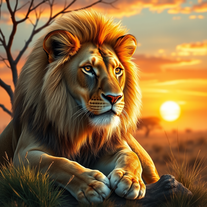





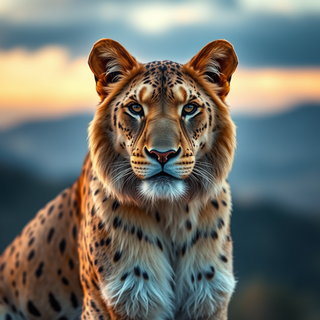

this tool is nice! it generates what i request pretty fast, not to mention the quality. i really like how creative you can be as well, such as dressing up animals in funny clothes :)
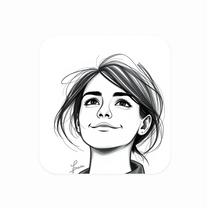
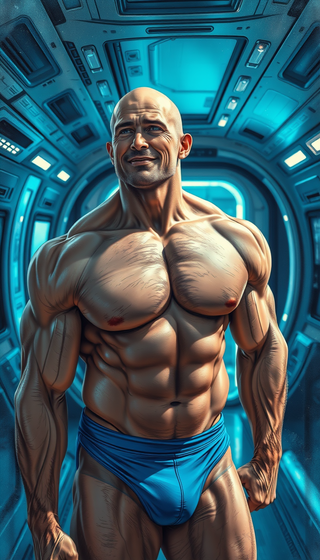

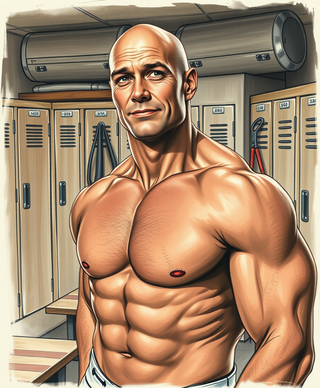





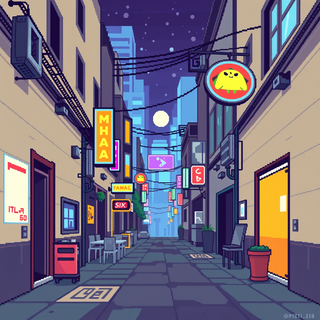
the style's cute, great results. 4/5. with a few improvements it can easily become a 5/5! keep it up!


Thanks for the report. I'll try changing the prompt to improve the results.

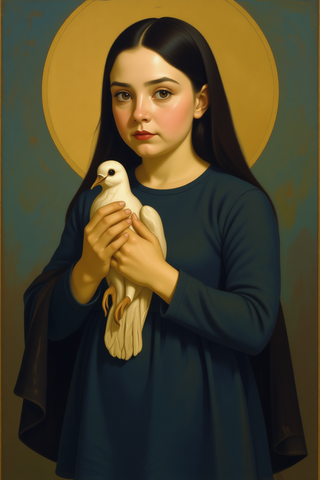
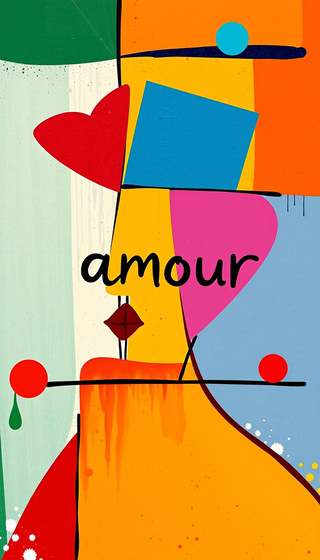
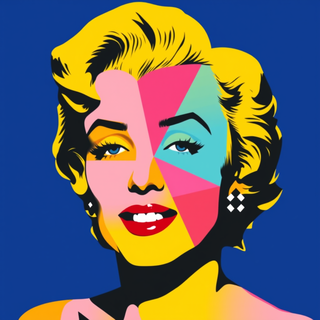
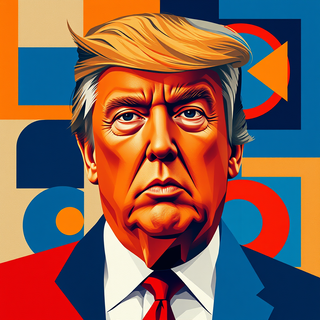
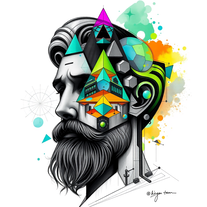
Open
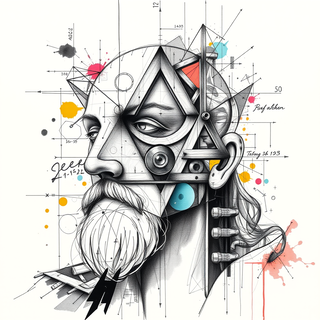

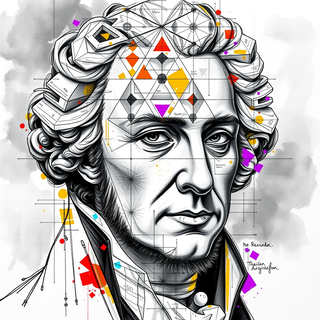


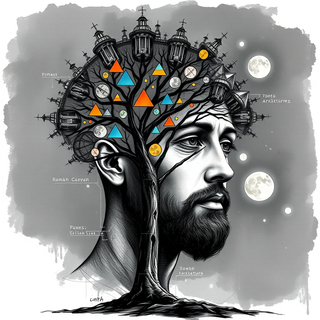





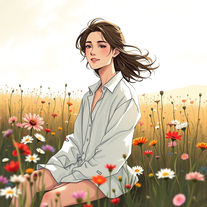
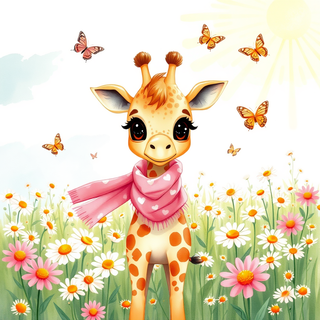
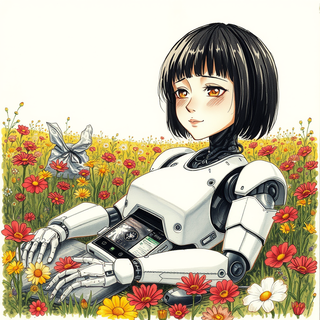
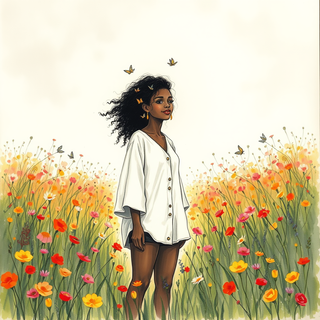



Open
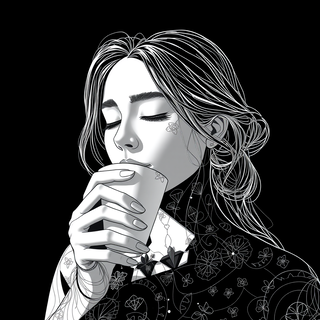

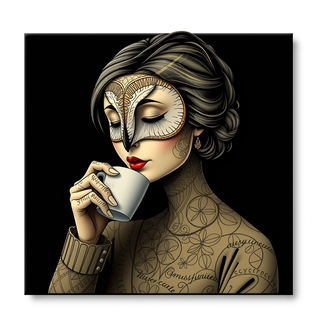
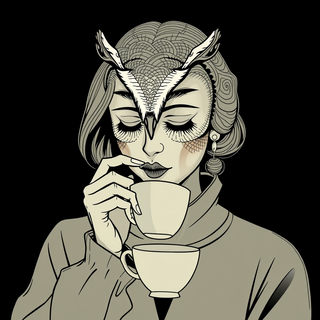
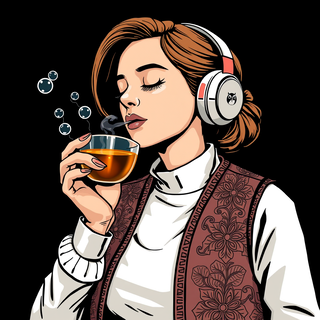
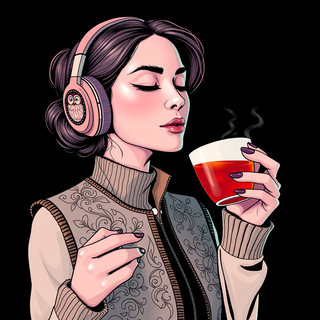
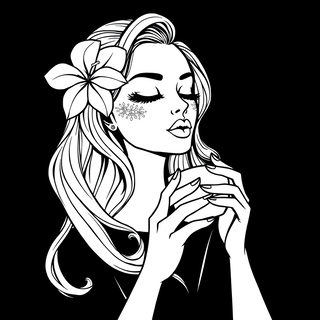
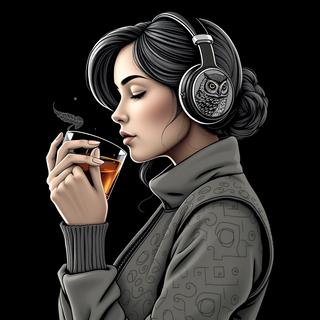
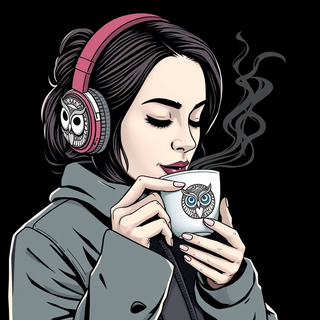

Surprisingly accurate app among these rebellious freebies that rarely follow human prompts! ;-)
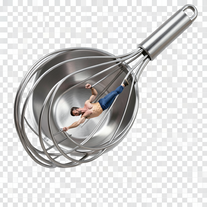
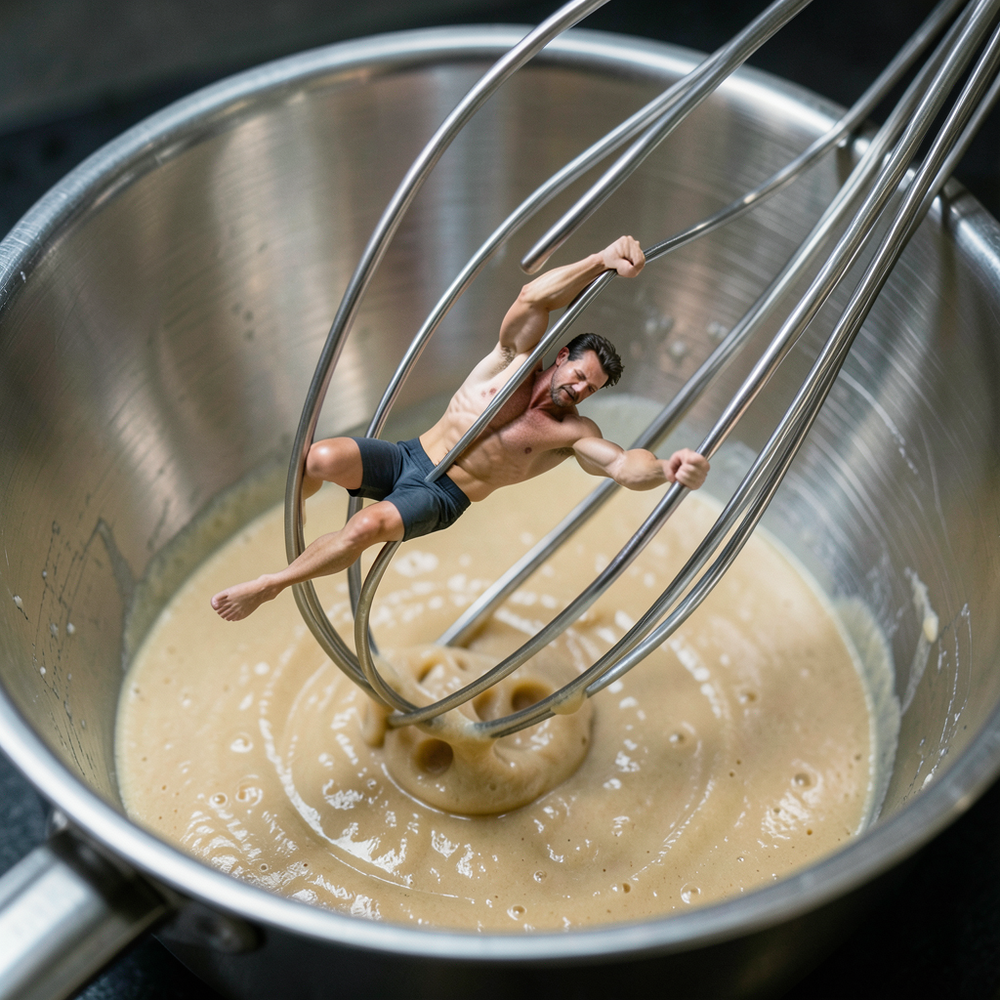
Simply upload your photo; you don't need to type anything in the prompt field. Just click "generate" and watch the magic happen.
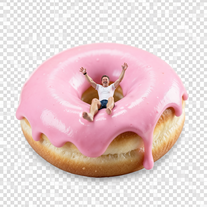

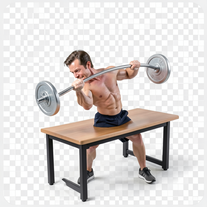

Simply upload your photo; you don't need to type anything in the prompt field. Just click "generate" and watch the magic happen.
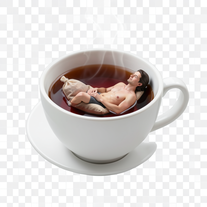

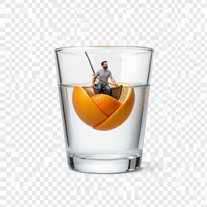

Simply upload your photo; you don't need to type anything in the prompt field. Just click "generate" and watch the magic happen.
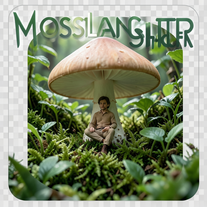
Simply upload your photo; you don't need to type anything in the prompt field. Just click "generate" and watch the magic happen.

Open
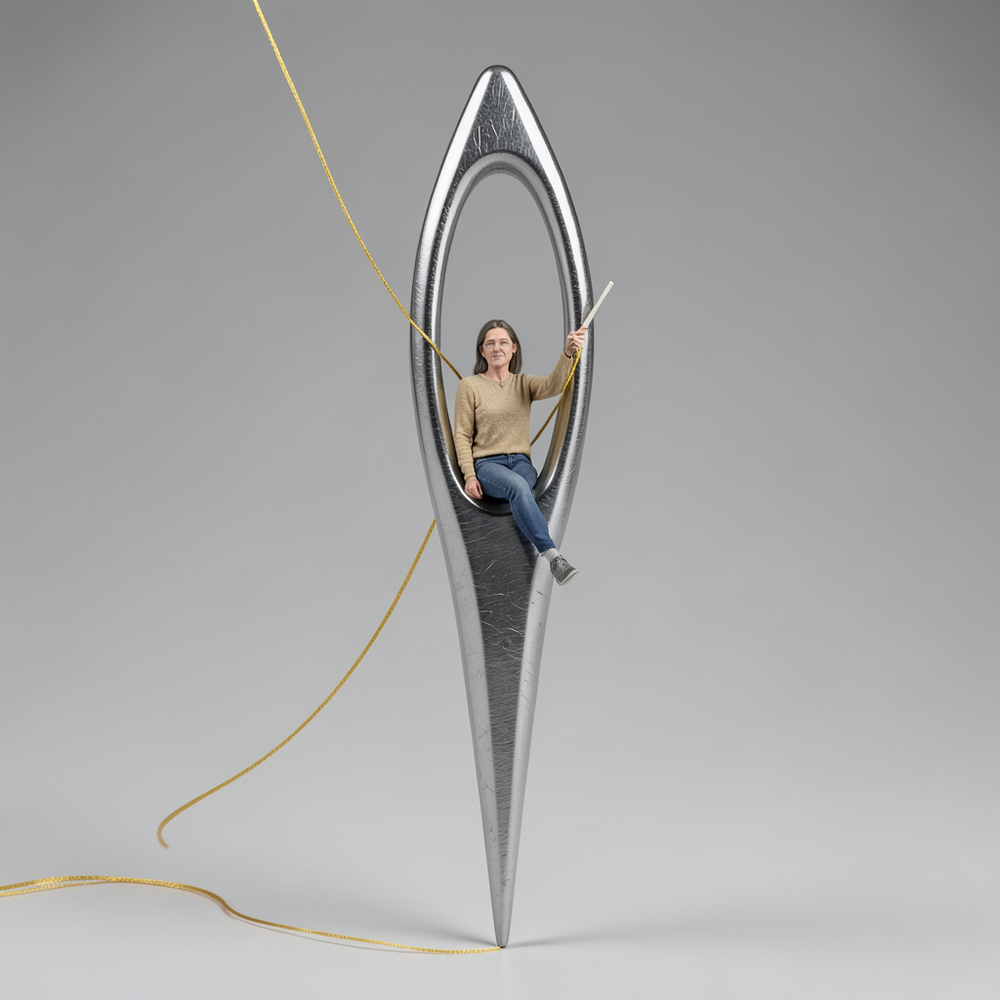
Simply upload your photo; you don't need to type anything in the prompt field. Just click "generate" and watch the magic happen.
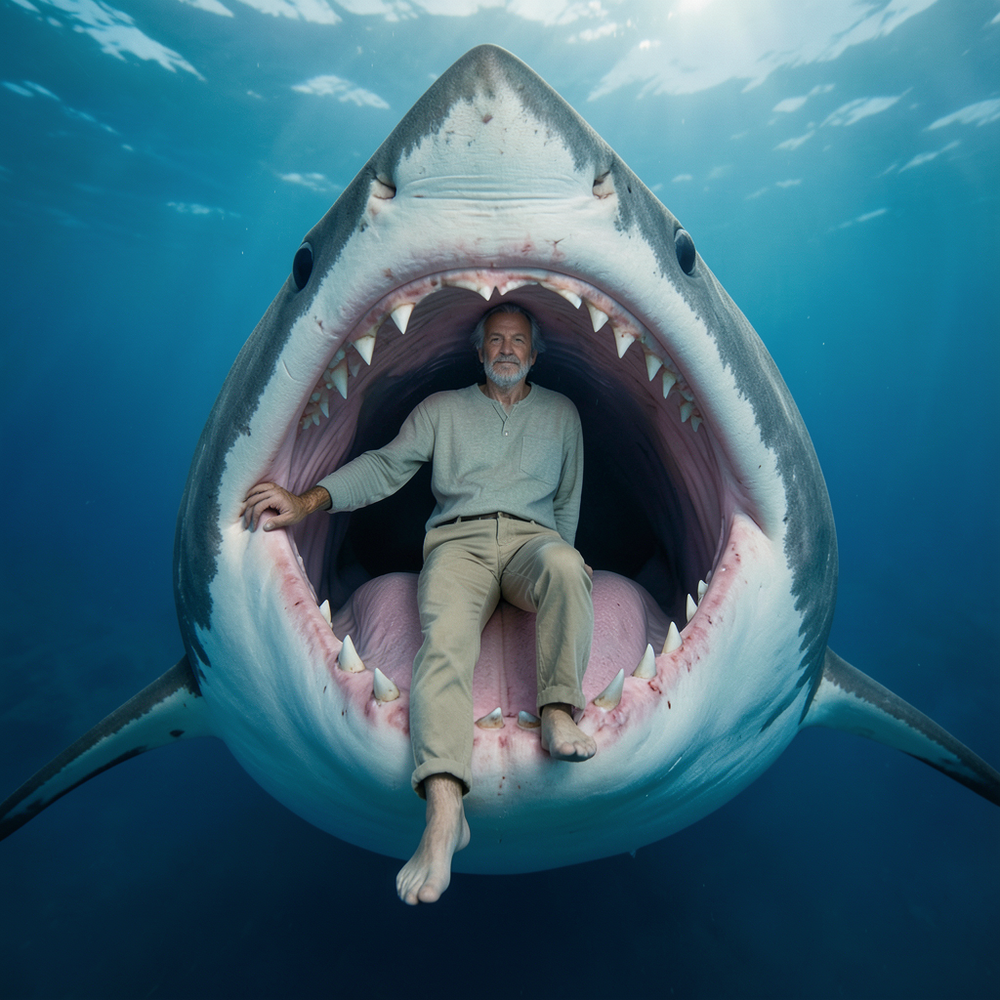
Simply upload your photo; you don't need to type anything in the prompt field. Just click "generate" and watch the magic happen.

Transform photos into cinematic 64K basketball art.
Open

Simply upload your photo; you don't need to type anything in the prompt field. Just click "generate" and watch the magic happen.

Transform photos into Hollywood-style action movie posters.
Open
Simply upload your photo; you don't need to type anything in the prompt field. Just click "generate" and watch the magic happen.

Transform photos into epic 3D cartoon characters.
Open

Simply upload your photo; you don't need to type anything in the prompt field. Just click "generate" and watch the magic happen.
Creates ultra-realistic forced-perspective beach photos where you appear tiny.
Open
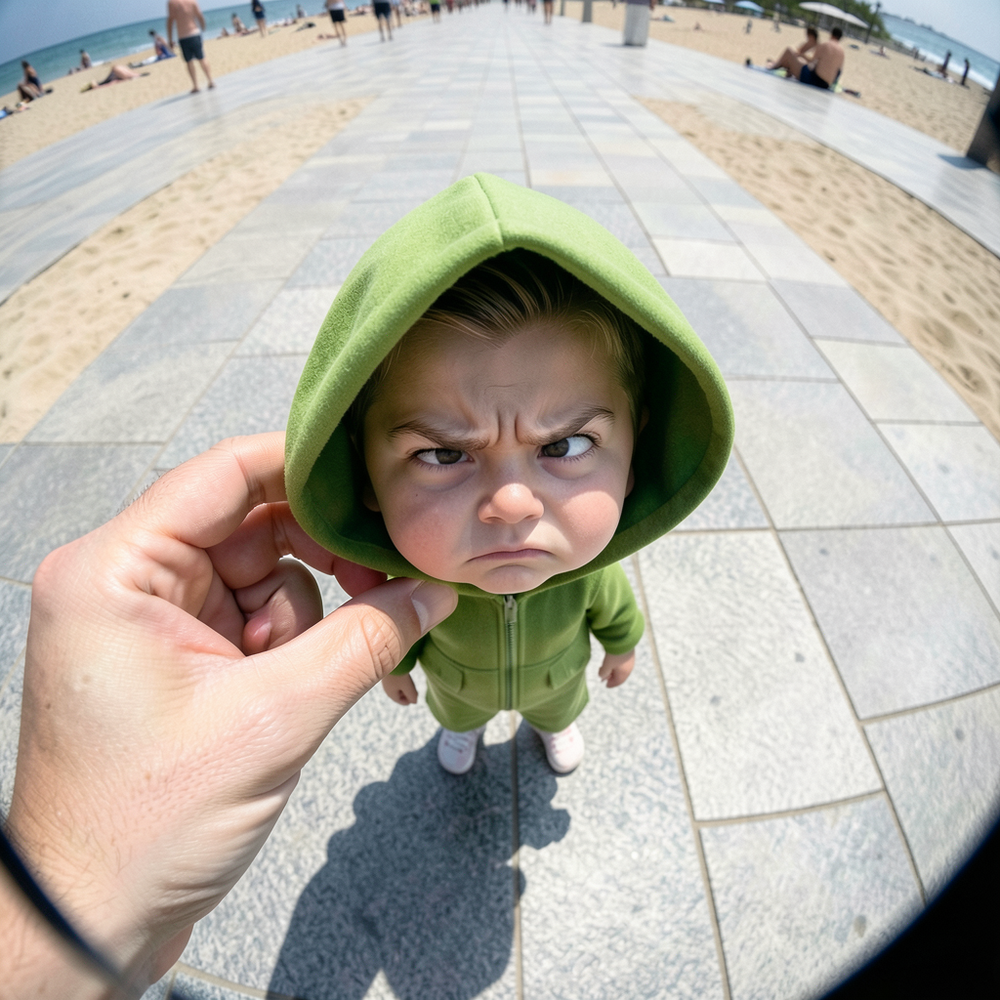

Transform your photo into a cinematic masterpiece.
Open
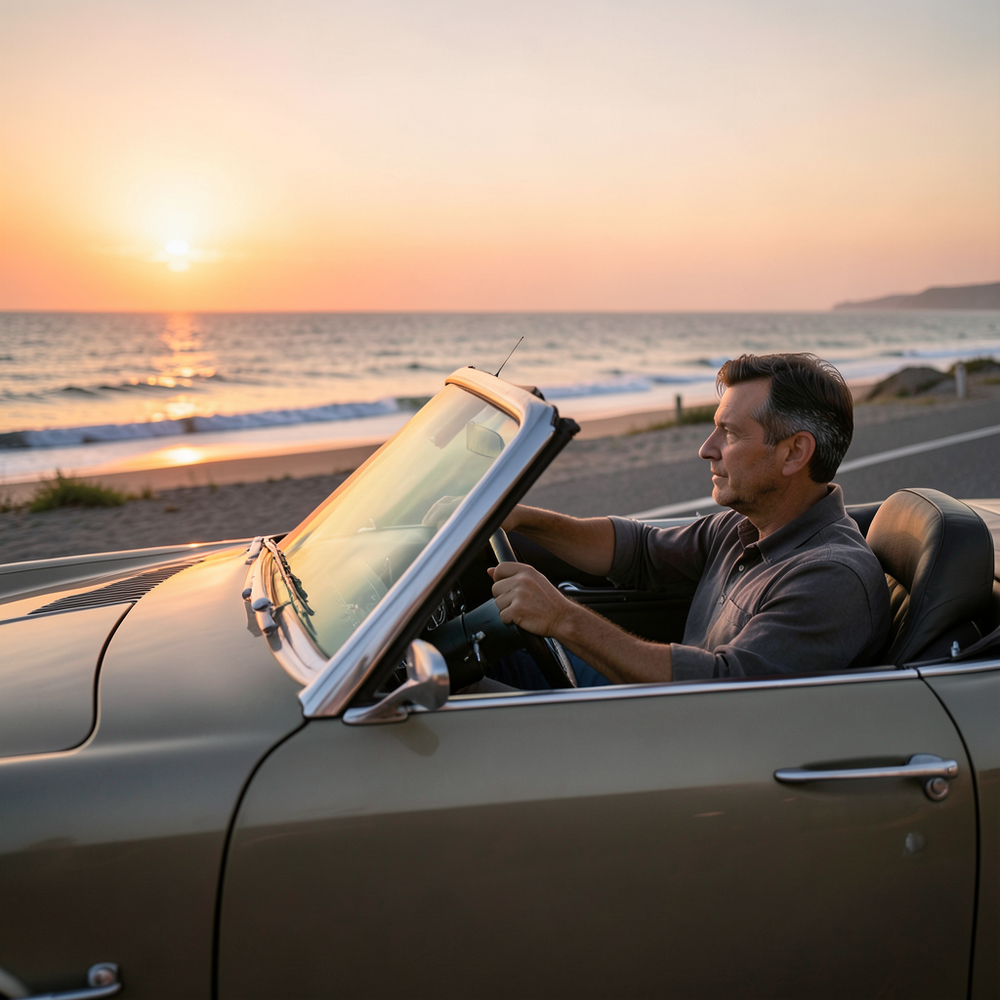

Transform photos into vibrant comic book illustrations.
Open


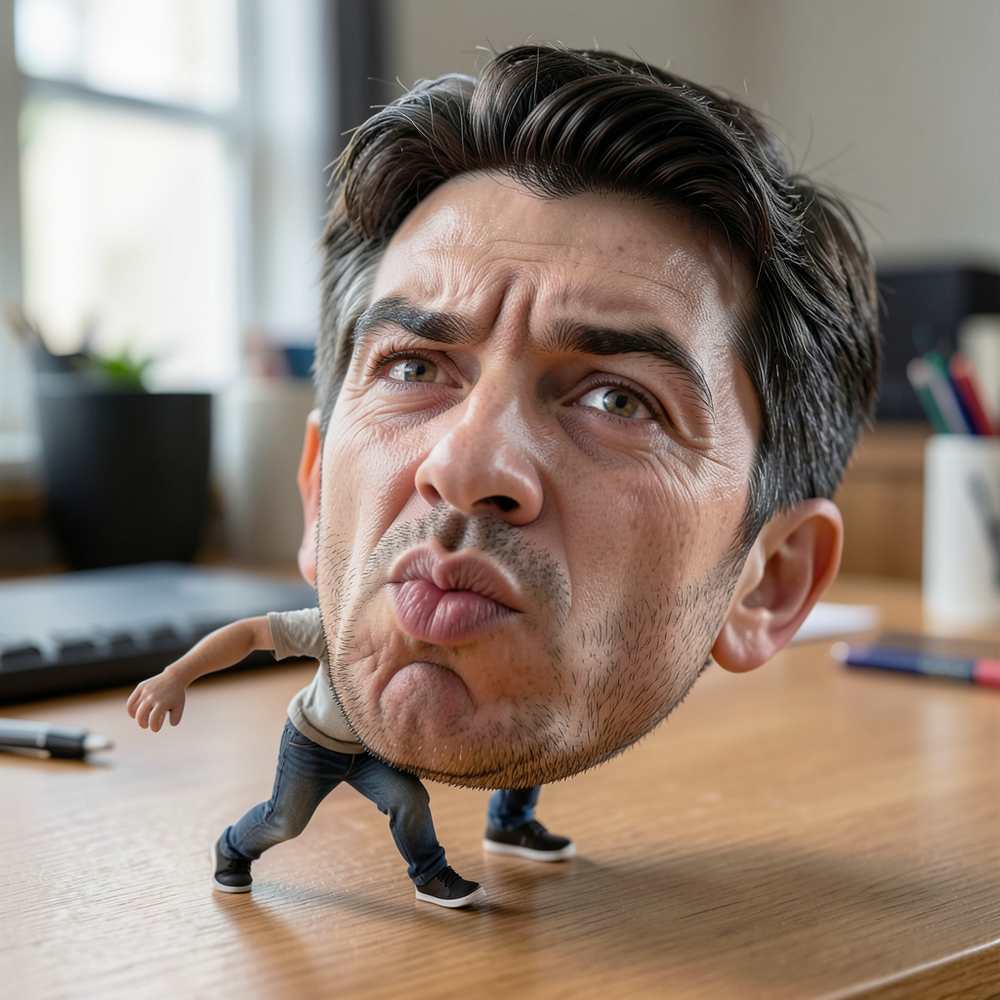
Create surreal 8K desk scenes with miniature you.
Open

Transform photos into hilarious cartoon wake-up scenes.
Open
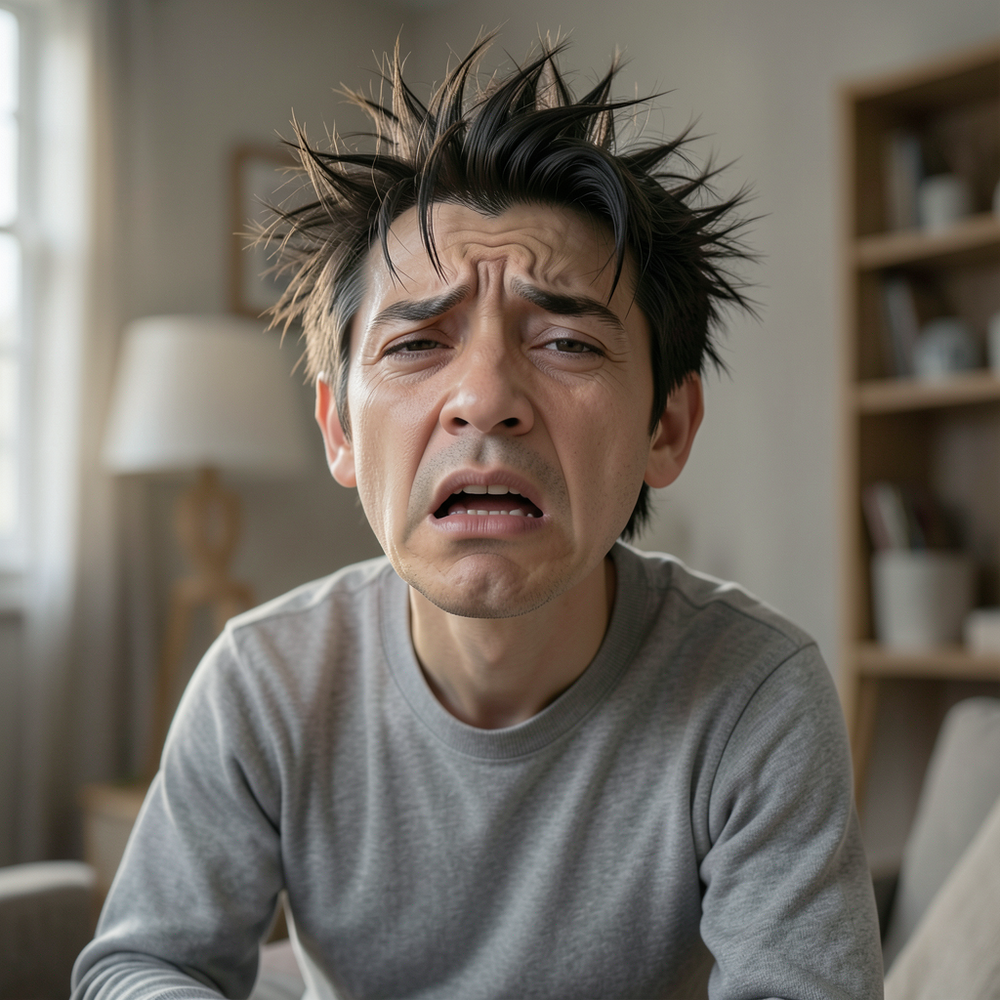
Simply upload your photo; you don't need to type anything in the prompt field. Just click "generate" and watch the magic happen.


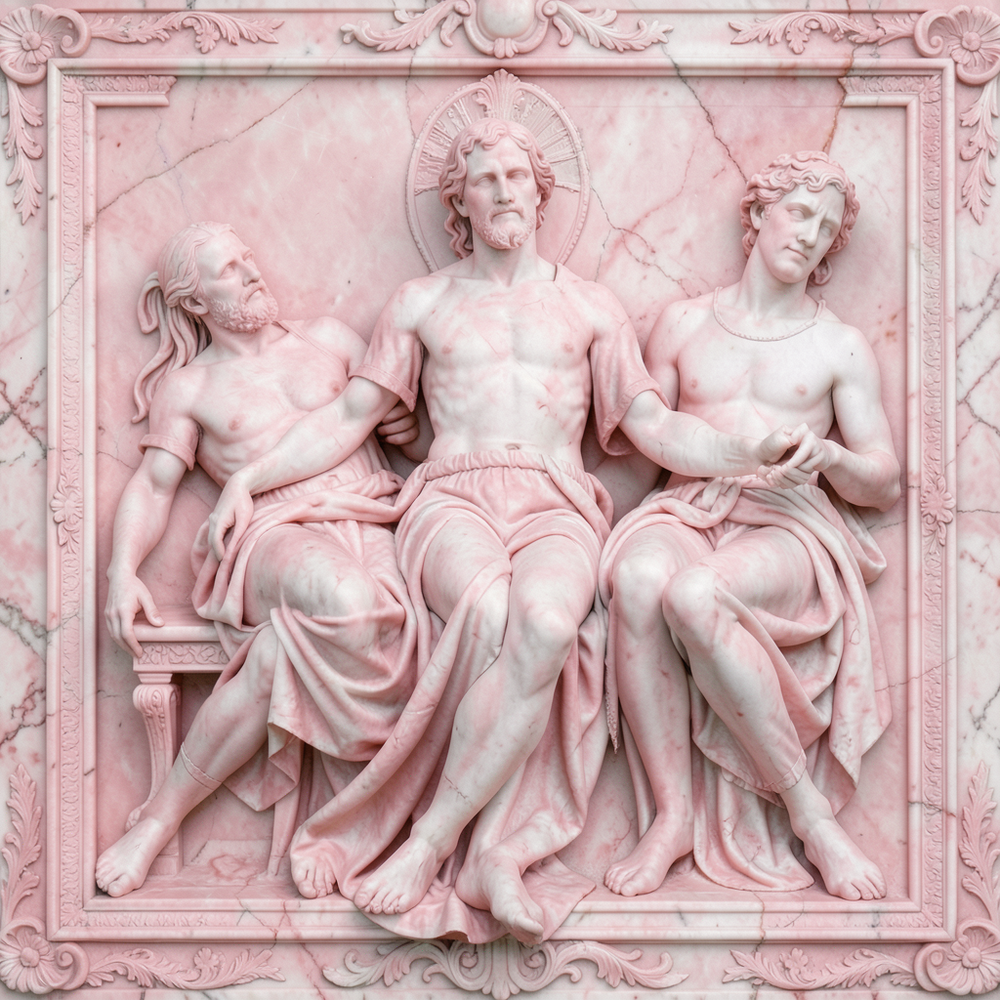

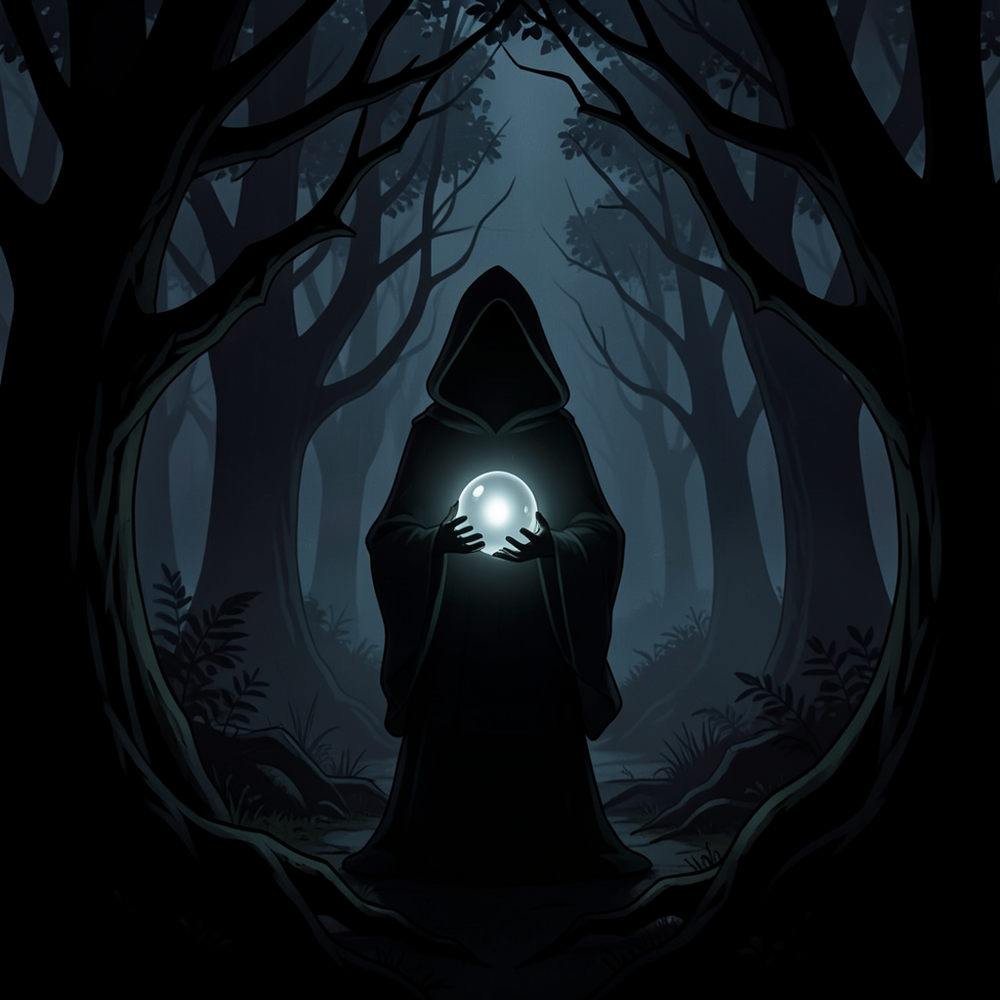
Transform your imagination into haunting masterpieces.
Open

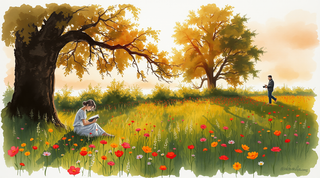
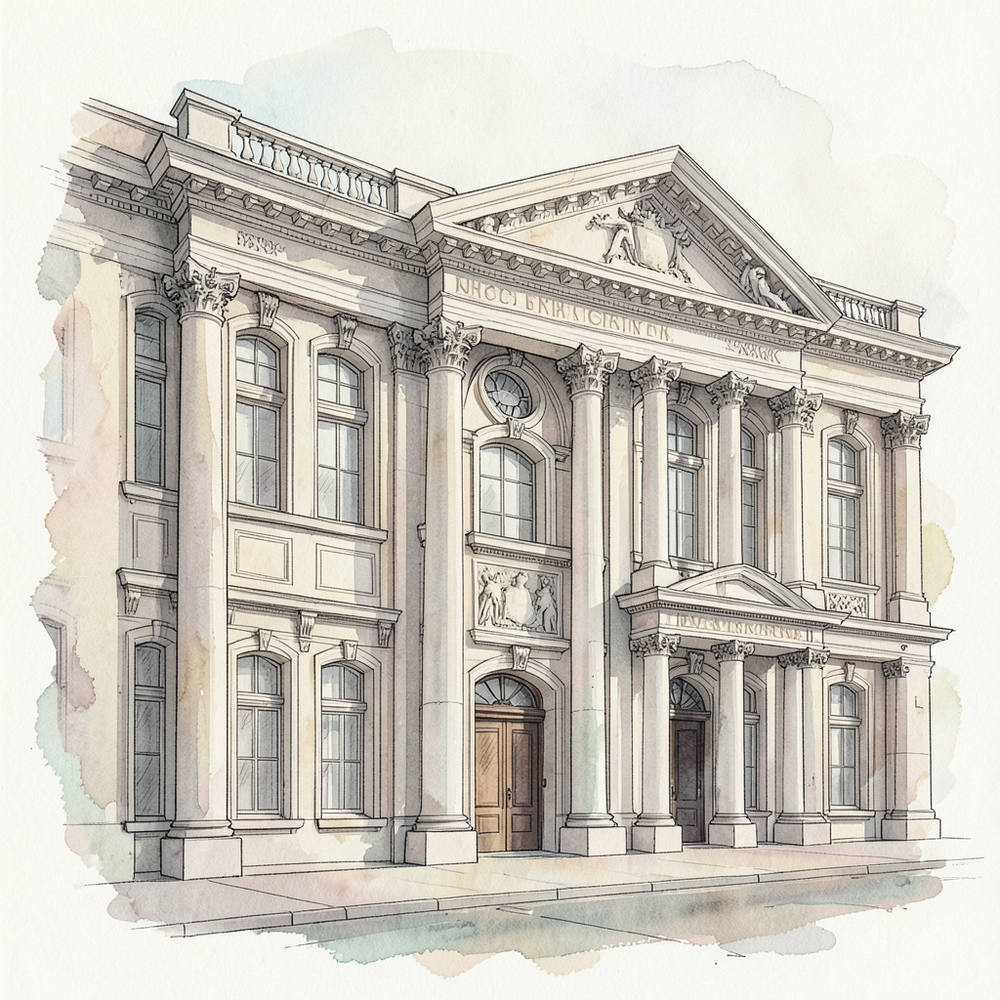
Transform architectural concepts into elegant watercolor-style illustrations.
Open

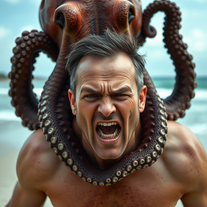
Transform photos into cinematic 8K masterpieces instantly.
Open

Simply upload your photo; you don't need to type anything in the prompt field. Just click "generate" and watch the magic happen.

Open
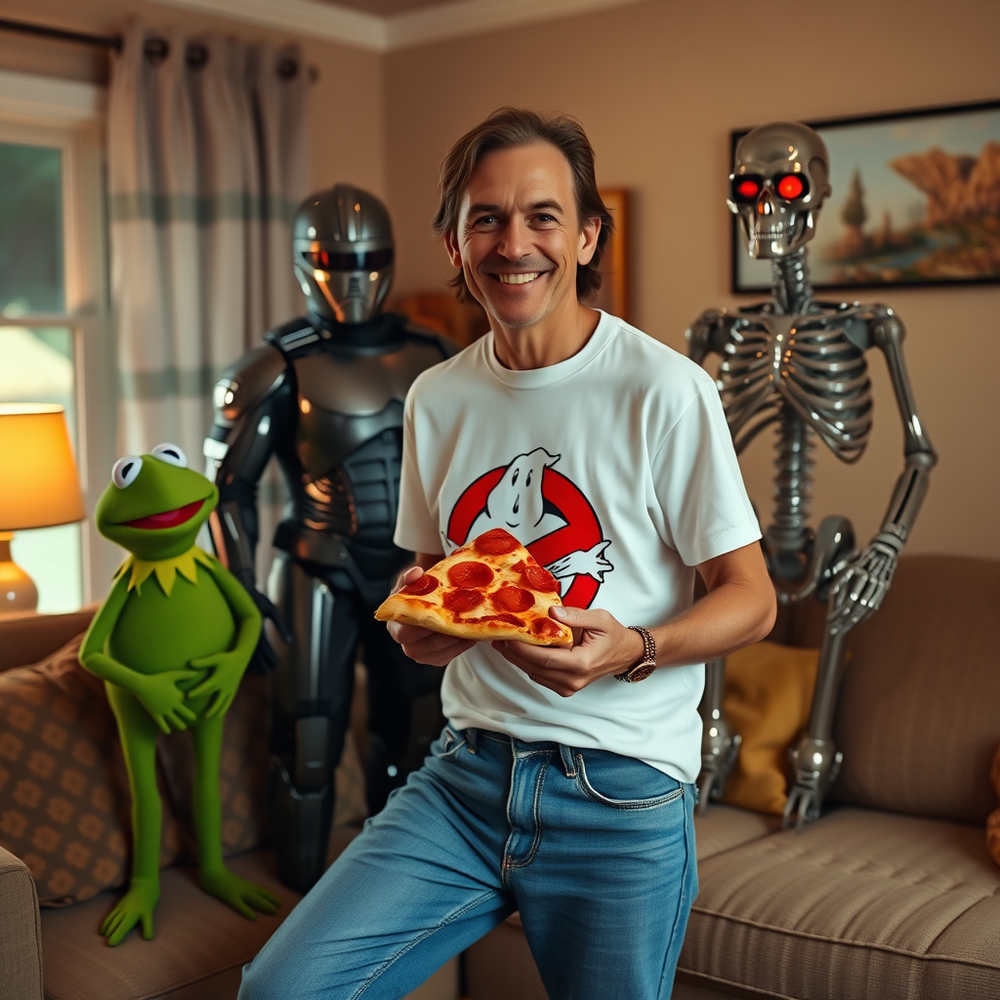

Video editing is the process of selecting, trimming, and arranging footage to create a cohesive story or visual narrative. Here are some fundamental concepts and techniques:
Types of Video Editing
Linear editing: A straightforward, sequential approach to editing, where clips are arranged in a linear timeline.
Non-linear editing: A more flexible approach, where clips can be arranged and rearranged freely in a timeline.
Key Video Editing Techniques
Cutting: A transition between two clips, where one clip ends and another begins.
Cutting on action: Cutting between two clips while an action is in progress, to create a seamless transition.
J-cut: Cutting from one clip to another while audio from the second clip starts playing before the video cuts to it.
L-cut: Cutting from one clip to another while audio from the first clip continues to play.
Video Editing Software
Popular video editing software includes:
Adobe Premiere Pro: A professional-level editing software with advanced features and integration with other Adobe tools.
Final Cut Pro: A professional-level editing software for Mac users, known for its user-friendly interface and advanced features.
DaVinci Resolve: A free and paid editing software that offers advanced color grading and audio editing tools.
Best Practices for Video Editing
Plan your edit: Develop a clear vision and storyboard before starting to edit.
Organize your footage: Label and categorize your clips to make them easily accessible.
Keep it simple: Avoid overusing transitions and effects; focus on telling a clear story.
Advanced Video Editing Techniques
Color grading: Adjusting the color and brightness of footage to create a specific mood or atmosphere.
Audio ducking: Automatically reducing the volume of background audio when dialogue is present.
Motion graphics: Adding animated text, logos, or other graphics to enhance the visual narrative.
Video editing involves selecting, trimming, and arranging footage to create a cohesive story. Linear and non-linear editing are two fundamental approaches. Key techniques include cutting, cutting on action, J-cuts, and L-cuts. Popular software includes Adobe Premiere Pro, Final Cut Pro, and DaVinci Resolve. Best practices involve planning, organizing footage, and keeping it simple. Advanced techniques include color grading, audio ducking, and motion graphics.
Capcat pro
Capcat pro
Download
image-to-image-generator generated imagetransparent pixel
Image to Image Generator
Image to Image Generator
Download
image-to-image-generator generated imagetransparent pixel
Image to Image Generator
Image to Image Generator
Download
image-to-image-generator generated imagetransparent pixel
Image to Image Generator
Image to Image Generator
Download
image-to-image-generator generated imagetransparent pixel
Image to Image Generator
Image to Image Generator
Download
image-to-image-generator generated imagetransparent pixel
Image to Image Generator
Image to Image Generator
Download
image-to-image-generator generated imagetransparent pixel
Image to Image Generator
Image to Image Generator
Download
image-generator generated imagetransparent pixel
Image Generator
Image Generator
Copy
Video Editing Basics
Video editing is the process of selecting, trimming, and arranging footage to create a cohesive story or visual narrative. Here are some fundamental concepts and techniques:
Types of Video Editing
Linear editing: A straightforward, sequential approach to editing, where clips are arranged in a linear timeline.
Non-linear editing: A more flexible approach, where clips can be arranged and rearranged freely in a timeline.
Key Video Editing Techniques
Cutting: A transition between two clips, where one clip ends and another begins.
Cutting on action: Cutting between two clips while an action is in progress, to create a seamless transition.
J-cut: Cutting from one clip to another while audio from the second clip starts playing before the video cuts to it.
L-cut: Cutting from one clip to another while audio from the first clip continues to play.
Video Editing Software
Popular video editing software includes:
Adobe Premiere Pro: A professional-level editing software with advanced features and integration with other Adobe tools.
Final Cut Pro: A professional-level editing software for Mac users, known for its user-friendly interface and advanced features.
DaVinci Resolve: A free and paid editing software that offers advanced color grading and audio editing tools.
Best Practices for Video Editing
Plan your edit: Develop a clear vision and storyboard before starting to edit.
Organize your footage: Label and categorize your clips to make them easily accessible.
Keep it simple: Avoid overusing transitions and effects; focus on telling a clear story.
Advanced Video Editing Techniques
Color grading: Adjusting the color and brightness of footage to create a specific mood or atmosphere.
Audio ducking: Automatically reducing the volume of background audio when dialogue is present.
Motion graphics: Adding animated text, logos, or other graphics to enhance the visual narrative.
Video editing involves selecting, trimming, and arranging footage to create a cohesive story. Linear and non-linear editing are two fundamental approaches. Key techniques include cutting, cutting on action, J-cuts, and L-cuts. Popular software includes Adobe Premiere Pro, Final Cut Pro, and DaVinci Resolve. Best practices involve planning, organizing footage, and keeping it simple. Advanced techniques include color grading,
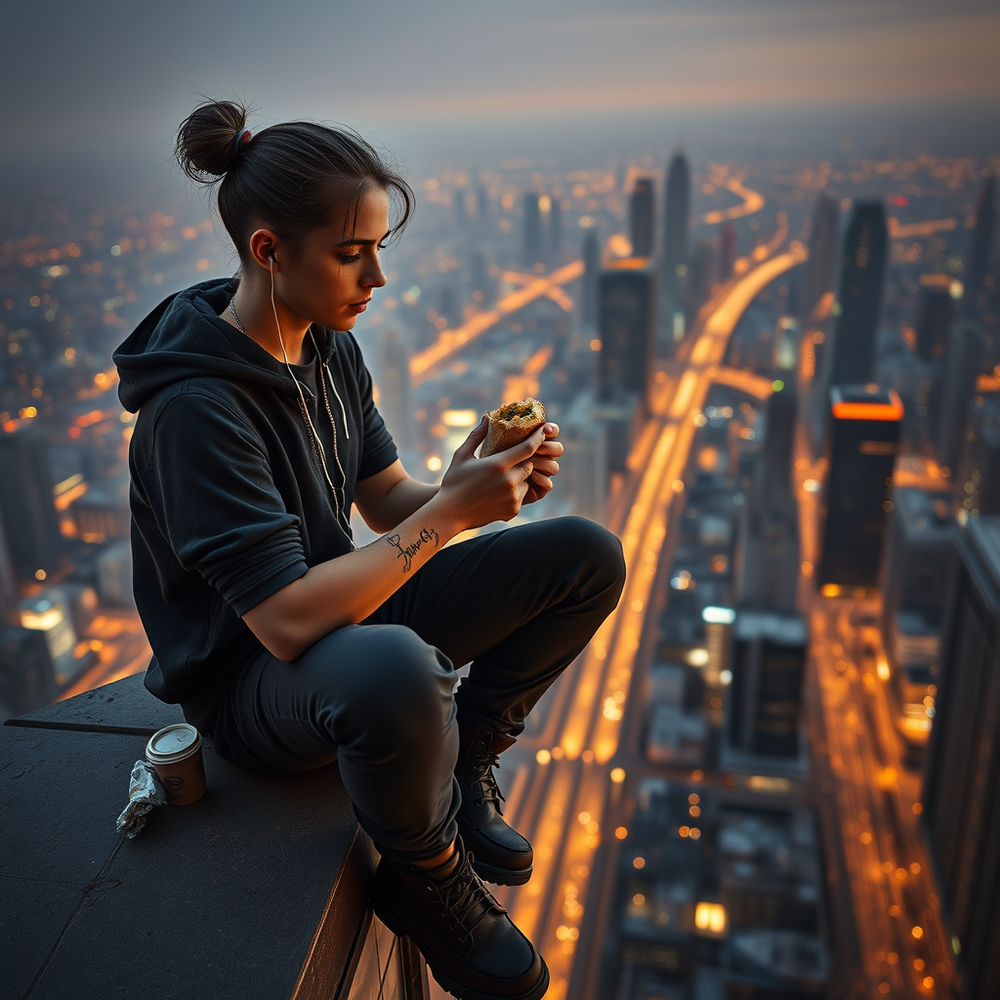
Simply upload your photo; you don't need to type anything in the prompt field. Just click "generate" and watch the magic happen.





