
 Mini tools
▼ State of the art
Hyper
Free mode
100% free
Freemium
Free Trial
Other tools
-
Sándor Gajdos🛠️ 1 tool 🙏 110 karmaApr 9, 2025@Outlaw EchoThere were no aristocratic Asians and Africans in ancient Rome.
-
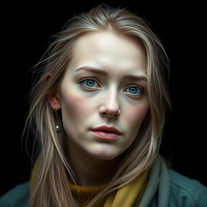 AI-powered image generator creating ultra-realistic photos.OpenI also asked for a knight in armor and got exactly that, it might have been something else in your prompt that confused the AI
 -
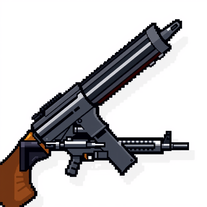
Designing my DnD groups weapon, ALL other AI generators fcked up. Only this one gave me what i wanted.
-
⭐️⭐️⭐️⭐️⭐️ To say the least, Hyper Realism is absolutely phenomenal. I’ve been testing a lot of AI tools lately, and this one instantly stood out as a game‑changer. It’s not just hype — the results speak for themselves. Here’s what blew me away: - **Enhance & 4x Upscale** → The clarity jump is insane. Details that were muddy or soft in the original suddenly pop with crisp definition. It feels like breathing new life into your images. - **Background Replacement** → Super smooth and natural. I was able to swap out entire environments without losing the integrity of the subject. No weird edges, no awkward blending — it just works. - **Extra Features** → There are other editing options tucked in, and while it processes one at a time (and takes a little patience), the quality makes the wait worth it. What really seals the deal for me: **it’s 100% free.** No hidden paywalls, no “gotcha” credits system. Just pure, accessible power for creators who want professional‑grade results without breaking the bank. Yes, it’s one‑at‑a‑time and not lightning fast, but honestly, I’ll take that tradeoff any day for the level of polish it delivers. Every image I ran through came out looking like it belonged in a high‑end portfolio. If you’re on the fence, don’t be. Hyper Realism is the kind of tool that makes you excited to create again. It’s reliable, it’s powerful, and it’s free. I can’t recommend it enough — give it a try and see for yourself. 🔥 Verdict: Hyper Realism is a must‑use for anyone serious about AI image quality.
- Sponsor:
 Base44💻 Vibe coding
 -
 Open
Open -
Thank you very much Jennifer, it is very cool and fun what is possible to do with imagination today, things that were previously imaginable become possible in seconds. Thank you very much for liking my tool, I daily publish things that I see and have to transfer from my imagination to the tool.
-
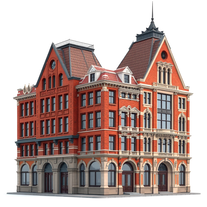
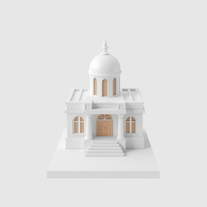 AI-powered 3D renders for stunning architectural concepts.OpenNice experience, selection of materials to play with imagination and ease!
 -
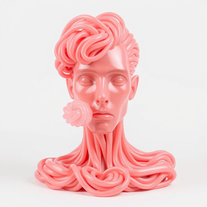
 Transform ideas into hyper-realistic epoxy resin portraits.Open
 -
It is an excellent tool for generating all image you need. You can start to use and you will realize the important that it si.
- Didn't find the AI you were looking for?
-
-
 Open
Open -
-
 OpenVideo editing is the process of selecting, trimming, and arranging footage to create a cohesive story or visual narrative. Here are some fundamental concepts and techniques: Types of Video Editing Linear editing: A straightforward, sequential approach to editing, where clips are arranged in a linear timeline. Non-linear editing: A more flexible approach, where clips can be arranged and rearranged freely in a timeline. Key Video Editing Techniques Cutting: A transition between two clips, where one clip ends and another begins. Cutting on action: Cutting between two clips while an action is in progress, to create a seamless transition. J-cut: Cutting from one clip to another while audio from the second clip starts playing before the video cuts to it. L-cut: Cutting from one clip to another while audio from the first clip continues to play. Video Editing Software Popular video editing software includes: Adobe Premiere Pro: A professional-level editing software with advanced features and integration with other Adobe tools. Final Cut Pro: A professional-level editing software for Mac users, known for its user-friendly interface and advanced features. DaVinci Resolve: A free and paid editing software that offers advanced color grading and audio editing tools. Best Practices for Video Editing Plan your edit: Develop a clear vision and storyboard before starting to edit. Organize your footage: Label and categorize your clips to make them easily accessible. Keep it simple: Avoid overusing transitions and effects; focus on telling a clear story. Advanced Video Editing Techniques Color grading: Adjusting the color and brightness of footage to create a specific mood or atmosphere. Audio ducking: Automatically reducing the volume of background audio when dialogue is present. Motion graphics: Adding animated text, logos, or other graphics to enhance the visual narrative. Video editing involves selecting, trimming, and arranging footage to create a cohesive story. Linear and non-linear editing are two fundamental approaches. Key techniques include cutting, cutting on action, J-cuts, and L-cuts. Popular software includes Adobe Premiere Pro, Final Cut Pro, and DaVinci Resolve. Best practices involve planning, organizing footage, and keeping it simple. Advanced techniques include color grading, audio ducking, and motion graphics. Capcat pro Capcat pro Download image-to-image-generator generated imagetransparent pixel Image to Image Generator Image to Image Generator Download image-to-image-generator generated imagetransparent pixel Image to Image Generator Image to Image Generator Download image-to-image-generator generated imagetransparent pixel Image to Image Generator Image to Image Generator Download image-to-image-generator generated imagetransparent pixel Image to Image Generator Image to Image Generator Download image-to-image-generator generated imagetransparent pixel Image to Image Generator Image to Image Generator Download image-to-image-generator generated imagetransparent pixel Image to Image Generator Image to Image Generator Download image-generator generated imagetransparent pixel Image Generator Image Generator Copy Video Editing Basics Video editing is the process of selecting, trimming, and arranging footage to create a cohesive story or visual narrative. Here are some fundamental concepts and techniques: Types of Video Editing Linear editing: A straightforward, sequential approach to editing, where clips are arranged in a linear timeline. Non-linear editing: A more flexible approach, where clips can be arranged and rearranged freely in a timeline. Key Video Editing Techniques Cutting: A transition between two clips, where one clip ends and another begins. Cutting on action: Cutting between two clips while an action is in progress, to create a seamless transition. J-cut: Cutting from one clip to another while audio from the second clip starts playing before the video cuts to it. L-cut: Cutting from one clip to another while audio from the first clip continues to play. Video Editing Software Popular video editing software includes: Adobe Premiere Pro: A professional-level editing software with advanced features and integration with other Adobe tools. Final Cut Pro: A professional-level editing software for Mac users, known for its user-friendly interface and advanced features. DaVinci Resolve: A free and paid editing software that offers advanced color grading and audio editing tools. Best Practices for Video Editing Plan your edit: Develop a clear vision and storyboard before starting to edit. Organize your footage: Label and categorize your clips to make them easily accessible. Keep it simple: Avoid overusing transitions and effects; focus on telling a clear story. Advanced Video Editing Techniques Color grading: Adjusting the color and brightness of footage to create a specific mood or atmosphere. Audio ducking: Automatically reducing the volume of background audio when dialogue is present. Motion graphics: Adding animated text, logos, or other graphics to enhance the visual narrative. Video editing involves selecting, trimming, and arranging footage to create a cohesive story. Linear and non-linear editing are two fundamental approaches. Key techniques include cutting, cutting on action, J-cuts, and L-cuts. Popular software includes Adobe Premiere Pro, Final Cut Pro, and DaVinci Resolve. Best practices involve planning, organizing footage, and keeping it simple. Advanced techniques include color grading,
 -
-
 Transform subjects into dazzling, jewel-adorned portraits.Open
 -
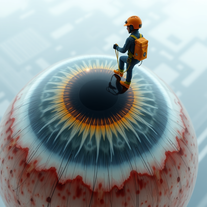 Turn subjects into surreal eye-cleaning visuals.Open
 -
-
 Open
Open -
 Open
Open -
 AI-crafted presidential portraits blend history and imagination.Open
 -
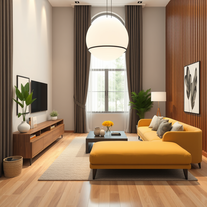
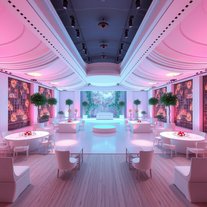
 Creates stunning, hyper-realistic interior design images based on your style preferences.Open
 -
Images are really nice and unique and you can easily use them as starting point for generating videos with other tools, cool
-
 Create stunning AI art with fluid, hyper-realistic visuals.Open
 -
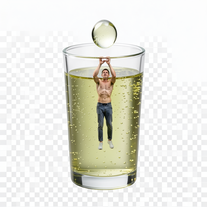
 Transform yourself into a tiny figure trapped in a pickle jar.Open
 -
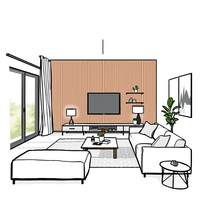 Transform your vision into stunning interior design sketches.Open
 -
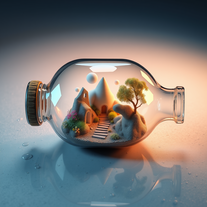
 Create 3D art of subjects in glass bottles by the sea.Open
 -
 Open
Open -
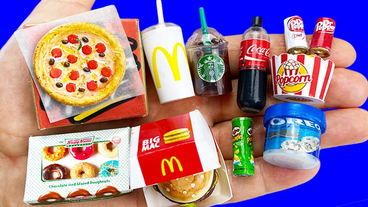
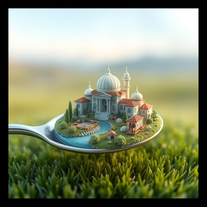 Create mesmerizing miniature worlds from any concept.Open
 -
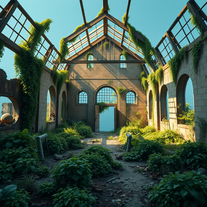 AI art generator for hauntingly beautiful abandoned placesOpen
 -
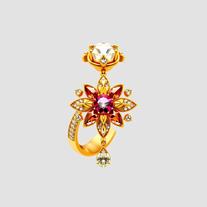
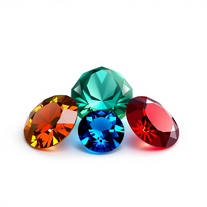
 AI-powered gemstone designer for stunning jewelry catalogsOpen
 -
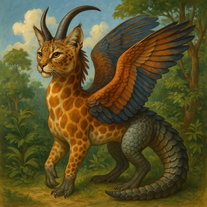 OpenHaha tried this and it surprised me in a good way. Tap once and u get a cute dog or a mad lion, ur choice, I had a lot of fun with it, nice job!
 -
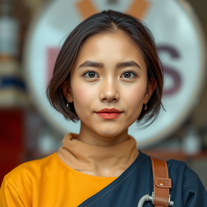 AI-generated hyper-realistic human portraits, customized to perfection.Open
 -
 Open
Open -
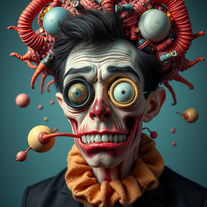 Transform inputs into hyper-realistic, surreal digital art.Open
 -
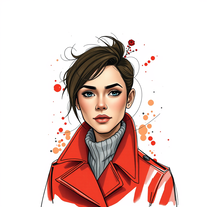 Transform portraits into hyper-realistic masterpieces with artistic flair.Open
 -
 Open
Open -
Not exactly what I was searching for, but this images are really cute, did not expect that! 5/5 stars
-
Kept it real simple with some chopped vegetables and it actually looked like the real thing. Nice tool dud
-
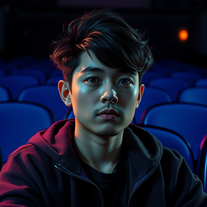 OpenHi, everything alright? Sorry my friend, the intention of the prompt is exactly to use the photo you send; just insert the characters and create the environment. It was trained to do only that, meaning you just need to send the photo and generate it. I have Star Wars in my tools; take a look at the most recent ones I created and you'll find it. Thanks.
 -
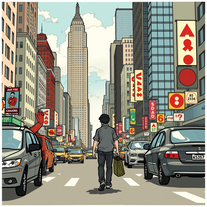
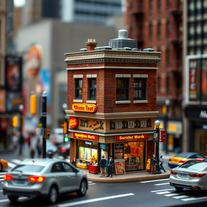 Craft hyper-realistic miniature NYC scenes from your ideas.Open
 -
I meannnnn, it's not the worst, it listens to your prompt pretty well and u can get some fire results out of it if you try some generations. for a mini tool the outcomes are okeish
-
-
 Open
Open -
 Open
Open -
 AI that creates cinematic images with exact facial precision.Open
 -
 Open
Open -
 Create mesmerizing surreal portraits with AI.Open
 -
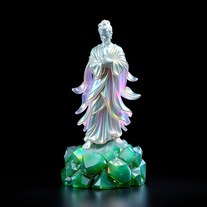
 Transform anything into stunning hyper-realistic glass sculptures.Open
 -
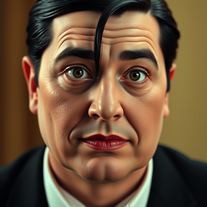 Transform into an Addams Family cinematic portrait.Open
 -
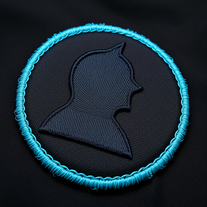 Create hyper-realistic embroidered patches from any silhouette.Open
 -
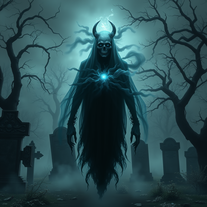
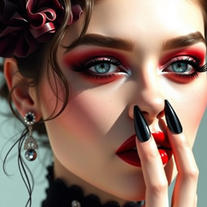 Generate award-worthy gothic character photographs with hyper-realistic precision.Open
 -
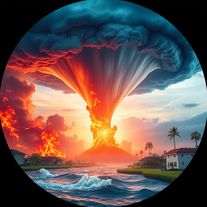 Generate hyper-realistic images of natural disasters.Open
 -
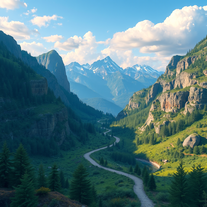
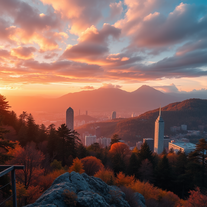
this views are absolutely stunning! nature really is beautiful :)
-
 Transform any photo into a giant parade balloon.Open
 -
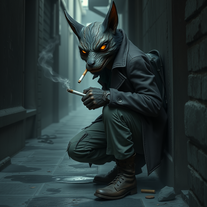 Create haunting urban AI art with surreal characters.Open
 -
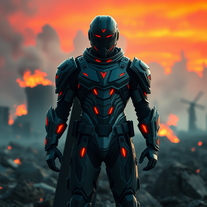 Transform heroes into epic 3D legends.Open
 -
 Transform photos into hyper-realistic 64K cinematic portraits.Open
 -
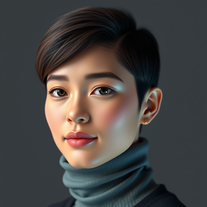 Generate hyper-realistic human portraits with AI precision.Open
 -
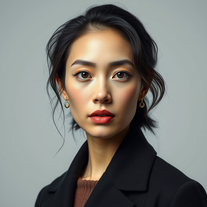 Transform your photos into stunning hyper-realistic studio portraits.Open
 -
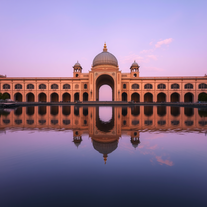 Transform keywords into stunning cinematic images with film-style aesthetics.Open
 -
 Transform imagination into reality with AI-powered art.Open
 -
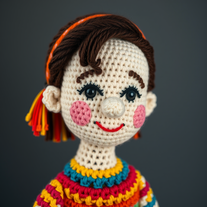 Transform subjects into hyper-realistic crochet masterpieces.Open
 -
 Transform images into cinematic masterpieces with flowing water magic.Open
 -
 Generate hyper-realistic portraits while preserving 100% facial identity.Open
 -
 Transform yourself into hyper-realistic celebrity group photos.Open
 -
 Transform abstract concepts into stunning AI-generated visuals.Open
 -
 Craft smoky silhouette art from your ideas.Open
 -
 Open
Open -
 Open
Open -
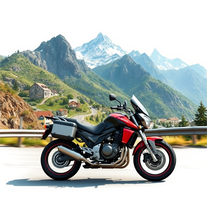 Open
Open -
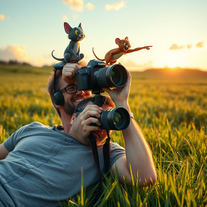
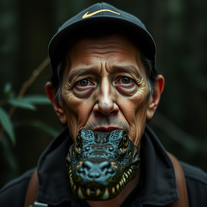
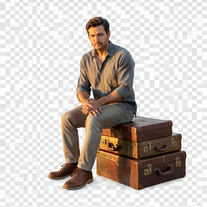 Creates hyper-realistic 8K cinematic photographs featuring surreal human-animal interactions.Open
 -
 Generate stunning, hyper-realistic images of authentic traditional foods from cultures worldwide.Open
 -
 Transform photos into hyper-realistic wooden twig portraits.Open
 -
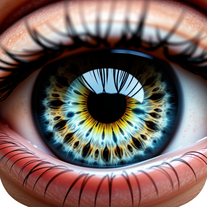
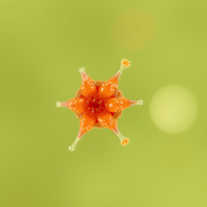 AI-powered microscope for ultra-realistic nano-visuals.Open
 -
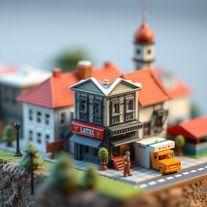 Transform any concept into enchanting hyper-detailed dioramas.OpenChanged the prompt to improve results.
 -
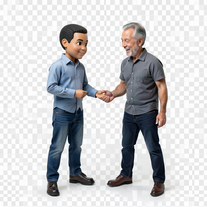 Transform photos into hyper-realistic miniature scenes.Open
 -
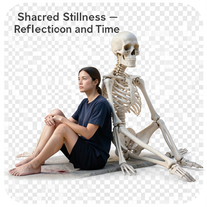 Create hyper-realistic 8K cinematic photos with skeleton companions.Open
 -
 Open
Open -
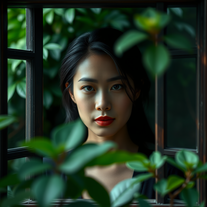 Transform any photo into stunning 4K cinematic portraits.Open
 -
 AI-powered graphic design tool that creates vibrant candy advertisement posters.Open
 -
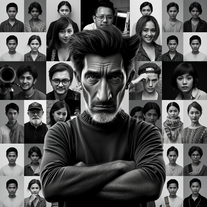 Transform your photo into stunning 8K hyper-realistic portraits.Open
 -
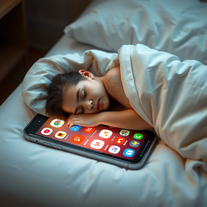 Create cinematic scenes of tech dependency.Open
 -
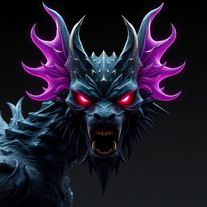 Transform any concept into stunning dark sci-fi visuals.Open
 -
 Open
Open -
 Ultra-realistic AI image generator creating hyper-detailed 8K cinematic photographs.Open
 -
 Transform any face into stunning urban editorial photography.Open
 -
 Open
Open -
 Create mesmerizing digital masterpieces from any subject.Open
 -
 Transform your photo into a cinematic New Year celebration.Open
 -
 Transform photos into hyper-realistic ancient wood sculptures.Open
 -
 Open
Open -
 Open
Open -
 Transform photos into surreal human-technology fusion art.Open
 -
 Transform famous landmarks into stunning soap sculptures with AI.Open
 -
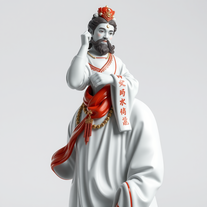 Transform icons into hyper-realistic porcelain statues.Open
 -
 Transform photos into hyper-realistic countryside scenes.Open
 -
 Transform your selfie into a cinematic horror masterpiece.Open
 -
 Transform photos into cinematic portraits with dramatic effects.Open
 -
 Transform ideas into ultra-realistic 8K cinematic photographs.Open
 -
 Transform your photo into El Chavo del 8 memories.Open
 -
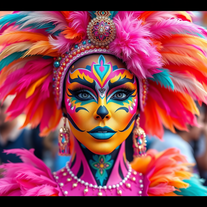 AI-powered digital artist creating ultra-realistic carnival performer images.Open
 -
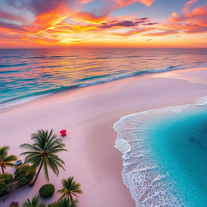
 Create hyper-realistic beach party scenes for personal branding.Open
 -
 Transform any photo into a hyper-realistic keychain portrait.Open
 -
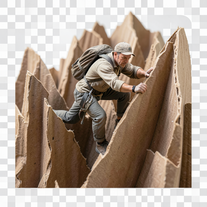 Transform ordinary objects into epic cinematic adventures.Open
 -
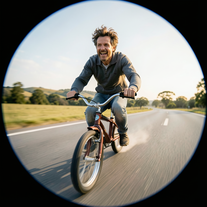
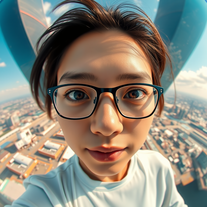 Create hyper-realistic fisheye skyscraper selfies with precise facial reproduction.Open
 -
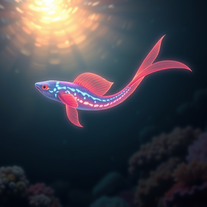 Create hyper-realistic underwater fantasy creatures with AI.Open
 -
 AI-powered romantic bedroom photography with cinematic realism.Open
 -
 Open
Open -
 Open
Open -
 Transform your photo into cinematic 8K nature sculptures.Open
 -
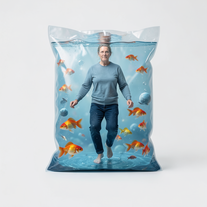
 Generate hyper-realistic photos of people hilariously trapped in washing machines.Open
 -
 Transform any portrait into a hyper-realistic volcanic stone masterpiece.Open
 -
 Transform ordinary photos into ultra-realistic cinematic scenes.Open
 -
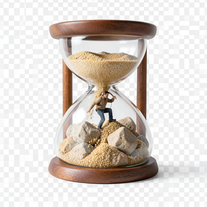 Transform photos into 8K hyper-realistic miniature survival scenes.Open
 -
 Open
Open























































Post





