
 Mini tools
▼ State of the art
Pon
Free mode
100% free
Freemium
Free Trial
Other tools
-
Ashal Rifau🙏 13 karmaAug 28, 2025@Phonk Logo GeneratorNah, I want like Brazilian phonk covers. No thank you sir…
-
-
 OpenVideo editing is the process of selecting, trimming, and arranging footage to create a cohesive story or visual narrative. Here are some fundamental concepts and techniques: Types of Video Editing Linear editing: A straightforward, sequential approach to editing, where clips are arranged in a linear timeline. Non-linear editing: A more flexible approach, where clips can be arranged and rearranged freely in a timeline. Key Video Editing Techniques Cutting: A transition between two clips, where one clip ends and another begins. Cutting on action: Cutting between two clips while an action is in progress, to create a seamless transition. J-cut: Cutting from one clip to another while audio from the second clip starts playing before the video cuts to it. L-cut: Cutting from one clip to another while audio from the first clip continues to play. Video Editing Software Popular video editing software includes: Adobe Premiere Pro: A professional-level editing software with advanced features and integration with other Adobe tools. Final Cut Pro: A professional-level editing software for Mac users, known for its user-friendly interface and advanced features. DaVinci Resolve: A free and paid editing software that offers advanced color grading and audio editing tools. Best Practices for Video Editing Plan your edit: Develop a clear vision and storyboard before starting to edit. Organize your footage: Label and categorize your clips to make them easily accessible. Keep it simple: Avoid overusing transitions and effects; focus on telling a clear story. Advanced Video Editing Techniques Color grading: Adjusting the color and brightness of footage to create a specific mood or atmosphere. Audio ducking: Automatically reducing the volume of background audio when dialogue is present. Motion graphics: Adding animated text, logos, or other graphics to enhance the visual narrative. Video editing involves selecting, trimming, and arranging footage to create a cohesive story. Linear and non-linear editing are two fundamental approaches. Key techniques include cutting, cutting on action, J-cuts, and L-cuts. Popular software includes Adobe Premiere Pro, Final Cut Pro, and DaVinci Resolve. Best practices involve planning, organizing footage, and keeping it simple. Advanced techniques include color grading, audio ducking, and motion graphics. Capcat pro Capcat pro Download image-to-image-generator generated imagetransparent pixel Image to Image Generator Image to Image Generator Download image-to-image-generator generated imagetransparent pixel Image to Image Generator Image to Image Generator Download image-to-image-generator generated imagetransparent pixel Image to Image Generator Image to Image Generator Download image-to-image-generator generated imagetransparent pixel Image to Image Generator Image to Image Generator Download image-to-image-generator generated imagetransparent pixel Image to Image Generator Image to Image Generator Download image-to-image-generator generated imagetransparent pixel Image to Image Generator Image to Image Generator Download image-generator generated imagetransparent pixel Image Generator Image Generator Copy Video Editing Basics Video editing is the process of selecting, trimming, and arranging footage to create a cohesive story or visual narrative. Here are some fundamental concepts and techniques: Types of Video Editing Linear editing: A straightforward, sequential approach to editing, where clips are arranged in a linear timeline. Non-linear editing: A more flexible approach, where clips can be arranged and rearranged freely in a timeline. Key Video Editing Techniques Cutting: A transition between two clips, where one clip ends and another begins. Cutting on action: Cutting between two clips while an action is in progress, to create a seamless transition. J-cut: Cutting from one clip to another while audio from the second clip starts playing before the video cuts to it. L-cut: Cutting from one clip to another while audio from the first clip continues to play. Video Editing Software Popular video editing software includes: Adobe Premiere Pro: A professional-level editing software with advanced features and integration with other Adobe tools. Final Cut Pro: A professional-level editing software for Mac users, known for its user-friendly interface and advanced features. DaVinci Resolve: A free and paid editing software that offers advanced color grading and audio editing tools. Best Practices for Video Editing Plan your edit: Develop a clear vision and storyboard before starting to edit. Organize your footage: Label and categorize your clips to make them easily accessible. Keep it simple: Avoid overusing transitions and effects; focus on telling a clear story. Advanced Video Editing Techniques Color grading: Adjusting the color and brightness of footage to create a specific mood or atmosphere. Audio ducking: Automatically reducing the volume of background audio when dialogue is present. Motion graphics: Adding animated text, logos, or other graphics to enhance the visual narrative. Video editing involves selecting, trimming, and arranging footage to create a cohesive story. Linear and non-linear editing are two fundamental approaches. Key techniques include cutting, cutting on action, J-cuts, and L-cuts. Popular software includes Adobe Premiere Pro, Final Cut Pro, and DaVinci Resolve. Best practices involve planning, organizing footage, and keeping it simple. Advanced techniques include color grading,
 - Sponsor
 Rocket - Think it. Type it. Launch it.
 -
 Creates immersive first-person perspective images that simulate your own eyes.OpenChanged the prompt to improve results.
 -
-
 Transform photos into bold WPA-style geometric art.Open
 - Didn't find the AI you were looking for?
-
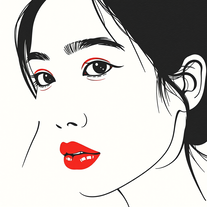 Create captivating minimalist portraits with AIOpenI think the pictures are amazing.
 -
 Unleash your podcast potential with professionally crafted scripts.Open
 -
 Craft AI-powered TV schedules for Brazilian viewers.Open
 -
 AI-powered stencil silhouette design tool.Open
 -
-
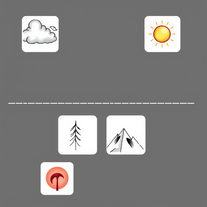 Transform text into surreal pen-and-pencil sketches with watercolor washes.Openhmmm yeah great, i'm sure i could also recreate these in real life, with pencils
 -
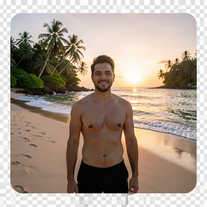 Transform photos into ultra-realistic 8K cinematic scenes.Open
 -
 Transform words into vibrant pop art portraits.Open
 -
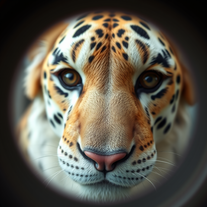 Transform faces into hilarious peephole distortions.OpenThese are SO FUN!!! One of the best minitools on this site, idea is so unique
 -
 Create AI-powered coloring books with whimsical pop culture mashups.Open
 -
 Create adorable Funko Pop-style characters from any concept!OpenChanged the prompt to improve results.
 -
 Craft multilingual pop-rock lyrics effortlessly.Open
 -
cool concept. the cartoons look nice and pretty accurate, though some feel a bit basic.still a fun tool overall.
-
-
Have not had much success with other tools. This is close.
-
 Transform photos into vibrant comic book illustrations.Open
 -
 Transform photos into ultra-realistic miniature chef figurines.Open
 -
 Create dazzling metallic statues on the Seine.Open
 -
 AI-powered Bible study companion for deep scriptural insights.Open
 -
 AI-powered book recommendations based on stories you loveOpen
 -
Changed the prompt to improve results.
-
 Transform ideas into vibrant pop art masterpieces.Open
 -
 Transform photos into whimsical art masterpieces.Open
 -
 Transform photos into Lichtenstein pop-art portraits.Open
 -
 Open
Open -
 Open
Open -
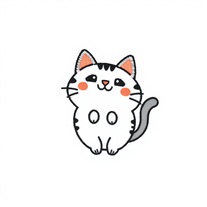 Create kawaii embroidery designs with AI magicOpen
 -
 Open
Open -
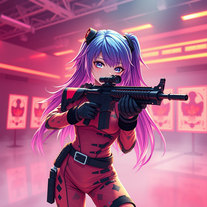 Transform ideas into 3D anime-inspired battle scenes.Open
 -
 Open
Open -
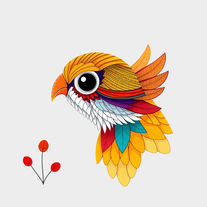 Create vibrant AI art with geometric patterns and whimsical designs.Open
 -
 Create magical My Little Pony characters with friendship themes.Open
 -
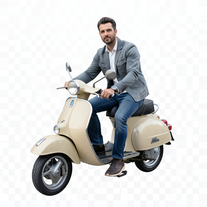 Transform portraits into cinematic Italian street-style magazine shots.Open
 -
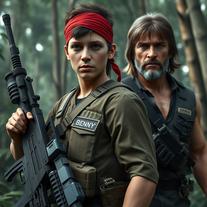 Transform into an ultra-realistic 8K jungle warrior.Open
 -
Simply upload your photo; you don't need to type anything in the prompt field. Just click "generate" and watch the magic happen.
-
 Transform any text into vibrant street art!Open
 -
 Create charming Pompompurin illustrations with AI.Open
 -
 Transform images into stunning coastal art installations.Open
 -
 AI-powered dog names for your unique pupOpen
 -
 Transform photos into cinematic Funko-Pop portraits.Open
 -
 Open
Open -
 Create hyper-realistic beach party scenes for personal branding.Open
 -
 Open
Open -
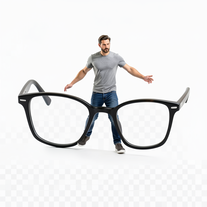
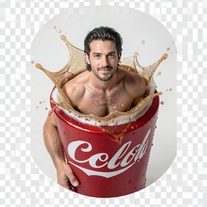
 Transform yourself into ultra-realistic scenes with impossible scale.Open
 -
 Open
Open -
 Open
Open -
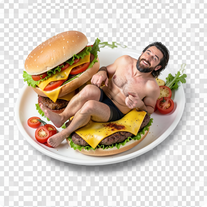
 Transform yourself into cinematic dessert scenes.Open
 -
 Open
Open -
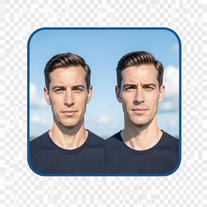 Create cinematic photos with giant and miniature versions of yourself.Open
 -
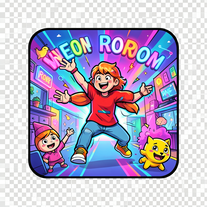 Create vibrant comic-style illustrations with neon energy.Open
 -
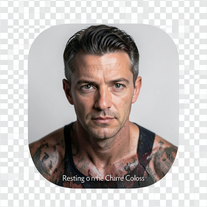 Ultra-realistic AI photo generator creating cinematic 8K images.Open







































Post





