
 Mini tools
▼ Popular
Preservation
Free mode
100% free
Freemium
Free Trial
Other tools
-
Sukul Das PANIKA🙏 174 karmaJun 1, 2025@Text TranslatorThis AI translation tool is truly impressive! I wrote in English: "Make me a rose flower in a garden with a girl standing holding it in her hand," and it translated it into Hindi beautifully. The translation was so accurate and natural, it felt like it was done by a professional translator. Highly recommended!
-
 OpenIt follows the prompt almost precisely and offers a free 4x upscale ;-)
 -
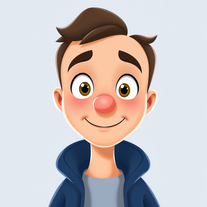 Open
Open -
Does an impressively good job even without prompts.
- Sponsor
 Rocket - Think it. Type it. Launch it.
 -
 OpenVideo editing is the process of selecting, trimming, and arranging footage to create a cohesive story or visual narrative. Here are some fundamental concepts and techniques: Types of Video Editing Linear editing: A straightforward, sequential approach to editing, where clips are arranged in a linear timeline. Non-linear editing: A more flexible approach, where clips can be arranged and rearranged freely in a timeline. Key Video Editing Techniques Cutting: A transition between two clips, where one clip ends and another begins. Cutting on action: Cutting between two clips while an action is in progress, to create a seamless transition. J-cut: Cutting from one clip to another while audio from the second clip starts playing before the video cuts to it. L-cut: Cutting from one clip to another while audio from the first clip continues to play. Video Editing Software Popular video editing software includes: Adobe Premiere Pro: A professional-level editing software with advanced features and integration with other Adobe tools. Final Cut Pro: A professional-level editing software for Mac users, known for its user-friendly interface and advanced features. DaVinci Resolve: A free and paid editing software that offers advanced color grading and audio editing tools. Best Practices for Video Editing Plan your edit: Develop a clear vision and storyboard before starting to edit. Organize your footage: Label and categorize your clips to make them easily accessible. Keep it simple: Avoid overusing transitions and effects; focus on telling a clear story. Advanced Video Editing Techniques Color grading: Adjusting the color and brightness of footage to create a specific mood or atmosphere. Audio ducking: Automatically reducing the volume of background audio when dialogue is present. Motion graphics: Adding animated text, logos, or other graphics to enhance the visual narrative. Video editing involves selecting, trimming, and arranging footage to create a cohesive story. Linear and non-linear editing are two fundamental approaches. Key techniques include cutting, cutting on action, J-cuts, and L-cuts. Popular software includes Adobe Premiere Pro, Final Cut Pro, and DaVinci Resolve. Best practices involve planning, organizing footage, and keeping it simple. Advanced techniques include color grading, audio ducking, and motion graphics. Capcat pro Capcat pro Download image-to-image-generator generated imagetransparent pixel Image to Image Generator Image to Image Generator Download image-to-image-generator generated imagetransparent pixel Image to Image Generator Image to Image Generator Download image-to-image-generator generated imagetransparent pixel Image to Image Generator Image to Image Generator Download image-to-image-generator generated imagetransparent pixel Image to Image Generator Image to Image Generator Download image-to-image-generator generated imagetransparent pixel Image to Image Generator Image to Image Generator Download image-to-image-generator generated imagetransparent pixel Image to Image Generator Image to Image Generator Download image-generator generated imagetransparent pixel Image Generator Image Generator Copy Video Editing Basics Video editing is the process of selecting, trimming, and arranging footage to create a cohesive story or visual narrative. Here are some fundamental concepts and techniques: Types of Video Editing Linear editing: A straightforward, sequential approach to editing, where clips are arranged in a linear timeline. Non-linear editing: A more flexible approach, where clips can be arranged and rearranged freely in a timeline. Key Video Editing Techniques Cutting: A transition between two clips, where one clip ends and another begins. Cutting on action: Cutting between two clips while an action is in progress, to create a seamless transition. J-cut: Cutting from one clip to another while audio from the second clip starts playing before the video cuts to it. L-cut: Cutting from one clip to another while audio from the first clip continues to play. Video Editing Software Popular video editing software includes: Adobe Premiere Pro: A professional-level editing software with advanced features and integration with other Adobe tools. Final Cut Pro: A professional-level editing software for Mac users, known for its user-friendly interface and advanced features. DaVinci Resolve: A free and paid editing software that offers advanced color grading and audio editing tools. Best Practices for Video Editing Plan your edit: Develop a clear vision and storyboard before starting to edit. Organize your footage: Label and categorize your clips to make them easily accessible. Keep it simple: Avoid overusing transitions and effects; focus on telling a clear story. Advanced Video Editing Techniques Color grading: Adjusting the color and brightness of footage to create a specific mood or atmosphere. Audio ducking: Automatically reducing the volume of background audio when dialogue is present. Motion graphics: Adding animated text, logos, or other graphics to enhance the visual narrative. Video editing involves selecting, trimming, and arranging footage to create a cohesive story. Linear and non-linear editing are two fundamental approaches. Key techniques include cutting, cutting on action, J-cuts, and L-cuts. Popular software includes Adobe Premiere Pro, Final Cut Pro, and DaVinci Resolve. Best practices involve planning, organizing footage, and keeping it simple. Advanced techniques include color grading,
 -
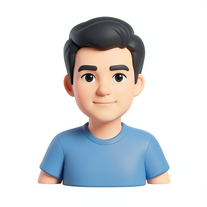
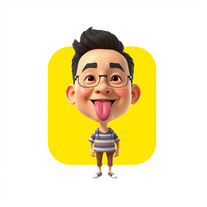 Transform photos into stunning 3D bobblehead caricatures.OpenSimply upload your photo; you don't need to type anything in the prompt field. Just click "generate" and watch the magic happen.
 -
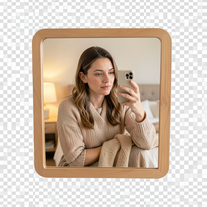 Creates ultra-realistic 4K mirror selfies with warm, cozy lifestyle aesthetics.Open
 -
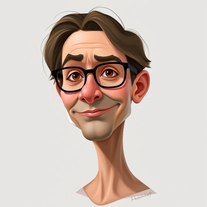 Transform photos into stunning semi-realistic caricature portraits.Open
 -
 Transform any image into stunning artistic masterpieces.Open
 -
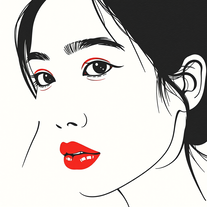 Create captivating minimalist portraits with AIOpenI think the pictures are amazing.
 - Didn't find the AI you were looking for?
-
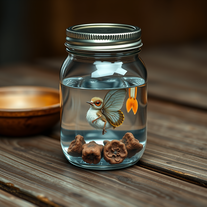
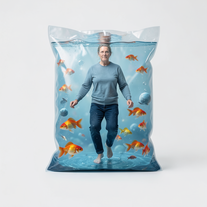
 Transform yourself into a tiny figure trapped in a pickle jar.Open
 -
Simply upload your photo; you don't need to type anything in the prompt field. Just click "generate" and watch the magic happen.
-
 Resurrect historical cityscapes with AI-generated vintage architecture.Open
 -
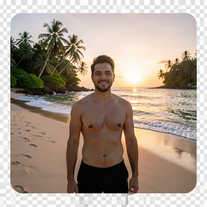 Transform photos into ultra-realistic 8K cinematic scenes.Open
 -
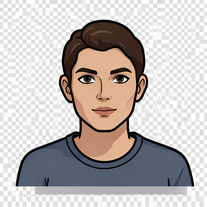
 Transform photos into vibrant cartoon stickers instantly.Open
 -
Fast and easy for rewriting, but does anyone know if it still shows up as AI generated? I'm scared of detectors
-
Simply upload your photo; you don't need to type anything in the prompt field. Just click "generate" and watch the magic happen.
-
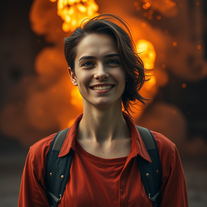 Open
Open -
 Transform your photo into a cinematic masterpiece.Open
 -
 Transform photos into cyberpunk portraits with neon magic.Open
 -
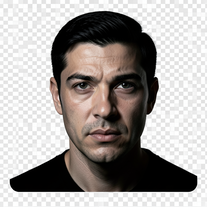 Turn portraits into cinematic masterpieces with dramatic lighting.Open
 -
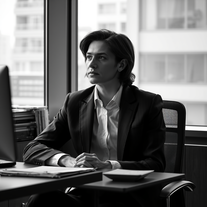 Transform any photo into stunning black-and-white editorial portraits.Open
 -
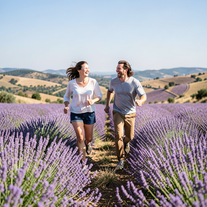 Create ultra-realistic 8K photos of real people.OpenSimply upload your photo; you don't need to type anything in the prompt field. Just click "generate" and watch the magic happen.
 -
 Transform subjects into cinematic 8K smartphone scenes.Open
 -
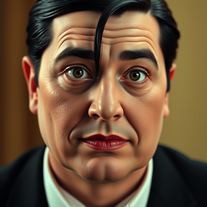 Transform into an Addams Family cinematic portrait.OpenSimply upload your photo; you don't need to type anything in the prompt field. Just click "generate" and watch the magic happen.
 -
 Transform photos into whimsical handcrafted felt dolls.Open
 -
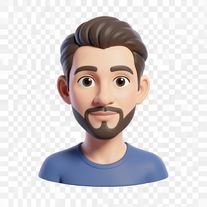 Transform photos into bold 3D caricature portraits.OpenAlways generate a portrait with earrings, even when it's a man?
 -
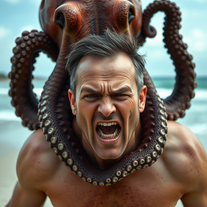 Transform photos into cinematic 8K masterpieces instantly.OpenSimply upload your photo; you don't need to type anything in the prompt field. Just click "generate" and watch the magic happen.
 -
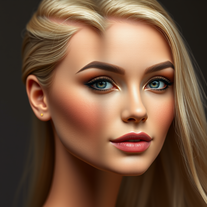 Transform photos into Barbie-inspired digital art portraits.Open
 -
 Transform any photo into a giant parade balloon.Open
 -
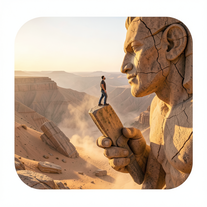 Ultra-realistic AI image generator creating hyper-detailed 8K cinematic photographs.OpenSimply upload your photo; you don't need to type anything in the prompt field. Just click "generate" and watch the magic happen.
 -
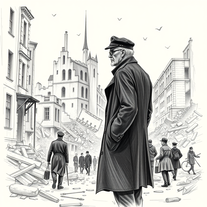
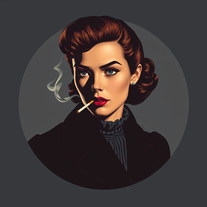 Transform photos into cinematic 1940s noir comic art.Open
 -
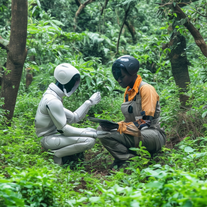 AI-powered nature conservation insights in seconds.Open
 -
 Transform photos into Hollywood-style action movie posters.OpenSimply upload your photo; you don't need to type anything in the prompt field. Just click "generate" and watch the magic happen.
 -
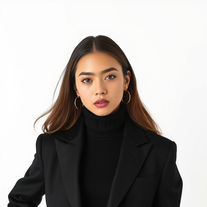 Create striking minimalist art from any subject.Open
 -
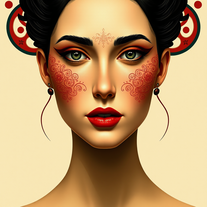 Transform photos into Mucha-inspired Art Nouveau portraits.Open
 -
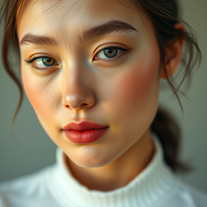 Generate ultra-realistic cinematic portraits with absolute precision.Open
 -
 Open
Open -
-
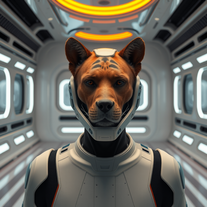 Transform photos into cinematic movie scenes instantly.Open
 -
 Open
Open -
 Generate hyper-realistic portraits while preserving 100% facial identity.OpenSimply upload your photo; you don't need to type anything in the prompt field. Just click "generate" and watch the magic happen.
 -
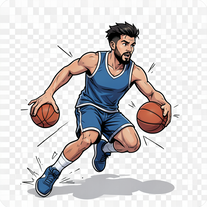 Transform photos into cinematic 64K basketball art.OpenSimply upload your photo; you don't need to type anything in the prompt field. Just click "generate" and watch the magic happen.
 -
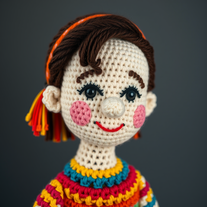 Transform subjects into hyper-realistic crochet masterpieces.Open
 -
 Transform photos into ultra-realistic cinematic scenes.Open
 -
 Transform photos into ultra-realistic studio portraits.Open
 -
just put your image and generate. Just this ok
-
 Open
Open -
 AI-powered studio portraits that preserve your exact identity.Open
 -
Simply upload your photo; you don't need to type anything in the prompt field. Just click "generate" and watch the magic happen.
-
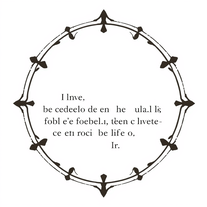 Transform modern English into archaic linguistic style.OpenInteresting little tool here!!!
 -
Simply upload your photo; you don't need to type anything in the prompt field. Just click "generate" and watch the magic happen.
-
 Transform your photos into cinematic masterpieces.Open
 -
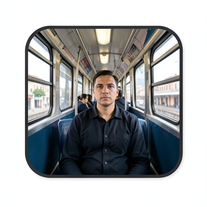 Create cinematic AI photographs of yourself anywhere.Open
 -
 Transform ideas into Louvre-worthy masterpieces.Open
 -
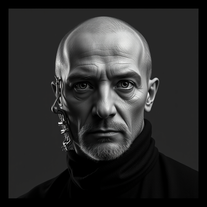 Open
Open -
 Transform any face into stunning urban editorial photography.OpenSimply upload your photo; you don't need to type anything in the prompt field. Just click "generate" and watch the magic happen.
 -
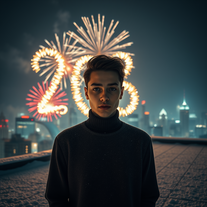
 Transform your photo into a cinematic New Year celebration.Open
 -
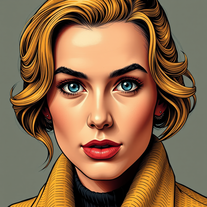 Transform photos into vintage comic book covers.Open
 -
 Transform photos into hyper-realistic wooden twig portraits.Open
 -
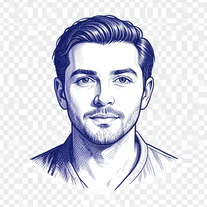 Open
Open -
Simply upload your photo; you don't need to type anything in the prompt field. Just click "generate" and watch the magic happen.
-
 Ultra-realistic AI image generator with perfect identity preservation.OpenJust put your photo, dont put prompt text ok
 -
 Transform selfies into ultra-realistic jet ski adventures.OpenSimply upload your photo; you don't need to type anything in the prompt field. Just click "generate" and watch the magic happen.
 -
 Transform photos into ultra-realistic 1/6-scale collectible action figures.Open
 -
 Transform your photo into El Chavo del 8 memories.OpenSimply upload your photo; you don't need to type anything in the prompt field. Just click "generate" and watch the magic happen.
 -
 Transform photos into epic warrior battle scenes.Open
 -
 Open
Open -
 Transform famous landmarks into stunning soap sculptures with AI.Open
 -
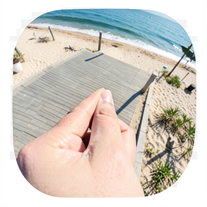 Creates ultra-realistic forced-perspective beach photos where you appear tiny.Open
 -
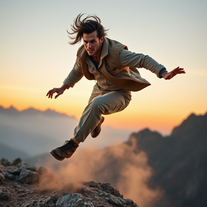
 Create cinematic action scenes while preserving human identity.Open
 -
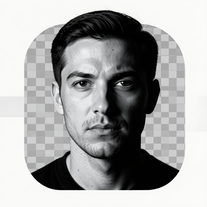 Transform photos into dramatic black-and-white chiaroscuro portraits.Open
 -
 Transform photos into cinematic Ghost Rider portraits.Open
 -
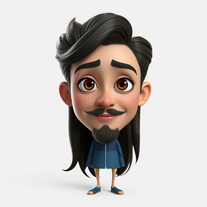 Transform photos into stunning Pixar-style 3D characters.Open
 -
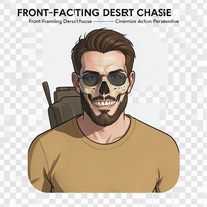 Generate hyper-realistic 8K cinematic motorcycle chase scenes.Open
 -
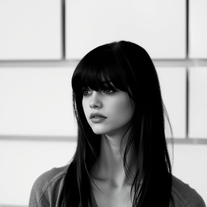 Transform colorful photos into stunning black-and-white masterpieces.Open
 -
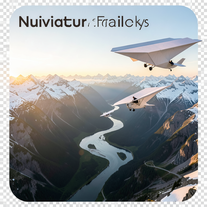 Create ultra-realistic 8K cinematic photographs with whimsical concepts.Open
 -
 Create cinematic space portraits with zero-gravity realism.OpenSimply upload your photo; you don't need to type anything in the prompt field. Just click "generate" and watch the magic happen.
 -
 Transform photos into cinematic cloud scenes with perfect identity preservation.Open
 -
 Open
Open -
 Transform ordinary photos into ultra-realistic cinematic scenes.Open
 -
 Transform portraits into cinematic shooting range scenes.Open
 -
 Star in paparazzi photos with celebrities.Open
 -
 AI-powered cinematic photography for ultra-realistic social portraits.Open
 -
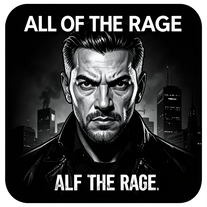
 Transform photos into dramatic neo-noir assassin portraits.Open
 -
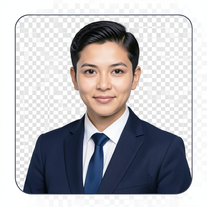 AI-powered corporate portrait generator for ultra-realistic executive headshots.Open
 -
 Open
Open -
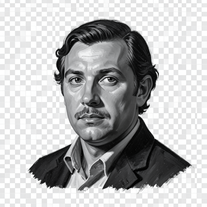 Open
Open -
 Turn your photo into cinematic 8K poster magic.Open
 -
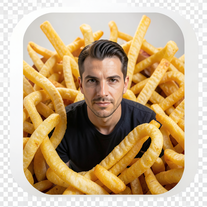 Create cinematic 8K images of people in surreal scenarios.Open
 -
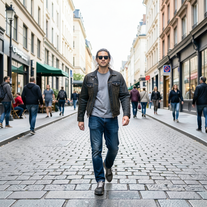 Transform photos into Y2K street fashion editorials.Open
 -
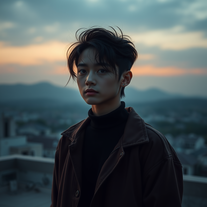
 Transform your portrait into a cinematic dark urban masterpiece.Open
 -
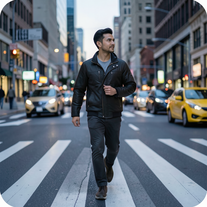 Open
Open -
 Turn portraits into watercolor coloring books.Open
 -
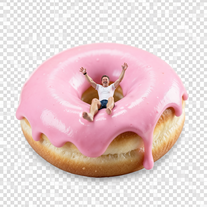
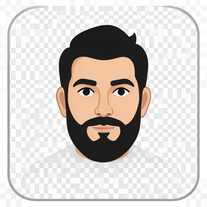 Wrestle giant food in hyper-realistic cinematic photos.Open
 -
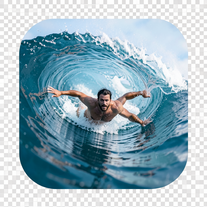 Transform portraits into hyper-realistic barrel wave shots.Open
 -
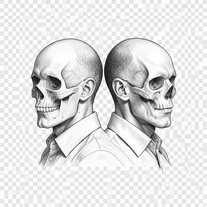
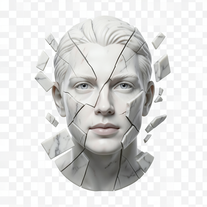 Transform portraits into fractured sculptural masterpieces.Open
 -
 Creates ultra-realistic 8K cinematic library photographs.Open
 -
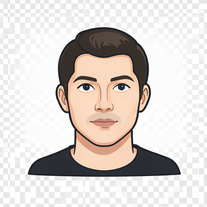 AI photo restoration that preserves original identity.Open
 -
 Transform photos into cinematic synthwave masterpieces.Open
 -
 Generate surreal cinematic scenes with perfect facial identity.Open
 -
 Transform photos into Parisian fashion editorials instantly.Open
 -
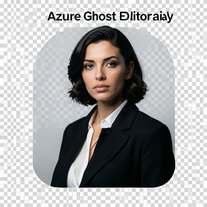 Open
Open -
 Open
Open -
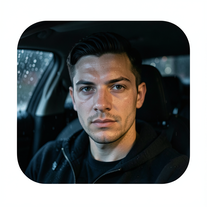 Open
Open -
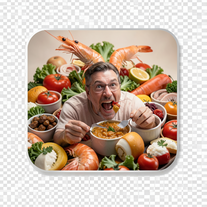 Create photorealistic images in surreal food worlds.Open
 -
 Creates ultra-realistic cinematic portraits from your photos.Open
 -
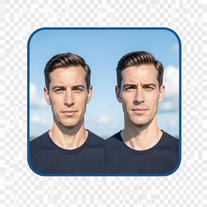 Create cinematic photos with giant and miniature versions of yourself.Open
 -
 Open
Open -
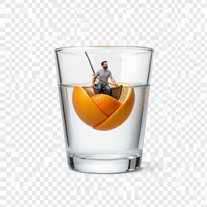
 Transform yourself into cinematic miniature adventures.Open
 -
 Transform photos into cinematic scenes with perfect precision.Open
 -
 Transform photos into hyper-realistic 8K cinematic masterpieces.Open























Post





