
 Mini tools
▼ Latest
Realistic
Free mode
100% free
Freemium
Free Trial


Other tools
-
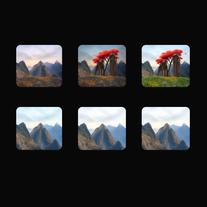 Transform ideas into stunning, photorealistic images.OpenKaryn Englehardt🙏 4 karmaJan 25, 2026@Realistic Picture GeneratorJust kept copying my original image, and inserting a background that's a painting not photorealistic. 🤨
 -
 Transform your vision into stunning futuristic realities.Open
 -
 Transform your photo into an ultra-realistic beach scene with SpongeBob!Open
 -
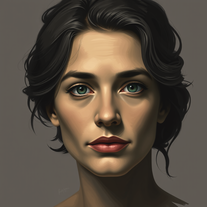 Transform any photo into a stunning oil painting portrait.Open
 - Sponsor:
 Base44💻 Vibe coding
 -
 Open
Open -
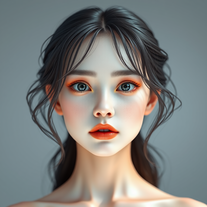
 Transform text descriptions into ultra-realistic portraits.Open
 -
-
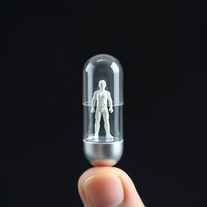 Miniature worlds from your imagination, encapsulated.Open
 -
 Open
Open -
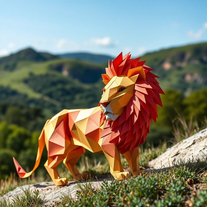
 Transform ideas into captivating miniature worlds.Open
 - Didn't find the AI you were looking for?
-
 Open
Open -
-
 AI-powered instructions for realistic cat crochet.Open
 -
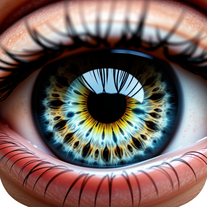
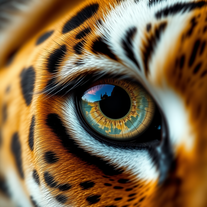 Creates stunning ultra-realistic animal eyeball close-ups.Open
 -
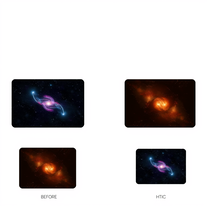
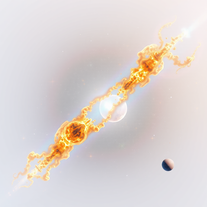 Create stunning, scientifically accurate 3D space images.Open
 -
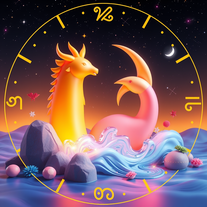 Transform zodiac signs into enchanting 3D fairy tales.Open
 -
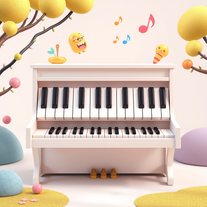 Create whimsical 3D images of magical pianos.Open
 -
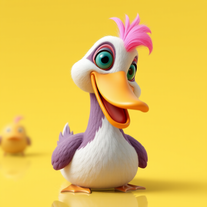 Transform ducks into 3D whimsical masterpieces.Open
 -
 Transform selfies into ultra-realistic jet ski adventures.OpenSimply upload your photo; you don't need to type anything in the prompt field. Just click "generate" and watch the magic happen.
 -
 Create surreal 8K desk scenes with miniature you.Open
 -
 Create ultra-realistic selfies with The Mask characters.Open
 -
 Transform any photo into walnut wood relief sculpture.OpenSimply upload your photo; you don't need to type anything in the prompt field. Just click "generate" and watch the magic happen.
 -
 Transform your photo into a cinematic New Year celebration.Open
 -
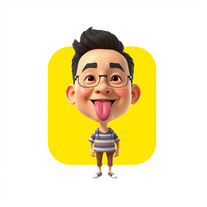 Transform photos into stunning 3D bobblehead caricatures.OpenSimply upload your photo; you don't need to type anything in the prompt field. Just click "generate" and watch the magic happen.
 -
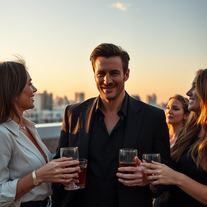 Transform yourself into hyper-realistic celebrity group photos.OpenSimply upload your photo; you don't need to type anything in the prompt field. Just click "generate" and watch the magic happen.
 -
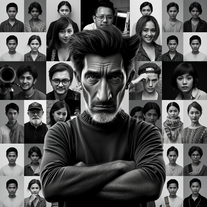 Transform your photo into stunning 8K hyper-realistic portraits.Open
 -
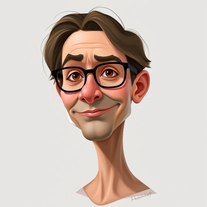 Transform photos into stunning semi-realistic caricature portraits.Open
 -
 Transform photos into ultra-realistic Disney park portraits.Open
 -
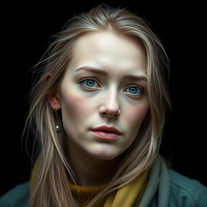 AI-powered image generator creating ultra-realistic photos.OpenI also asked for a knight in armor and got exactly that, it might have been something else in your prompt that confused the AI
 -
 Transform photos into stunning black and white portraits.Open
 -
 Transform photos into kawaii chibi illustrations instantly.Open
 -
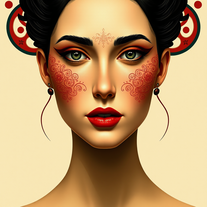 Transform photos into Mucha-inspired Art Nouveau portraits.Open
 -
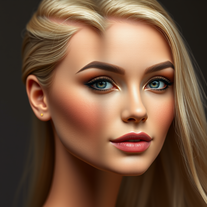 Transform photos into Barbie-inspired digital art portraits.Open
 -
 Transform your photos into cinematic masterpieces.Open
 -
 Generate ultra-realistic skydiving portraits from your photos.Open
 -
 Transform photos into cinematic Funko-Pop portraits.Open
 -
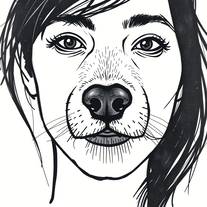 Transform photos into cinematic graffiti portraits.Open:D :D :D :D :D :D :D :D :D :D :D :D :D :D :D
 -
 Transform photos into cinematic luxury portraits.Open
 -
 Transform photos into cyberpunk portraits with neon magic.Open
 -
 Transform photos into cinematic Ghost Rider portraits.Open
 -
 Create ultra-realistic celebrity selfies in iconic locations.Open
 -
 Transform photos into cinematic dawn portraits.Open
 -
 Transform portraits into epic cinematic warriors.Open
 -
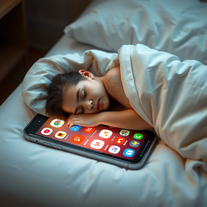 Create cinematic scenes of tech dependency.Open
 -
 Open
Open -
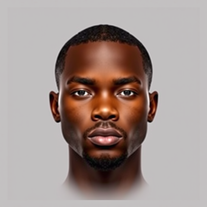
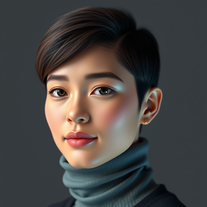 Generate hyper-realistic human portraits with AI precision.Open
 -
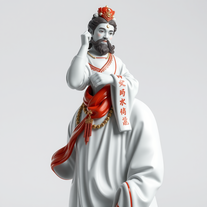 Transform icons into hyper-realistic porcelain statues.Open
 -
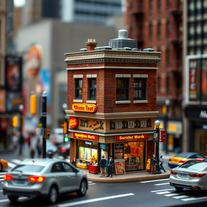 Craft hyper-realistic miniature NYC scenes from your ideas.Open
 -
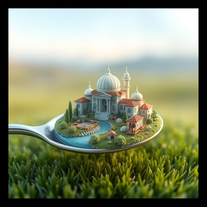 Create mesmerizing miniature worlds from any concept.Open
 -
 Create mesmerizing surreal portraits with AI.Open
 -
 Open
Open -
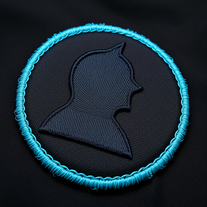 Create hyper-realistic embroidered patches from any silhouette.Open
 -
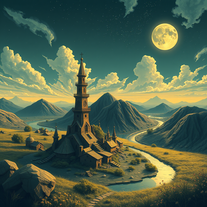 Transform dreams into photo-realistic comic strips.Open
 -
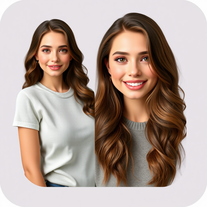 Create customized, lifelike digital avatars in minutes.Open
 -
 Your AI assistant for dynamic, genuine dating chats.Open
 -
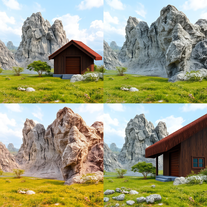 Transform detailed descriptions into breathtakingly realistic images.Open
 -
 Creates ultra-realistic peephole-view portraits with precise facial accuracy.Open
 -
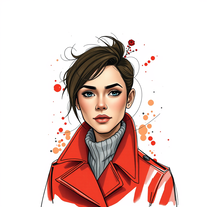 Transform portraits into hyper-realistic masterpieces with artistic flair.Open
 -
-
 Transform any face into stunning urban editorial photography.OpenSimply upload your photo; you don't need to type anything in the prompt field. Just click "generate" and watch the magic happen.
 -
 Creates ultra-realistic cinematic portraits from your photos.Open
 -
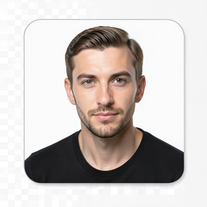 Transform your face into ultra-realistic cinematic scenes.Open
 -
 Transform yourself into ultra-realistic scenes with impossible scale.Open
 -
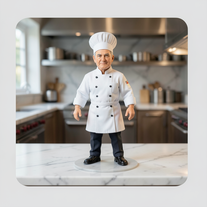 Transform photos into ultra-realistic miniature chef figurines.Open
 -
 Generate ultra-realistic cinematic action photographs with perfect physics.Open
 -
 Generate ultra-realistic candid photography with facial recreation.Open
 -
 Ultra-realistic AI image generator with perfect identity preservation.OpenJust put your photo, dont put prompt text ok
 -
 Generate hyper-realistic photos of people hilariously trapped in washing machines.Open
 -
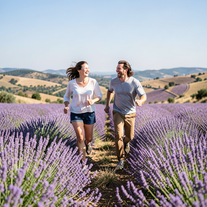 Create ultra-realistic 8K photos of real people.OpenSimply upload your photo; you don't need to type anything in the prompt field. Just click "generate" and watch the magic happen.
 -
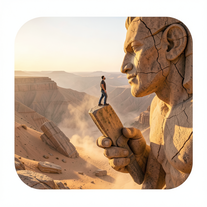 Ultra-realistic AI image generator creating hyper-detailed 8K cinematic photographs.OpenSimply upload your photo; you don't need to type anything in the prompt field. Just click "generate" and watch the magic happen.
 -
 Creates ultra-realistic 8K cinematic library photographs.Open
 -
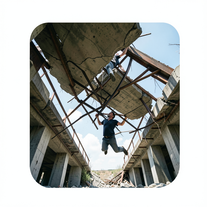 Generate ultra-realistic photos of people supporting massive debris.Open
 -
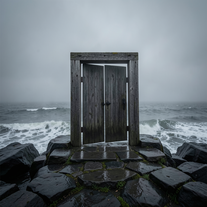 Creates ultra-realistic cinematic photographs of people through mystical doorways.Open
 -
 Transform photos into ultra-realistic cinematic scenes.Open
 -
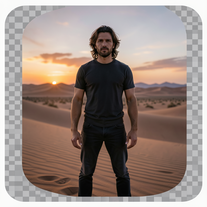 Generate ultra-realistic 8K cinematic photographs from prompts.OpenPlease only use the image and do not describe anything else in the prompt.
 -
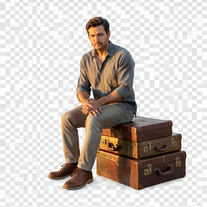 Creates hyper-realistic 8K cinematic photographs featuring surreal human-animal interactions.OpenSimply upload your photo; you don't need to type anything in the prompt field. Just click "generate" and watch the magic happen.
 -
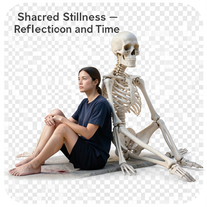 Create hyper-realistic 8K cinematic photos with skeleton companions.Open
 -
 Transform any portrait into a hyper-realistic volcanic stone masterpiece.Open
 -
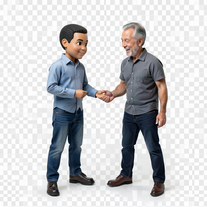 Transform photos into hyper-realistic miniature scenes.OpenSimply upload your photo; you don't need to type anything in the prompt field. Just click "generate" and watch the magic happen.
 -
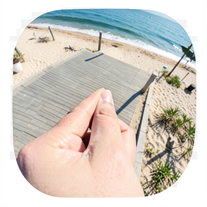 Creates ultra-realistic forced-perspective beach photos where you appear tiny.Open
 -
 OpenVideo editing is the process of selecting, trimming, and arranging footage to create a cohesive story or visual narrative. Here are some fundamental concepts and techniques: Types of Video Editing Linear editing: A straightforward, sequential approach to editing, where clips are arranged in a linear timeline. Non-linear editing: A more flexible approach, where clips can be arranged and rearranged freely in a timeline. Key Video Editing Techniques Cutting: A transition between two clips, where one clip ends and another begins. Cutting on action: Cutting between two clips while an action is in progress, to create a seamless transition. J-cut: Cutting from one clip to another while audio from the second clip starts playing before the video cuts to it. L-cut: Cutting from one clip to another while audio from the first clip continues to play. Video Editing Software Popular video editing software includes: Adobe Premiere Pro: A professional-level editing software with advanced features and integration with other Adobe tools. Final Cut Pro: A professional-level editing software for Mac users, known for its user-friendly interface and advanced features. DaVinci Resolve: A free and paid editing software that offers advanced color grading and audio editing tools. Best Practices for Video Editing Plan your edit: Develop a clear vision and storyboard before starting to edit. Organize your footage: Label and categorize your clips to make them easily accessible. Keep it simple: Avoid overusing transitions and effects; focus on telling a clear story. Advanced Video Editing Techniques Color grading: Adjusting the color and brightness of footage to create a specific mood or atmosphere. Audio ducking: Automatically reducing the volume of background audio when dialogue is present. Motion graphics: Adding animated text, logos, or other graphics to enhance the visual narrative. Video editing involves selecting, trimming, and arranging footage to create a cohesive story. Linear and non-linear editing are two fundamental approaches. Key techniques include cutting, cutting on action, J-cuts, and L-cuts. Popular software includes Adobe Premiere Pro, Final Cut Pro, and DaVinci Resolve. Best practices involve planning, organizing footage, and keeping it simple. Advanced techniques include color grading, audio ducking, and motion graphics. Capcat pro Capcat pro Download image-to-image-generator generated imagetransparent pixel Image to Image Generator Image to Image Generator Download image-to-image-generator generated imagetransparent pixel Image to Image Generator Image to Image Generator Download image-to-image-generator generated imagetransparent pixel Image to Image Generator Image to Image Generator Download image-to-image-generator generated imagetransparent pixel Image to Image Generator Image to Image Generator Download image-to-image-generator generated imagetransparent pixel Image to Image Generator Image to Image Generator Download image-to-image-generator generated imagetransparent pixel Image to Image Generator Image to Image Generator Download image-generator generated imagetransparent pixel Image Generator Image Generator Copy Video Editing Basics Video editing is the process of selecting, trimming, and arranging footage to create a cohesive story or visual narrative. Here are some fundamental concepts and techniques: Types of Video Editing Linear editing: A straightforward, sequential approach to editing, where clips are arranged in a linear timeline. Non-linear editing: A more flexible approach, where clips can be arranged and rearranged freely in a timeline. Key Video Editing Techniques Cutting: A transition between two clips, where one clip ends and another begins. Cutting on action: Cutting between two clips while an action is in progress, to create a seamless transition. J-cut: Cutting from one clip to another while audio from the second clip starts playing before the video cuts to it. L-cut: Cutting from one clip to another while audio from the first clip continues to play. Video Editing Software Popular video editing software includes: Adobe Premiere Pro: A professional-level editing software with advanced features and integration with other Adobe tools. Final Cut Pro: A professional-level editing software for Mac users, known for its user-friendly interface and advanced features. DaVinci Resolve: A free and paid editing software that offers advanced color grading and audio editing tools. Best Practices for Video Editing Plan your edit: Develop a clear vision and storyboard before starting to edit. Organize your footage: Label and categorize your clips to make them easily accessible. Keep it simple: Avoid overusing transitions and effects; focus on telling a clear story. Advanced Video Editing Techniques Color grading: Adjusting the color and brightness of footage to create a specific mood or atmosphere. Audio ducking: Automatically reducing the volume of background audio when dialogue is present. Motion graphics: Adding animated text, logos, or other graphics to enhance the visual narrative. Video editing involves selecting, trimming, and arranging footage to create a cohesive story. Linear and non-linear editing are two fundamental approaches. Key techniques include cutting, cutting on action, J-cuts, and L-cuts. Popular software includes Adobe Premiere Pro, Final Cut Pro, and DaVinci Resolve. Best practices involve planning, organizing footage, and keeping it simple. Advanced techniques include color grading,
 -
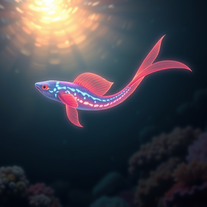 Create hyper-realistic underwater fantasy creatures with AI.Open
 -
 Create stunning, ultra-realistic images from text prompts.Open
 -
 Generate hyper-realistic portraits while preserving 100% facial identity.OpenSimply upload your photo; you don't need to type anything in the prompt field. Just click "generate" and watch the magic happen.
 -
 Transform photos into hyper-realistic wooden twig portraits.Open
 -
 Generate ultra-realistic human faces with customizable parameters.Open
 -
 Transform any photo into a hyper-realistic keychain portrait.Open
 -
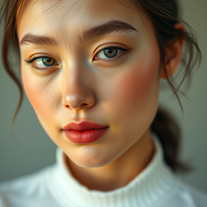 Generate ultra-realistic cinematic portraits with absolute precision.Open
 -
 Open
Open -
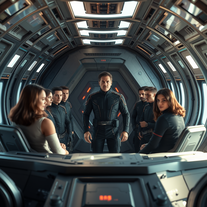 Transform yourself into a galactic commander with ultra-realistic AI imagery.OpenSimply upload your photo; you don't need to type anything in the prompt field. Just click "generate" and watch the magic happen.
 -
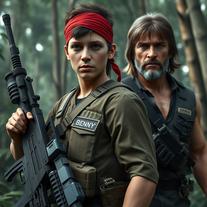 Transform into an ultra-realistic 8K jungle warrior.Open
 -
 Create hyper-realistic beach party scenes for personal branding.Open
 -
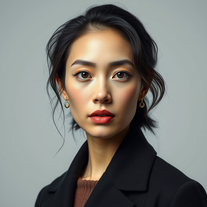 Transform your photos into stunning hyper-realistic studio portraits.Open
 -
I have tried again, got some positive response but liveness is still missing, not sure if this AI can read my intension.
-
 Transform anything into stunning hyper-realistic glass sculptures.Open
 -
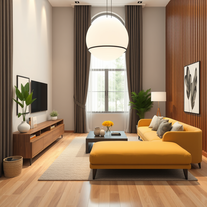
 Creates stunning, hyper-realistic interior design images based on your style preferences.Open
 -
 Transform photos into hyper-realistic 64K cinematic portraits.Open
 -
 AI-powered cinematic photography for ultra-realistic social portraits.Open
 -
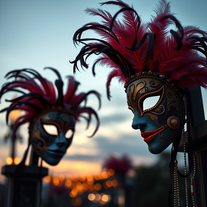 Creates stunning, ultra-realistic carnival masks with intricate fantasy details.Open
 -
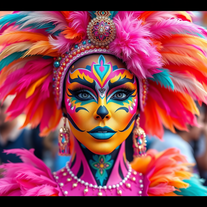 AI-powered digital artist creating ultra-realistic carnival performer images.Open
 -
 Transform your photo into an ultra-realistic 8K cinematic portrait.Open
 -
 AI fashion designer creating ultra-realistic clothing images.Open
 -
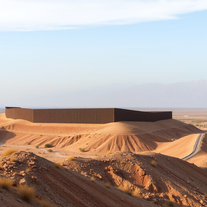
 Generate ultra-realistic satellite images with professional detail.Open
 -
 Open
Open -
 Generate stunning AI princess characters with ultra-realistic detail.Open
 -
 AI-powered generator creating ultra-realistic photos of diverse couples.Open
 -
 Transform photos into hyper-realistic countryside scenes.Open
 -
 Creates stunning, customizable landscape images from realistic to fantastical.Open
 -
 AI fashion designer creating stunning, ultra-realistic outfit images.Open
 -
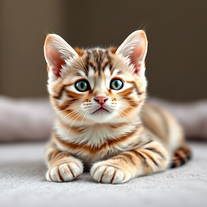 Instantly generates heartwarming, ultra-realistic cat images that melt hearts.Open
 -
 Transform text into stunning photorealistic images.OpenIt's good, needs a lot of training but the potential is clearly visible. Dev well done
 -
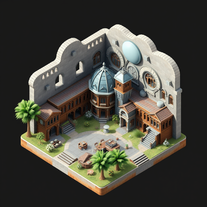 Generate stunning photo-realistic images in perfect isometric projection.Open
 -
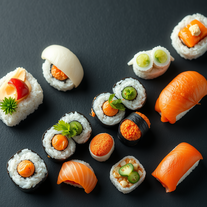
 Generate stunning, hyper-realistic images of authentic traditional foods from cultures worldwide.Open
 -
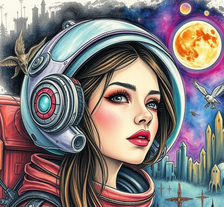 AI art generator creating mystical, semi-realistic paintings featuring beautiful subjects in fantasy worlds.Open
 -
 Open
Open -
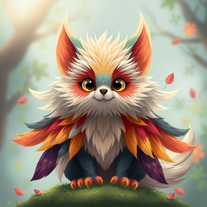 Generate fantastical AI creatures with ultra-realistic detail.Open
 -
 Creates stunningly realistic AI-generated human portraits indistinguishable from real photographs.Open
 -
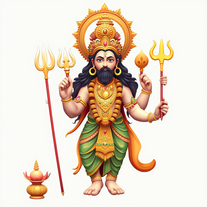 Generate ultra-realistic Hindu deity portraits with AI.Open
 -
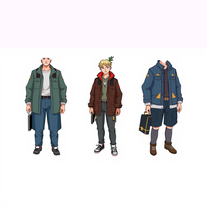 AI-powered character generator creating ultra-realistic, consistent images from specifications.OpenNo nsfw at all fyi no tasteful, bikini or lingerie
 -
 Generate ultra-realistic AI profile pictures in stylish hoodies.Open
 -
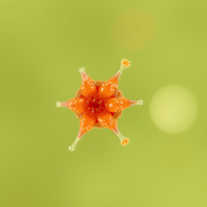 AI-powered microscope for ultra-realistic nano-visuals.Open
 -
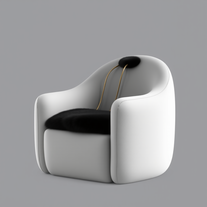 Turn anything into a cozy, ultra-realistic lounge chair.Open
 -
⭐️⭐️⭐️⭐️⭐️ To say the least, Hyper Realism is absolutely phenomenal. I’ve been testing a lot of AI tools lately, and this one instantly stood out as a game‑changer. It’s not just hype — the results speak for themselves. Here’s what blew me away: - **Enhance & 4x Upscale** → The clarity jump is insane. Details that were muddy or soft in the original suddenly pop with crisp definition. It feels like breathing new life into your images. - **Background Replacement** → Super smooth and natural. I was able to swap out entire environments without losing the integrity of the subject. No weird edges, no awkward blending — it just works. - **Extra Features** → There are other editing options tucked in, and while it processes one at a time (and takes a little patience), the quality makes the wait worth it. What really seals the deal for me: **it’s 100% free.** No hidden paywalls, no “gotcha” credits system. Just pure, accessible power for creators who want professional‑grade results without breaking the bank. Yes, it’s one‑at‑a‑time and not lightning fast, but honestly, I’ll take that tradeoff any day for the level of polish it delivers. Every image I ran through came out looking like it belonged in a high‑end portfolio. If you’re on the fence, don’t be. Hyper Realism is the kind of tool that makes you excited to create again. It’s reliable, it’s powerful, and it’s free. I can’t recommend it enough — give it a try and see for yourself. 🔥 Verdict: Hyper Realism is a must‑use for anyone serious about AI image quality.
-
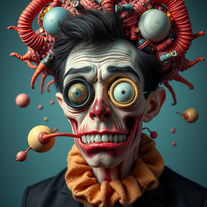 Transform inputs into hyper-realistic, surreal digital art.Open
 -
 Create stunning AI art with fluid, hyper-realistic visuals.Open
 -
 Transform ideas into hyper-realistic epoxy resin portraits.Open
 -
 Open
Open -
 AI-generated hyper-realistic human portraits, customized to perfection.Open
 -
-
 Open
Open -
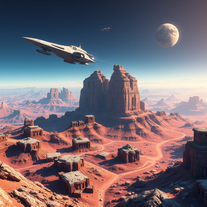 Open
Open -
 Open
Open -
It is an excellent tool for generating all image you need. You can start to use and you will realize the important that it si.
-
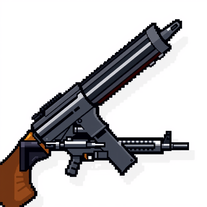
Designing my DnD groups weapon, ALL other AI generators fcked up. Only this one gave me what i wanted.
-
-
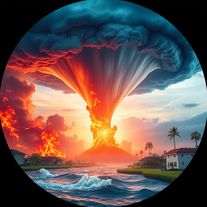 Generate hyper-realistic images of natural disasters.Open
 -
The output was a garbled mess of random pixels. Pure junk!
-
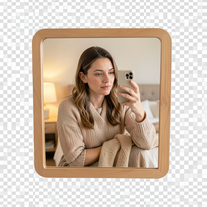 Creates ultra-realistic 4K mirror selfies with warm, cozy lifestyle aesthetics.Open
 -
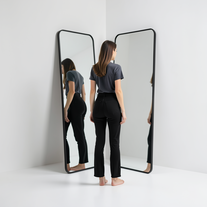 Generate ultra-realistic mirror photographs exploring self-perception psychology.Open
 -
 AI-powered studio portraits that preserve your exact identity.Open
 -
 Transform photos into cinematic selfies with gorilla companions.Open
 -
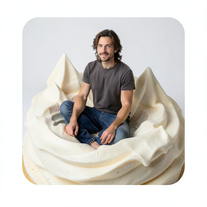 Transform into ultra-realistic 8K cinematic photographs in whimsical dessert environments.Open
 -
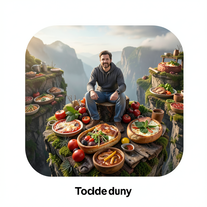 Transform photos into cinematic giant food landscapes.Open





































Post





