
 Mini tools
▼ Most saved
Realistic image
Free mode
100% free
Freemium
Free Trial
-
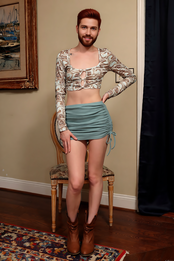
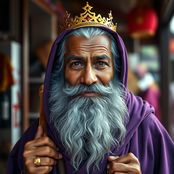


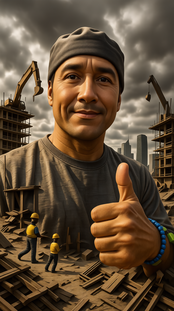

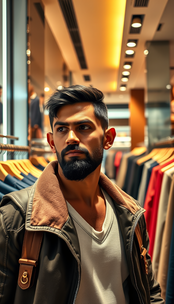


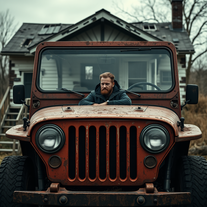
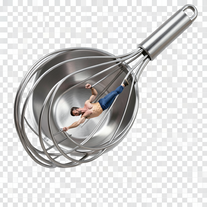
 axelJan 31, 2026@Realistic imageit sucks since the guy in the thumbnail is self inserted

Other tools
-
There were no aristocratic Asians and Africans in ancient Rome.
-
-
The feature of having a file as reference is great, having two files for reference would be better when conceptualizing conplex ideas. Like I want A element from pic A and B element from pic B to make C
- Sponsor
 KiloClaw - Managed 🦀 OpenClaw hosting
 -
 Open
Open -
⭐️⭐️⭐️⭐️⭐️ To say the least, Hyper Realism is absolutely phenomenal. I’ve been testing a lot of AI tools lately, and this one instantly stood out as a game‑changer. It’s not just hype — the results speak for themselves. Here’s what blew me away: - **Enhance & 4x Upscale** → The clarity jump is insane. Details that were muddy or soft in the original suddenly pop with crisp definition. It feels like breathing new life into your images. - **Background Replacement** → Super smooth and natural. I was able to swap out entire environments without losing the integrity of the subject. No weird edges, no awkward blending — it just works. - **Extra Features** → There are other editing options tucked in, and while it processes one at a time (and takes a little patience), the quality makes the wait worth it. What really seals the deal for me: **it’s 100% free.** No hidden paywalls, no “gotcha” credits system. Just pure, accessible power for creators who want professional‑grade results without breaking the bank. Yes, it’s one‑at‑a‑time and not lightning fast, but honestly, I’ll take that tradeoff any day for the level of polish it delivers. Every image I ran through came out looking like it belonged in a high‑end portfolio. If you’re on the fence, don’t be. Hyper Realism is the kind of tool that makes you excited to create again. It’s reliable, it’s powerful, and it’s free. I can’t recommend it enough — give it a try and see for yourself. 🔥 Verdict: Hyper Realism is a must‑use for anyone serious about AI image quality.
-
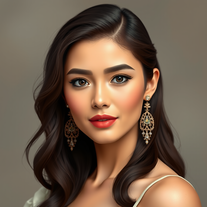 AI-powered respectful portraits celebrating diverse femininity.Open
 -
-
-
 Transform text into stunning photorealistic images.OpenIt's good, needs a lot of training but the potential is clearly visible. Dev well done
 - Didn't find the AI you were looking for?
-
 Transform your vision into stunning, diverse images.OpenI really haven't said enough about this wonderful tool. No words, amazing, I mean, I would say it has revolutionized the field of images. Thank you.
 -
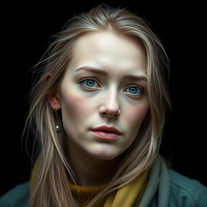 AI-powered image generator creating ultra-realistic photos.OpenI also asked for a knight in armor and got exactly that, it might have been something else in your prompt that confused the AI
 -
-
 OpenVideo editing is the process of selecting, trimming, and arranging footage to create a cohesive story or visual narrative. Here are some fundamental concepts and techniques: Types of Video Editing Linear editing: A straightforward, sequential approach to editing, where clips are arranged in a linear timeline. Non-linear editing: A more flexible approach, where clips can be arranged and rearranged freely in a timeline. Key Video Editing Techniques Cutting: A transition between two clips, where one clip ends and another begins. Cutting on action: Cutting between two clips while an action is in progress, to create a seamless transition. J-cut: Cutting from one clip to another while audio from the second clip starts playing before the video cuts to it. L-cut: Cutting from one clip to another while audio from the first clip continues to play. Video Editing Software Popular video editing software includes: Adobe Premiere Pro: A professional-level editing software with advanced features and integration with other Adobe tools. Final Cut Pro: A professional-level editing software for Mac users, known for its user-friendly interface and advanced features. DaVinci Resolve: A free and paid editing software that offers advanced color grading and audio editing tools. Best Practices for Video Editing Plan your edit: Develop a clear vision and storyboard before starting to edit. Organize your footage: Label and categorize your clips to make them easily accessible. Keep it simple: Avoid overusing transitions and effects; focus on telling a clear story. Advanced Video Editing Techniques Color grading: Adjusting the color and brightness of footage to create a specific mood or atmosphere. Audio ducking: Automatically reducing the volume of background audio when dialogue is present. Motion graphics: Adding animated text, logos, or other graphics to enhance the visual narrative. Video editing involves selecting, trimming, and arranging footage to create a cohesive story. Linear and non-linear editing are two fundamental approaches. Key techniques include cutting, cutting on action, J-cuts, and L-cuts. Popular software includes Adobe Premiere Pro, Final Cut Pro, and DaVinci Resolve. Best practices involve planning, organizing footage, and keeping it simple. Advanced techniques include color grading, audio ducking, and motion graphics. Capcat pro Capcat pro Download image-to-image-generator generated imagetransparent pixel Image to Image Generator Image to Image Generator Download image-to-image-generator generated imagetransparent pixel Image to Image Generator Image to Image Generator Download image-to-image-generator generated imagetransparent pixel Image to Image Generator Image to Image Generator Download image-to-image-generator generated imagetransparent pixel Image to Image Generator Image to Image Generator Download image-to-image-generator generated imagetransparent pixel Image to Image Generator Image to Image Generator Download image-to-image-generator generated imagetransparent pixel Image to Image Generator Image to Image Generator Download image-generator generated imagetransparent pixel Image Generator Image Generator Copy Video Editing Basics Video editing is the process of selecting, trimming, and arranging footage to create a cohesive story or visual narrative. Here are some fundamental concepts and techniques: Types of Video Editing Linear editing: A straightforward, sequential approach to editing, where clips are arranged in a linear timeline. Non-linear editing: A more flexible approach, where clips can be arranged and rearranged freely in a timeline. Key Video Editing Techniques Cutting: A transition between two clips, where one clip ends and another begins. Cutting on action: Cutting between two clips while an action is in progress, to create a seamless transition. J-cut: Cutting from one clip to another while audio from the second clip starts playing before the video cuts to it. L-cut: Cutting from one clip to another while audio from the first clip continues to play. Video Editing Software Popular video editing software includes: Adobe Premiere Pro: A professional-level editing software with advanced features and integration with other Adobe tools. Final Cut Pro: A professional-level editing software for Mac users, known for its user-friendly interface and advanced features. DaVinci Resolve: A free and paid editing software that offers advanced color grading and audio editing tools. Best Practices for Video Editing Plan your edit: Develop a clear vision and storyboard before starting to edit. Organize your footage: Label and categorize your clips to make them easily accessible. Keep it simple: Avoid overusing transitions and effects; focus on telling a clear story. Advanced Video Editing Techniques Color grading: Adjusting the color and brightness of footage to create a specific mood or atmosphere. Audio ducking: Automatically reducing the volume of background audio when dialogue is present. Motion graphics: Adding animated text, logos, or other graphics to enhance the visual narrative. Video editing involves selecting, trimming, and arranging footage to create a cohesive story. Linear and non-linear editing are two fundamental approaches. Key techniques include cutting, cutting on action, J-cuts, and L-cuts. Popular software includes Adobe Premiere Pro, Final Cut Pro, and DaVinci Resolve. Best practices involve planning, organizing footage, and keeping it simple. Advanced techniques include color grading,
 -
-
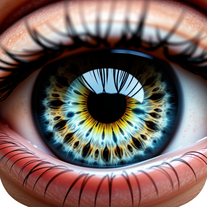
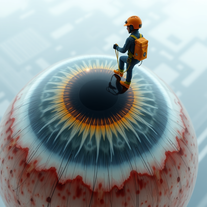 Turn subjects into surreal eye-cleaning visuals.Open
 -
 OpenExtremely happy with the results. surpassed my expectations totally.
 -
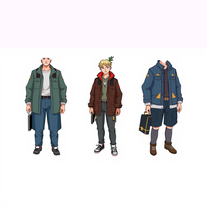 AI-powered character generator creating ultra-realistic, consistent images from specifications.OpenNo nsfw at all fyi no tasteful, bikini or lingerie
 -
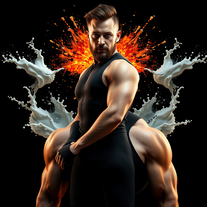 Transform photos into cinematic portraits with dramatic lighting.Open
 -
 Open
Open -
 Open
Open -
Puaj worst generator with full errors and pixeled pics
-
 Transform photos into cinematic AI portraits.Open
 -
 Transform ordinary product photos into stunning, market-ready e-commerce images.Open
 -
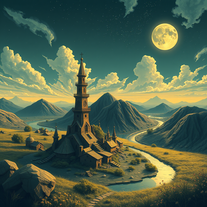 Transform dreams into photo-realistic comic strips.Open
 -
 Open
Open -
 Create stunning, ultra-realistic images from text prompts.Open
 -
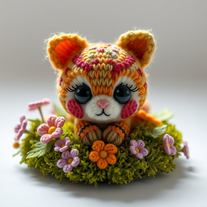 Transform any object into adorable knitted artwork!Open
 -
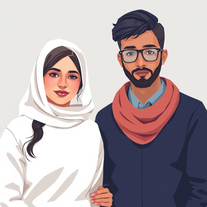 OpenSo far good just trying out
 -
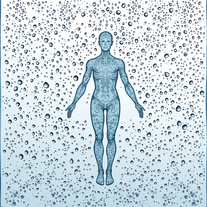 Create stunning AI art with fluid, hyper-realistic visuals.Open
 -
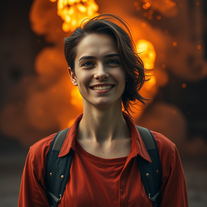 Open
Open -
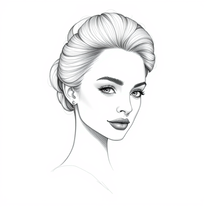 Transform subjects into elegant pencil sketches.Open
 -
 Transform ideas into exquisite AI-crafted portraits.Open
 -
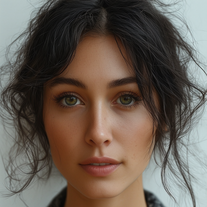
 Transform text descriptions into ultra-realistic portraits.Open
 -
 Advanced AI image generator creating original, high-quality visuals from detailed descriptions.Open
 -
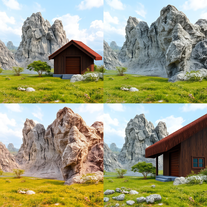 Transform detailed descriptions into breathtakingly realistic images.Open
 -
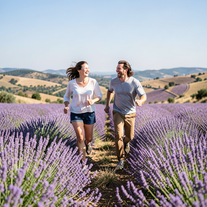 Create ultra-realistic 8K photos of real people.OpenSimply upload your photo; you don't need to type anything in the prompt field. Just click "generate" and watch the magic happen.
 -
 Transform scenes into captivating miniature worlds.Open
 -
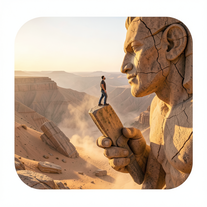 Ultra-realistic AI image generator creating hyper-detailed 8K cinematic photographs.OpenSimply upload your photo; you don't need to type anything in the prompt field. Just click "generate" and watch the magic happen.
 -
Hey Hemant, I've just tried generating an image from a photo myself and it worked just fine. Would you like to give it another try?
-
 Open
Open -
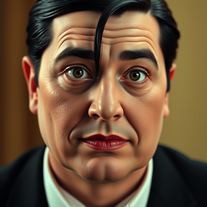 Transform into an Addams Family cinematic portrait.OpenSimply upload your photo; you don't need to type anything in the prompt field. Just click "generate" and watch the magic happen.
 -
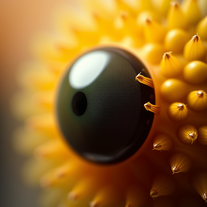 Open
Open -
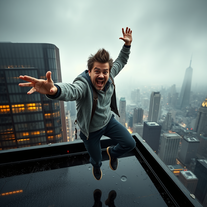 Defy gravity with hilarious skyscraper stunts.Open
 -
 Transform any image into stunning charcoal sketches.OpenChanged the prompt to improve results.
 -
Kept it real simple with some chopped vegetables and it actually looked like the real thing. Nice tool dud
-
Just created a dinosaur sitting in a tree XD was fun, you can play around with this creating anything your brain can think about
-
 AI-crafted presidential portraits blend history and imagination.Open
 -
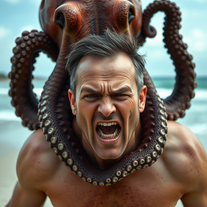 Transform photos into cinematic 8K masterpieces instantly.OpenSimply upload your photo; you don't need to type anything in the prompt field. Just click "generate" and watch the magic happen.
 -
 Generate stunning AI princess characters with ultra-realistic detail.Open
 -
 Open
Open -
 Transform any description into vibrant cartoon-style images instantly.Open
 -
 Transform photos into whimsical handcrafted felt dolls.Open
 -
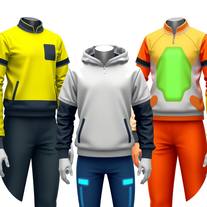
 AI fashion designer creating ultra-realistic clothing images.Open
 -
 AI-powered generator creating ultra-realistic photos of diverse couples.Open
 -
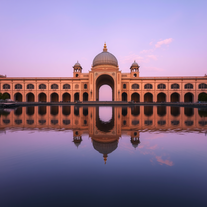 Transform keywords into stunning cinematic images with film-style aesthetics.Open
 -
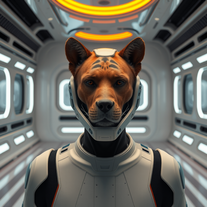 Transform photos into cinematic movie scenes instantly.Open
 -
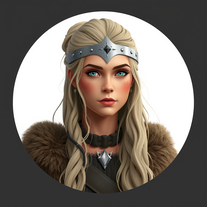 Create stunning Viking warrior women portraits from text.Open
 -
The output was a garbled mess of random pixels. Pure junk!
-
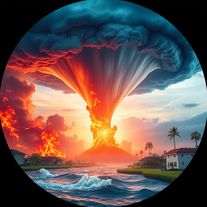 Generate hyper-realistic images of natural disasters.Open
 -
 Transform text into mystical 8K digital artwork.Open
 -
 Generate ultra-realistic candid photography with facial recreation.Open
 -
 Generate epic 3D fisheye selfies with original TMNT.Open
 -
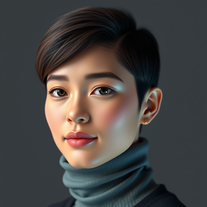 Generate hyper-realistic human portraits with AI precision.Open
 -
 AI-powered studio portraits that preserve your exact identity.Open
 -
 Transform images into cinematic masterpieces with flowing water magic.Open
 -
 Open
Open -
 Transform your vision into stunning futuristic realities.Open
 -
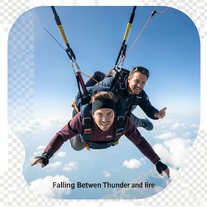 Generate cinematic 8K skydiving scenes from your photos.Open
 -
 Transform photos into hyper-realistic wooden twig portraits.Open
 -
 Generate professional images with Perchance's crisp style.Open
 -
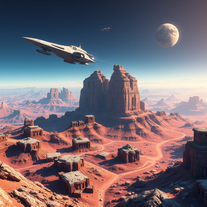 Open
Open -
 Transform photos into ultra-realistic cinematic scenes.Open
 -
why all of tools doesnt accept our customized prompt again?
-
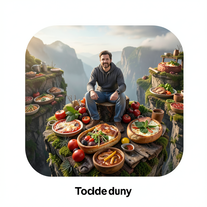 Transform photos into cinematic giant food landscapes.Open
 -
 Creates stunning, historically-accurate visuals of iconic figures.Open
 -
 Transform your photo into a magical Christmas portrait!Open
 -
Simply upload your photo; you don't need to type anything in the prompt field. Just click "generate" and watch the magic happen.
-
-
 Creates stunning, customizable landscape images from realistic to fantastical.Open
 -
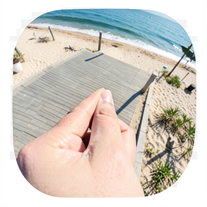 Creates ultra-realistic forced-perspective beach photos where you appear tiny.Open
 -
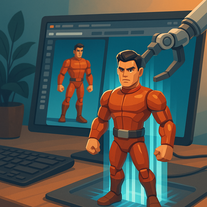 Transform any character into a professional action figure image.Open
 -
 Transform photos into hyper-realistic 8K caricature portraits.OpenThis tool is pre-trained; just upload a photo of yourself or someone you want to create a funny or comical scene with.
 -
 Transform photos into lifelike charcoal portraits with AI.Open
 -
 Generate ultra-realistic Hindu deity portraits with AI.Open
 -
 Transform abstract concepts into stunning AI-generated visuals.Open
 -
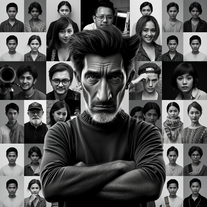 Transform your photo into stunning 8K hyper-realistic portraits.Open
 -
Opened for fun, and now, I'm lovin' it! 😸
-
 Open
Open -
 Transform your photo into El Chavo del 8 memories.OpenSimply upload your photo; you don't need to type anything in the prompt field. Just click "generate" and watch the magic happen.
 -
 Transform ordinary scenes into extraordinary cinematic adventures.OpenSimply upload your photo; you don't need to type anything in the prompt field. Just click "generate" and watch the magic happen.
 -
 Ultra-realistic AI image generator with perfect identity preservation.OpenJust put your photo, dont put prompt text ok
 -
 Transform photos into surreal human-technology fusion art.Open
 -
 Open
Open -
 Generate stunning, hyper-realistic images of authentic traditional foods from cultures worldwide.Open
 -
 Transform photos into stunning black and white portraits.Open
 -
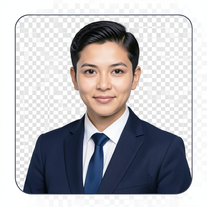 AI-powered corporate portrait generator for ultra-realistic executive headshots.Open
 -
 Generate hyper-realistic photos of people hilariously trapped in washing machines.Open
 -
Simply upload your photo; you don't need to type anything in the prompt field. Just click "generate" and watch the magic happen.
-
 Generate cinematic 8K photos of people in towering cityscapes.OpenSimply upload your photo; you don't need to type anything in the prompt field. Just click "generate" and watch the magic happen.
 -
 Transform photos into kawaii chibi illustrations instantly.Open
 -
 Transform photos into cinematic portraits with dramatic effects.Open
 -
 Transform photos into vibrant Barbie-style masterpieces.Open
 -
 Open
Open -
 Transform your photo into hyper-realistic cinematic scenes.OpenThis tool is designed to only receive a photo as a reference; just use this and see the result.
 -
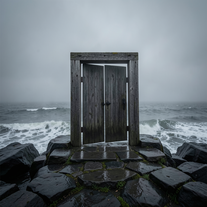 Creates ultra-realistic cinematic photographs of people through mystical doorways.Open
 -
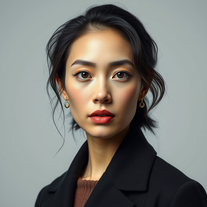 Transform your photos into stunning hyper-realistic studio portraits.Open
 -
 Open
Open -
 Transform your photo into an ultra-realistic beach scene with SpongeBob!Open
 -
 Microsoft BING alternative that generates ONE precise, anatomically correct image per request.Open
 -
 Creates ultra-realistic 8K cinematic library photographs.Open
 -
 Transform photos into hyper-realistic countryside scenes.Open
 -
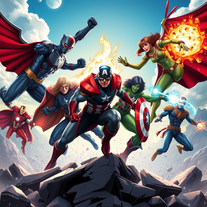
This is the first AI tool that creates superheroes pictures which you want to love❤️❤️❤️❤️❤️
-
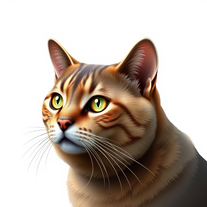
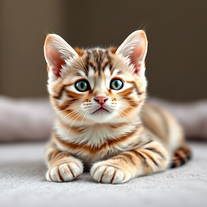 Instantly generates heartwarming, ultra-realistic cat images that melt hearts.Open
 -
 Transform portraits into high-fashion editorial magic.Open
 -
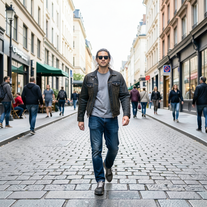 Transform photos into Y2K street fashion editorials.Open
 -
 Open
Open -
 Transform any portrait into a hyper-realistic volcanic stone masterpiece.Open
 -
 Transform photos into hyper-realistic ballpoint pen portraits.Open
 -
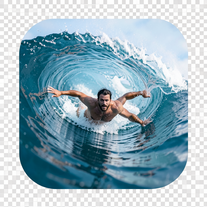 Transform portraits into hyper-realistic barrel wave shots.Open
 -
 Transform your portrait into a cinematic dark urban masterpiece.Open
 -
 Generate ultra-realistic cinematic action photographs with perfect physics.Open
 -
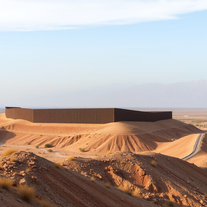
 Transform words into breathtaking desert landscapes.Open
 -
 Generate surreal cinematic scenes with perfect facial identity.Open
 -
 Open
Open -
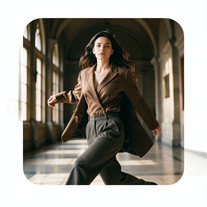 Hyper-real cinematic fashion portraits from single reference photos.Open
 -
 Transform any photo into a hyper-realistic keychain portrait.Open
 -
 Open
Open



























































Post





