
 Mini tools
▼ State of the art
Transformation
Free mode
100% free
Freemium
Free Trial
Other tools
-
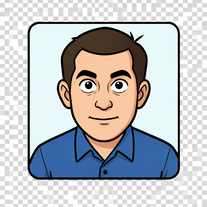
 OpenAlba RCA🙏 6 karmaJan 26, 2026@Friendly FaceIt is ok to put a smile in a photo.
 -
 Open
Open -
 OpenVideo editing is the process of selecting, trimming, and arranging footage to create a cohesive story or visual narrative. Here are some fundamental concepts and techniques: Types of Video Editing Linear editing: A straightforward, sequential approach to editing, where clips are arranged in a linear timeline. Non-linear editing: A more flexible approach, where clips can be arranged and rearranged freely in a timeline. Key Video Editing Techniques Cutting: A transition between two clips, where one clip ends and another begins. Cutting on action: Cutting between two clips while an action is in progress, to create a seamless transition. J-cut: Cutting from one clip to another while audio from the second clip starts playing before the video cuts to it. L-cut: Cutting from one clip to another while audio from the first clip continues to play. Video Editing Software Popular video editing software includes: Adobe Premiere Pro: A professional-level editing software with advanced features and integration with other Adobe tools. Final Cut Pro: A professional-level editing software for Mac users, known for its user-friendly interface and advanced features. DaVinci Resolve: A free and paid editing software that offers advanced color grading and audio editing tools. Best Practices for Video Editing Plan your edit: Develop a clear vision and storyboard before starting to edit. Organize your footage: Label and categorize your clips to make them easily accessible. Keep it simple: Avoid overusing transitions and effects; focus on telling a clear story. Advanced Video Editing Techniques Color grading: Adjusting the color and brightness of footage to create a specific mood or atmosphere. Audio ducking: Automatically reducing the volume of background audio when dialogue is present. Motion graphics: Adding animated text, logos, or other graphics to enhance the visual narrative. Video editing involves selecting, trimming, and arranging footage to create a cohesive story. Linear and non-linear editing are two fundamental approaches. Key techniques include cutting, cutting on action, J-cuts, and L-cuts. Popular software includes Adobe Premiere Pro, Final Cut Pro, and DaVinci Resolve. Best practices involve planning, organizing footage, and keeping it simple. Advanced techniques include color grading, audio ducking, and motion graphics. Capcat pro Capcat pro Download image-to-image-generator generated imagetransparent pixel Image to Image Generator Image to Image Generator Download image-to-image-generator generated imagetransparent pixel Image to Image Generator Image to Image Generator Download image-to-image-generator generated imagetransparent pixel Image to Image Generator Image to Image Generator Download image-to-image-generator generated imagetransparent pixel Image to Image Generator Image to Image Generator Download image-to-image-generator generated imagetransparent pixel Image to Image Generator Image to Image Generator Download image-to-image-generator generated imagetransparent pixel Image to Image Generator Image to Image Generator Download image-generator generated imagetransparent pixel Image Generator Image Generator Copy Video Editing Basics Video editing is the process of selecting, trimming, and arranging footage to create a cohesive story or visual narrative. Here are some fundamental concepts and techniques: Types of Video Editing Linear editing: A straightforward, sequential approach to editing, where clips are arranged in a linear timeline. Non-linear editing: A more flexible approach, where clips can be arranged and rearranged freely in a timeline. Key Video Editing Techniques Cutting: A transition between two clips, where one clip ends and another begins. Cutting on action: Cutting between two clips while an action is in progress, to create a seamless transition. J-cut: Cutting from one clip to another while audio from the second clip starts playing before the video cuts to it. L-cut: Cutting from one clip to another while audio from the first clip continues to play. Video Editing Software Popular video editing software includes: Adobe Premiere Pro: A professional-level editing software with advanced features and integration with other Adobe tools. Final Cut Pro: A professional-level editing software for Mac users, known for its user-friendly interface and advanced features. DaVinci Resolve: A free and paid editing software that offers advanced color grading and audio editing tools. Best Practices for Video Editing Plan your edit: Develop a clear vision and storyboard before starting to edit. Organize your footage: Label and categorize your clips to make them easily accessible. Keep it simple: Avoid overusing transitions and effects; focus on telling a clear story. Advanced Video Editing Techniques Color grading: Adjusting the color and brightness of footage to create a specific mood or atmosphere. Audio ducking: Automatically reducing the volume of background audio when dialogue is present. Motion graphics: Adding animated text, logos, or other graphics to enhance the visual narrative. Video editing involves selecting, trimming, and arranging footage to create a cohesive story. Linear and non-linear editing are two fundamental approaches. Key techniques include cutting, cutting on action, J-cuts, and L-cuts. Popular software includes Adobe Premiere Pro, Final Cut Pro, and DaVinci Resolve. Best practices involve planning, organizing footage, and keeping it simple. Advanced techniques include color grading,
 - Sponsor
 Rocket - Think it. Type it. Launch it.
 -
 Open
Open -
 AI-powered mobile app designs, tailored to you.Open
 -
 Transform any image into stunning artistic masterpieces.Open
 -
 AI-powered home renovation assistant for effortless transformations.Open
 -
 Transform photos into ultra-realistic 8K cinematic scenes.Open
 - Didn't find the AI you were looking for?
-
 Transform your imagination into haunting masterpieces.Open
 -
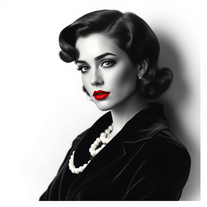 Glamorize photos into 1940s Hollywood portraits.Open
 -
Does what it says pretty consistently. Doesn't make changes to the source image
-
 Transform photos into vibrant comic book illustrations.Open
 -
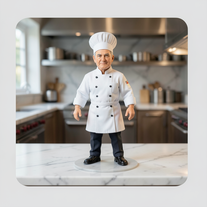 Transform photos into ultra-realistic miniature chef figurines.Open
 -
Simply upload your photo; you don't need to type anything in the prompt field. Just click "generate" and watch the magic happen.
-
 Transform your photo into a cinematic masterpiece.Open
 -
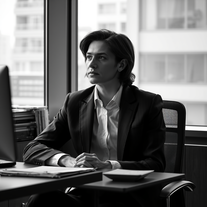 Transform any photo into stunning black-and-white editorial portraits.Open
 -
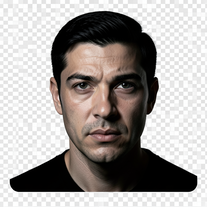 Turn portraits into cinematic masterpieces with dramatic lighting.Open
 -
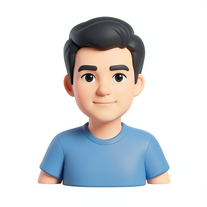
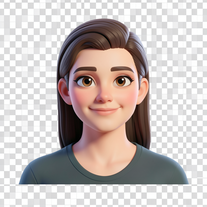 Transform your photo into a premium Pixar-style 3D character.Open
 -
 Transform everyday objects into whimsical robotic art.Open
 -
 Open
Open -
 Transform any photo into charming crayon art with childlike wonder.Open
 -
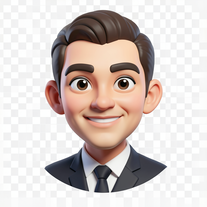
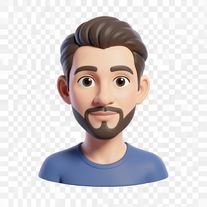 Transform photos into bold 3D caricature portraits.OpenAlways generate a portrait with earrings, even when it's a man?
 -
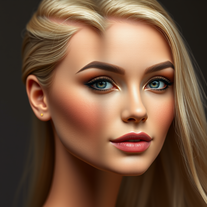 Transform photos into Barbie-inspired digital art portraits.Open
 -
 Transform photos into whimsical handcrafted felt dolls.Open
 -
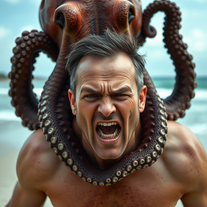 Transform photos into cinematic 8K masterpieces instantly.OpenSimply upload your photo; you don't need to type anything in the prompt field. Just click "generate" and watch the magic happen.
 -
 Transform any photo into a giant parade balloon.Open
 -
Changed the prompt to improve results.
-
-
 Open
Open -
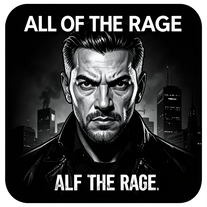
 Transform photos into Hollywood-style action movie posters.OpenSimply upload your photo; you don't need to type anything in the prompt field. Just click "generate" and watch the magic happen.
 -
 Transform any image into authentic night vision footage.OpenChanged the prompt to improve results.
 -
 Open
Open -
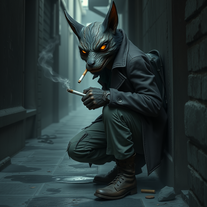 Create haunting urban AI art with surreal characters.Open
 -
 Transform photos into hilarious cartoon wake-up scenes.OpenSimply upload your photo; you don't need to type anything in the prompt field. Just click "generate" and watch the magic happen.
 -
 Open
Open -
Simply upload your photo; you don't need to type anything in the prompt field. Just click "generate" and watch the magic happen.
-
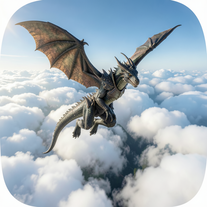 Generate hyper-realistic 8K dragon-riding portraits from photos.Open
 -
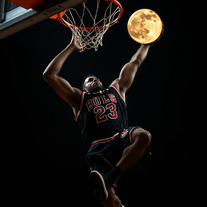
 Transform photos into cinematic 64K basketball art.OpenSimply upload your photo; you don't need to type anything in the prompt field. Just click "generate" and watch the magic happen.
 -
Simply upload your photo; you don't need to type anything in the prompt field. Just click "generate" and watch the magic happen.
-
 Transform ideas into legendary artist-style watercolor masterpieces.OpenGenerates beautiful watercolor paintings in the style of the most famous watercolor artists.
 -
 Open
Open -
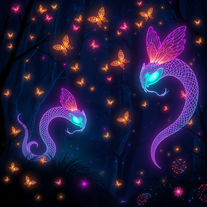 Transform text into mystical 8K digital artwork.Open
 -
 Transform photos into ultra-realistic cinematic scenes.Open
 -
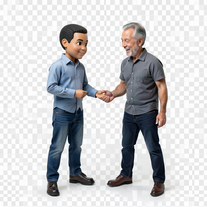 Transform photos into hyper-realistic miniature scenes.OpenSimply upload your photo; you don't need to type anything in the prompt field. Just click "generate" and watch the magic happen.
 -
Simply upload your photo; you don't need to type anything in the prompt field. Just click "generate" and watch the magic happen.
-
 Transform photos into epic 3D cartoon characters.OpenSimply upload your photo; you don't need to type anything in the prompt field. Just click "generate" and watch the magic happen.
 -
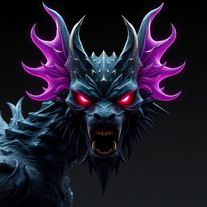 Transform any concept into stunning dark sci-fi visuals.Open
 -
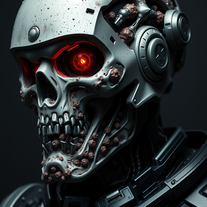 Open
Open -
 Transform abstract concepts into stunning AI-generated visuals.Open
 -
 OpenSimply upload your photo; you don't need to type anything in the prompt field. Just click "generate" and watch the magic happen.
 -
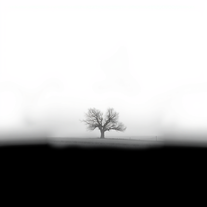 Transform photos into evocative black and white masterpieces.Open
 -
Simply upload your photo; you don't need to type anything in the prompt field. Just click "generate" and watch the magic happen.
-
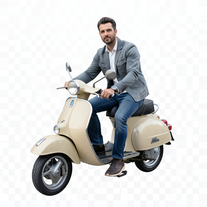 Transform portraits into cinematic Italian street-style magazine shots.Open
 -
Simply upload your photo; you don't need to type anything in the prompt field. Just click "generate" and watch the magic happen.
-
 Open
Open -
Simply upload your photo; you don't need to type anything in the prompt field. Just click "generate" and watch the magic happen.
-
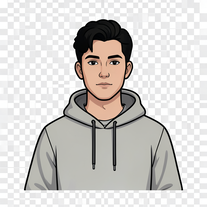 Transform your portrait into a cinematic night street scene.OpenSimply upload your photo; you don't need to type anything in the prompt field. Just click "generate" and watch the magic happen.
 -
 Transform any photo into walnut wood relief sculpture.OpenSimply upload your photo; you don't need to type anything in the prompt field. Just click "generate" and watch the magic happen.
 -
 Transform anything into magical Winx Club cartoons.Open
 -
Simply upload your photo; you don't need to type anything in the prompt field. Just click "generate" and watch the magic happen.
-
Simply upload your photo; you don't need to type anything in the prompt field. Just click "generate" and watch the magic happen.
-
 Open
Open -
Simply upload your photo; you don't need to type anything in the prompt field. Just click "generate" and watch the magic happen.
-
 Transform photos into hand-drawn colored pencil portraits.Open
 -
 Transform ordinary scenes into extraordinary cinematic adventures.OpenSimply upload your photo; you don't need to type anything in the prompt field. Just click "generate" and watch the magic happen.
 -
 Open
Open -
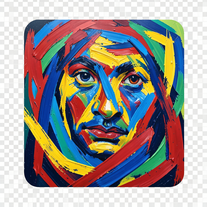 Transform photos into de Kooning-style abstract masterpieces.Open
 -
 Transform photos into hyper-realistic 8K caricature portraits.OpenThis tool is pre-trained; just upload a photo of yourself or someone you want to create a funny or comical scene with.
 -
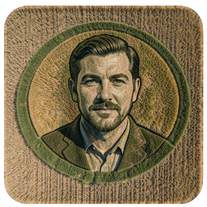 Transform photos into stunning aerial crop circle portraits.Open
 -
 Transform selfies into ultra-realistic jet ski adventures.OpenSimply upload your photo; you don't need to type anything in the prompt field. Just click "generate" and watch the magic happen.
 -
 Transform photos into cinematic freeze-frame masterpieces.Open
 -
 Transform photos into ultra-realistic 1/6-scale collectible action figures.Open
 -
 Transform photos into cinematic 8K investigation boards.Open
 -
 Transform yourself into a Renaissance masterpiece.Open
 -
 Transform ideas into ultra-realistic 8K cinematic photographs.Open
 -
 OpenSimply upload your photo; you don't need to type anything in the prompt field. Just click "generate" and watch the magic happen.
 -
 Open
Open -
 Transform your photo into hyper-realistic cinematic scenes.OpenThis tool is designed to only receive a photo as a reference; just use this and see the result.
 -
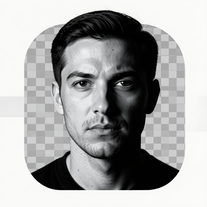 Transform photos into dramatic black-and-white chiaroscuro portraits.Open
 -
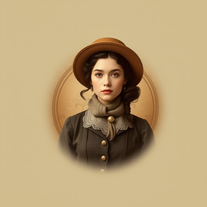 Transform photos into stunning vintage portraits with AI.Open
 -
 Open
Open -
 Open
Open -
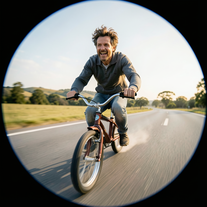
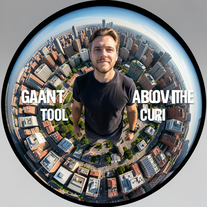 Transform portraits into cinematic fisheye masterpieces.Open
 -
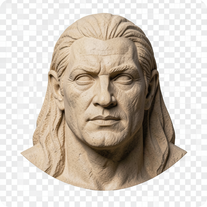 Open
Open -
 Open
Open -
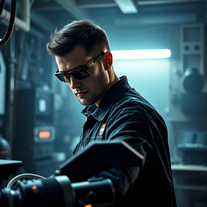 Become Batman's master engineer with AI photo transformation.Open
 -
 Transform photos into split-screen editorial posters instantly.Open
 -
 Transform ordinary photos into ultra-realistic cinematic scenes.Open
 -
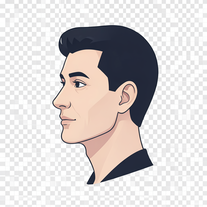 Transform photos into stunning 8K futuristic artwork.Open
 -
 Transform your photo into cinematic 8K nature sculptures.Open
 -
 Transform photos into museum-quality graphite portraits.OpenThe second attempt is much better, but added non-existing points.
 -
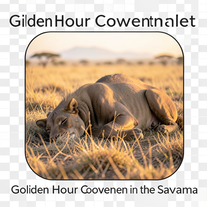 Transform photos into cinematic National Geographic wildlife scenes.Open
 -
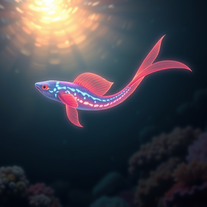 Create hyper-realistic underwater fantasy creatures with AI.Open
 -
 Transform photos into cinematic selfies with gorilla companions.Open
 -
 Transform photos into Back to the Future scenes.Open
 -
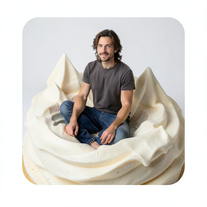 Transform into ultra-realistic 8K cinematic photographs in whimsical dessert environments.Open
 -
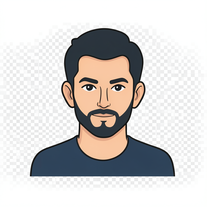 Transform portraits into high-fashion editorial magic.Open
 -
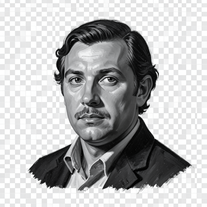 Open
Open -
 Transform imagination into enchanting Ghibli-style illustrations.Open
 -
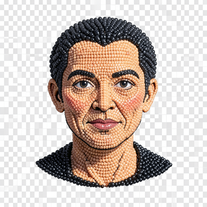 Transform photos into handcrafted bead embroidery portraits.Open
 -
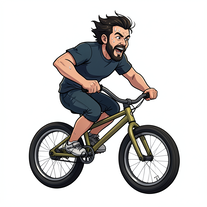 Transform photos into cinematic action portraits.Open
 -
 Create striking moody black-and-white portraits with AI.Open
 -
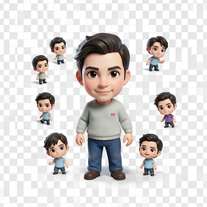 Transform photos into magical cinematic portraits with chibi versions.Open
 -
 Transform yourself into ultra-realistic scenes with impossible scale.Open
 -
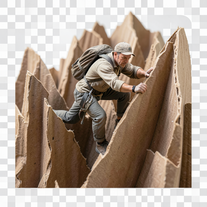 Transform ordinary objects into epic cinematic adventures.Open
 -
 Transform any portrait into a hyper-realistic volcanic stone masterpiece.Open
 -
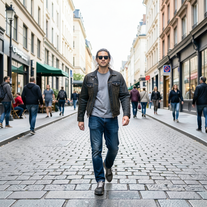 Transform photos into Y2K street fashion editorials.Open
 -
 Open
Open -
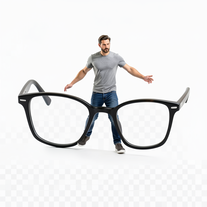 Open
Open -
 Transform your photo into a stunning hand-painted street mural.Open
 -
 Turn portraits into watercolor coloring books.Open
 -
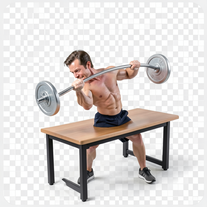
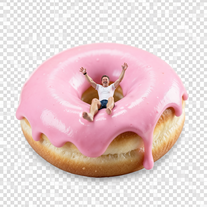
 Wrestle giant food in hyper-realistic cinematic photos.Open
 -
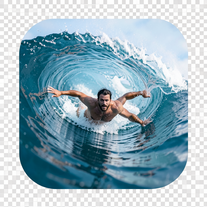 Transform portraits into hyper-realistic barrel wave shots.Open
 -
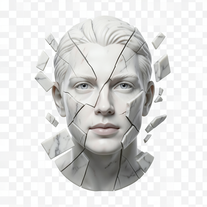 Transform portraits into fractured sculptural masterpieces.Open
 -
 Transform photos into cinematic Ferris wheel masterpieces.Open
 -
 Transform photos into cinematic synthwave masterpieces.Open
 -
 Transform photos into vintage woodcut engravings with facial accuracy.Open
 -
 Transform photos into Parisian fashion editorials instantly.Open
 -
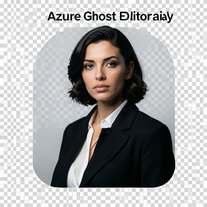 Open
Open -
 Open
Open -
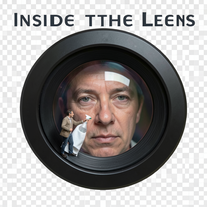 Open
Open -
 Open
Open -
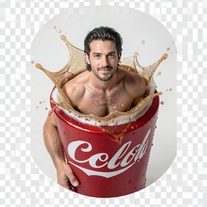 Open
Open -
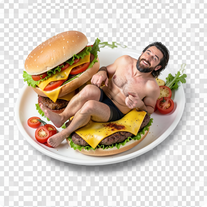 Open
Open -
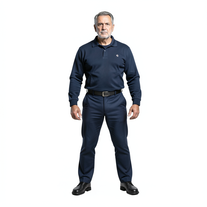 Transform photos into cinematic exoskeleton portraits.Open
 -
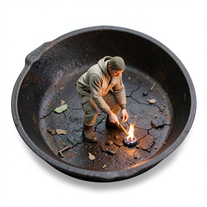
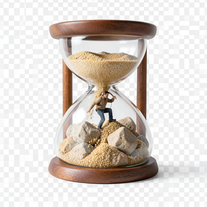 Transform photos into 8K hyper-realistic miniature survival scenes.Open
 -
 Creates ultra-realistic cinematic portraits from your photos.Open
 -
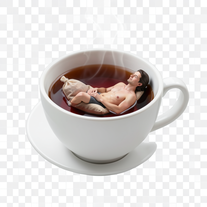
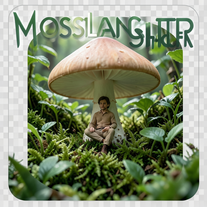
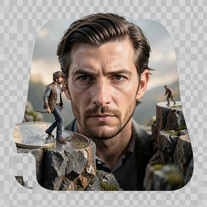 Create ultra-photorealistic macro photographs with miniature people.Open
 -
 Open
Open -
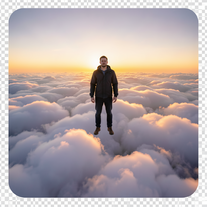 Transform photos into cinematic superhero portraits.Open
 -
 Transform yourself into cinematic miniature adventures.Open
 -
 Creates hyper-realistic cinematic selfies with giant-scale perspective effects.Open
 -
 Transform photos into cinematic scenes with perfect precision.Open
 -
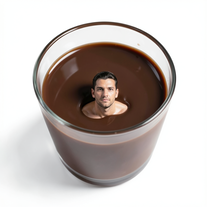 Transform yourself into surreal miniature scenes with hyper-realistic 8K imagery.Open
 -
 Create cinematic disaster scenes with hyper-realistic visuals.Open
 -
 Open
Open -
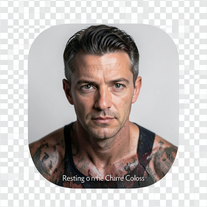 Ultra-realistic AI photo generator creating cinematic 8K images.Open
 -
 Transform portraits into cinematic geometric masterpieces.Open
 -
 Transform photos into hyper-realistic 8K cinematic masterpieces.Open
 -
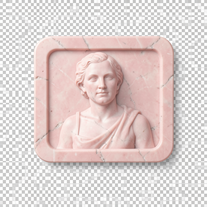
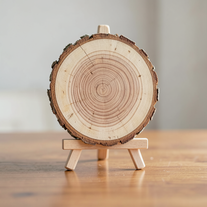 Transforms photos into ultra-realistic wooden bas-relief sculptures.Open



































Lists






Post





