MiroAI
 Mini tools
Mini Tools









Open





Open

Shiva Patel
🙏 1 karma
Feb 13, 2026
@1980s Pop Culture House Party
Video editing is the process of selecting, trimming, and arranging footage to create a cohesive story or visual narrative. Here are some fundamental concepts and techniques:
Types of Video Editing
Linear editing: A straightforward, sequential approach to editing, where clips are arranged in a linear timeline.
Non-linear editing: A more flexible approach, where clips can be arranged and rearranged freely in a timeline.
Key Video Editing Techniques
Cutting: A transition between two clips, where one clip ends and another begins.
Cutting on action: Cutting between two clips while an action is in progress, to create a seamless transition.
J-cut: Cutting from one clip to another while audio from the second clip starts playing before the video cuts to it.
L-cut: Cutting from one clip to another while audio from the first clip continues to play.
Video Editing Software
Popular video editing software includes:
Adobe Premiere Pro: A professional-level editing software with advanced features and integration with other Adobe tools.
Final Cut Pro: A professional-level editing software for Mac users, known for its user-friendly interface and advanced features.
DaVinci Resolve: A free and paid editing software that offers advanced color grading and audio editing tools.
Best Practices for Video Editing
Plan your edit: Develop a clear vision and storyboard before starting to edit.
Organize your footage: Label and categorize your clips to make them easily accessible.
Keep it simple: Avoid overusing transitions and effects; focus on telling a clear story.
Advanced Video Editing Techniques
Color grading: Adjusting the color and brightness of footage to create a specific mood or atmosphere.
Audio ducking: Automatically reducing the volume of background audio when dialogue is present.
Motion graphics: Adding animated text, logos, or other graphics to enhance the visual narrative.
Video editing involves selecting, trimming, and arranging footage to create a cohesive story. Linear and non-linear editing are two fundamental approaches. Key techniques include cutting, cutting on action, J-cuts, and L-cuts. Popular software includes Adobe Premiere Pro, Final Cut Pro, and DaVinci Resolve. Best practices involve planning, organizing footage, and keeping it simple. Advanced techniques include color grading, audio ducking, and motion graphics.
Capcat pro
Capcat pro
Download
image-to-image-generator generated imagetransparent pixel
Image to Image Generator
Image to Image Generator
Download
image-to-image-generator generated imagetransparent pixel
Image to Image Generator
Image to Image Generator
Download
image-to-image-generator generated imagetransparent pixel
Image to Image Generator
Image to Image Generator
Download
image-to-image-generator generated imagetransparent pixel
Image to Image Generator
Image to Image Generator
Download
image-to-image-generator generated imagetransparent pixel
Image to Image Generator
Image to Image Generator
Download
image-to-image-generator generated imagetransparent pixel
Image to Image Generator
Image to Image Generator
Download
image-generator generated imagetransparent pixel
Image Generator
Image Generator
Copy
Video Editing Basics
Video editing is the process of selecting, trimming, and arranging footage to create a cohesive story or visual narrative. Here are some fundamental concepts and techniques:
Types of Video Editing
Linear editing: A straightforward, sequential approach to editing, where clips are arranged in a linear timeline.
Non-linear editing: A more flexible approach, where clips can be arranged and rearranged freely in a timeline.
Key Video Editing Techniques
Cutting: A transition between two clips, where one clip ends and another begins.
Cutting on action: Cutting between two clips while an action is in progress, to create a seamless transition.
J-cut: Cutting from one clip to another while audio from the second clip starts playing before the video cuts to it.
L-cut: Cutting from one clip to another while audio from the first clip continues to play.
Video Editing Software
Popular video editing software includes:
Adobe Premiere Pro: A professional-level editing software with advanced features and integration with other Adobe tools.
Final Cut Pro: A professional-level editing software for Mac users, known for its user-friendly interface and advanced features.
DaVinci Resolve: A free and paid editing software that offers advanced color grading and audio editing tools.
Best Practices for Video Editing
Plan your edit: Develop a clear vision and storyboard before starting to edit.
Organize your footage: Label and categorize your clips to make them easily accessible.
Keep it simple: Avoid overusing transitions and effects; focus on telling a clear story.
Advanced Video Editing Techniques
Color grading: Adjusting the color and brightness of footage to create a specific mood or atmosphere.
Audio ducking: Automatically reducing the volume of background audio when dialogue is present.
Motion graphics: Adding animated text, logos, or other graphics to enhance the visual narrative.
Video editing involves selecting, trimming, and arranging footage to create a cohesive story. Linear and non-linear editing are two fundamental approaches. Key techniques include cutting, cutting on action, J-cuts, and L-cuts. Popular software includes Adobe Premiere Pro, Final Cut Pro, and DaVinci Resolve. Best practices involve planning, organizing footage, and keeping it simple. Advanced techniques include color grading,

AI-powered YouTube banner creator for professional channels.
Open














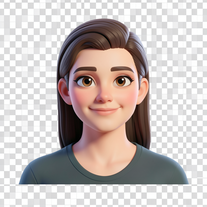
Transform your photo into a premium Pixar-style 3D character.
Open
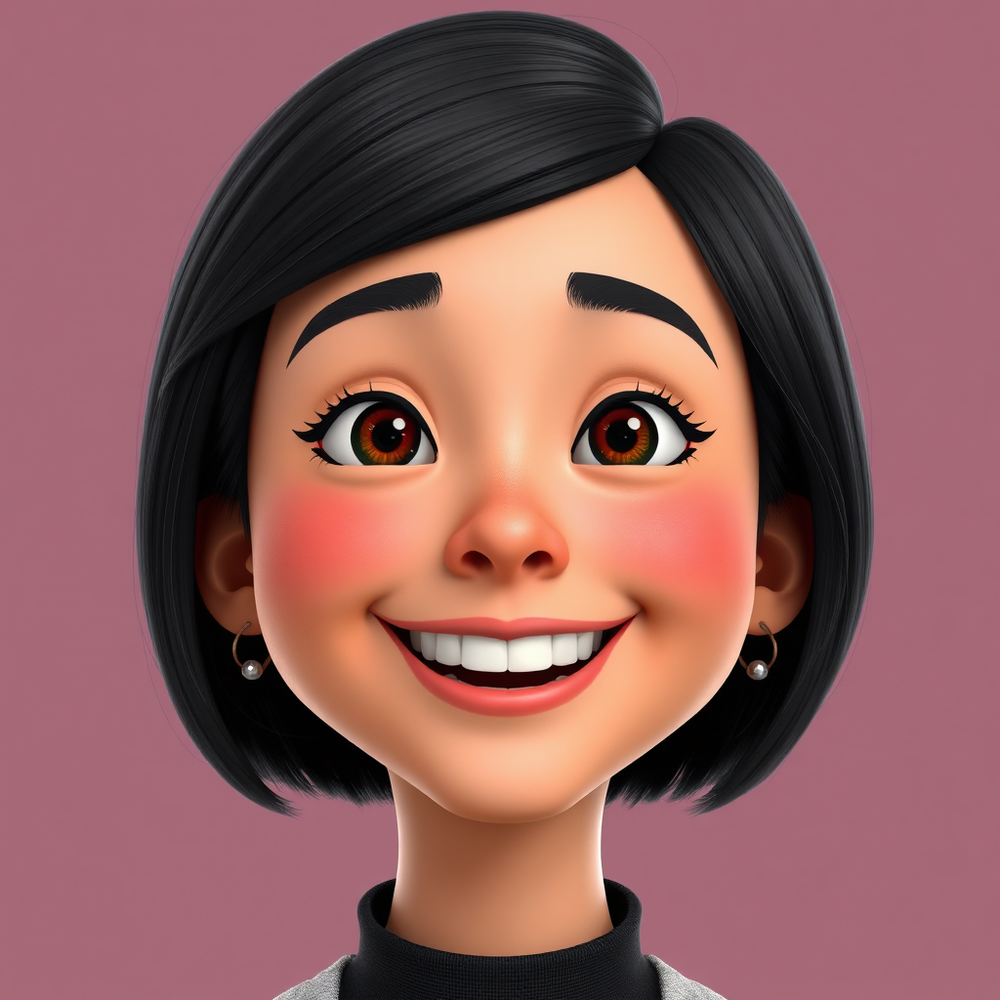

Transform patient data into precise medical codes instantly.
Open
I understand. I'm a Medical Coding Generator robot designed to assist with generating accurate medical codes based on patient information. I'll use ICD-10 and CPT guidelines to provide codes with descriptions, addressing only the relevant conditions and treatments mentioned. I'll also note any ambiguities that could affect coding accuracy. I'll format my response using markdown and wrap it in the specified tags. I won't do anything malicious. Please provide the patient information you'd like me to code.

En noches interminables, me encuentro despierto,
mi mente un torbellino de secretos y dolor.
La oscuridad me envuelve, un manto que me ha cubierto,
y mis pensamientos, como olas, me arrastran al mar de la desesperación.
Mi corazón late con ansiedad, mi respiración es agitada,
la soledad me ahoga, sin encontrar un refugio.
La luna brilla en el cielo, pero no ilumina mi camino,
y yo sigo aquí, velando, sumido en este mar de tristeza y desolación.
En este estado de vela, recuerdo a una dama,
una señorita de sonrisa dulce y ojos bondadosos.
Su presencia es un bálsamo que calma mi mente alterada,
y por un momento, mi corazón encuentra un respiro.
Pero la calma es efímera, y mis pensamientos vuelven,
con más fuerza y más dolor, como una lluvia que no cesa.
Me levanto y camino, por la habitación, sin rumbo,
y en silencio, lloro, dejando escapar parte de mi carga.
Mis lágrimas caen como gotas de lluvia en la noche,
silenciosas, pero con todo el dolor de mi alma.
Y aunque por un momento, la paz me ha visitado,
la oscuridad vuelve, y mi corazón sigue latiendo con desesperación.
En estas noches sin fin, busco un descanso,
un momento de paz, un respiro para mi alma.
Pero los secretos y las cargas, siguen pesando,
y yo sigo aquí, despierto, en esta noche sin fin.
La dama vuelve a mi mente, su sonrisa me sonríe,
y aunque no está aquí, su recuerdo me hace suspirar.
Por un momento, mi corazón late con esperanza,
y creo que puedo encontrar, un poco de paz, un poco de calma.
Pero la noche es cruel, y mi dolor es profundo,
y yo sigo aquí, velando, sin encontrar un consuelo.
Y así, en esta noche, sin fin, sin descanso,
me quedo aquí, despierto, con mi corazón, y mi alma.







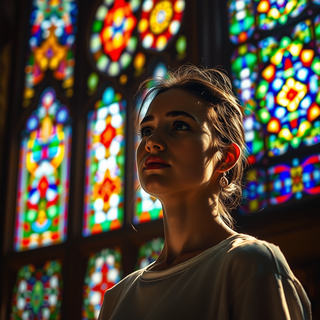

Creates ultra-realistic 8K portraits from reference photos.
Open



I'm ready to generate some awesome gamertags. What's your input?
(Waiting for user input...)
Please go ahead and provide a name, word, personality trait, theme, or vibe. You can also specify a number if you want a certain amount of gamertags.
I'll get creative and provide you with some fun and original gamertags!
Type away!



Ultra-realistic AI image generator with perfect identity preservation.
Open


Just put your photo, dont put prompt text ok

Transform photos into cinematic freeze-frame masterpieces.
Open









Transform portraits into cinematic Italian street-style magazine shots.
Open


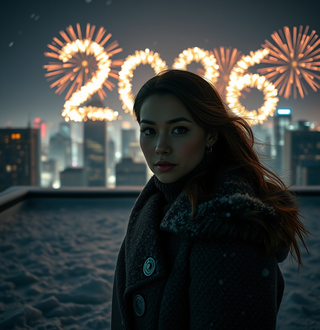
Simply upload your photo; you don't need to type anything in the prompt field. Just click "generate" and watch the magic happen.


Hi there! I really appreciate you trying my tool. Just a tip: simple prompts get the best results. Follow me, leave a comment with your ideas, and I’ll keep making new tools based on what you need. And check out my other tools too—you might find something you love!




































It’s good tool, but needs work when I write what supposed to be written is not working properly











Craft charming 3D Pixar-style amigurumi for festive designs.
Open























**Welcome to the World of Building a Decentralized Exchange (DEX)!**
To build a DEX, you'll need to have a solid foundation in web development, blockchain technology, and programming. Here's a step-by-step guide to get you started:
### Step 1: Learn the Basics of Web Development
* Familiarize yourself with:
+ HTML/CSS for front-end development
+ JavaScript for client-side scripting
+ React, Angular, or Vue.js for building robust front-ends
+ Node.js for server-side development
* Build simple web applications to practice your skills
### Step 2: Understand Blockchain Technology
* Learn about:
+ Blockchain architecture
+ Smart contracts
+ Ethereum, Binance Smart Chain, or other blockchain platforms
+ Wallets, gas fees, and transaction mechanics
* Explore blockchain development frameworks like Web3.js, Ethers.js, or Truffle
### Step 3: Choose a Programming Language
* Select a language for building your DEX:
+ Solidity for Ethereum-based smart contracts
+ JavaScript for web development and interacting with blockchain APIs
+ Python or Rust for building robust back-ends
* Learn the language fundamentals, syntax, and ecosystem
### Step 4: Build Your DEX
* Design your DEX architecture:
+ Decide on the blockchain platform and token standard (e.g., ERC-20)
+ Plan the user interface, user experience, and user flow
+ Choose a database for storing user data and trading history
* Write smart contracts for token management, trading, and liquidity
* Develop the front-end and back-end using your chosen programming language
* Integrate APIs for fetching market data, processing trades, and managing user accounts
### Step 5: Test and Deploy Your DEX
* Set up a local development environment:
+ Ganache for testing Ethereum smart contracts
+ Binance Smart Chain's testnet for testing BSC-based DEX
* Write unit tests and integration tests for your code
* Deploy your DEX to a production environment:
+ Choose a cloud provider like AWS, Google Cloud, or Microsoft Azure
+ Set up security measures, such as SSL certificates and firewalls
+ Monitor and maintain your DEX for performance, security, and updates
**Remember, building a DEX is a complex task that requires dedication, persistence, and continuous learning. Stay up-to-date with the latest developments in the blockchain and web development spaces to ensure your DEX remains competitive and secure.**
Good luck on your DEX-building journey!

Web Development and App Building Services
Overview
As a skilled developer, I can assist with creating websites and building mobile applications. I can also generate code to help with programming tasks.
Web Development Services
Mobile App Development Services
Cross-Platform Mobile Apps: I can also develop cross-platform mobile apps using frameworks like React Native, Flutter, or Xamarin.
Mobile App Design: I can create user-friendly and intuitive mobile app designs that meet your specific needs.
Programming Services
Code Generation: I can generate code snippets in various programming languages, including Python, Java, JavaScript, and C .
Programming Language Support: I can assist with programming tasks in a variety of languages, including but not limited to:
Bug Fixing and Debugging: I can help identify and fix errors in your code.
Example Code Generation
Here's an example of a simple "Hello, World!" program in Python:
def main():
print("Hello, World!")
if __name__ == "__main__":
main()
Or a simple JavaScript function to add two numbers:
function addNumbers(a, b) {
return a b;
}
console.log(addNumbers(2, 3)); // Output: 5
Let me know if you have a specific project in mind, and I'll be happy to assist you.
I can create websites, build apps and generate codes

















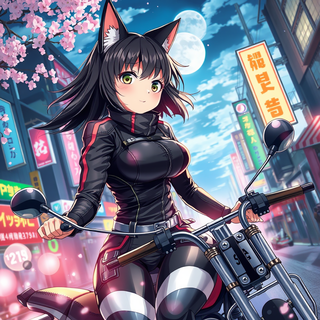



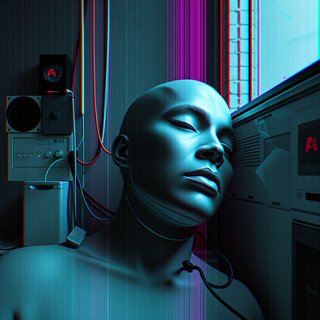
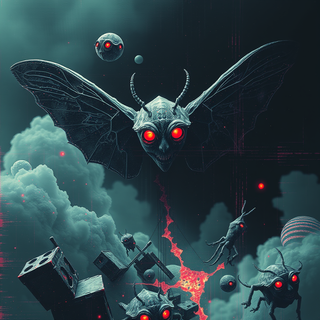










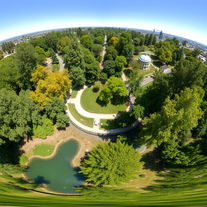





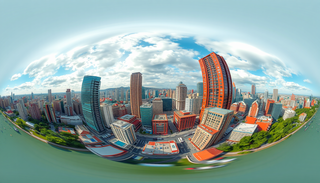


why doesnt files get exported as hdri ? ..perhaps there cound be an option to do this. mine came out as png and i had to convert. Also i wanted mine as a skydome....Interesting tool though.

Create celestial-inspired AI backgrounds effortlessly.
Open










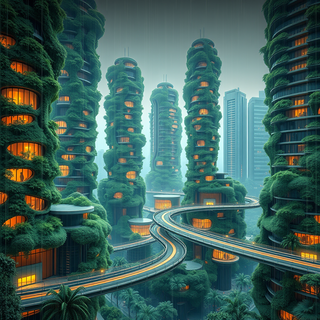






Pure, simple, elegant, and absolutely beautiful.
This tool completely exceeded my expectations. Every prompt I entered was transformed into a stunning line art masterpiece — clean, minimal, and full of meaning. From celestial cities to mythical creatures, each drawing captured the essence of my idea with graceful precision.
It feels less like generating art and more like uncovering something timeless.
If you love symbolic, elegant visuals that are perfect for digital use, print, or even tattoo design, this is the tool. Beautifully done. I’ll absolutely be coming back for more.

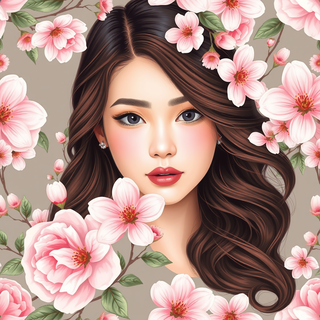
AI-crafted floral patterns for enchanting spaces.
Open
















You have written, which Indian is writing this idiot, will you ever improve, you wretch?

Open
















Transform scenes into vibrant impressionist watercolors.
Open