
 Mini tools
▼ State of the art
Https:
Free mode
100% free
Freemium
Free Trial
Other tools
-
 OpenAlba RCA🙏 3 karmaJan 26, 2026@Friendly FaceIt is ok to put a smile in a photo.
 -
 OpenVideo editing is the process of selecting, trimming, and arranging footage to create a cohesive story or visual narrative. Here are some fundamental concepts and techniques: Types of Video Editing Linear editing: A straightforward, sequential approach to editing, where clips are arranged in a linear timeline. Non-linear editing: A more flexible approach, where clips can be arranged and rearranged freely in a timeline. Key Video Editing Techniques Cutting: A transition between two clips, where one clip ends and another begins. Cutting on action: Cutting between two clips while an action is in progress, to create a seamless transition. J-cut: Cutting from one clip to another while audio from the second clip starts playing before the video cuts to it. L-cut: Cutting from one clip to another while audio from the first clip continues to play. Video Editing Software Popular video editing software includes: Adobe Premiere Pro: A professional-level editing software with advanced features and integration with other Adobe tools. Final Cut Pro: A professional-level editing software for Mac users, known for its user-friendly interface and advanced features. DaVinci Resolve: A free and paid editing software that offers advanced color grading and audio editing tools. Best Practices for Video Editing Plan your edit: Develop a clear vision and storyboard before starting to edit. Organize your footage: Label and categorize your clips to make them easily accessible. Keep it simple: Avoid overusing transitions and effects; focus on telling a clear story. Advanced Video Editing Techniques Color grading: Adjusting the color and brightness of footage to create a specific mood or atmosphere. Audio ducking: Automatically reducing the volume of background audio when dialogue is present. Motion graphics: Adding animated text, logos, or other graphics to enhance the visual narrative. Video editing involves selecting, trimming, and arranging footage to create a cohesive story. Linear and non-linear editing are two fundamental approaches. Key techniques include cutting, cutting on action, J-cuts, and L-cuts. Popular software includes Adobe Premiere Pro, Final Cut Pro, and DaVinci Resolve. Best practices involve planning, organizing footage, and keeping it simple. Advanced techniques include color grading, audio ducking, and motion graphics. Capcat pro Capcat pro Download image-to-image-generator generated imagetransparent pixel Image to Image Generator Image to Image Generator Download image-to-image-generator generated imagetransparent pixel Image to Image Generator Image to Image Generator Download image-to-image-generator generated imagetransparent pixel Image to Image Generator Image to Image Generator Download image-to-image-generator generated imagetransparent pixel Image to Image Generator Image to Image Generator Download image-to-image-generator generated imagetransparent pixel Image to Image Generator Image to Image Generator Download image-to-image-generator generated imagetransparent pixel Image to Image Generator Image to Image Generator Download image-generator generated imagetransparent pixel Image Generator Image Generator Copy Video Editing Basics Video editing is the process of selecting, trimming, and arranging footage to create a cohesive story or visual narrative. Here are some fundamental concepts and techniques: Types of Video Editing Linear editing: A straightforward, sequential approach to editing, where clips are arranged in a linear timeline. Non-linear editing: A more flexible approach, where clips can be arranged and rearranged freely in a timeline. Key Video Editing Techniques Cutting: A transition between two clips, where one clip ends and another begins. Cutting on action: Cutting between two clips while an action is in progress, to create a seamless transition. J-cut: Cutting from one clip to another while audio from the second clip starts playing before the video cuts to it. L-cut: Cutting from one clip to another while audio from the first clip continues to play. Video Editing Software Popular video editing software includes: Adobe Premiere Pro: A professional-level editing software with advanced features and integration with other Adobe tools. Final Cut Pro: A professional-level editing software for Mac users, known for its user-friendly interface and advanced features. DaVinci Resolve: A free and paid editing software that offers advanced color grading and audio editing tools. Best Practices for Video Editing Plan your edit: Develop a clear vision and storyboard before starting to edit. Organize your footage: Label and categorize your clips to make them easily accessible. Keep it simple: Avoid overusing transitions and effects; focus on telling a clear story. Advanced Video Editing Techniques Color grading: Adjusting the color and brightness of footage to create a specific mood or atmosphere. Audio ducking: Automatically reducing the volume of background audio when dialogue is present. Motion graphics: Adding animated text, logos, or other graphics to enhance the visual narrative. Video editing involves selecting, trimming, and arranging footage to create a cohesive story. Linear and non-linear editing are two fundamental approaches. Key techniques include cutting, cutting on action, J-cuts, and L-cuts. Popular software includes Adobe Premiere Pro, Final Cut Pro, and DaVinci Resolve. Best practices involve planning, organizing footage, and keeping it simple. Advanced techniques include color grading,
 -
 Open
Open - Sponsor:
 Base44💻 Vibe coding
 -
 Transform architectural concepts into elegant watercolor-style illustrations.Open
 -
 Transform your imagination into haunting masterpieces.Open
 -
 Quantum-inspired AI that generates and ranks creative solutions.OpenOh dude, this thing is sick. Yo, any question you have like, I mean ask it how to go faster than the speed of light and you'll you'll see what kind of Visionary ideas it will give you. It's awesome. But. I made it so. Just being honest.
 -
 Transforms AI-generated text into naturally human-written content.Open
 -
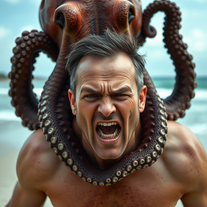 Transform photos into cinematic 8K masterpieces instantly.Open
 - Didn't find the AI you were looking for?
-
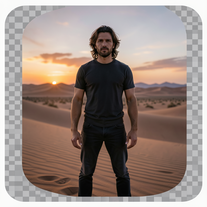 Generate ultra-realistic 8K cinematic photographs from prompts.OpenPlease only use the image and do not describe anything else in the prompt.
 -
 Open
Open -
 Transform photos into hilarious cartoon wake-up scenes.Open
 -
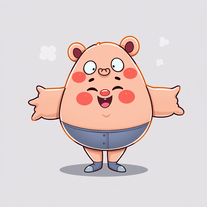 AI-powered cartoon character generator for vibrant, inclusive characters.Open
 -
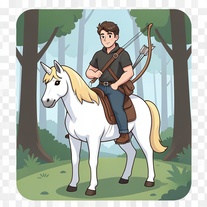 Open
Open -
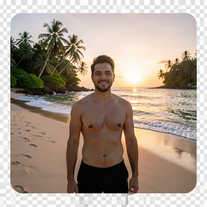 Transform photos into ultra-realistic 8K cinematic scenes.Open
 -
 Create surreal 8K desk scenes with miniature you.Open
 -
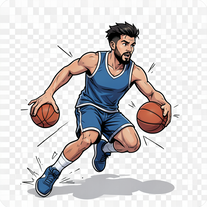 Transform photos into cinematic 64K basketball art.Open
 -
 Open
Open -
 Transform your photo into a cinematic masterpiece.Open
 -
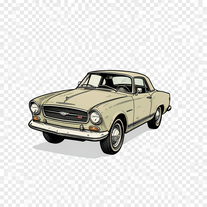 Creates vintage automotive illustrations with classic advertisement aesthetics.Open
 -
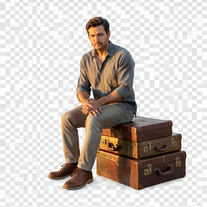 Creates hyper-realistic 8K cinematic photographs featuring surreal human-animal interactions.Open
 -
 Transform photos into Hollywood-style action movie posters.Open
 -
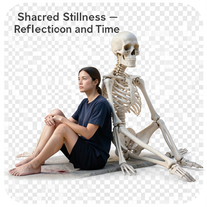 Create hyper-realistic 8K cinematic photos with skeleton companions.Open
 -
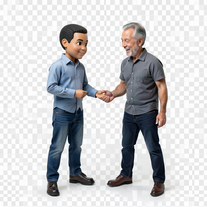 Transform photos into hyper-realistic miniature scenes.Open
 -
 Transform photos into epic 3D cartoon characters.Open
 -
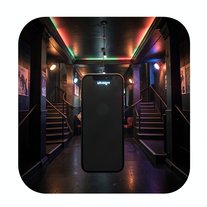 Create ultra-realistic selfies with The Mask characters.Open
 -
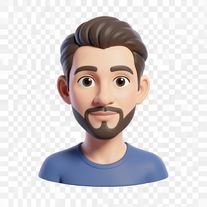 Transform photos into bold 3D caricature portraits.OpenAlways generate a portrait with earrings, even when it's a man?
 -
 Transform any photo into walnut wood relief sculpture.Open
 -
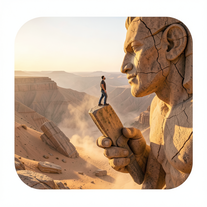 Ultra-realistic AI image generator creating hyper-detailed 8K cinematic photographs.Open
 -
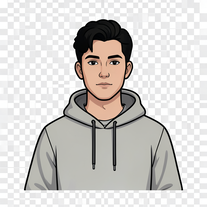 Transform your portrait into a cinematic night street scene.Open
 -
 Transform photos into hand-drawn colored pencil portraits.Open
 -
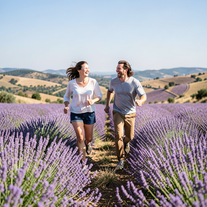 Create ultra-realistic 8K photos of real people.Open
 -
 An AI chef that transforms your available ingredients into imaginative, flavor-packed recipes.Open
 -
 Transform photos into vibrant comic book illustrations.Open
 -
 Transform portraits into cinematic macro masterpieces.Open
 -
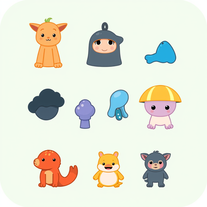 Generate imaginative heroes for children's stories.Open
 -
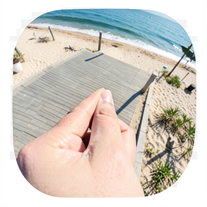 Creates ultra-realistic forced-perspective beach photos where you appear tiny.Open
 -
 Open
Open -
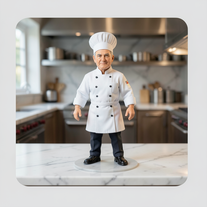 Transform photos into ultra-realistic miniature chef figurines.Open
 -
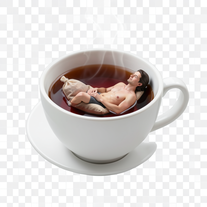
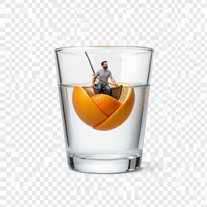
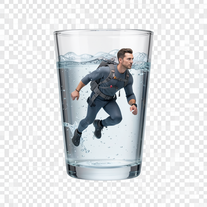 Generate surreal macro photography with miniature humans.Open
 -
 Transform ordinary scenes into extraordinary cinematic adventures.Openjust put your photo ok
 -
 Open
Open -
 Transform selfies into ultra-realistic jet ski adventures.Open
 -
 Transform ideas into vibrant folk illustrations.Open
 -
 Transform ideas into ultra-realistic 8K cinematic photographs.Open
 -
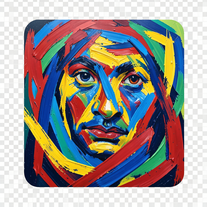 Transform photos into de Kooning-style abstract masterpieces.Open
 -
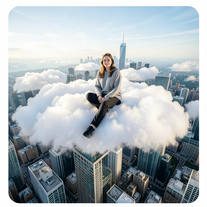 Open
Open -
 Transform photos into cinematic 8K investigation boards.Open
 -
 Generate ultra-realistic candid photography with facial recreation.Open
 -
 Transform photos into stunning aerial crop circle portraits.Open
 -
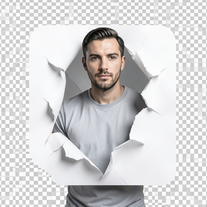 Open
Open -
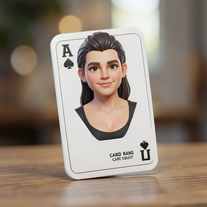 Open
Open -
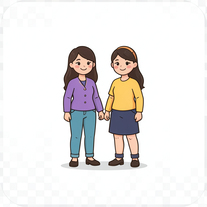 AI-powered avatar creator for unique couple illustrations.Open
 -
 Create cinematic surreal worlds with miniature precision.Open
 -
 Ultra-realistic AI image generator with perfect identity preservation.Open
 -
 Create cinematic 8K scenes with perfect identity accuracy.Open
 -
 Create ultra-realistic 8K cinematic photographs with whimsical concepts.Open
 -
 Transform photos into cinematic cardboard detective busts.Open
 -
 Transform photos into cinematic National Geographic wildlife scenes.Open
 -
 Transform photos into stunning 8K futuristic artwork.Open
 -
 Transform dream home ideas into stunning architectural visualizations.Open
 -
 Open
Open -
 Transform yourself into cinematic luxury scenes with photorealistic precision.Open
 -
 AI-powered romantic bedroom photography with cinematic realism.Open
 -
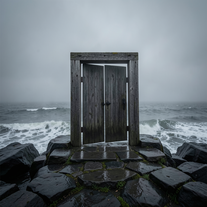 Creates ultra-realistic cinematic photographs of people through mystical doorways.Open
 -
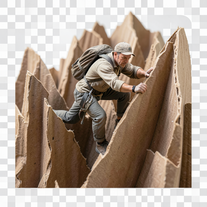 Transform ordinary objects into epic cinematic adventures.Open
 -
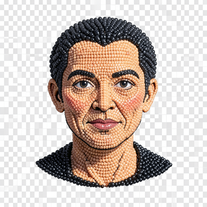 Transform photos into handcrafted bead embroidery portraits.Open
 -
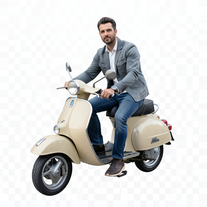 Transform portraits into cinematic Italian street-style magazine shots.Open
 -
 Open
Open -
 Transform photos into cinematic selfies with gorilla companions.Open
 -
 Generate ultra-realistic 8K freefall photographs with perfect identity accuracy.Open
 -
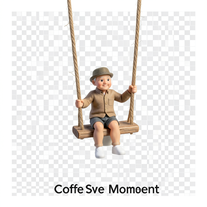 Open
Open -
 Open
Open -
 Instantly translate English words to Kannada with AI precision.Open
 -
 Turn portraits into watercolor coloring books.Open
 -
 Transform photos into ultra-realistic 1/6-scale collectible action figures.Open
 -
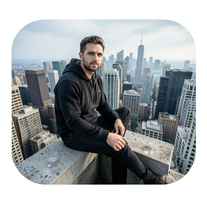 Generate cinematic 8K photos of people in towering cityscapes.Open
 -
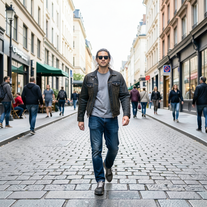 Transform photos into Y2K street fashion editorials.Open
 -
 Open
Open -
 Generate hyper-realistic photos of people hilariously trapped in washing machines.Open
 -
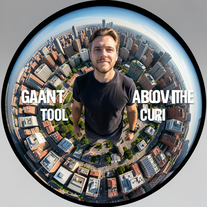 Transform portraits into cinematic fisheye masterpieces.Open
 -
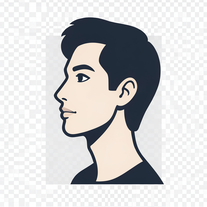 Transform photos into stunning 8K architectural blueprint portraits.Open
 -
 Transform your photo into cinematic 8K nature sculptures.Open
 -
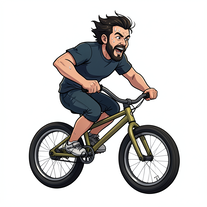 Transform photos into cinematic action portraits.Open
 -
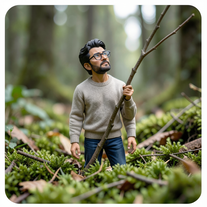 Open
Open -
 Open
Open -
 Transform any portrait into a hyper-realistic volcanic stone masterpiece.Open
 -
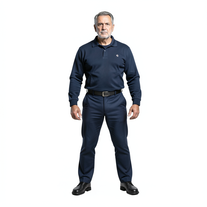 Transform photos into cinematic exoskeleton portraits.Open
 -
 Transform photos into cinematic synthwave masterpieces.Open
 -
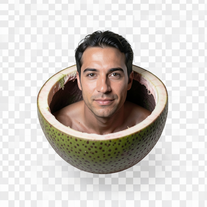 Ultra-photorealistic AI creates cinematic 8K images of people.Open
 -
 Generate ultra-realistic cinematic action photographs with perfect physics.Open
 -
 Transform photos into cinematic cloud scenes with perfect identity preservation.Open
 -
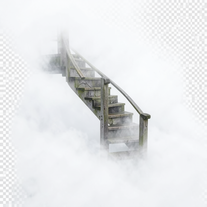 Open
Open -
 Transform photos into ultra-realistic cinematic scenes.Open
 -
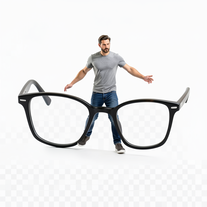 Open
Open -
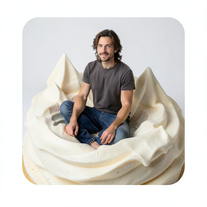 Transform into ultra-realistic 8K cinematic photographs in whimsical dessert environments.Open
 -
 Transform ordinary photos into ultra-realistic cinematic scenes.Open
 -
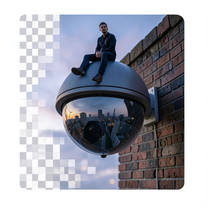 Create surreal 8K photos with miniature humans.Open
 -
 Transform ideas into stunning, photorealistic digital art.Open
 -
 Transform imagination into enchanting Ghibli-style illustrations.Open
 -
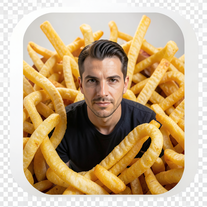 Create cinematic 8K images of people in surreal scenarios.Open
 -
 Transform yourself into ultra-realistic scenes with impossible scale.Open
 -
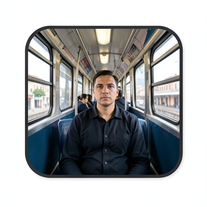 Create cinematic AI photographs of yourself anywhere.Open
 -
 Transform any topic into clear, actionable instructions.Open
 -
 Creates adorable, cartoonish capybara images in whimsical settings.Open
 -
 Open
Open -
 Transform photos into vintage woodcut engravings with facial accuracy.Open
 -
 Open
Open -
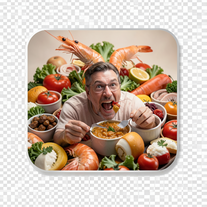 Create photorealistic images in surreal food worlds.Open
 -
 Create cinematic photos of specific people in surreal scenarios.Open
 -
 Create cinematic space portraits with zero-gravity realism.Open
 -
 Creates ultra-realistic 8K cinematic library photographs.Open
 -
 Transform your photo into a stunning hand-painted street mural.Open
 -
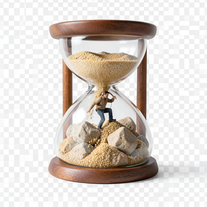 Transform photos into 8K hyper-realistic miniature survival scenes.Open
 -
 Creates ultra-realistic cinematic portraits from your photos.Open
 -
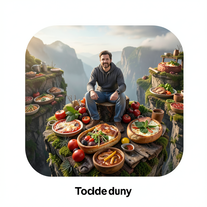 Transform photos into cinematic giant food landscapes.Open
 -
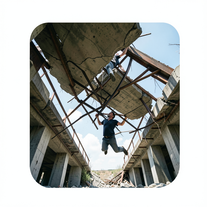 Generate ultra-realistic photos of people supporting massive debris.Open
 -
 Open
Open -
 Open
Open -
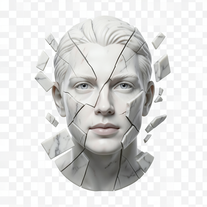 Transform portraits into fractured sculptural masterpieces.Open
 -
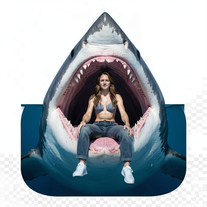
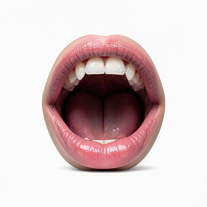 Creates ultra-realistic cinematic photographs featuring miniature humans in giant mouths.Open
 -
 Transform portraits into cinematic geometric masterpieces.Open
 -
 Open
Open -
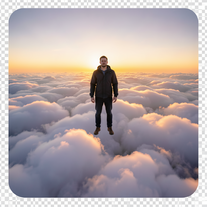 Transform photos into cinematic superhero portraits.Open
 -
 Open
Open -
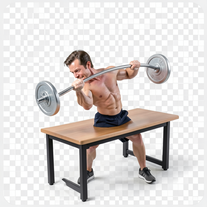
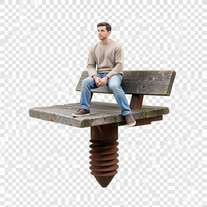
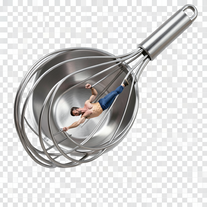
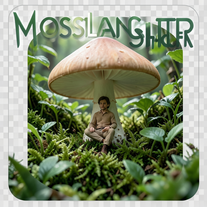
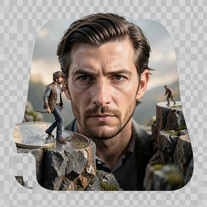 Create ultra-photorealistic macro photographs with miniature people.Open
 -
 Transform yourself into cinematic dessert scenes.Open
 -
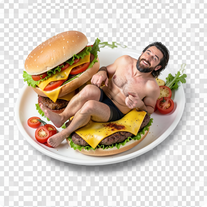 Transform into a giant burger landscape!Open
 -
 Generate innovative business concepts with market insights.Open
 -
 Transform photos into cinematic scenes with perfect precision.Open
 -
 Open
Open -
 Open
Open -
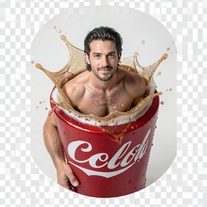 Transform into cinematic portraits on giant cola cans.Open
 -
 Transform your face into ultra-realistic cinematic scenes.Open
 -
 Ultra-realistic AI photo generator creating cinematic 8K images.Open
 -
 Transform tiny figures into cinematic magical worlds.Open
 -
 Create cinematic photos with giant and miniature versions of yourself.Open
 -
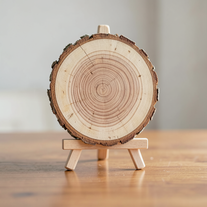 Transforms photos into ultra-realistic wooden bas-relief sculptures.Open
 -
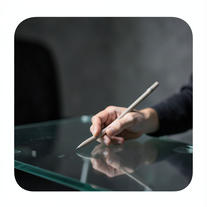 Create cinematic photos with holographic twin projections.Open
 -
 Your AI culinary expert for mastering sauce recipes.Open
 -
 Open
Open -
 AI-powered studio portraits that preserve your exact identity.Open
 -
 Generate ultra-photorealistic images in surreal snack environments.Open




























Post





