MongoDB - Build AI That Scales
 Mini tools
Token design
4.58 usersTransform ideas into stunning token designs with our AI tool. Create unique, versatile graphics that blend technology and innovation for digital platforms. Perfect for designers seeking cutting-edge, trend-aligned visuals.
Click or drag image
PNG, JPG, GIF up to 10MB
Optional: Upload an image to enhance your generation
Your input
Suggest
Generated content is 100% free to use, including commercial use.
 Generate
View more mini tools in our Mini Tools section Explore mini tools

**Step-by-Step Guide to Setting Up a React Application with a Multimedia Website**
### Step 1: Create a New React Project
Create a new React project using create-react-app by running the following command in your terminal:
```bash
npx create-react-app multimedia-website
```
### Step 2: Install Required Dependencies
Install the required dependencies, including `react-router-dom` for navigation and `axios` for making API requests:
```bash
npm install react-router-dom axios
```
### Step 3: Create a New Component for the Video Player
Create a new file `VideoPlayer.js` in the `src` directory:
```jsx
// src/VideoPlayer.js
import React, { useState, useEffect } from 'react';
const VideoPlayer = () => {
const [videoSrc, setVideoSrc] = useState('');
const [isPlaying, setIsPlaying] = useState(false);
const [currentTime, setCurrentTime] = useState(0);
useEffect(() => {
// Initialize video source
setVideoSrc('https://example.com/video.mp4');
}, []);
const handlePlay = () => {
setIsPlaying(true);
};
const handlePause = () => {
setIsPlaying(false);
};
const handleSeek = (e) => {
setCurrentTime(e.target.value);
};
return (
<div>
<video
src={videoSrc}
autoPlay={isPlaying}
onTimeUpdate={(e) => setCurrentTime(e.target.currentTime)}
/>
<button onClick={handlePlay}>Play</button>
<button onClick={handlePause}>Pause</button>
<input
type="range"
value={currentTime}
onChange={handleSeek}
min="0"
max="100"
/>
</div>
);
};
export default VideoPlayer;
```
### Step 4: Create a New Component for the Hero Slider
Create a new file `HeroSlider.js` in the `src` directory:
```jsx
// src/HeroSlider.js
import React, { useState, useEffect } from 'react';
const HeroSlider = () => {
const [slides, setSlides] = useState([
'https://example.com/slide1.jpg',
'https://example.com/slide2.jpg',
'https://example.com/slide3.jpg',
]);
const [currentSlide, setCurrentSlide] = useState(0);
useEffect(() => {
const intervalId = setInterval(() => {
setCurrentSlide((prevSlide) => (prevSlide + 1) % slides.length);
}, 3000);
return () => clearInterval(intervalId);
}, [slides]);
return (
<div>
<img src={slides[currentSlide]} alt="Hero Slide" />
</div>
);
};
export default HeroSlider;
```
### Step 5: Create a New Component for the Admin Panel
Create a new file `AdminPanel.js` in the `src` directory:
```jsx
// src/AdminPanel.js
import React, { useState } from 'react';
const AdminPanel = () => {
const [username, setUsername] = useState('');
const [password, setPassword] = useState('');
const handleLogin = (e) => {
e.preventDefault();
// Implement admin login logic
};
const handleUpdateContent = (e) => {
e.preventDefault();
// Implement content update logic
};
return (
<div>
<form onSubmit={handleLogin}>
<input
type="text"
value={username}
onChange={(e) => setUsername(e.target.value)}
placeholder="Username"
/>
<input
type="password"
value={password}
onChange={(e) => setPassword(e.target.value)}
placeholder="Password"
/>
<button type="submit">Login</button>
</form>
<form onSubmit={handleUpdateContent}>
{/* Implement content update form */}
</form>
</div>
);
};
export default AdminPanel;
```
### Step 6: Create the Main App Component
Modify the `App.js` file to include the new components:
```jsx
// src/App.js
import React from 'react';
import VideoPlayer from './VideoPlayer';
import HeroSlider from './HeroSlider';
import AdminPanel from './AdminPanel';
const App = () => {
return (
<div>
<HeroSlider />
<VideoPlayer />
<AdminPanel />
</div>
);
};
export default App;
```
### Step 7: Add Type Definitions and Error Handling
Add type definitions for the state variables and props using TypeScript. Implement error handling for potential issues such as failed video loading or failed admin login attempts.
### Step 8: Implement Security Measures
Be cautious with hardcoded values like admin passwords. Consider using environment variables or a secure secrets management system.
### Step 9: Optimize Performance
Review the component's performance, especially in parts that involve frequent updates, like the video player and slider.
### Step 10: Deploy to Hosting
Create a production build of the application using:
```bash
npm run build
```
Upload the build files to your hosting server.
**Files to Upload to Hosting:**
* `index.html`
* `static/` (directory containing static assets)
**Note:** This guide provides a basic structure for a multimedia website with a React application. You will need to modify and extend the code to fit your specific requirements. Additionally, ensure that you follow best practices for security, performance, and accessibility.

Drasko Boskovic
🛠️ 10 tools
🙏 757 karma
Sep 22, 2025
@Code AI builder
Great tool! And totally free! Directly from haven

Open




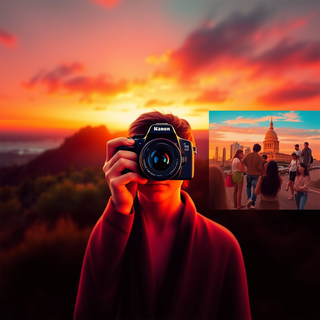





### Hashtags Relevantes para Clínica Advanced y Fisioterapia
A continuación, te presento una lista de 15 hashtags relevantes y trending para Clínica Advanced, enfocados en fisioterapia, bienestar y promoción de la felicidad a través del movimiento. Estos hashtags están seleccionados para aumentar la visibilidad y la interacción en redes sociales.
1. **#Fisioterapia** (1.5M+ usos) - Un hashtag directo y relevante que conecta con personas interesadas en la fisioterapia.
2. **#BienestarFísico** (414k+ usos) - Promueve el bienestar físico y conecta con usuarios que buscan mejorar su salud.
3. **#Endorfinas** (135k+ usos) - Destaca los beneficios emocionales del ejercicio y la fisioterapia.
4. **#SaludMental** (2M+ usos) - Importante para conectar con usuarios interesados en la salud mental y su relación con el ejercicio.
5. **#MovimientoYSalud** (21k+ usos) - Fomenta la idea de que el movimiento es esencial para la salud.
6. **#FelicidadA travésDelMovimiento** (1k+ usos) - Un hashtag único que relaciona directamente el movimiento con la felicidad.
7. **#OfertaDeFisioterapia** (2k+ usos) - Ideal para promociones y descuentos en servicios de fisioterapia.
8. **#J EneroDeDescuentos** (5k+ usos) - Crea un sentido de urgencia para las ofertas de enero.
9. **#CuidadoPersonal** (1M+ usos) - Enfatiza la importancia del cuidado personal en la salud y el bienestar.
10. **#TerapiadeMovimiento** (10k+ usos) - Destaca los beneficios terapéuticos del movimiento.
11. **#SaludYBienestar** (2M+ usos) - Un hashtag amplio que abarca tanto la salud física como mental.
12. **#FisioterapiaPreventiva** (5k+ usos) - Importante para usuarios interesados en prevenir lesiones y problemas de salud.
13. **#MenosDolorMásVida** (2k+ usos) - Un mensaje atractivo para personas que buscan reducir el dolor.
14. **#MoverseEsVivir** (5k+ usos) - Inspirador y motivacional, ideal para fomentar el movimiento.
15. **#CitaConTuBienestar** (500+ usos) - Un llamado a la acción para que los usuarios prioricen su bienestar.
### Explicación:
- Los hashtags como #Fisioterapia, #SaludMental, y #SaludYBienestar son muy populares y pueden atraer una gran cantidad de tráfico.
- Hashtags como #Endorfinas, #FelicidadA travésDelMovimiento, y #MenosDolorMásVida ofrecen un enfoque más específico en los beneficios emocionales y físicos de la fisioterapia.
- #OfertaDeFisioterapia, #JaneroDeDescuentos, y #CitaConTuBienestar son ideales para promociones y llamados a la acción.
### Consejos:
- Utiliza una mezcla de hashtags populares y de nicho para maximizar el alcance y la relevancia.
- Asegúrate de que los hashtags sean relevantes para el contenido y la audiencia objetivo.
- Monitorea el rendimiento de los hashtags y ajusta tu estrategia según sea necesario.


How would you rate Token design?
Help other people by letting them know if this AI was useful.
Post
-

-
 We introduced idea evaluation and remixes with forecasted business valuation as the main driver.




Try these tools
-

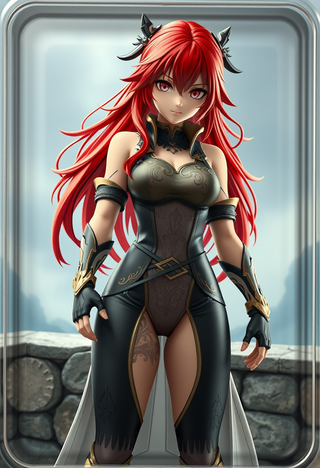






 I think it's the best image generator I ever found on the net. It gives more accurate image according to the prompt. And thank you for keeping it for free.
 -
 Transform your images with AI — effortlessly enhance, edit, or reimagine any picture using advanced image-to-image generation. Perfect for creatives, designers, and anyone looking to bring visual ideas to life.Open



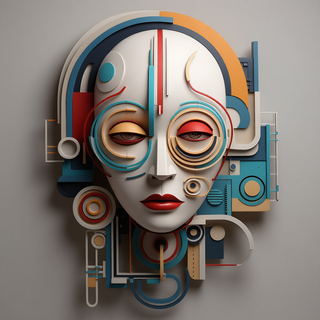



 Not at all accurate…. The only thing similar between original and generated images were the clothes and accessories… face was absolutely new and unconnected.
 -







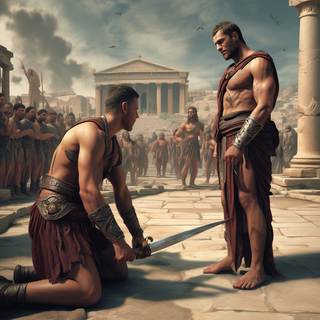
 There were no aristocratic Asians and Africans in ancient Rome.
 -







-






 It’s quite nice! It does exactly what it suggests, which is amazing too.
 -








 Really impressive! The suggestions were simple, and the image came out beautifully well too!
 -
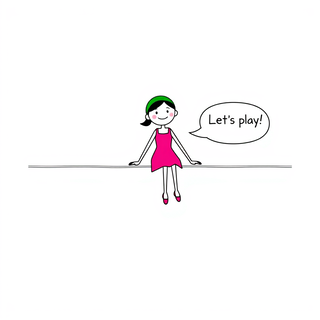


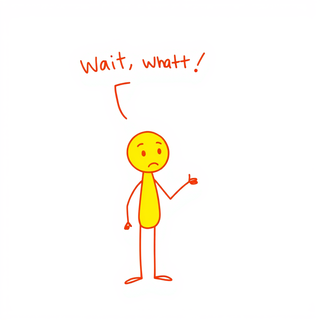
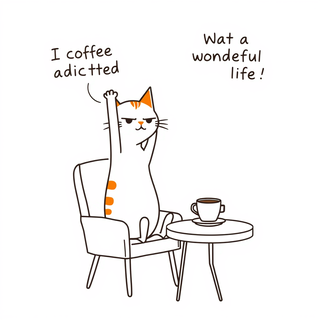



 It’s good tool, but needs work when I write what supposed to be written is not working properly
 -





 this tool is nice! it generates what i request pretty fast, not to mention the quality. i really like how creative you can be as well, such as dressing up animals in funny clothes :)
 -
 Open
Open

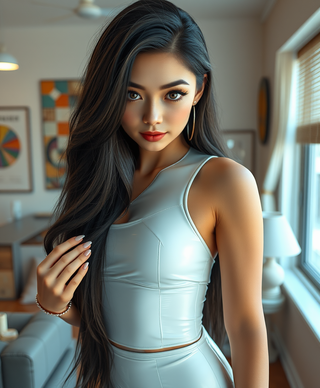





 It is very receptive to the prompts and gives very aesthetically pleasing results.
 -








-


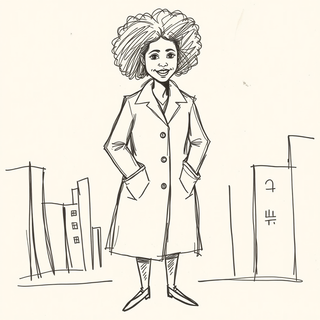


 It’s amazing!!! It’s one of the best sketch image bots I’ve used. It makes the images look well sketched too.
 -




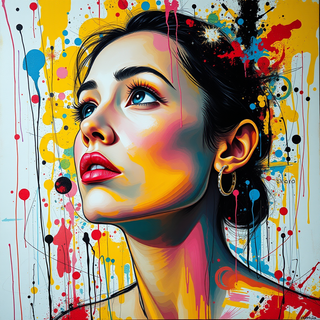
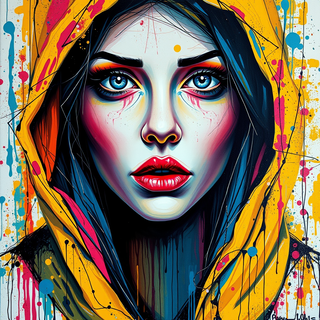


 This is a fantastic tool. It helps me a lot to illustrate my poems and short stories.