Mini tools
-
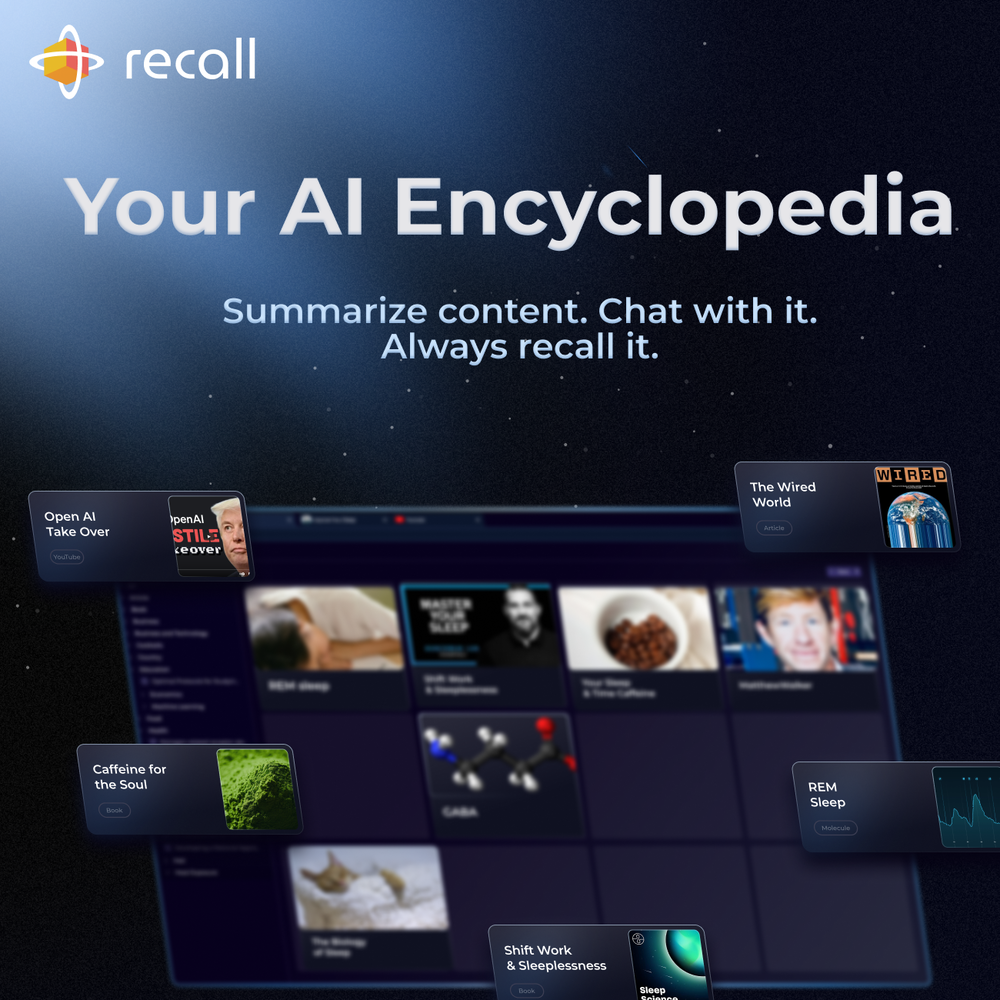 Sankari Nair🛠️ 1 tool 🙏 5 karmaAug 12, 2025@RecallChat with a knowledge base is an absolute game-changer for the knowledge management space. Using it for my longevity protocols and sleep optimization.
 -
 I recently started using Napkin AI, and I couldn't be more impressed! This tool is incredibly user-friendly and intuitive, making it easy to generate clear visual representations from text. Moreover, the interface is clean and visually appealing, which enhances the overall user experience. Napkin AI is a fantastic companion. Highly recommended for anyone looking to elevate their creative process!
 -
-
-
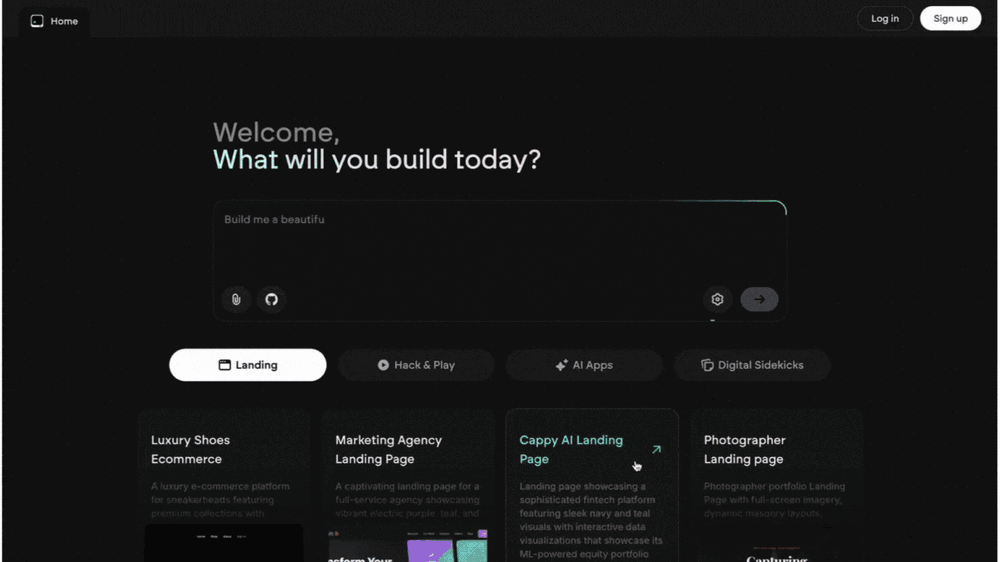 Emergent is the first agentic vibecoding platform built for serious builders. If you’re pouring time, money, and energy into building a product that matters, you deserve a platform that takes your ambition seriously. As your AI-native product engineering partner—wired to think in systems, not snippets—Emergent transforms natural conversations into production-grade, full-stack applications without requiring developers. It doesn’t just ”help you code”—it builds end-to-end: real databases, working APIs, secure authentication, production-ready infrastructure, and all the glue in between. Emergent conducts thorough research and deep product planning, developing
 -
-
 Gemini — v3.1 ProUpgraded Pro-tier reasoning for harder multi-step problems. Better handling of novel logic patterns and unfamiliar reasoning setups. Stronger “intelligence applied” output quality, producing clearer, more useful explanations and syntheses. More capable support for agentic workflows and longer-horizon task execution. Rolling out as the new Pro model across Gemini app, NotebookLM, Gemini API, and Vertex AI.
 -
 The most humanly AI i have used so far but the problem is as soon as you start piling up messages in single chat session , it starts getting slow and at some point it starts freezing and also uses a lot of resources. For time being its okay to do 3 4 messages but as soon as we continue it has messages limitation and also starts getting very very slow . For the price of £18 per month this is unacceptable and with the newly introduced feature called project, if we start new chat within the project we cannot continue with the context we provided in other chats within same project. There are lot of improvements for them to work on. And to start with the its speed and its price
Sponsor
 Wispr Flow-Now on Android!
🎤 Dictation
Wispr Flow-Now on Android!
🎤 Dictation
#1 website for AI tools.Used by 80M+ humans.