Base44 Superagents-AI agent that does it all

 Mini tools
AI Tools for PowerPoint
Great tools for any PowerPoint operations I may need to do
8 tools
2 subscribers
Subscribe

-
 Dan Dascalescu🙏 75 karmaNov 11, 2024@GammaMakes it easy to get started with a presentation if you have an outline, but as soon as you want more control, you're better off using Google Slides. Gamma's feature that I used the most was image generation - you can select among a variety of models (Ideogram, Flux, DALL-E, but not Midjourney), and it shows 3 variations to choose from. Performance is slow and a little janky, even in Chrome. Prompts and settings are often not respected - e.g. you set it to "preserve text" and just generate slides, and it goes onto dumping an entire 3 paragraphs of text in one slide. You can't overlay text over images (e.g. for image attribution), and there's no precise positioning control, or grouping elements. No way to control table layout, e.g. to have two images slide-by-side in full bleed mode. I tried Gamma for a new presentation, but next time I need to make a presentation, I'll go back to Google Slides and generate images independently.
 -
 The current version is not yet stable. Glimmer is working on improving the performance and features. Just signed up for notifications. Am hoping for the best...
 -
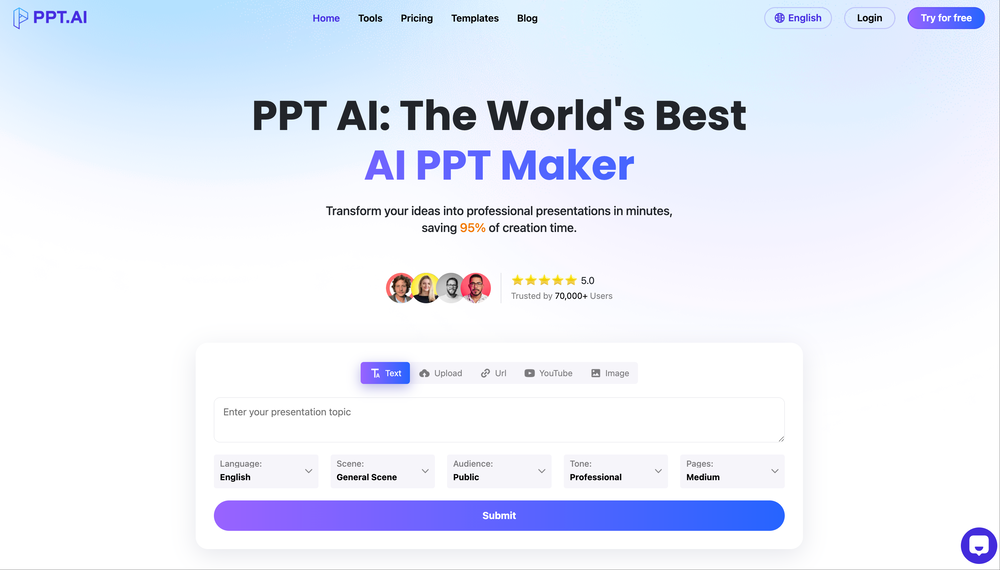 The latest version has been updated on PPT.AI (https://ppt.ai), and the previous illustrations are the original versions (the theresanaiforthat team has not updated them yet).
 -
 Open
Open
-
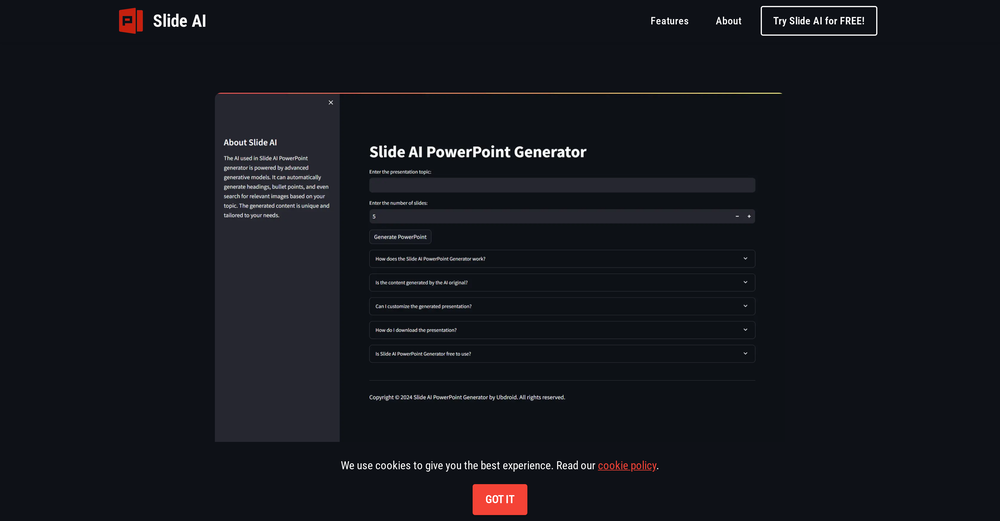 This is the first slide creator I found that actually creates an outline, and nice looking slides with images. The one negative/con is it takes yoursubject and title and generates an outline, but it doesn't allow you to put in your own outline
 -

-
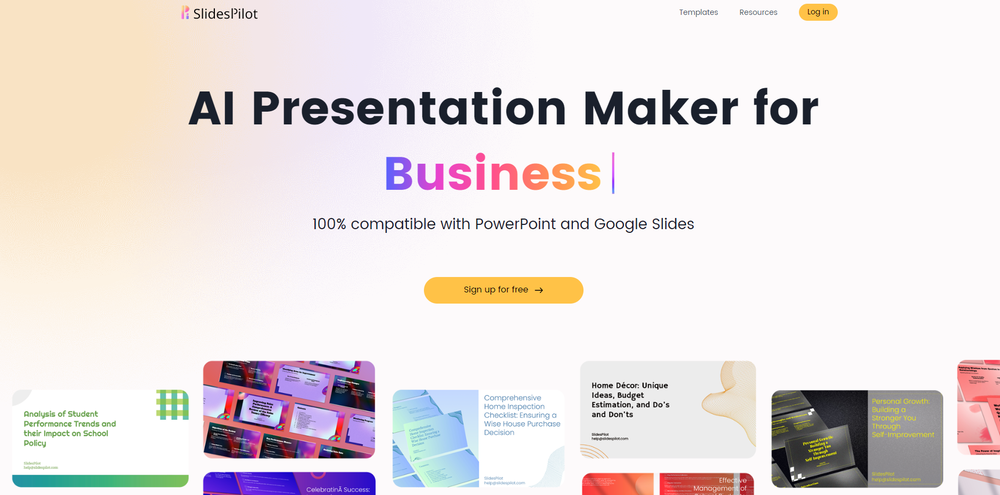 Would be better if they let you use your own text as an option.