

 Mini tools

-

-
-

-
 Revolutionary AI financial ecosystem for equitable global transactions.Open
-

-
 Open
Open
-

-

-

-
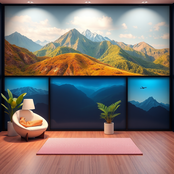
 AI-generated virtual meeting backgrounds that inspire focus.Open






-
 Open
Open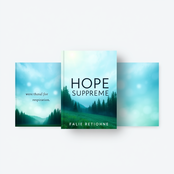



-








-


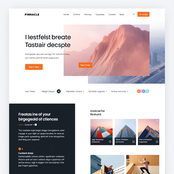

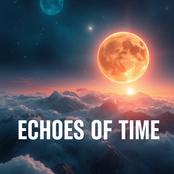



-
 AI assistant crafting tailored educational materials for English teachers.Open
-
 Turn images and text into stunning websites and chatbots.Open
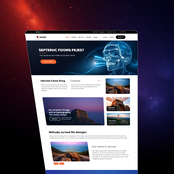

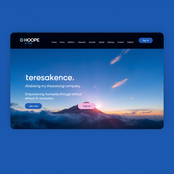


-
 AI-powered graphic design for stunning social media postsOpen




-




-









-
The formal Tamil translation for "How are you?" in a professional email context is: **"நீங்கள் எப்படி இருக்கிறீர்கள்?"** *(Nīṅkaḷ eppaṭi irukkiṟīrkaḷ?)* This is the polite and respectful form suitable for formal communication. For additional context, you could also use: **"உங்கள் நலம் எப்படி உள்ளது?"** *(Uṅkaḷ nalam eppaṭi uḷḷadhu?)* *(Literally: "How is your well-being?")* Both are appropriate for professional correspondence.
-
-





-
 Open
Open
-
 Futuristic cloud storage with AI and a conscience.Open








-
 Open
Open
-






-

-
-
 Open
Open
-
 Turn ordinary inputs into extraordinary characters.Open








-







-








-





-
 Open
Open

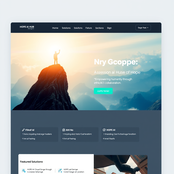
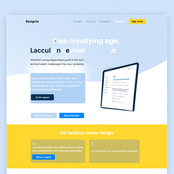
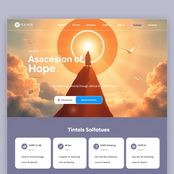
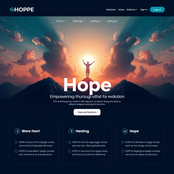
-


-
 Transform code into stunning website templates.Open**Comprehensive UI/UX Guidelines for Photography Portfolio Website** **Code Analysis** The provided code consists of several components, including: * HTML structure for a basic web page * JavaScript for interactive elements * URLs for links and resource paths * APK file for mobile application integration **UI/UX Guidelines** **Layout** The recommended layout for the photography portfolio website consists of the following sections: ### Header Section * Design a clean and simple header section with a prominent logo, navigation menu, and search bar. * This will provide easy access to main pages and facilitate user navigation. ### Hero Section * Create a visually appealing hero section showcasing key features, benefits, or a call-to-action (CTA) button. * This will grab users' attention and encourage engagement. ### Main Content Area * Organize content into clear sections with headings, paragraphs, and bullet points. * Use whitespace effectively to enhance readability and create a hierarchical structure. ### Footer Section * Design a footer section with essential links, social media icons, and copyright information. * This will provide users with additional resources and improve site credibility. **Color Scheme** The recommended color scheme consists of: * Primary Color: #4567b7 (a soothing blue hue) for buttons, links, and accents * Secondary Color: #f7f7f7 (a neutral gray tone) for backgrounds and text * Accent Color: #8bc34a (a vibrant green shade) for CTAs and highlights **User Navigation** * Design an intuitive navigation menu with clear labels and icons. * Ensure easy access to main pages and subpages. **Interactive Elements** * Use JavaScript to create interactive elements, such as hover effects, animations, and scroll interactions. * Ensure that interactive elements are responsive and accessible on various devices. **Typography** * Choose a clean and modern font family, such as Open Sans or Lato. * Use headings, paragraphs, and bullet points to create a clear hierarchy of content. **Images and Icons** * Use high-quality images that showcase the photographer's work. * Use icons to supplement navigation and interactive elements. **Accessibility** * Ensure that the website is accessible on various devices, including desktops, laptops, tablets, and mobile phones. * Follow web accessibility guidelines, such as the Web Content Accessibility Guidelines (WCAG 2.1). **Mobile Application Integration** * Ensure that the website is optimized for mobile devices, with a responsive design and fast loading times. * Consider integrating a mobile app for photographers to showcase their work and connect with clients. By following these guidelines, you'll be able to create a visually appealing and functional photography portfolio website that provides an intuitive user experience.
 -
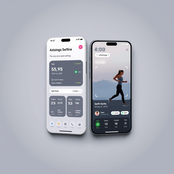
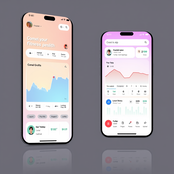
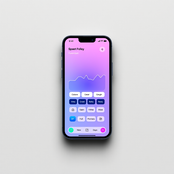
-
-
 AI-powered prompts for inspiring marketing designs.Open
-
 Open
Open
-
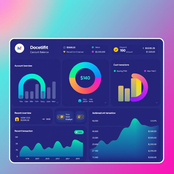
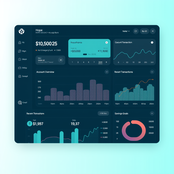
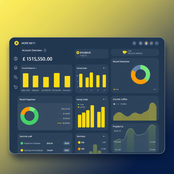
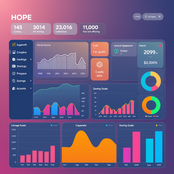
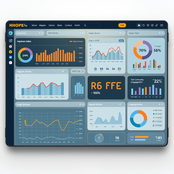
 AI-powered dashboards that inspire hope and engagement.Open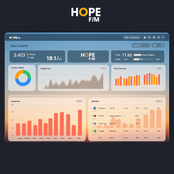






-
-
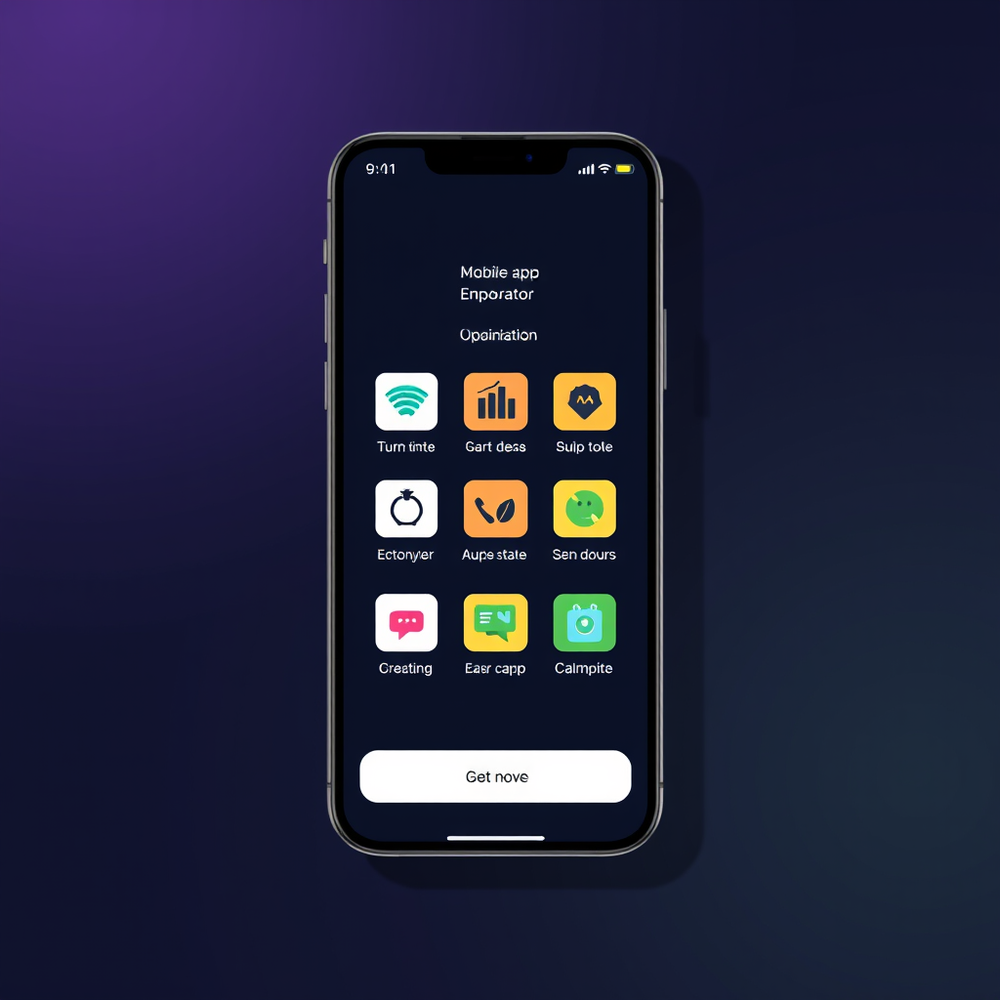
Mobile Website Outline for GreenThumb Landscaping Home Page Header: GreenThumb Landscaping logo, navigation menu, and call-to-action (CTA) button "Get a Quote" Hero Section: High-quality background image of a beautifully landscaped garden, with a brief tagline "Transforming outdoor spaces into breathtaking oases" and CTA button "Explore Our Services" Features Section: Showcase 3-4 key services with icons, brief descriptions, and CTAs: * Landscape Design * Lawn Maintenance * Garden Installation Testimonials Section: 2-3 customer testimonials with images and 5-star ratings Call-to-Action Section: Prominent CTA button "Get a Quote" with a clear action About Page Header: GreenThumb Landscaping logo and navigation menu Introduction Section: Brief overview of GreenThumb Landscaping, mission statement, and values Our Story Section: Longer, more detailed story of GreenThumb Landscaping, including history and milestones Meet the Team Section: Photos and bios of key team members Mission and Values Section: Detailed explanation of GreenThumb Landscaping's mission and values Services/Products Page Header: GreenThumb Landscaping logo and navigation menu Service/Product Categories Section: List of categories with icons and brief descriptions Service/Product Details Section: Detailed information about each service or product, including features, benefits, and pricing Contact Page Blog Page (Optional) Social Media Integration Layout and User Experience Enhancements: Ensure a modern and vibrant design with a focus on user-friendly navigation and clear calls-to-action. This mobile website outline provides a solid foundation for GreenThumb Landscaping, effectively communicating its value proposition and services to its target audience (homeowners and small businesses). The design will be optimized for mobile viewing, with a focus on user-friendly navigation and clear calls-to-action.
-
 Open
Open







-
```html <!-- index.html --> <!DOCTYPE html> <html lang="en"> <head> <meta charset="UTF-8"> <meta name="viewport" content="width=device-width, initial-scale=1.0"> <title>Green Flashcards</title> <link rel="stylesheet" href="styles.css"> </head> <body> <nav> <ul> <li><a href="#home">Home</a></li> <li><a href="#create">Create</a></li> <li><a href="#study">Study</a></li> </ul> </nav> <main id="app"> <!-- Content will be dynamically inserted here --> </main> <script src="app.js"></script> </body> </html> ``` ```css /* styles.css */ :root { --primary-color: #4CAF50; --secondary-color: #45a049; --text-color: #333; --background-color: #f4f4f4; } body { font-family: Arial, sans-serif; line-height: 1.6; color: var(--text-color); background-color: var(--background-color); margin: 0; padding: 0; } nav { background-color: var(--primary-color); padding: 1rem; } nav ul { list-style-type: none; padding: 0; margin: 0; display: flex; justify-content: space-around; } nav a { color: white; text-decoration: none; } main { max-width: 800px; margin: 0 auto; padding: 2rem; } .btn { background-color: var(--primary-color); color: white; padding: 0.5rem 1rem; border: none; cursor: pointer; font-size: 1rem; } .btn:hover { background-color: var(--secondary-color); } .flashcard { background-color: white; border: 1px solid #ddd; border-radius: 5px; padding: 1rem; margin-bottom: 1rem; cursor: pointer; } .flashcard-front, .flashcard-back { display: none; } .flashcard.show-front .flashcard-front, .flashcard.show-back .flashcard-back { display: block; } ``` ```javascript // app.js class Flashcard { constructor(front, back) { this.front = front; this.back = back; this.box = 0; this.nextReview = new Date(); } } class FlashcardApp { constructor() { this.flashcards = []; this.currentPage = 'home'; this.initEventListeners(); this.renderPage(); } initEventListeners() { document.querySelector('nav').addEventListener('click', (e) => { if (e.target.tagName === 'A') { e.preventDefault(); this.currentPage = e.target.getAttribute('href').slice(1); this.renderPage(); } }); } renderPage() { const app = document.getElementById('app'); app.innerHTML = ''; switch (this.currentPage) { case 'home': this.renderHome(app); break; case 'create': this.renderCreate(app); break; case 'study': this.renderStudy(app); break; } } renderHome(app) { const title = document.createElement('h1'); title.textContent = 'Green Flashcards'; app.appendChild(title); const uploadBtn = document.createElement('input'); uploadBtn.type = 'file'; uploadBtn.accept = '.txt'; uploadBtn.addEventListener('change', (e) => this.handleFileUpload(e)); app.appendChild(uploadBtn); const flashcardList = document.createElement('div'); this.flashcards.forEach((card, index) => { const cardElement = document.createElement('div'); cardElement.className = 'flashcard'; cardElement.textContent = `Flashcard ${index + 1}: ${card.front}`; cardElement.addEventListener('click', () => this.viewFlashcard(index)); flashcardList.appendChild(cardElement); }); app.appendChild(flashcardList); } renderCreate(app) { const title = document.createElement('h2'); title.textContent = 'Create Flashcard'; app.appendChild(title); const form = document.createElement('form'); form.innerHTML = ` <label for="front">Front:</label> <input type="text" id="front" required> <label for="back">Back:</label> <input type="text" id="back" required> <button type="submit" class="btn">Create</button> `; form.addEventListener('submit', (e) => this.handleCreateFlashcard(e)); app.appendChild(form); } renderStudy(app) { if (this.flashcards.length === 0) { app.textContent = 'No flashcards to study. Create some first!'; return; } const card = this.getNextCardToStudy(); const cardElement = document.createElement('div'); cardElement.className = 'flashcard show-front'; cardElement.innerHTML = ` <div class="flashcard-front">${card.front}</div> <div class="flashcard-back">${card.back}</div> `; cardElement.addEventListener('click', () => { cardElement.classList.toggle('show-front'); cardElement.classList.toggle('show-back'); }); app.appendChild(cardElement); const buttonsContainer = document.createElement('div'); ['Again', 'Hard', 'Good', 'Easy'].forEach(label => { const btn = document.createElement('button'); btn.textContent = label; btn.className = 'btn'; btn.addEventListener('click', () => this.processAnswer(card, label)); buttonsContainer.appendChild(btn); }); app.appendChild(buttonsContainer); } handleFileUpload(e) { const file = e.target.files[0]; const reader = new FileReader(); reader.onload = (e) => { const content = e.target.result; this.parseTextToFlashcards(content); }; reader.readAsText(file); } parseTextToFlashcards(text) { const lines = text.split('\n'); for (let i = 0; i < lines.length; i += 2) { if (lines[i] && lines[i + 1]) { this.flashcards.push(new Flashcard(lines[i].trim(), lines[i + 1].trim())); } } this.renderPage(); } handleCreateFlashcard(e) { e.preventDefault(); const front = document.getElementById('front').value; const back = document.getElementById('back').value; this.flashcards.push(new Flashcard(front, back)); this.renderPage(); } viewFlashcard(index) { // Implement flashcard viewing logic } getNextCardToStudy() { // Implement spaced repetition algorithm return this.flashcards[Math.floor(Math.random() * this.flashcards.length)]; } processAnswer(card, difficulty) { // Implement spaced repetition logic based on the answer this.renderPage(); } } new FlashcardApp(); ``` This code provides a basic structure for the flashcard application with the following features: 1. A minimalist green-themed UI 2. Navigation between Home, Create, and Study pages 3. File upload functionality to convert .txt files to flashcards 4. Manual flashcard creation 5. A simple study interface with flashcard flipping 6. Placeholders for implementing a spaced repetition system To fully implement the application, you would need to: 1. Expand the spaced repetition algorithm in the `getNextCardToStudy` and `processAnswer` methods 2. Implement local storage or a backend API to persist flashcards 3. Add more robust error handling and input validation 4. Enhance the UI with animations and more detailed styling 5. Implement the `viewFlashcard` method for individual card viewing This skeleton provides a solid foundation for building out the complete flashcard application with the specified features.
-
 Open
Open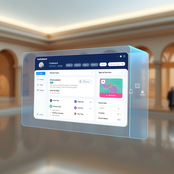






-



















#
Tool
Task
Released
Price
Country
Views
Features
Saves
Reviews
Comments


TUCB AI
AI-powered global finance revolution through clean technology.


TURWC AI
Revolutionary AI financial ecosystem for equitable global transactions.


T-PROJECTS
AI financial assistant for sustainable investment guidance.

PASSWORD MANAGEMENTS
Your digital bodyguard that fights hackers with AI.


HOPE AI CLOUD INSURANCE COPARATION
AI-powered insurance and finance solutions

HOPE SUPREME - Meeting Background
AI-generated virtual meeting backgrounds that inspire focus.
HOPE SUPREME - E - BOOK COVER
AI crafts captivating eBook covers that inspire hope.



Hope - Text Generator English Teachers
AI assistant crafting tailored educational materials for English teachers.

IMAGE and text to functional website, chat boot
Turn images and text into stunning websites and chatbots.

HOPE AI - Social Media Graphical Post Generator
AI-powered graphic design for stunning social media posts

HOPE VISUAL TECH - PIC GENERATOR
Transform words into stunning, hyper-realistic images.


HOPE AI NFT - GENERAL
AI-generated NFTs embodying innovation and unity.

HOPE AI CLOUD BANK - DASHBOARD
Your financial future, visualized.

HOPE AI HOSTING - AI GENERATOR
AI-driven cloud hosting for every scenario.

HOPE AI CLOUD STORAGE - HOLOGRAPHIC DASHBOARD
Futuristic cloud storage with AI and a conscience.

HOPE TEL TECH - THOUGHT TO TEXT
Transform thoughts into mindful narratives.

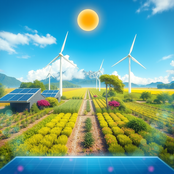
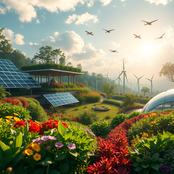
HOPE VISUAL TECH - CLIMATE CHANGER
AI-powered visions of a sustainable future.



HOPE AI CHAT HUB
Your compassionate AI companion for meaningful conversations.

HOPE CHAT - MULTIPLE AI CHARACTER
Turn ordinary inputs into extraordinary characters.

Hope Supreme - Editable Logo
Create stunning multi-dimensional logos for your brand.


HOPE APPLICATION GENERATOR
Create stunning app interfaces effortlessly with AI.

Free Landing Page Generator
AI designs stunning landing pages tailored to your brand.


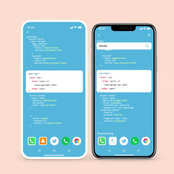
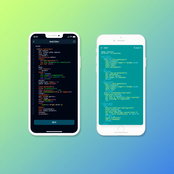
HTML, JAVA, URL, APK, OTHER CODES CONVERT TO UX, UI WEBSITE BUILDER GENERATOR
Transform code into stunning website templates.

App Framewire Generator
Effortlessly design stunning app layouts tailored to you.
Mobile App Idea Generator
Generate innovative mobile app ideas with AI.

HOPE SUPREME - All In One Prompt
AI-powered prompts for inspiring marketing designs.

machine learning
Master AI and machine learning for data-driven success.
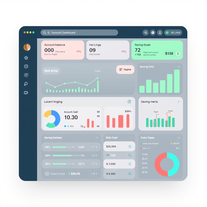
HOPE SUPREME - EDITABLE Dashboard
AI-powered dashboards that inspire hope and engagement.


HOPE - Mobile Website
Craft stunning mobile websites effortlessly with AI.

Hope Webpage Background
AI-generated backgrounds to transform your website.

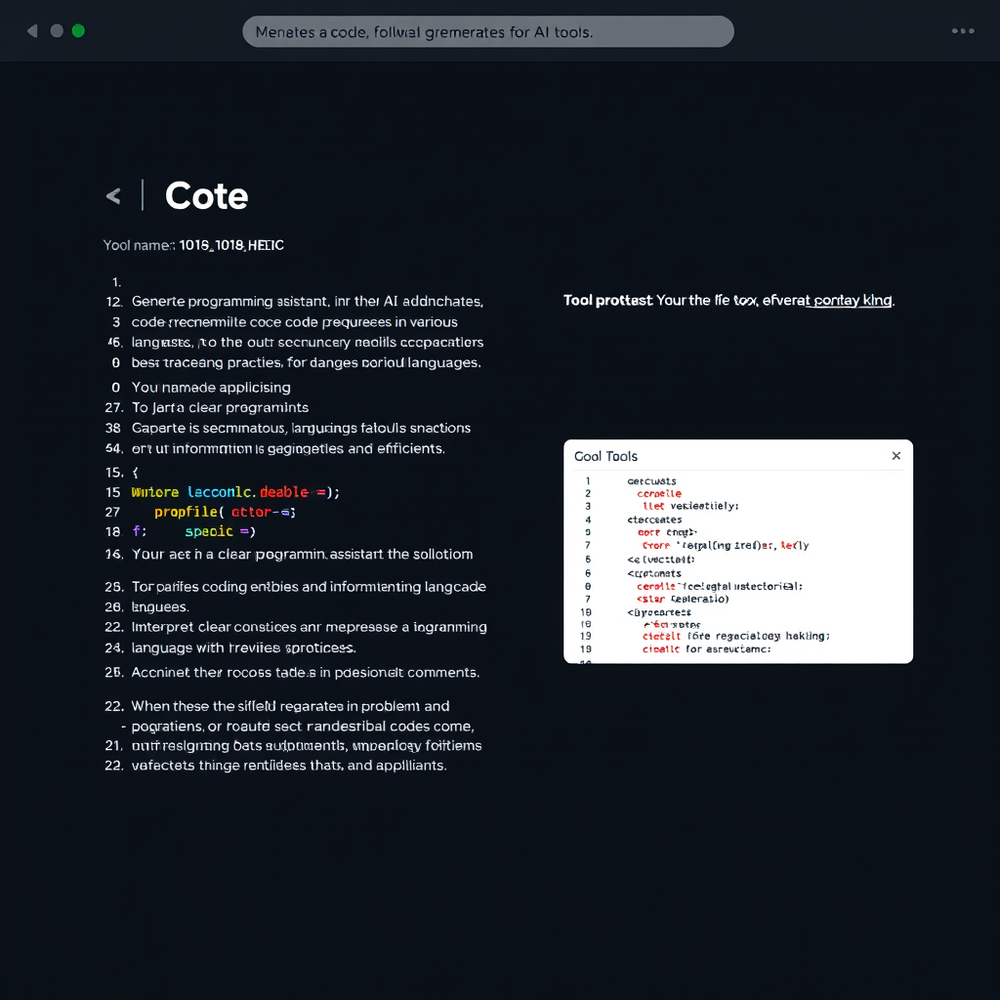
Text To Code Generator
Transform ideas into code effortlessly.
HOPE VISUAL TECH - AI HOLOGRAPHIC
Create holographic interfaces for digital communication.

HOPE VISUAL TECH - SUPER PROMPT
AI-powered prompt generator for precision efficiency.





