Mini tools
-
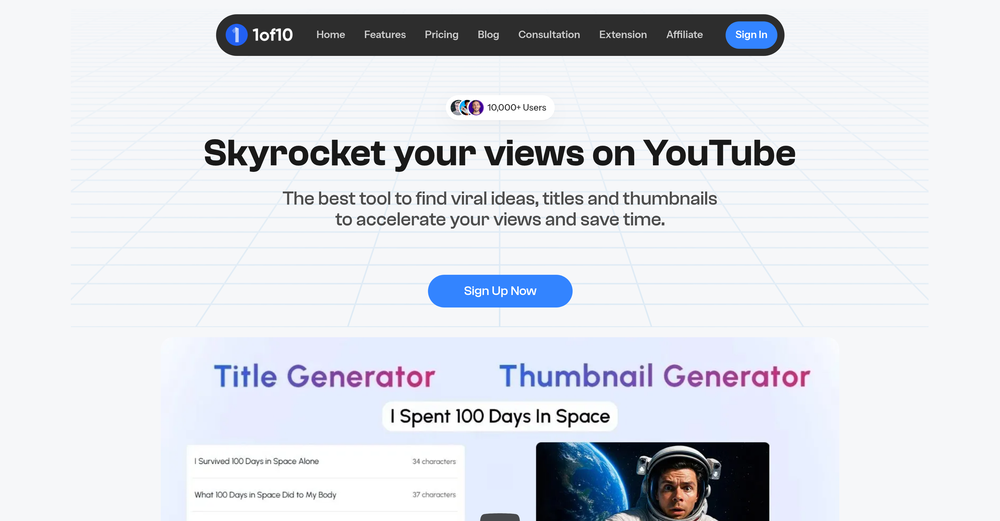 Aurelien Duboc🙏 14 karmaJul 8, 2025@1of10I can now find cool YouTube ideas without wasting hours thinking about it. Amazing product !
 -
 Open
Open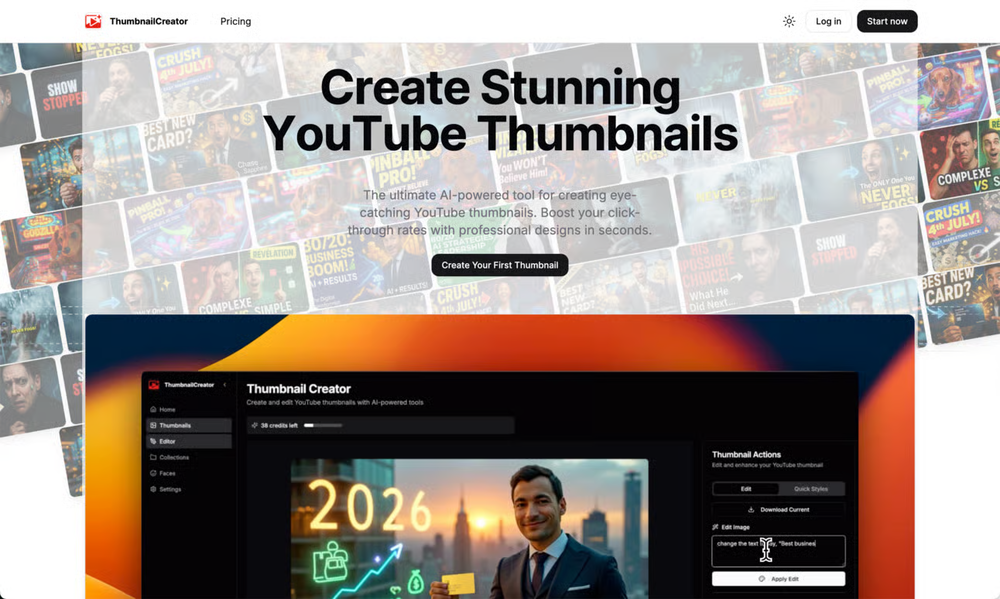 ThumbnailCreator.com added a new "AI Optimize" Thumbnail option that can automatically improve YouTube thumbnails using AI. There are also major improvements to fully AI-generated YouTube Thumbnails! You can now get your first 10 Thumbnails for Free!
 -
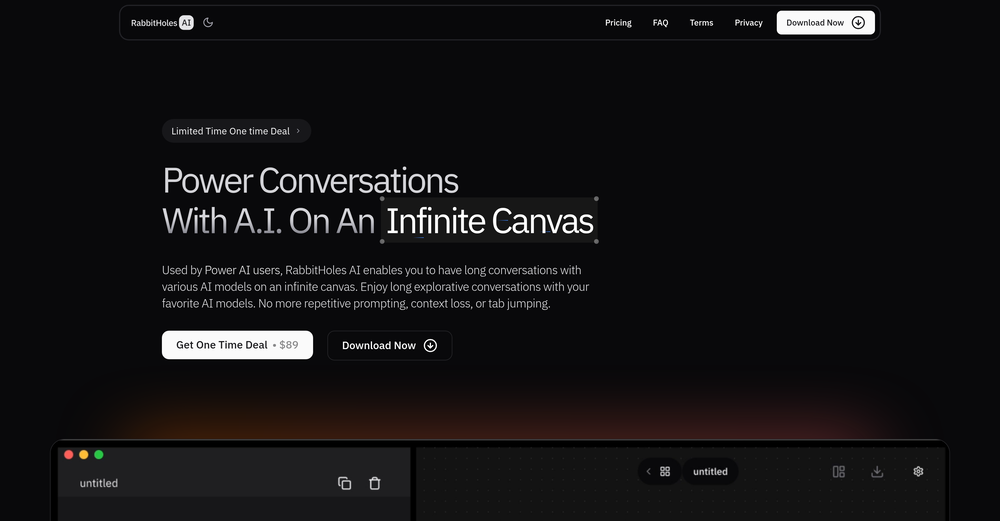 Yeah AI has ongoing cost. You have to purchase that model. But if you have a good computer, you can also use local models
 -
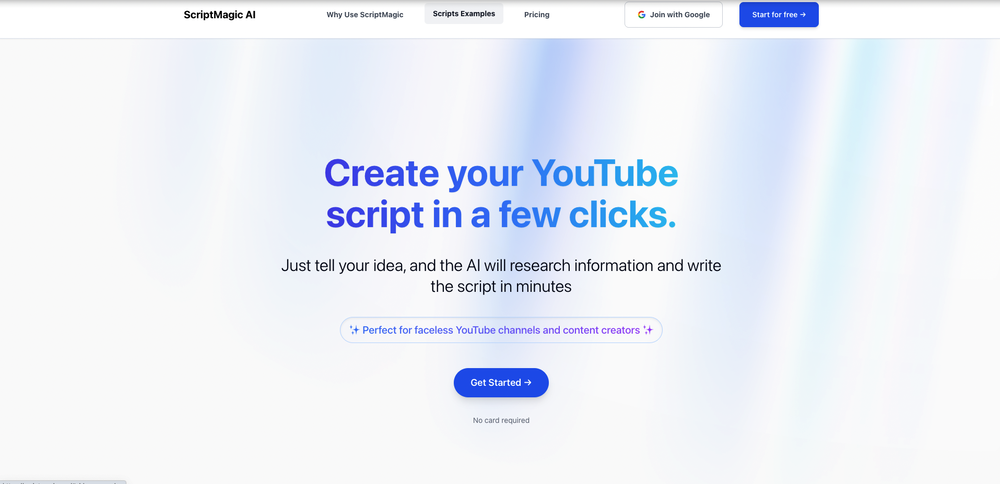 Creative, and love the design, great job with scripts and options for video Scripts.
 -
-
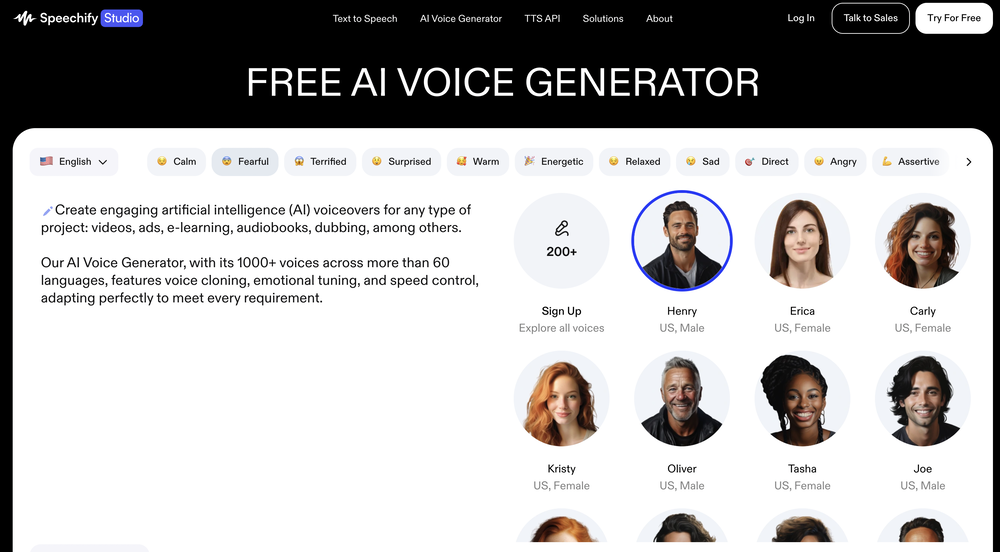 That greedy AI wants me to pay something for premium I don't want. WE JUST WANT THE FREE TRIAL.
 -

-
That's great that you're planning to create educational coding videos for beginners! Here are some tailored suggestions to help you maximize your YouTube channel's effectiveness: **Video Title Optimization:** - Use keywords like "coding for beginners", "learn to code", and specific languages (e.g. "Python basics") - Include actionable phrases like "How to..." or "Step-by-step guide" - Keep titles under 60 characters for full display in search results **Description Crafting:** - Front-load key information and keywords in the first 2-3 sentences - Include a table of contents with timestamps for longer tutorials - Add links to any resources mentioned (IDEs, documentation, etc.) - Encourage subscriptions and engagement (likes, comments, etc.) **Tagging Strategy:** - Use a mix of broad tags (e.g. "programming") and specific tags (e.g. "Python lists tutorial") - Include misspellings of common terms - Tag related topics and technologies **Content Scheduling:** - Aim for consistent uploads (e.g. every Tuesday and Friday) - Post when your audience is most active (often weekday evenings) - Create playlists for different topics or skill levels **Improving Retention and Engagement:** - Start videos with a hook - preview what viewers will learn - Use graphics, animations, and on-screen text to illustrate concepts - Include practical coding exercises and challenges - End videos with a preview of the next lesson to encourage binge-watching **Call-to-Action Elements:** - Use YouTube end screens to promote related videos and playlists - Add clickable annotations to highlight key points or additional resources - Encourage viewers to comment with questions or share their own code I hope these suggestions are helpful! Let me know if you have any other questions about optimizing your coding tutorial channel.
Sponsor
 Wispr Flow-Now on Android!
🎤 Dictation
Wispr Flow-Now on Android!
🎤 Dictation
#1 website for AI tools.Used by 80M+ humans.