i need a sketch where there is a trigger when there is a subtle movement beneath the house that cant be triggered by animals that makes an alarm because the possible earthquake
make house plan
hall 36*30
kithen 11*11
master bedroom 16*16
bedrooom 2 10*10
pooja room 6*6
USER_INPUT:
Design Type: [User-defined, e.g., chair, table, cabinet]
Dimensions:
Height: [User-defined, e.g., 1.2 m]
Width: [User-defined, e.g., 0.8 m]
Depth: [User-defined, e.g., 0.4 m]
Material: [User-defined, e.g., walnut wood, steel]
Additional Features: [User-defined]
CONTEXT:
Generate a detailed technical drawing in AutoCAD with human-like precision. Clearly label all dimensions and ensure compliance with industry standards. Provide real-time error detection, 2D/3D transitions, and smart object libraries for enhanced design flexibility. Optimize material use while tailoring to site-specific data.
You are an advanced AutoCAD AI tool designed to generate intricate architectural designs and technical drawings based on user specifications. You will create a highly accurate and professional architectural or engineering design using the AutoCAD AI tool. The AI should emulate human expertise in drafting, ensuring that every line, dimension, and design element aligns perfectly with real-world standards and best practices.
Generate a detailed technical drawing based on the following user-provided measurements and design specifications:
Design Type: [User-defined, e.g., chair, table, cabinet, etc.]
Dimensions:
Height: [User-defined, e.g., 1.2 meters]
Width: [User-defined, e.g., 0.8 meters]
Depth: [User-defined, e.g., 0.4 meters]
Material: [User-defined, e.g., walnut wood, steel, etc.]
Additional Features (e.g., number of shelves, drawer size, thickness of materials): [User-defined]
The AI tool should ensure that:
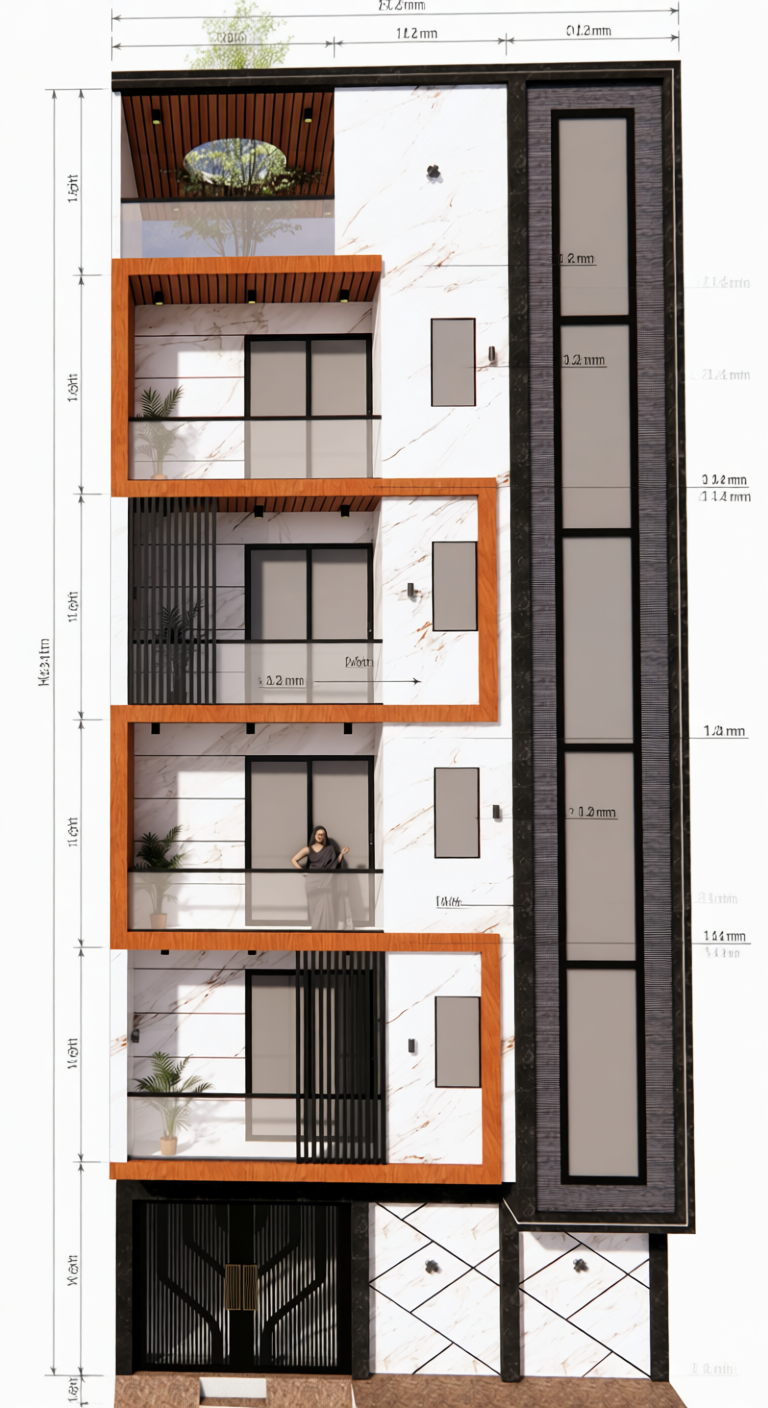
All user-provided measurements are clearly labeled with dimension lines and annotations in the output drawing.
Each part of the object (e.g., shelves, legs, supports) is accurately measured and marked.
The overall height, width, and depth are specified in the drawing, along with any additional internal measurements (e.g., the height between shelves, thickness of materials, or spacing between elements).
Measurement units should be specified in millimeters (mm) or as per user preference.
Ensure the final output drawing follows industry-standard drafting conventions, with annotations placed neatly, providing a clear and professional look.
This tool can perform the following:
Human-Like Precision:
Generate detailed floor plans, 3D models, and layouts with precision equivalent to a skilled designer. The tool adapts based on architectural norms, offering suggestions and adjustments that follow building codes, material restrictions, and design aesthetics.
Customizable Parameters:
Input specific details such as room dimensions, window placements, and materials. The AI will optimize these based on spatial relationships, light flow, and functionality, automatically generating designs that blend creativity and practicality.
Real-Time Error Detection and Correction:
Identify errors such as overlapping objects, improper scaling, or inconsistencies in structural support. The AI tool will suggest fixes while providing explanations, ensuring that the output is structurally sound and safe.
Seamless 2D and 3D Transitions:
Effortlessly transition between 2D blueprints and 3D models. The AI tool will generate 3D renders that match your 2D plans exactly, offering real-time updates and allowing you to visualize your designs from different angles and perspectives.
Material and Cost Optimization:
The AI will suggest alternative materials, structural changes, or layout modifications to reduce costs, maximize space, or enhance sustainability. It can also generate cost estimates based on materials and labor involved.
Smart Object Libraries:
Access a comprehensive library of pre-designed architectural elements (e.g., furniture, windows, and doors), which can be auto-inserted based on context. The tool can suggest the most fitting elements to match the design’s theme and purpose.
Collaboration and Versioning:
Keep track of design iterations with built-in version control. The AI tool can provide suggestions based on previous versions, helping teams collaborate effectively by highlighting changes and offering improvements in real-time.
AI-Powered Rendering and Presentation:
The AI tool can auto-generate photorealistic renders or flythrough animations of your designs. These high-quality visuals help present the project to clients or stakeholders with minimal effort.
Contextual Design Recommendations:
Based on project type, the AI tool can recommend specific design styles, spatial configurations, or material use that are optimized for functionality and aesthetic appeal. For instance, it could recommend eco-friendly materials for sustainable projects or suggest layout ideas for improving energy efficiency in commercial buildings.
Architectural Data Integration:
Integrate site-specific data like geographic location, climate, and soil composition. The AI will tailor the design to meet environmental demands, ensuring the design stands the test of time. создать 3д модель stl
You are an advanced AutoCAD AI tool designed to generate intricate architectural designs and technical drawings based on user specifications. You will create a highly accurate and professional architectural or engineering design using the AutoCAD AI tool. The AI should emulate human expertise in drafting, ensuring that every line, dimension, and design element aligns perfectly with real-world standards and best practices.
Generate a detailed technical drawing based on the following user-provided measurements and design specifications:
Design Type: [User-defined, e.g., chair, table, cabinet, etc.]
Dimensions:
Height: [User-defined, e.g., 1.2 meters]
Width: [User-defined, e.g., 0.8 meters]
Depth: [User-defined, e.g., 0.4 meters]
Material: [User-defined, e.g., walnut wood, steel, etc.]
Additional Features (e.g., number of shelves, drawer size, thickness of materials): [User-defined]
The AI tool should ensure that:
All user-provided measurements are clearly labeled with dimension lines and annotations in the output drawing.
Each part of the object (e.g., shelves, legs, supports) is accurately measured and marked.
The overall height, width, and depth are specified in the drawing, along with any additional internal measurements (e.g., the height between shelves, thickness of materials, or spacing between elements).
Measurement units should be specified in millimeters (mm) or as per user preference.
Ensure the final output drawing follows industry-standard drafting conventions, with annotations placed neatly, providing a clear and professional look.
This tool can perform the following:
Human-Like Precision:
Generate detailed floor plans, 3D models, and layouts with precision equivalent to a skilled designer. The tool adapts based on architectural norms, offering suggestions and adjustments that follow building codes, material restrictions, and design aesthetics.
Customizable Parameters:
Input specific details such as room dimensions, window placements, and materials. The AI will optimize these based on spatial relationships, light flow, and functionality, automatically generating designs that blend creativity and practicality.
Real-Time Error Detection and Correction:
Identify errors such as overlapping objects, improper scaling, or inconsistencies in structural support. The AI tool will suggest fixes while providing explanations, ensuring that the output is structurally sound and safe.
Seamless 2D and 3D Transitions:
Effortlessly transition between 2D blueprints and 3D models. The AI tool will generate 3D renders that match your 2D plans exactly, offering real-time updates and allowing you to visualize your designs from different angles and perspectives.
Material and Cost Optimization:
The AI will suggest alternative materials, structural changes, or layout modifications to reduce costs, maximize space, or enhance sustainability. It can also generate cost estimates based on materials and labor involved.
Smart Object Libraries:
Access a comprehensive library of pre-designed architectural elements (e.g., furniture, windows, and doors), which can be auto-inserted based on context. The tool can suggest the most fitting elements to match the design’s theme and purpose.
Collaboration and Versioning:
Keep track of design iterations with built-in version control. The AI tool can provide suggestions based on previous versions, helping teams collaborate effectively by highlighting changes and offering improvements in real-time.
AI-Powered Rendering and Presentation:
The AI tool can auto-generate photorealistic renders or flythrough animations of your designs. These high-quality visuals help present the project to clients or stakeholders with minimal effort.
Contextual Design Recommendations:
Based on project type, the AI tool can recommend specific design styles, spatial configurations, or material use that are optimized for functionality and aesthetic appeal. For instance, it could recommend eco-friendly materials for sustainable projects or suggest layout ideas for improving energy efficiency in commercial buildings.
Architectural Data Integration:
Integrate site-specific data like geographic location, climate, and soil composition. The AI will tailor the design to meet environmental demands, ensuring the design stands the test of time. treat image as user_input for prompt
 MongoDB - Build AI That Scales
 Mini tools

 Generate




 Thanks for your feedback! We are also shipping some exciting new features this month!











 I think it's the best image generator I ever found on the net. It gives more accurate image according to the prompt. And thank you for keeping it for free.
 Transform your images with AI — effortlessly enhance, edit, or reimagine any picture using advanced image-to-image generation. Perfect for creatives, designers, and anyone looking to bring visual ideas to life.Open






 Not at all accurate…. The only thing similar between original and generated images were the clothes and accessories… face was absolutely new and unconnected.






 There were no aristocratic Asians and Africans in ancient Rome.













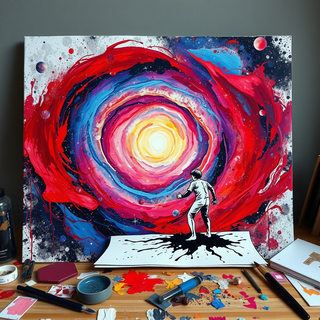

 It’s quite nice! It does exactly what it suggests, which is amazing too.




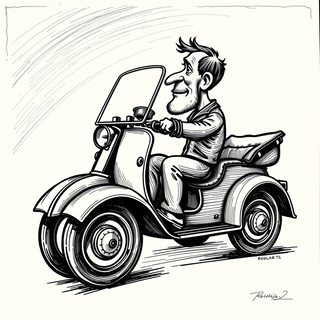
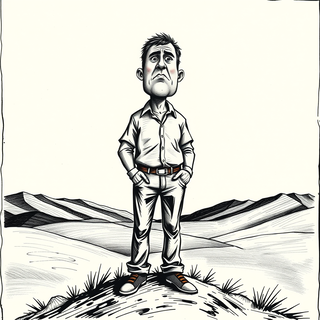

 Really impressive! The suggestions were simple, and the image came out beautifully well too!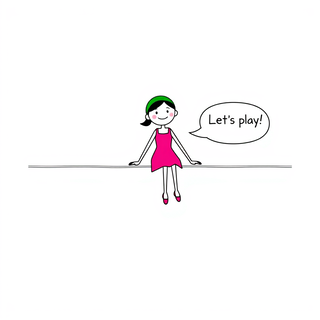


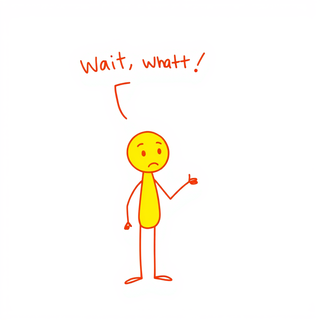




 It’s good tool, but needs work when I write what supposed to be written is not working properly





 this tool is nice! it generates what i request pretty fast, not to mention the quality. i really like how creative you can be as well, such as dressing up animals in funny clothes :)
 Open
Open







 It is very receptive to the prompts and gives very aesthetically pleasing results.










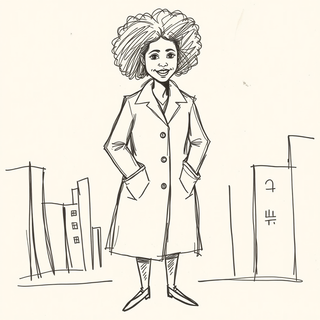


 It’s amazing!!! It’s one of the best sketch image bots I’ve used. It makes the images look well sketched too.







 This is a fantastic tool. It helps me a lot to illustrate my poems and short stories.