
 Mini tools
▼ Latest
Presentation
Free mode
100% free
Freemium
Free Trial
Featured matches
-
 🎉 Limited-Time Launch Offer — 20% Off We’re celebrating the release of Deep Research with 20% off NextDocs. Use code: TAAFT Apply it at checkout. Limited time only. ⸻ NextDocs v1.5.0 — Deep Research Released: February 2026 Great documents start with great research. With Deep Research, NextDocs creates documents backed by real, current information—not guesses. AI researches first, then writes. You get accurate, sourced, executive-ready output. Describe what you need. AI researches. You get informed results. ⸻ Deep Research NextDocs now researches your topic before creating your document. Instead of relying on training data alone, AI actively gathers fresh information: • Searches the web for relevant content • Reads and extracts insights from articles • Searches your uploaded files and knowledge base • Combines information from multiple sources • Cites sources directly in your document This is research you can trust. ⸻ Research Depths Choose how deep you want AI to go. Standard Best for most documents. Focused searches. Key sources. Fast and reliable. Deep Built for whitepapers, investment memos, and detailed reports. More sources. Deeper analysis. Maximum coverage. You control the depth. AI handles the work. ⸻ Real-Time Progress No black box. Watch AI research live as it happens: • See every search query • Track articles being read • Monitor progress in real time • View sources as they’re gathered Total transparency. Full confidence. ⸻ Source Citations Every researched document includes: • A complete list of sources • Direct links to original articles • Clear attribution for facts and data • A transparent research trail Your documents are backed by real information—not AI imagination. ⸻ Example Use Cases Market Research Report “Create a report on AI trends in 2026 with current market data and expert predictions” Competitive Analysis “Research and compare the top 5 project management tools — features, pricing, and user reviews” Industry Overview “Write a comprehensive overview of the renewable energy sector with recent statistics” Investment Memo “Research Tesla’s 2025 financials and create an investment analysis document” ⸻ How It Works 1. Enter your prompt 2. Choose research depth (Standard or Deep) 3. Click generate 4. Watch AI research in real time 5. Get a fully sourced document Same simple workflow. Much better results. ⸻ Also in v1.5.0 Performance Boost Faster editing. Smoother interactions across the editor. Export Improvements More reliable exports to Google Slides and PowerPoint. ⸻ Try Deep Research Go to nextdocs.io. Start a new document. Select your research depth. Generate. And don’t forget: use code TAAFT for 20% off. ⸻ Research first. Create second. Better documents. — The NextDocs Team
 -
 Phillip Baka🙏 41 karmaMar 21, 2025@SlideSpeakvery good and engaging, I really like it.
 -
 Build professional, on-brand decks — 10x faster. Inside PowerPoint or online.Open
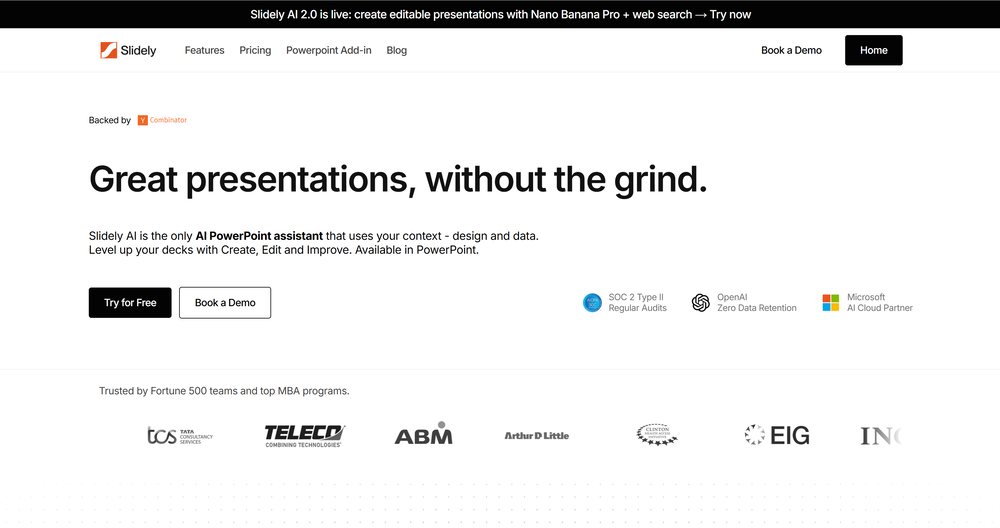 I think Slidely is the only tool that has worked for me when creating my client presentations. The presentations aren't web pages or images like the other tools but actual PowerPoint slides which I really like.
 -
 The only AI designed to disagree with you.Open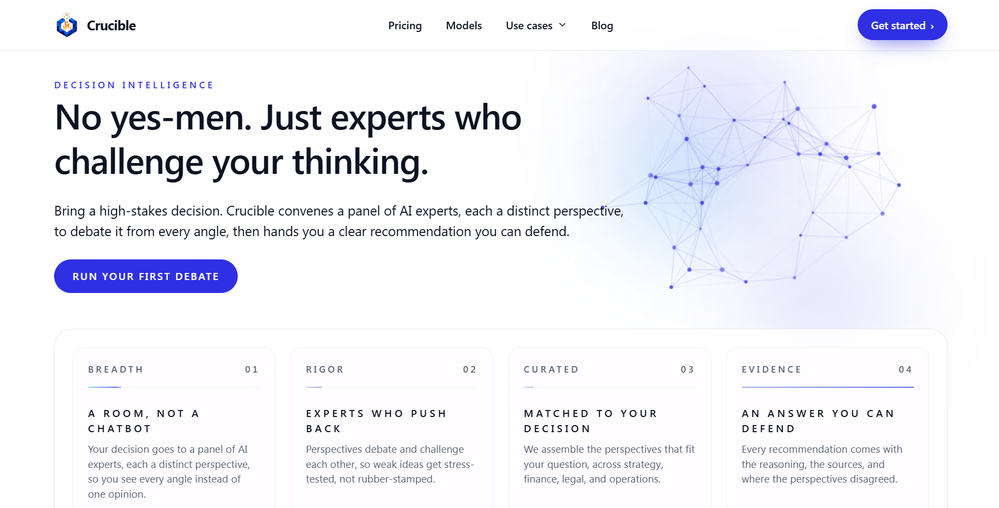
-
 Cool tool. I hope you continue to develop this tool to reach its full potential. Keep it up
 -
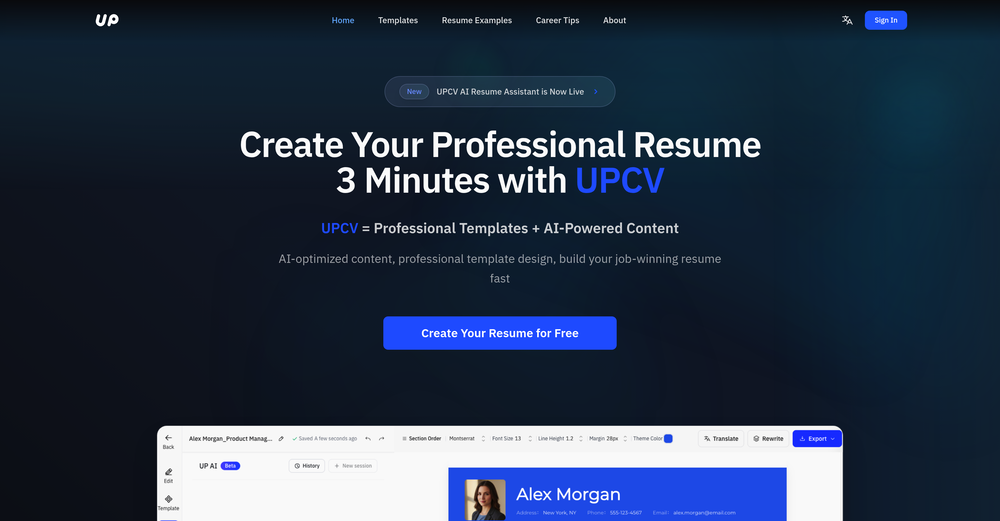 We built UPCV with a simple intention: to make writing a resume no longer the most frustrating part of the job search. We’ve spent a long time refining our guided questions, real-time formatting engine, ATS-friendly structure, and multilingual support. We’ve also talked to many real job seekers to better understand their challenges. Whether you’re writing your first resume, switching careers, coming off a gap, or just struggling with layout and structure — we hope UPCV helps you take that step more easily and frees up your time for what truly matters: building a better future for yourself. Thank you for choosing to click on us in a sea of tools. We’ll keep working hard to make it even better.



Verified tools
-
A very useful AI slides tool! The content it generates is genuinely smart.
-
It does it's job and I love that it has a lifetime plan
-
Used it for PPT generation and performed extremely well, especially the numbers and data part.
- Sponsor:
 Base44💻 Build to win
 -
Just tried yesterday. The first productivity tool which allowed me to create professional slides, reports, and sheets with my data in a few minutes. Was able to connect 20 of my tools in less than 5 minutes.
-
Hello Everyone, My name is Mohamed, the Co-Founder of linesNcircles.com. At linesNcircles our mission is to revolutionize AI & Humen Interaction. Our first product TheBar is an AI agent which can build websites for you, edit them, saves files locally, browses the internet and provide you with answers to your questions all in very simple interface. TheBar runs on your computer without signup. Your website files are saved locally with the option to publish them under our website with one click. All your files are under your creations folders. We built TheBar to be simple to use, super fast in building things for you and we are working tirelessly, to bring in more features for you like writing pdf documents and making presentations which are coming soon. Check TheBar out it is available for free now on our website https://www.linesncircles.com. We would love to hear your feedback and comments
-
 Open
Open -
It works surprisingly well. Clean plus you can actually try it first without having to drop money right away. helps if you are not sure it'll fit your needs. Solid stuff.
-
Whiteboard by Athena AI is a user-friendly, AI-powered tool that makes digital collaboration seamless. supports real-time brainstorming, and integrates easily with other apps—ideal for teams, educators, and remote learners alike.
-
 Create autonomous, interactive AI Assistants for real-world impact.OpenIt works for me. Have you tried recently?








Lists





Post





