Tripo AI 3D Generator

 Mini tools
 Kolors AI
 Canvora
 Canva Visual Suite
 Sivi AI
 LookX
LookX
 Veeso AI
 Drawnaq
 Design0
 Variant
 Figma Make
 Figma AI
 Color Bot
 Canva AI Assistant
 Cubism - Van Gogh Style
 TsHirt
 GenimaA
 VisionCraft AI – Instant Text-to-Image Generator
 So You Want To Be A Writer?
 Minka
Minka
 Ancient AI powered spirits
 Jvb ai
 somacguffin
 Cuty
Cuty
 Superfly Stoner

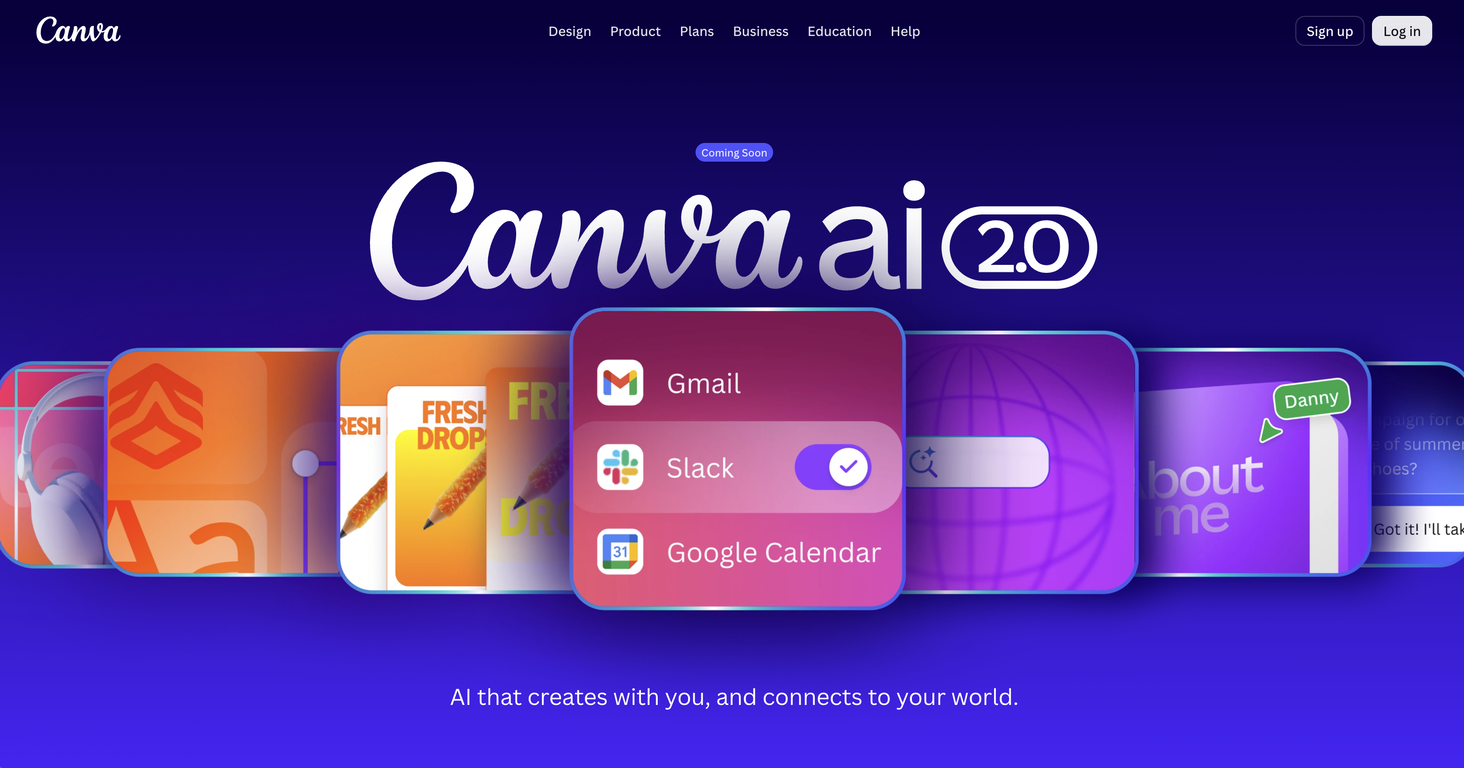
Canva AIv2.0Version updatev2.0Apr 23, 2026Conversational design — start from a prompt or brief instead of a template; AI generates fully editable, layered designs with brand and layout applied from the first output
Agentic orchestration — describe a goal and the AI picks and sequences the right tools across the Visual Suite automatically
Layered object intelligence — edit specific elements (text, images, fonts) via prompt without affecting the rest of the design
Memory Library — persistent memory learns your style and applies consistent branding across projects
Connectors — integrates with Slack, Notion, Zoom, Gmail, Google Drive, and Google Calendar to pull in context and generate assets from existing content
Background scheduling — set repeatable tasks to run automatically, with drafts ready for review
Web research — pulls live information into designs on demand
Brand Intelligence — auto-applies brand guidelines to generated outputs
Canva Code 2.0 — now supports HTML import; bring AI-generated code into the visual editor without rebuilding
External AI import — import artifacts from Claude, ChatGPT, etc. directly into Canva as editable designs







Overview
Canva AI serves as a versatile creative tool that utilizes AI to help generate designs. This tool is built to create through conversation, turning creative ideas into visual assets.
Users can describe their vision through text or voice, and Canva AI brings these instructions to life. It pulls context from connected tools to generate designs and enables edits or refinements through conversation or manual alterations, ensuring the user remains in control.
Canva AI also generates visual elements such as images, charts, or headlines upon request and incorporates them into the design. It learns the users brand assets like fonts, colors, and design rules and ensures every generated design aligns with the brand identity.
The tool allows the inclusion of web research straight into designs and learns the users creative process over time to personalize output. It also offers task scheduling features for future or recurring design requirements.
New capabilities of Canva AI include creating with prompts, style matching, generating 3D content, video generation, photo editing, on-brand design generation and more.
It offers a blend of design, branding and coding tools to create comprehensive visual content.
Releases
Agentic orchestration — describe a goal and the AI picks and sequences the right tools across the Visual Suite automatically
Layered object intelligence — edit specific elements (text, images, fonts) via prompt without affecting the rest of the design
Memory Library — persistent memory learns your style and applies consistent branding across projects
Connectors — integrates with Slack, Notion, Zoom, Gmail, Google Drive, and Google Calendar to pull in context and generate assets from existing content
Background scheduling — set repeatable tasks to run automatically, with drafts ready for review
Web research — pulls live information into designs on demand
Brand Intelligence — auto-applies brand guidelines to generated outputs
Canva Code 2.0 — now supports HTML import; bring AI-generated code into the visual editor without rebuilding
External AI import — import artifacts from Claude, ChatGPT, etc. directly into Canva as editable designs
Pricing
Other tools by Canva
-
Fabio Ferraris🙏 89 karmaSep 4, 2024@remove.bgIt works! It is fast and you have many choices for the background. Also the pricing seems to be ok
-
 Open
Open




Top alternatives
-
 AI Design Agent for your creation
 -
 The Smartest Visual Assistant that can create visuals in 150+ languages.
 -
 Design for the new visual era
 -
 The Large Design Model for brands.
 -
 AI-powered design for architects and creatives
 -
 Turn content into deliverable designs.Just paste content in, layout will automatically be desigend