 VeriIA
 Mini tools
 TheLibrarian.io
 Saidar
 Runable
 Collate
 AiAssistWorks - GPT Gemini Claude AI for Sheets Docs Slides
 Radiant
 ComputerX
 ConsoleX AI
 Ask Steve
 Skymel: Create Your Own Personal Agents
 Alfred by Simbli.ai
 BrowseWiz
 Support Flow
 Mentor: Get things done
 Singularity AI
 Criticly
 Concierge AI
 DeepSeek
 BriefNest
 Beeyond AI

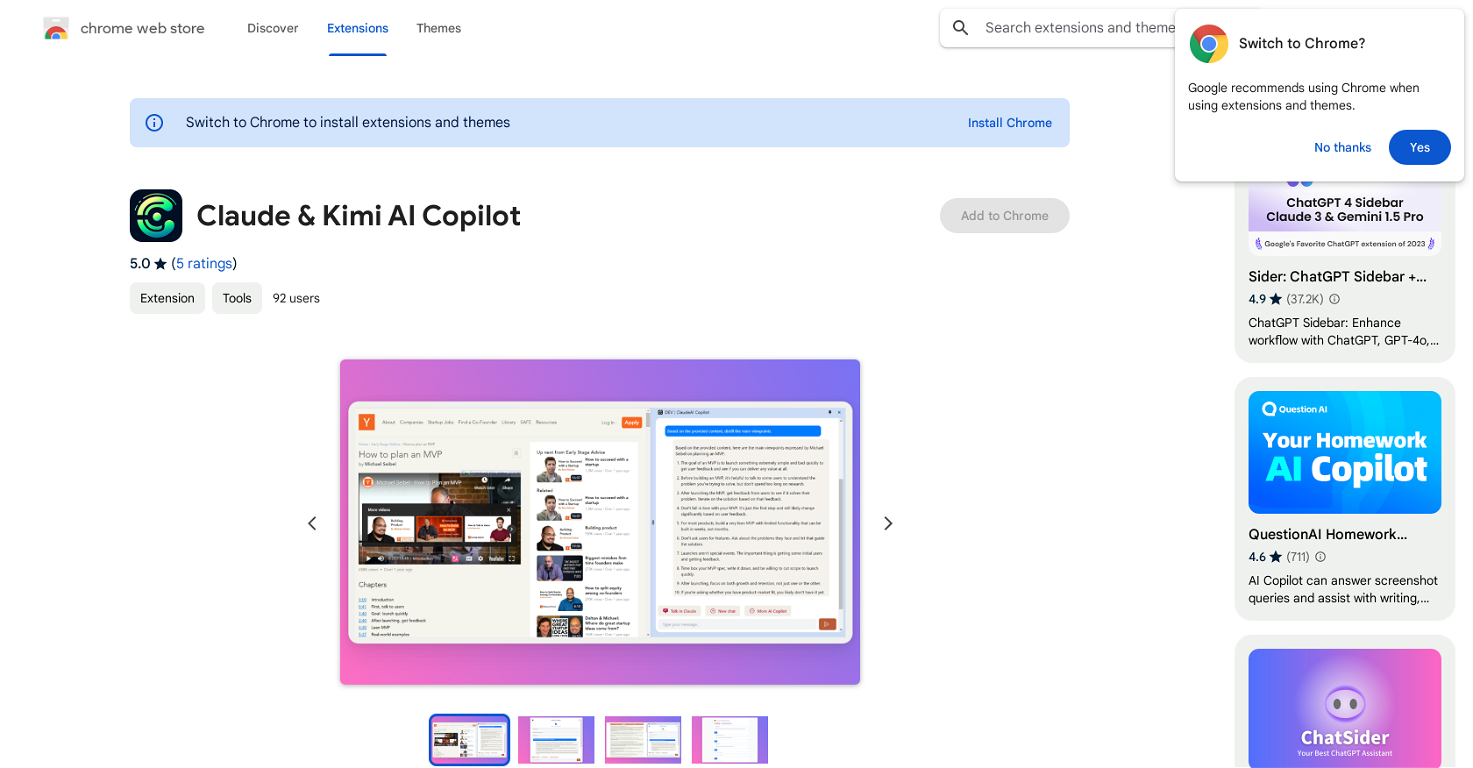
Claude & Kimi AI Copilot


Overview
Claude & Kimi AI Copilot is an intelligent Google Chrome extension designed to provide deep content analysis and instant translations right from your browser.
The tool is specially designed for users who seek efficient organization and understanding of web content. With a chat interface for ClaudeAI available in a sidebar, users can interact with the AI, customize prompts and extract summaries from web pages, thus simplifying the process of knowledge extraction.
ClaudeAI Copilot enables key points extraction from a page or conducting complex market analyses, substantially enhancing your productivity and knowledge base.
Furthermore, the tool offers support for multiple AI models and includes features like cross-platform synchronization, making it possible to access and manage your content across different devices.
ClaudeAI Copilot aids in real-time content analysis, information organization from different web pages, and batch processing and categorization of web content, making it an invaluable tool for enhancing work efficiency and knowledge management during browsing.
Releases
Top alternatives
-
Duck Typer🙏 268 karmaFeb 12, 2025@TheLibrarian.ioGreat tool! Was very helpful in content production
-
Works well and connects with my apps easily. I’m considering using it for daily reports and posts
-
Used it for PPT generation and performed extremely well, especially the numbers and data part.
-
I’ve been using Collate to go through technical PDFs, and it’s been surprisingly handy. Summarizing docs and being able to ask questions directly saves me time, especially when I’m skimming through research or API references. No sign-ups, works offline, and everything stays on my device — which I appreciate.
-
 Just type what you need — AI fills Sheets™, Docs™, and Slides™OpenJust type what you need — AI fills Sheets™, Docs™, and Slides™. FREE Forever with your API key for up to 100 execution per month! Zero formula typing, natural language instructions, zero complexity. Fill spreadsheets, create and edit documents, generate slide presentations, create images, and more.






 5
5





