What primary functions does FigPad offer?
FigPad offers functions such as 'Text to Image', 'Sketch to Image', 'Image to Image', and 'Vectorizer'. These allow users to convert various inputs into polished, editable visuals.
How does the Sketch to Image feature in FigPad work?
The Sketch to Image feature in FigPad works by converting sketched inputs into high-quality visuals. However, detailed specifics about the underlying technology and process are not provided on their website.
Can I convert existing images using FigPad?
Yes, one of FigPad’s major features is 'Image to Image' conversion, allowing users to transform existing images into different visuals.
How can FigPad's Vectorizer function assist me?
FigPad's Vectorizer function can assist by converting raster images into vector graphics. These vector graphics are editable and scalable, proving highly beneficial for professional standards.
Can I export my visuals in various formats using FigPad?
Yes, FigPad provides the capability to export figures in various formats, including SVG, PPTX, and high-resolution PNG.
What is the role of the extended workflows in FigPad?
The extended workflows in FigPad aid in speeding up figure generation allowing the extension of a reference-guided style.
What is there for me to look forward to in FigPad's blog and tutorials?
FigPad's blog and tutorials supply additional resources to help users. You can look forward to guidance on how to best utilize the tool and information on latest features and updates.
Is FigPad free to use?
Yes, FigPad is available for use free of charge.
Do I need to provide credit card details to use FigPad?
No, credit card details are not required to access FigPad.
Who uses FigPad the most, according to the data?
According to the information on their website, FigPad is trusted by over 100,000 researchers from leading institutions including MIT, Stanford University, UC Berkeley, Yale University, University of Cambridge, among others.
Can FigPad assist me in preparing graphics for academic presentations?
Yes, FigPad is well-suited for preparing graphics for academic journals and presentations.
How does FigPad aid in data visualization?
FigPad aids in data visualization by transforming text, sketches, or images into visually engaging and accurate scientific figures. It thus helps communicate data in a clearer and more effective manner.
Does FigPad have a support team I can reach out to for help?
While direct mention of a support team isn't made on their website, there is a 'Contact' option and an email ([email protected]) provided for any inquiries or assistance.
How can FigPad help communicate complex scientific concepts effectively?
FigPad aids in communicating complex scientific concepts by converting these into clear, precise visuals thus enabling a simpler and more effective method for presentation.
How can I turn raster images into vector graphics using FigPad?
You can turn raster images into vector graphics using FigPad's Vectorizer function. This allows for the creation of editable and scalable graphics from raster images.
What is a reference-guided style and how can FigPad assist with it?
A reference-guided style in FigPad may refer to the ability of creating graphics that follow specific design precedents or guidelines. This can facilitate and speed up the figure generation process.
Can I use FigPad as an AI scientific illustrator?
Yes, you can use FigPad as an AI scientific illustrator. It has a range of tools for this purpose, from text, sketch, or reference image conversion to creating vector graphics.
What is FigPad?
FigPad is an AI-powered tool designed to simplify the creation of scientific figures. It provides various functionalities including 'Text to Image', 'Sketch to Image', 'Image to Image', and 'Vectorizer', enabling users to convert various inputs into polished, editable visuals which are suitable for academic journals and presentations. FigPad is available for use free of charge and does not necessitate credit card details for access.
How does FigPad use AI technology?
FigPad utilizes AI technology to convert sketches, text, or reference images into editable scientific visuals. This tech-driven process includes features such as text-to-image, sketch-to-image and image-to-image conversions, as well as vectorization, to develop high-quality scientific figures.
What is 'Text to Image' in FigPad?
'Text to Image' in FigPad is a feature that converts the textual input provided by users into clear, precise and editable scientific figures.
What is 'Sketch to Image' in FigPad?
'Sketch to Image' in FigPad is a functionality that allows users to transform their sketches into polished, editable images.
What is 'Image to Image' in FigPad?
'Image to Image' in FigPad is a function that permits users to convert reference images into editable scientific visuals.
What is 'Vectorizer' in FigPad?
'Vectorizer' in FigPad is a function that converts raster images into vector graphics. These vector graphics are both editable and scalable.
Which formats can FigPad export figures in?
FigPad can export figures in several formats - SVG, PPTX, and high-resolution PNG.
Who can benefit from using FigPad?
Researchers, particularly those needing to generate scientific figures for academic journals and presentations, can benefit the most from using FigPad. Its features are user-friendly and designed to make the scientific figure creation process seamless, quick, and effective.
Which prominent institutions use FigPad?
Prominent institutions using FigPad include MIT, Stanford University, UC Berkeley, Yale University, Cornell University, University of Cambridge, University of Michigan, UCLA, Baylor College of Medicine, KAIST, KAUST, and Weizmann Institute.
What additional resources does FigPad offer aside from its primary functions?
Beyond its primary functions, FigPad provides additional resources in the form of a blog and tutorials to assist users in making the most of its tool.
Is FigPad free to use?
Yes, FigPad is free to use.
Does FigPad require credit card details for access?
No, FigPad does not require credit card details for access.
Can I convert images into vector graphics with FigPad?
Yes, with FigPad's Vectorizer function, you can convert raster images into vector graphics that are editable and scalable.
How can FigPad aid in science communication?
Through their AI-powered tool, FigPad can aid in science communication by transforming complex scientific concepts into clear, precise visuals. This can greatly assist researchers in effectively articulating their findings and theories.
What is the 'reference-guided style extension' in FigPad?
The 'reference-guided style extension' in FigPad is a workflow that allows the extension of a reference style into new figure creation. This helps to streamline and speed up the process of generating uniform and consistent figures.
Does FigPad provide tutorials on how to use its features?
Yes, FigPad provides tutorials on how to use its features. These are designed to aid users in utilizing the tool to its fullest potential.
What types of figures can I create using FigPad?
With FigPad, you can create a wide variety of scientific figures including, but not limited to, graphics for academic journals and presentations.
Can I use FigPad for academic presentations?
Yes, FigPad can be used for academic presentations. The figures generated from this tool can be exported in various formats, including SVG, PPTX, and high-resolution PNG, which are suitable for inclusion in academic presentations.
What makes FigPad's workspace user-friendly?
FigPad's workspace is user-friendly due to its intuitive design and features. It is equipped with tools that streamline the creation process of scientific figures, and offers various product features and resources like blogs and tutorials to assist users along the way.
How can FigPad facilitate the creation of academic journal graphics?
FigPad allows for the creation of academic journal graphics by providing a variety of features which facilitate the transformation of text, sketches, or reference images into editable scientific visuals. The produced figures are professional in quality, making them suitable for academic journals.


 Mini tools
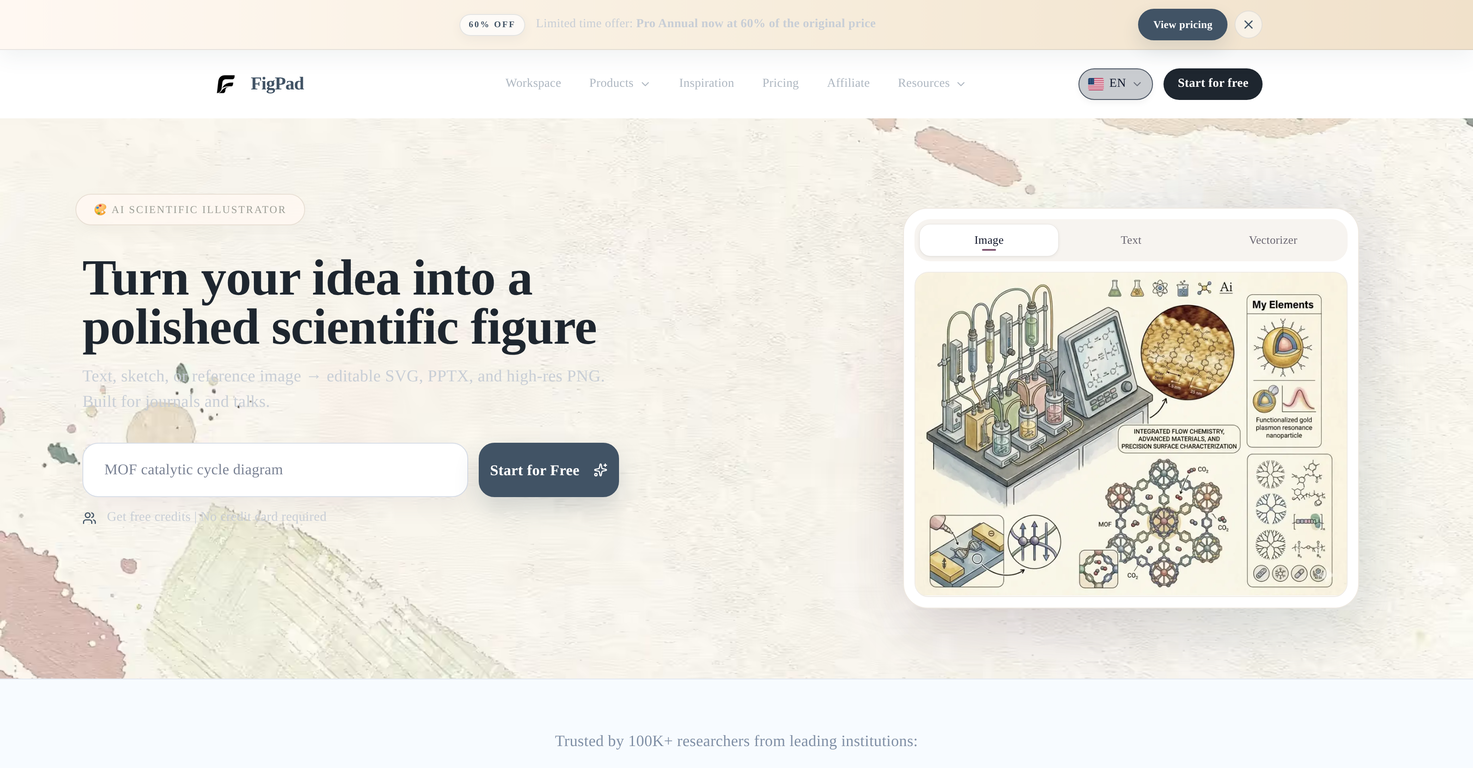
 Turn your idea into a polished scientific figure


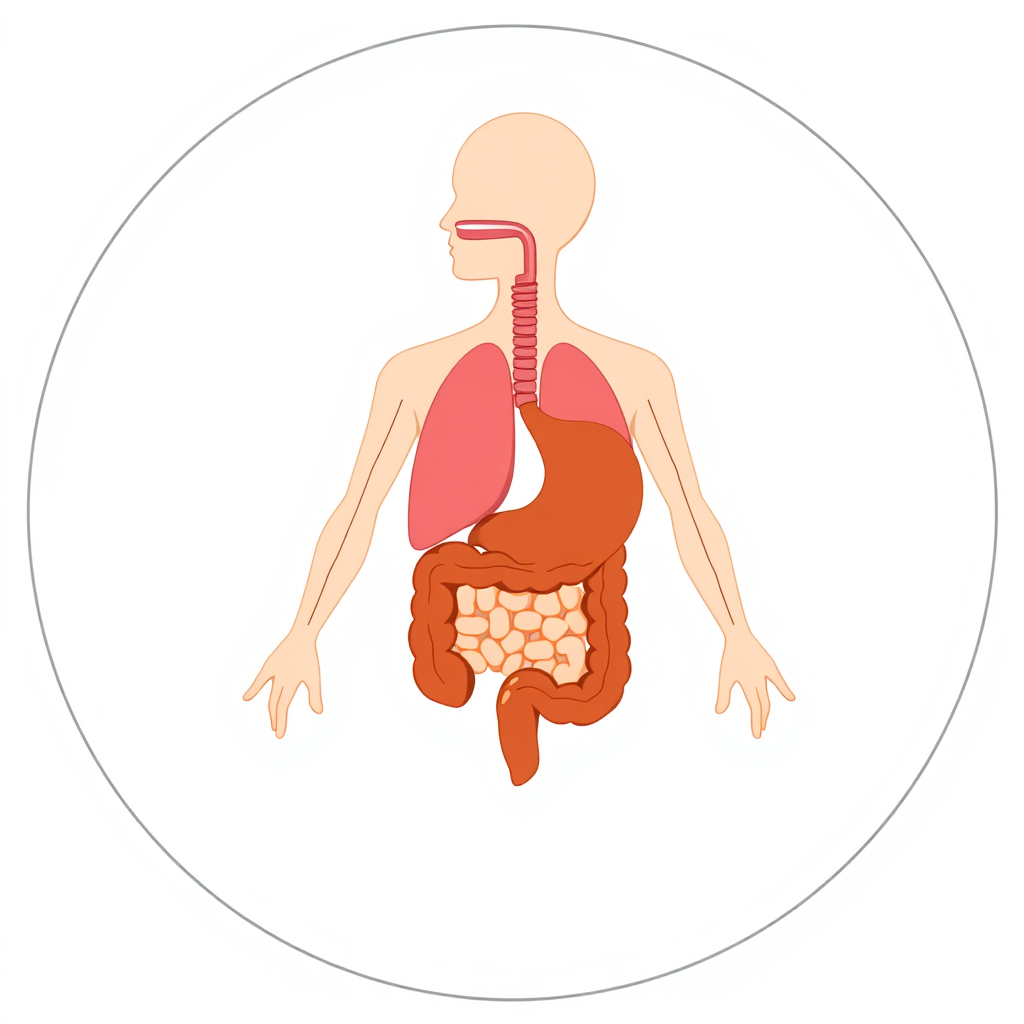














 Publication-ready scientific figures, effortlessly.
 From a sentence to a science-ready diagram.
 Transform text into detailed biological diagrams.
 AI-powered scientific illustrations for impactful presentations.
 AI-powered scientific image generator for stunning visuals.
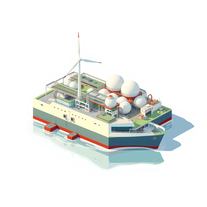 Transform green hydrogen concepts into vivid technical illustrations.





How would you rate FigPad?
Help other people by letting them know if this AI was useful.