How secure is Komos AI tool?
Komos AI tool maintains a higher level of security. Tasks run securely, and it also provides secure credential management. The software ensures encryption at rest and in transit and supports MFA flows (TOTP/SMS/email) for production runs.
How does Komos handle credential management?
Komos handles credential management by storing secrets in an encrypted vault with per-org, per-workflow scopes. Multi-Factor Authentication (MFA) flows including TOTP/SMS/email are supported during runs, bolstering the security of credential use.
Can Komos be integrated with other apps through webhooks or REST API?
Yes, Komos can be integrated with other apps through both webhooks and REST API. These integrations facilitate triggering automation, scheduling tasks, observing the process, and accessing the results. Furthermore, it supports email triggers and CSV/Google Sheets exports for operation teams.
What is meant by a self-healing workflow from Komos?
A self-healing workflow from Komos refers to a form of automation that is designed to correct itself without human intervention. It means that when an operation fails or an error occurs, the workflow can identify the issue, resolve it and continue with the task, ensuring consistent and successful outcomes.
How can Komos help me in reducing repetitive tasks?
Komos assists in reducing repetitive tasks by automating manual changes across multiple systems. By translating visual cues and user intent into structured and logical flows, manual tasks are automated, freeing users to focus on more complex tasks. This leads to substantial time savings and boosts productivity.
Does Komos provide detailed logging for each step executed?
Yes, Komos provides detailed logging for each step executed during automation of the tasks. This offers a clear record of the entire process which aids in tracking the changes made, auditing, debugging, and analyzing the effectiveness of the automation.
Can I feed the extracted structured data directly into browser workflows?
Yes, the structured data extracted by Komos from multiple formats can be directly fed into the browser workflows. This data can be used for various purposes such as form-filling, validation, and uploads, efficiently integrating with your browser operations.
What are some practical applications of Komos?
Practical applications of Komos include extracting and updating record operation across multiple systems, automating invoice, and order operations, and replacing manual tasks with automated processes. Komos can be especially useful in operations where teams spend hours each week logging into scattered systems, finding the right page, and performing the same changes by hand.
Does Komos supports task scheduling?
Yes, Komos supports task scheduling. You can schedule automation tasks based on your requirements. In addition, it also provides options for observing the tasks and accessing the results through webhooks, REST API, and email. This includes capabilities for local timezone scheduling.
How can Komos contribute to consistent outcomes in my tasks?
Komos contributes to consistent outcomes in tasks by automating repetitive manual changes across various systems. This automation ensures tasks are completed in a consistent, error-free manner, providing a clear record of what has been changed and when. As a result, consistency and accuracy in task outcomes are significantly enhanced.
What kind of document processing capabilities does Komos have?
Komos has sophisticated document processing capabilities. It can extract structured data from multi-format documents like PDFs, images, spreadsheets, and scans with high precision. It automatically identifies elements such as tables, line items, totals, addresses, and key fields for easy data ingestion and processing. The parsed data is instantly usable inside your browser workflows.
Can I control the sequence of events in my Komos workflow?
Yes, in Komos, users control the sequence of events in their workflow. Every step in a visual flow is editable, allowing users to branch, loop, and add guards to predict the run's sequences. You can also reorder steps via the visual builder and implement control flows such as If/Else, loops, and early-exit.
What is the role of email triggers in Komos?
Email triggers in Komos serve to integrate the automation tool with your email for task execution. They allow for tasks to be started or stopped based on email triggers and are also used for sending notifications about task statuses. This increases the adaptability and responsiveness of your workflow automation.
Can Komos identify key fields automatically with high precision?
Yes, Komos can automatically identify key fields with high precision. The AI system is designed to accurately detect and identify tables, line items, totals, addresses, and other key fields in documents. This functionality enhances data accuracy and the efficiency of data extraction and processing.
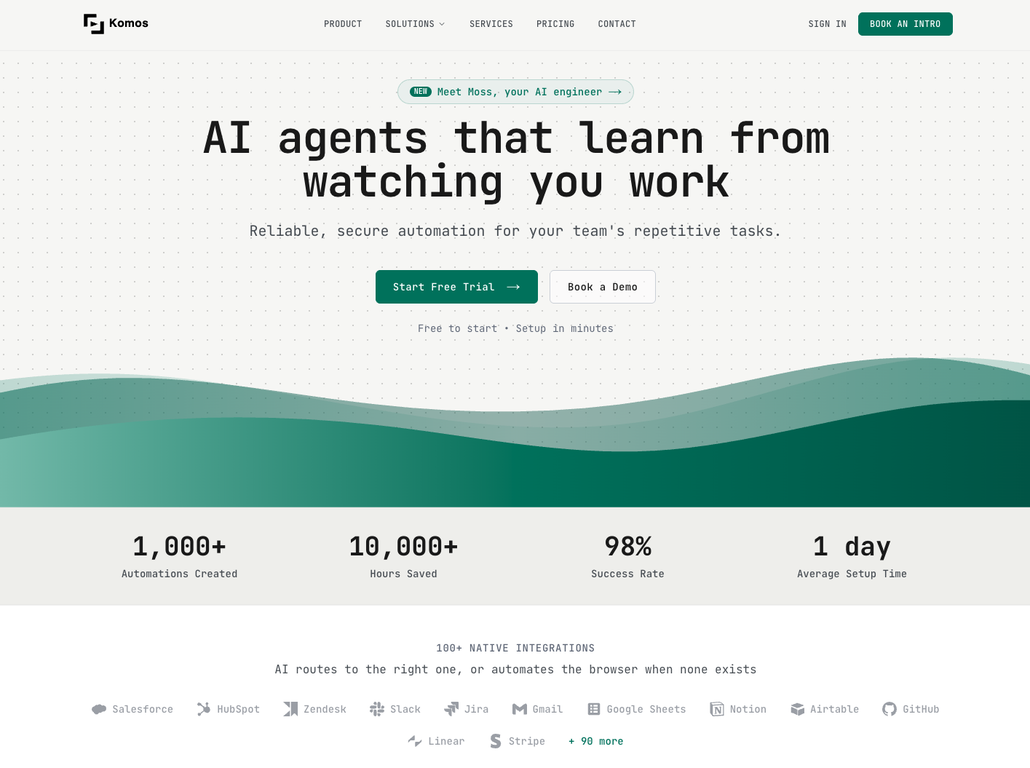
What is Komos?
Komos is an artificial intelligence tool specifically designed for browser-based automation purposes. It employs Robotic Process Automation (RPA) and Computer Vision AI to streamline and automate tasks. Komos translates user intentions and visual cues into structured, logical workflows, making it efficient and easy for individuals and teams to carry out repetitious tasks across various systems.
How does Komos work?
Komos works by having the user perform a specific task once while narrating their actions. Komos, then using its AI capabilities, understands the process and generates a structured and editable workflow. It implements this workflow and provides detailed logs for every step executed. The robust system in Komos can also turn short walkthroughs into deterministic and self-healing workflows.
What is the main use of Komos?
The primary use of Komos is to automate repetitive, time-consuming browser-based tasks. With its ability to process documents and extract structured data from various formats like PDFs, images, and Excel files, it can direct this data into different browser workflows for form-filling, data validation, uploads, and other tasks. In essence, Komos is designed to improve efficiency and drastically reduce the time teams spend on manual changes across multiple systems.
How does Komos use AI?
Komos uses AI, specifically Computer Vision AI, to interpret visual cues and user intent. Instead of the user needing to write complex scripts, Komos watches and listens once, then translates the data into a structured workflow. It also uses AI in document processing to extract key fields and structured data from different formats like PDFs, images, and Excel files with accuracy.
What does Komos mean by 'self-healing workflows'?
'Self-healing workflows' refer to the predictive and adaptive capabilities of Komos. In the context of user-defined tasks, if there are any changes, disruptions, or errors, the AI can self-correct the workflow to maintain optimal performance without manual intervention.
Is there a way to edit the AI-generated workflows in Komos?
Yes, the AI-generated workflows in Komos are entirely editable. Users have the ability to edit every step in a visual flow and control the sequence of events. Changes, branches, or loops can be added to ensure the workflow runs as intended.
How is Komos useful in document processing?
Komos excels in document processing by its ability to extract structured data from multiple formats such as PDFs, images, and Excel files. It provides AI-based identification of key fields such as tables, line items, addresses, and totals with high precision. This structured data can then be directly utilized for tasks including form-fill, validation, and automatic uploads.
Can Komos extract data from excel files?
Yes, Komos is capable of extracting structured data from Excel files. Using its AI capability, it identifies key fields in the Excel file, extracts data, and helps in creating a structured workflow that suits user needs.
What are the key fields that Komos can identify in documents?
Komos can identify key fields in documents such as tables, line items, totals, and addresses. Its AI capabilities empower it to detect and extract this data with high precision from multiple formats, including PDFs, images, and Excel files.
What kind of tasks can be automated using Komos?
Tasks that involve invoice and order operations, record updates, form-filling, data validation, and automatic uploads can be automated using Komos. Through browser automation, it mirrors manual changes across multiple systems, drastically cutting down time spent on repetitive activities.
Does Komos offer secure credential management?
Yes, Komos offers secure credential management. User credentials are safely stored in encrypted vaults, and multi-factor authentication flows are supported during production runs. The safety measures ensure secure automation and safeguard valuable user data.
Can Komos be triggered, observed, or scheduled?
Yes, Komos can be triggered, scheduled, observed, and the results can be accessed through various means. With API triggering, webhooks, and email inputs, users have flexible control over the automation process.
How can results be accessed in Komos?
Results in Komos can be accessed through such means as webhooks, REST API, and email. Moreover, there is an option for operations team to export results to CSV files and Google Sheets, providing multiple ways to liaise with the results of automation.
What is the role of Computer Vision AI in Komos?
Computer Vision AI in Komos interprets visual cues and user intent. This helps translate the tasks or actions presented by the user into structured, logical flows. Essentially, this AI feature allows Komos to understand and replicate the user's actions, eliminating the need for writing scripts.
How does Komos help in cutting down time spent on repetitive tasks?
With its automated, AI-generated workflows, Komos saves users from time-consuming, repetitive tasks. It replaces manual changes across different systems by mimicking the user's actions. This not only increases efficiency but also ensures consistency and maintains a record of all actions taken.
Can Komos identify tables and line items in a document?
Yes, Komos can automatically identify tables and line items in a document. By employing its AI capabilities, Komos precisely recognizes and extracts data from tables, line items, addresses, totals, and other key fields in different document formats.
Can I control the sequence of events in a Komos workflow?
Yes, users can control the sequence of events in a Komos workflow. The Komos platform allows editing every step in a visual flow. Users can add branches, loops, and 'wait-for' guards to ensure a predictable and consistent execution of the sequence.
How does Komos handle data validation?
Komos handles data validation by interpreting, translating, and executing browser workflows based on user-guided actions. This process involves the extraction of structured data from various document formats that are fed directly into the workflows for the validation process. Essentially, validation is carried out using the parsed structured data from document processing.
What is the API integration feature of Komos?
The API integration feature of Komos makes it possible for users to trigger, schedule, and observe automated tasks. It also allows access to the results of automation through webhooks, REST API, and emails. APIs provide communication between different software components, making it an essential feature for setting up automation processes in Komos.
How would you rate Komos - AI Browser Automation | RPA?
Help other people by letting them know if this AI was useful.