 Flow - 4x faster than typing

 Mini tools
 All your AI creative tools in one place.
 freebeat AI
 ClipMode
 Magik Face
 D-ID
D-ID
 MagicLight
 HeyGen
 Kaiber Superstudio
 Seedance
 Kling
Kling
 AI Video Generator by RenderFlow AI
 neural frames
 Funy AI: AI Dance, AI Bikini, AI Kiss
 Chraft AI
 ViGi
ViGi
 Vidu AI Video Generator
 Videnly
 Viddo AI - AI Video Generator
 VidGen AI Video Generator
 Wan Video
 CreatorFrames
 So You Want To Be A Writer?
 Minka
Minka
 Ancient AI powered spirits
 Jvb ai
 somacguffin
 Cuty
Cuty
 Superfly Stoner
Swayclip









Overview
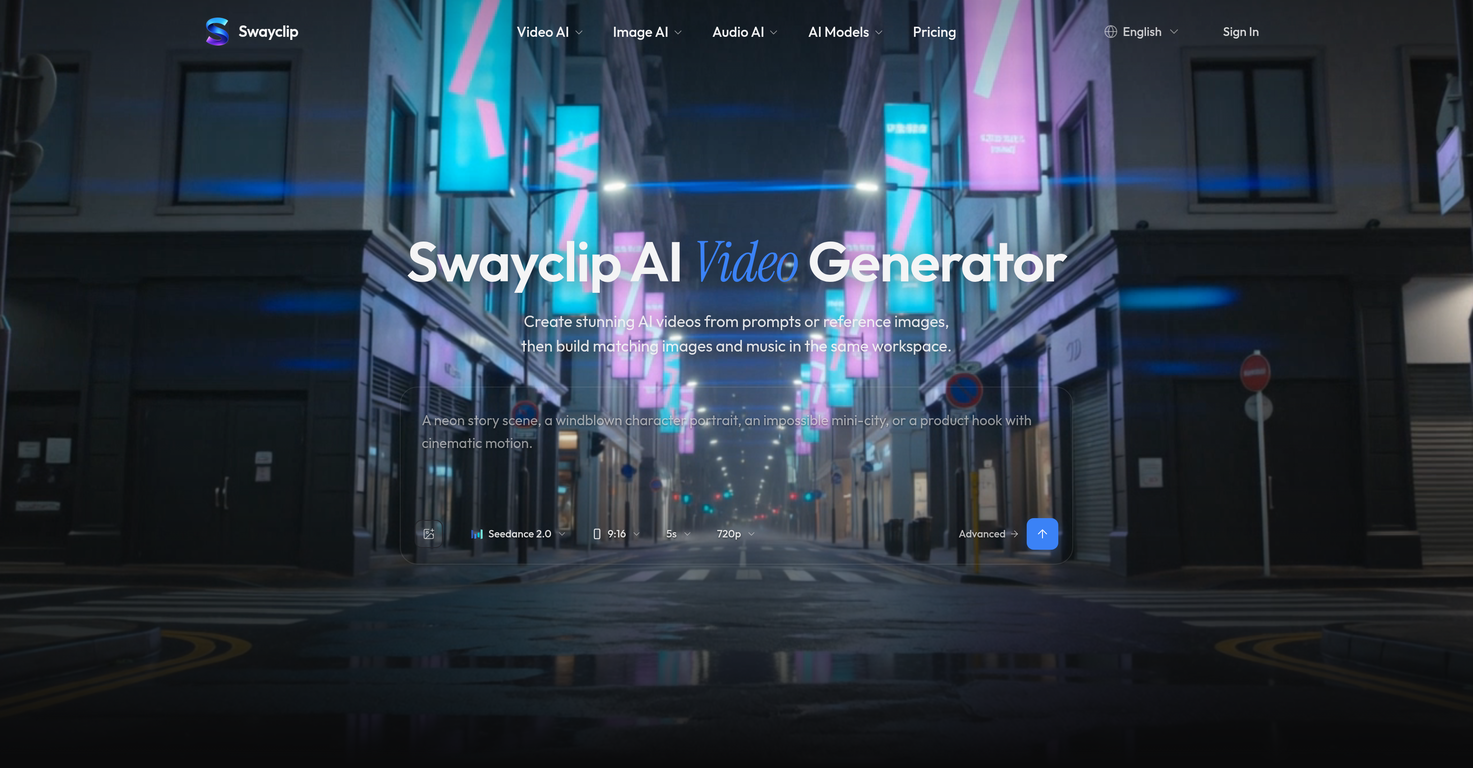
Swayclip is a browser-based AI workspace offering tools for video, image, and music generation, based on user input. The AI workspace enables the creation of a wide array of content through advanced AI models.
Swayclip provides a video-first creator platform where users can develop visuals using prompts, product shots, reference images, or music needs. From cinematic AI videos to editorial images and ready-to-cut soundtracks, users can utilise multiple AI models to drive their creative process.
Swayclip also offers enhanced capabilities such as multiple AI image models for posters, product shots, and concept art, with the option to refine uploads with prompts within the workspace.
The platform enables creators to efficiently generate, reuse, and manage video, image, and audio assets. To support creative direction, Swayclip offers 'prompt-to-music' to convert text instructions into soundtracks.
The AI models and credit costs are clearly displayed before generation to ensure users are aware of their resource use. With an emphasis on serving creators quickly and intuitively, Swayclip streamlines the process of generating content for fast-moving individuals.
Supported features
Releases

Building GoAISong — an AI Song Creation Workspace. Turn an idea, lyrics, story, or your own audio into a finished, downloadable song with a commercial license. Pay-per-song, no subscription required.
Pricing
Other tools by LumenNest Labs
-
 陈子歌🛠️ 2 tools 🙏 6 karmaApr 30, 2026@GoAISongGoAISong is an AI Song Creation Workspace for turning ideas, lyrics, stories, or owned audio into finished, downloadable songs. Create from text, use prompt libraries and examples, then unlock one selected track for watermark-free download, sharing, or commercial-use context under GoAISong terms.

Top alternatives
-
 Turn Music & Ideas into Viral Videos In One Click🔥 freebeat V10.2 introduces Photo Karaoke, multiple performance modes, scene presets, and automatic AI lip sync. ----- What’s New - 📸 Photo Karaoke – Turn a single portrait into an AI-powered singing performance with just a photo and a song. - 🎭 Multiple Performance Modes – Create Solo, Duet, or Pet karaoke videos for different performance experiences. - 🎬 Scene Presets – Choose from built-in performance scenes including Studio, Jazz, Bar, Home, Supercar, Fisheye, and more. - 🎤 Expressive AI Lip Sync – Generate natural singing performances synchronized with your song. ----- How It Works 1. Upload a photo or choose one from My Assets. 2. Select a performance mode and scene preset. 3. Add your song and generate your karaoke performance. 4. Download the finished video and share it anywhere. ----- Why It Matters V10.2 expands freebeat’s music video creation experience by bringing AI singing performances to still images. Instead of recording videos or animating portraits manually, creators can now transform a single photo into an expressive karaoke performance in just a few clicks. 👉 Try it now – www.freebeat.ai
 -
 Create AI-generated videos with easeWE USE D-ID AT THE COLORADO VIRTUAL CREATIVE FACTORY...AND LOVE IT.
 -
 Transform text into captivating videos instantly.You get 300 credits upon signing up, which is enough to test out the app and see its potential. I had a bit of fun with it. It takes a few minutes to generate content, but the results are impressive. There are many styles, modifiers, and customization options available. I would definitely use this for content creation or storytelling.
 -
 Create AI spokesperson videos from text
 -
 AI Video GenerationThey're dreaming if they think I'd give them my credit card info just for a free trial. Most useless thing ever...
 -
 Multi-shot video generation from text and image.







