

 Mini tools
Pilot - AI-Powered A/B Testing Agent
AI Powered A/B Testing Agent
README
Pilot - AI-Powered A/B Testing Agent
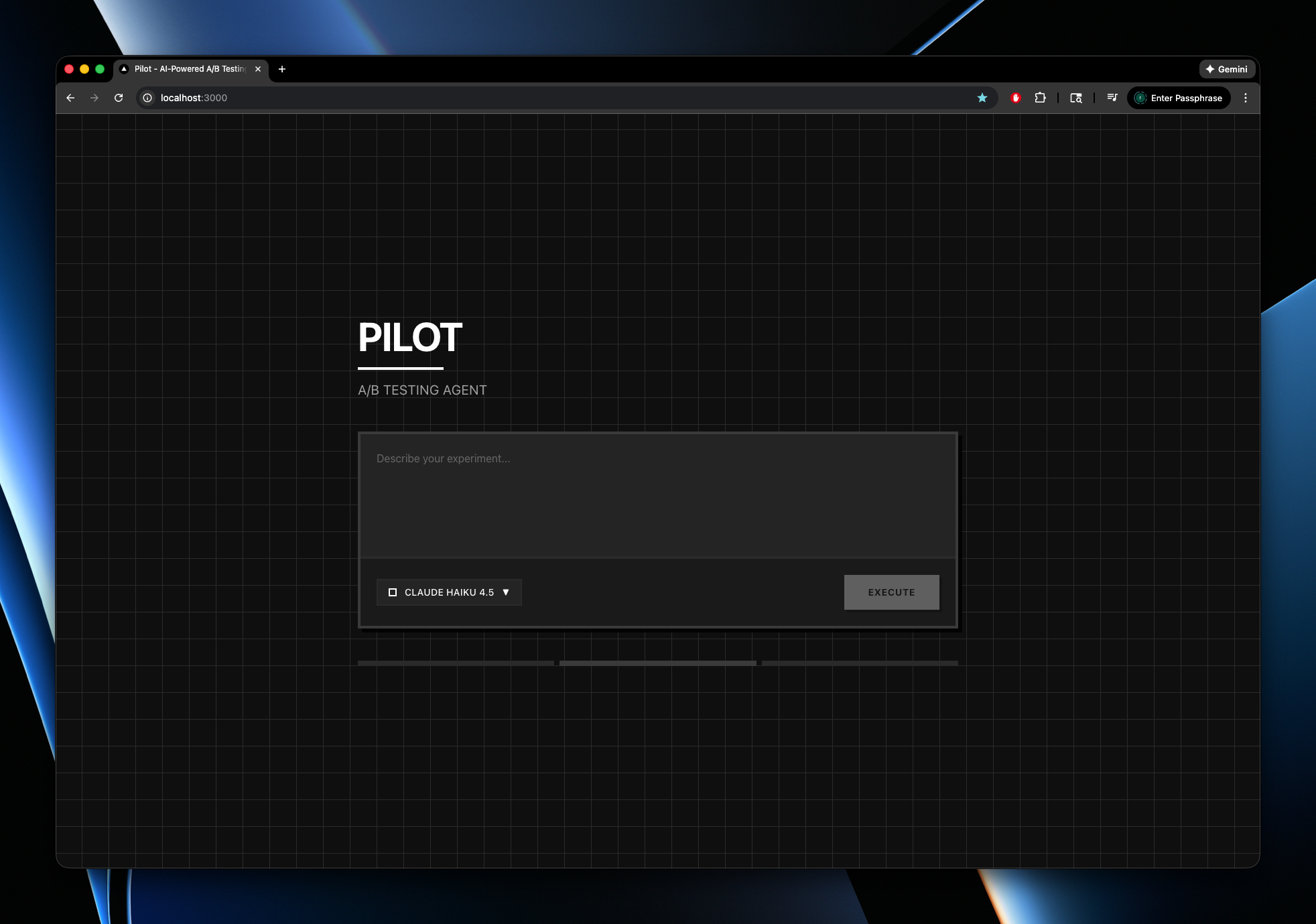
Pilot is an AI assistant that automates the entire A/B testing workflow with PostHog. Simply describe your experiment idea in natural language, and Pilot will create the experiment in PostHog and optionally integrate the feature flag directly into your codebase.
Demo
What Pilot Does
Pilot uses AI tool calling to automate three key operations:
- Project Detection: Automatically finds your PostHog project
- Experiment Creation: Creates A/B tests with feature flags and metrics (currently uses
page leavereduction) - Code Integration: Clones your GitHub repository, detects your framework, adds the feature flag code, and commits the changes
Example
You say: "Test a new checkout button design that reduces cart abandonment"
Pilot will:
- Retrieve your PostHog project
- Create an experiment with a unique feature flag key
- Add the feature flag code to your repository (if you provide a GitHub URL)
- Handle framework-specific implementation (React, Next.js, Python, etc.)
API Keys Required
You'll need three API keys to use Pilot:
1. Anthropic API Key
Get from Anthropic Console
This powers Pilot's AI capabilities using Claude Sonnet 4.
2. PostHog Personal API Key
Get from PostHog Settings
Important: Your PostHog API key must have these permissions, otherwise we won't be able to create experiments:
project:readfeature_flag:writeexperiment:write
3. MorphLLM API Key
Get from MorphLLM
This is used for intelligent code editing and merging feature flags into your codebase.
Installation & Setup
-
Clone and install dependencies:
git clone <your-repo-url> cd pilot pnpm install -
Set up environment variables:
cp .env.example .env.local
Edit .env.local and add your API keys:
ANTHROPIC_API_KEY=your_anthropic_key_here
POSTHOG_PERSONAL_API_KEY=your_posthog_key_here
MORPH_LLM_API_KEY=your_morphllm_key_here
GITHUB_TOKEN=your_github_token
GROQ_API_KEY=your_groq_key_here
Running Pilot
Start the development server:
pnpm devOpen http://localhost:3000 in your browser and start chatting with Pilot!
Usage
Simply describe your experiment hypothesis in the chat interface. Examples:
- "Create an experiment to test a new hero section on the homepage"
- "Test a new pricing page layout. Here's my repo: https://github.com/username/project"
- "I want to test a green vs blue CTA button"
Pilot will handle the rest!
Supported Frameworks
React, Next.js, Node.js, Python, Django, Flask, and more.
License
MIT





