

 Mini tools
Why-in-the-git VSCode extension
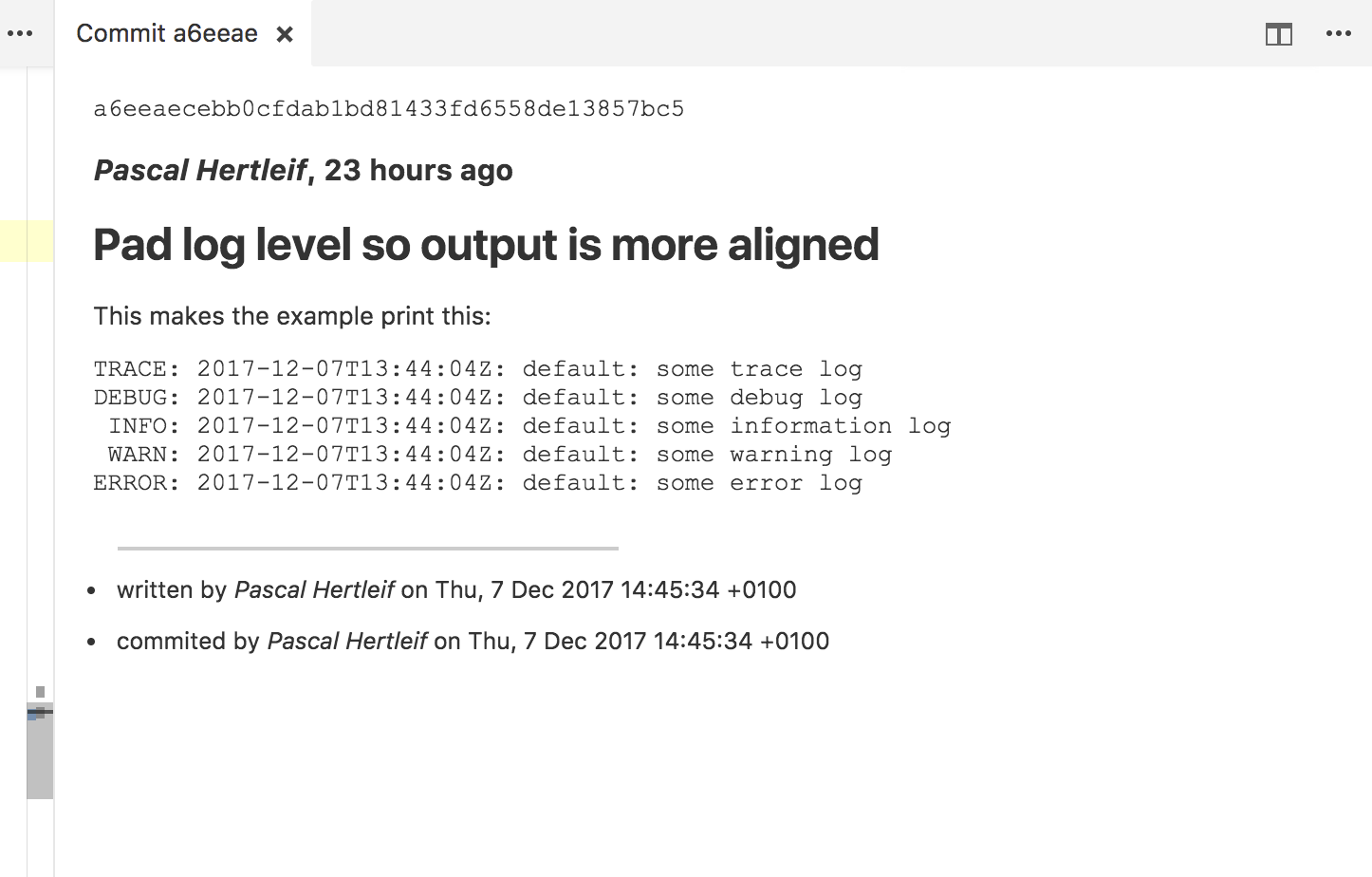
A VSCode extension that gives you a command to show the commit message corresponding to the latest change to the line your cursor is on.
README
Why-in-the-git VSCode extension
A VSCode extension that gives you a command to show the commit message
corresponding to the latest change to the line your cursor is on.
Usage
- Install the extension.
- Open the command panel and look for "Show corresponding commit message"
- ???
- PROFIT!
FAQ
Why not just use Git Lens?
It doesn't show the full commit message.
Why not use Git History?
It takes more than one step to get the full commit message.
Why not patch one of the other extensions?
I like small extensions, and I wanted to figure out how to write one myself.
Is this any good?
Yes.





