

 Mini tools
React / Node Todo Demo
React todo demo for Build conference
README
React / Node Todo Demo
This demo shows the core functionality of Visual Studio Code
for Build 2016 session workshop.
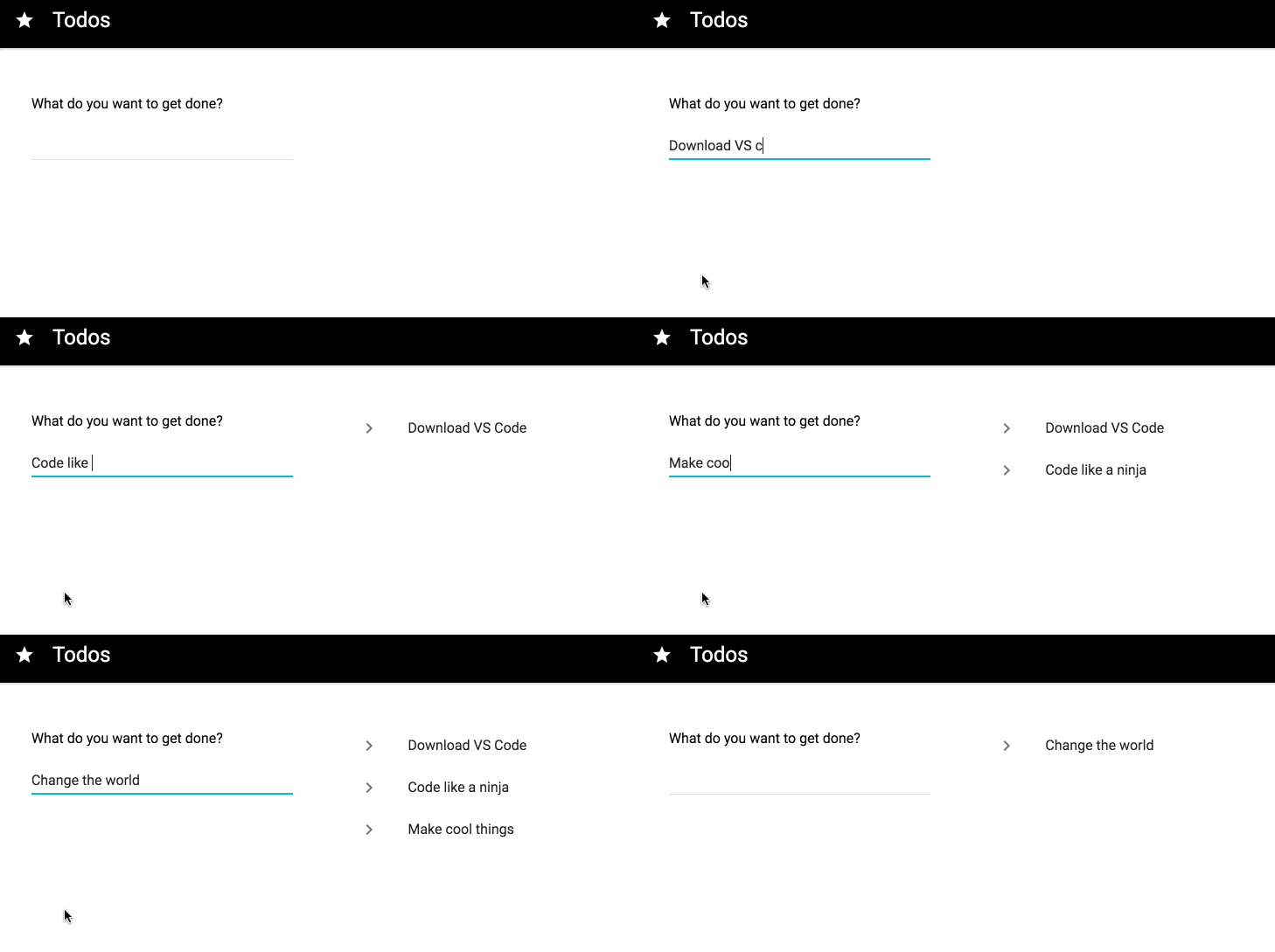
Getting Started
# clone repo
git clone https://github.com/Microsoft/vscode-react-sample.git react-todo

# navigate to repo
cd react-todo

# install deps
npm install
Backend
# Run in terminal
npm run serve
Instead you can also debug in Visual Studio Code with pressing the <kbd>f5</kbd> key.
Frontend
# run in terminal
npm run dev
Run from Visual Studio Code by executing command (with <kbd>f1</kbd> to open command palette)
Run Task and selecting dev.
Database
No configuration should be necessary necessary. Data backend is simply a json file called todos.json in data/.
If you run into any issues make sure todos.json has the following inside before starting the
server. This will become more robust overtime.
{
    "todos": []
}
Not meant for production
There are a couple of issues to fix before this code base should
be used as a model for a production ready application.
- Swap out the file based data model for a real data backend.
- Replace webpack dev server with an application server or serve up the app with the Node server.





