

 Mini tools
🎙️ Claude AI Speech-to-Text Chrome Extension 🤖
Add voice input capability to Claude.ai using Transformers.js and Groq API
README
🎙️ Claude AI Speech-to-Text Chrome Extension 🤖
Why This Extension? 🤔
Hey there!
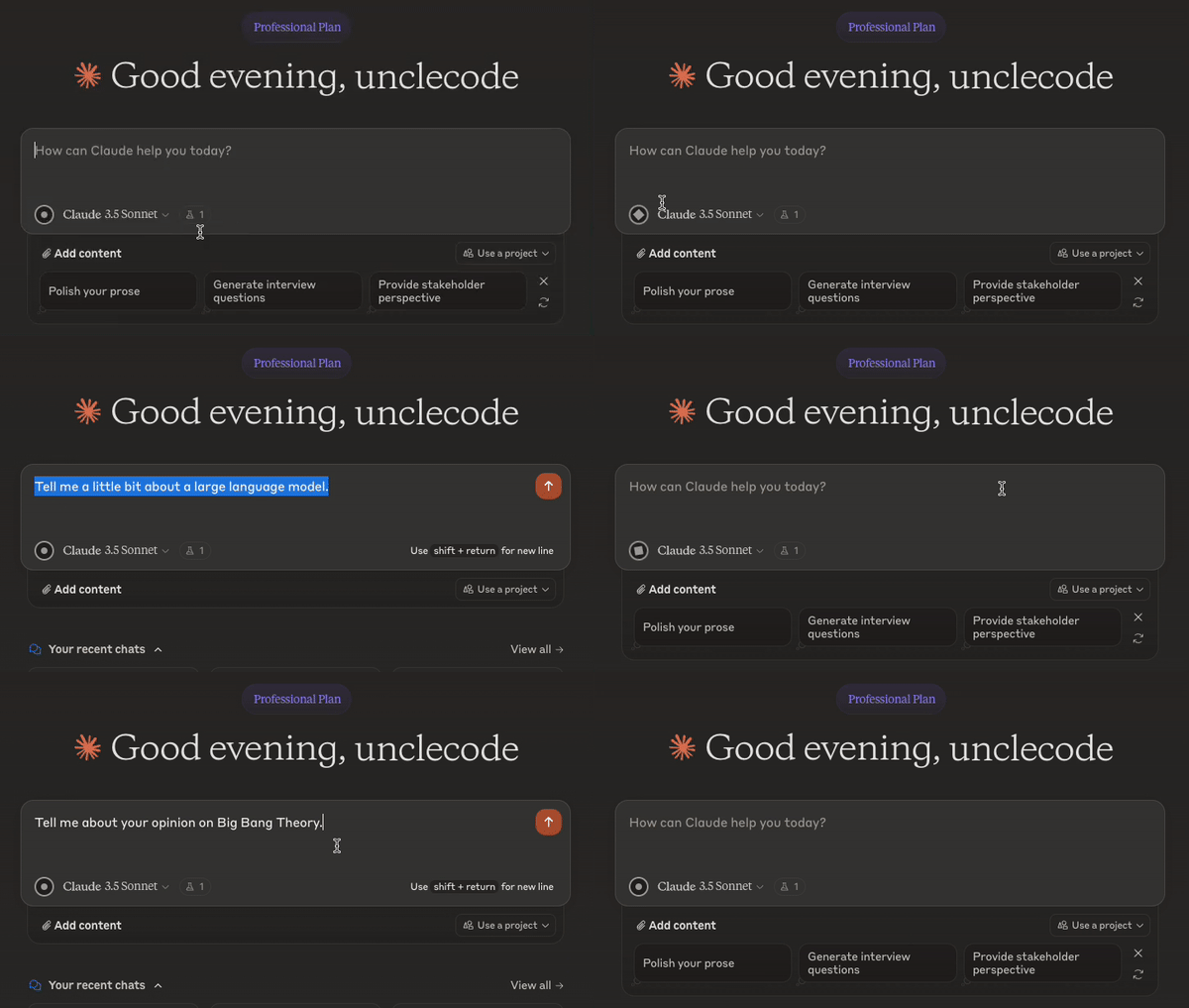
I don't know if you've felt this way, but I love using AI assistants like Claude. Recently, I found myself wishing I could talk to Claude instead of typing all the time. I enjoyed the speech-to-text feature when communicating with ChatGPT, and I wanted the same experience with Claude.
That's when I had an idea: why not create a Chrome extension to bring this functionality to Claude? I like Groq's super-fast Whisper model. So, I decided to create an extension.
This Chrome extension has been a great tool for me personally, making my interactions with Claude more natural and efficient. I hope it can do the same for you!
Features 🚀
- 🎤 Adds a microphone button to Claude AI's text input area
- 🔄 Speech-to-text using Whisper model offered by Groq API or OpenAI
- 🔀 Switch between speech-to-text providers easily
- 🔒 Privacy-focused design with local processing
Groq API and OpenAI - Speed and Accuracy ⚡
If you're looking for lightning-fast transcription, both the Groq API and OpenAI are excellent options. They use the Whisper model, which is known for its speed and accuracy. These options are perfect when you need quick, reliable transcriptions.
Installation 📥
From Chrome Web Store
Great news! The extension is available on the Chrome Web Store. Install it from here https://tinyurl.com/claudetvoice
From GitHub (Available Now! 🎉)
- Clone this repository or download it as a ZIP file
- Unzip the file (if downloaded as ZIP)
- Open Chrome and go to
chrome://extensions/ - Enable "Developer mode" in the top right corner
- Click "Load unpacked" and select the extension directory
Usage 🔧
- After installation, click on the extension icon in your Chrome toolbar
- Choose your preferred speech-to-text provider (Groq or OpenAI)
- Enter your API token for the chosen provider
- To get a Groq API token, visit Groq's website and create an account
- For OpenAI, visit OpenAI's website to create an account and generate a token
- Go to the Claude AI website (claude.ai)
- Look for the new microphone icon at the bottom of the text input area
- Click the microphone icon and start talking
- Click again to stop recording and watch as your words appear in the input box
Remember, all processing happens locally on your device, ensuring your privacy and security.
Privacy and Security 🛡️
- Your API tokens are stored safely in your browser's local storage
- All speech-to-text conversion happens on your device
- No data is sent to any external servers other than the API you choose (Groq or OpenAI)
Contributing 🤝
Got ideas to make this even better? Feel free to submit a Pull Request!
License 📄
MIT License
Disclaimer ⚠️
This is an unofficial extension and is not affiliated with Anthropic (creators of Claude AI), Groq, or OpenAI.
Let's Make AI Conversations More Natural! 💬
I hope this extension enhances your Claude AI experience as much as it has mine. Whether you choose Groq or OpenAI for speech recognition, this tool aims to make your interactions with Claude more natural and efficient. Enjoy talking to Claude!





