
 Mini tools
▼ Latest
Photography
Free mode
100% free
Freemium
Free Trial
Other tools
-
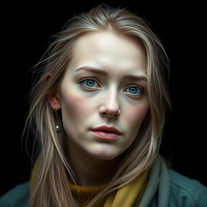
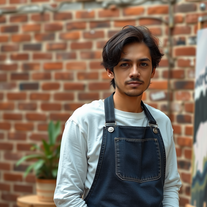
 Transform any face into stunning urban editorial photography.Open
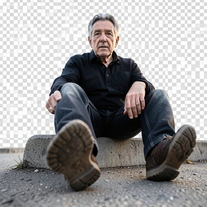
 nilton Jr🛠️ 2303 tools 🙏 68,654 karmaFeb 18, 2026@Ultra-Photorealistic Urban Editorial PhotographySimply upload your photo; you don't need to type anything in the prompt field. Just click "generate" and watch the magic happen.
 -
 Transform photos into stunning 1920s Jazz Age masterpieces.Open
 -
 Open
Open -
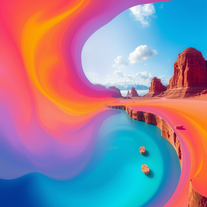 Generate vivid, surreal photos that tell stories.Open
 - Sponsor
 MongoDB - Build AI That Scales🗄️ Database
 -
 Open
Open -
 Transform any description into stunning professional headshots using AI.Open
 -
 Transform ordinary product photos into stunning, market-ready e-commerce images.Open
 -
 Open
Open -
 AI-generated landscapes for stunning art prints and displays.Open
 - Didn't find the AI you were looking for?
-
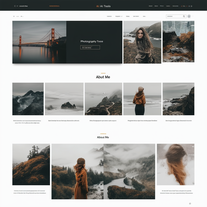 AI-powered portfolio sites for photographers.Open
 -
 Open
Open -
 Creates stunning AI images with extreme wide-angle distortion.OpenChanged the prompt to improve results.
 -
 Transform photos into Parisian fashion editorials instantly.Open
 -
 Generate ultra-realistic cinematic action photographs with perfect physics.Open
 -
 Generate ultra-realistic candid photography with facial recreation.Open
 -
 Create cinematic photos with holographic twin projections.Open
 -
 Open
Open -
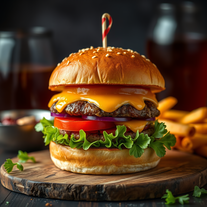
 Generate professional cookbook-quality food photography prompts instantly.Open
 -
 AI-powered romantic bedroom photography with cinematic realism.Open
 -
 Open
Open -
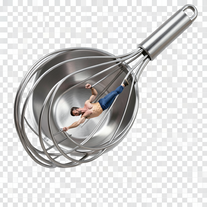
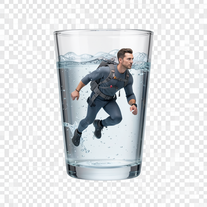 Generate surreal macro photography with miniature humans.OpenSimply upload your photo; you don't need to type anything in the prompt field. Just click "generate" and watch the magic happen.
 -
 Open
Open -
 AI-powered cinematic photography for ultra-realistic social portraits.Open
 -
 Open
Open -
Changed the prompt to improve results.
-
 Open
Open -
 Open
Open -
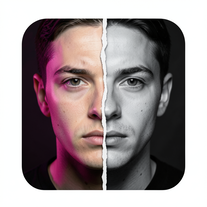
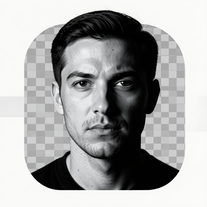 Transform photos into dramatic black-and-white chiaroscuro portraits.Open
 -
 Open
Open -
 Transform photos into cinematic Ferris wheel masterpieces.Open
 -
 Open
Open -
 Open
Open -
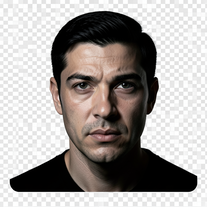 Turn portraits into cinematic masterpieces with dramatic lighting.Open
 -
 Transform photos into museum-quality graphite portraits.Open
 -
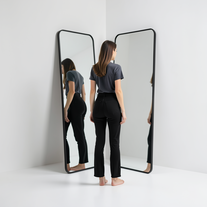 Generate ultra-realistic mirror photographs exploring self-perception psychology.Open
 -
 Open
Open -
 AI-powered studio portraits that preserve your exact identity.Open
 -
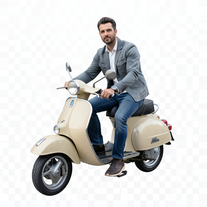 Transform portraits into cinematic Italian street-style magazine shots.Open
 -
 Creates ultra-realistic cinematic portraits from your photos.Open
 -
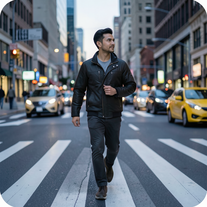 Open
Open -
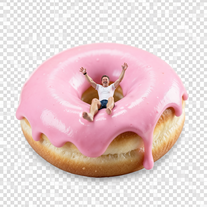
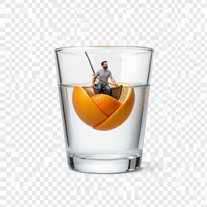
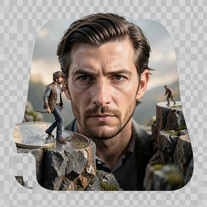 Create ultra-photorealistic macro photographs with miniature people.Open
 -
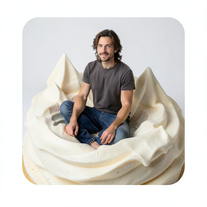 Transform into ultra-realistic 8K cinematic photographs in whimsical dessert environments.Open
 -
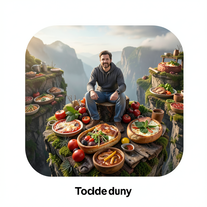 Transform photos into cinematic giant food landscapes.Open
 -
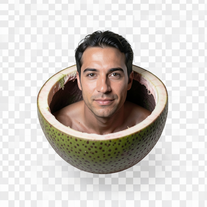 Ultra-photorealistic AI creates cinematic 8K images of people.Open
 -
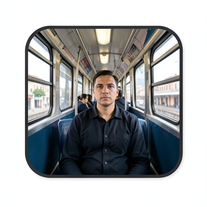 Create cinematic AI photographs of yourself anywhere.Open
 -
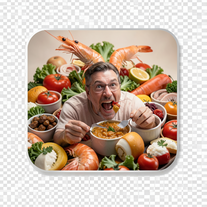 Create photorealistic images in surreal food worlds.Open
 -
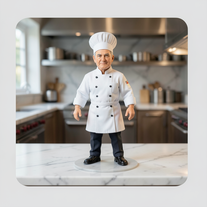 Transform photos into ultra-realistic miniature chef figurines.Open
 -
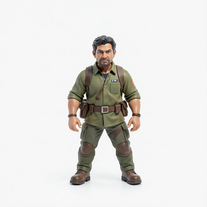 Transform tiny figures into cinematic magical worlds.Open
 -
 Transform photos into ultra-realistic 1/6-scale collectible action figures.Open
 -
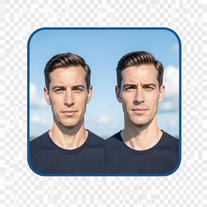 Create cinematic photos with giant and miniature versions of yourself.Open
 -
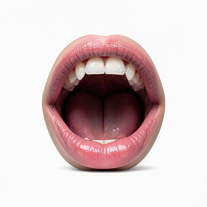 Creates ultra-realistic cinematic photographs featuring miniature humans in giant mouths.Open
 -
 Open
Open -
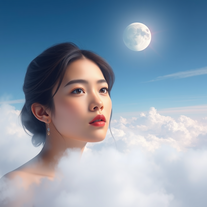
 Transform photos into cinematic cloud scenes with perfect identity preservation.Open
 -
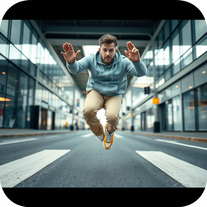
 Generate ultra-realistic 8K freefall photographs with perfect identity accuracy.Open
 -
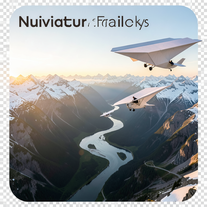 Create ultra-realistic 8K cinematic photographs with whimsical concepts.Open
 -
 Open
Open -
 Generate hyper-realistic photos of people hilariously trapped in washing machines.Open
 -
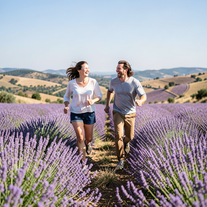 Create ultra-realistic 8K photos of real people.OpenSimply upload your photo; you don't need to type anything in the prompt field. Just click "generate" and watch the magic happen.
 -
 Create cinematic photos of specific people in surreal scenarios.OpenSimply upload your photo; you don't need to type anything in the prompt field. Just click "generate" and watch the magic happen.
 -
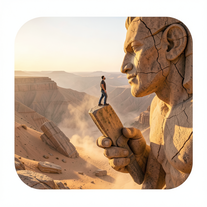 Ultra-realistic AI image generator creating hyper-detailed 8K cinematic photographs.OpenSimply upload your photo; you don't need to type anything in the prompt field. Just click "generate" and watch the magic happen.
 -
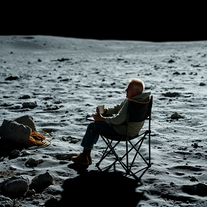
 Create cinematic space portraits with zero-gravity realism.OpenSimply upload your photo; you don't need to type anything in the prompt field. Just click "generate" and watch the magic happen.
 -
 Creates ultra-realistic 8K cinematic library photographs.Open
 -
 Open
Open -
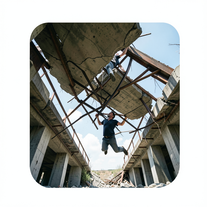 Generate ultra-realistic photos of people supporting massive debris.Open
 -
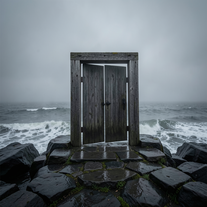 Creates ultra-realistic cinematic photographs of people through mystical doorways.Open
 -
 Transform photos into ultra-realistic cinematic scenes.Open
 -
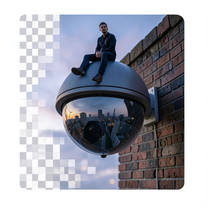 Create surreal 8K photos with miniature humans.Open
 -
 Transform ideas into ultra-realistic 8K cinematic photographs.Open
 -
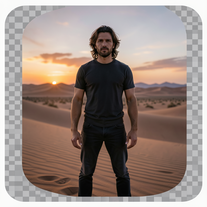 Generate ultra-realistic 8K cinematic photographs from prompts.OpenPlease only use the image and do not describe anything else in the prompt.
 -
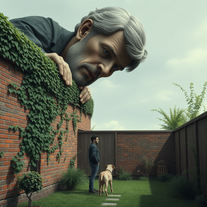
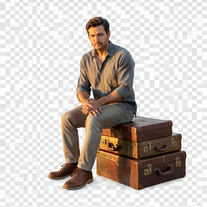 Creates hyper-realistic 8K cinematic photographs featuring surreal human-animal interactions.OpenSimply upload your photo; you don't need to type anything in the prompt field. Just click "generate" and watch the magic happen.
 -
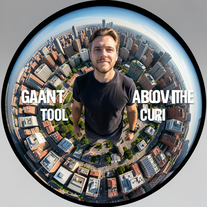 Transform portraits into cinematic fisheye masterpieces.Open
 -
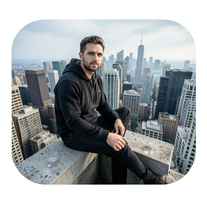 Generate cinematic 8K photos of people in towering cityscapes.OpenSimply upload your photo; you don't need to type anything in the prompt field. Just click "generate" and watch the magic happen.
 -
Simply upload your photo; you don't need to type anything in the prompt field. Just click "generate" and watch the magic happen.
-
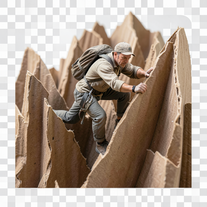 Transform ordinary objects into epic cinematic adventures.Open
 -
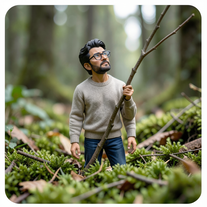 Open
Open -
 Transform ordinary scenes into extraordinary cinematic adventures.OpenSimply upload your photo; you don't need to type anything in the prompt field. Just click "generate" and watch the magic happen.
 -
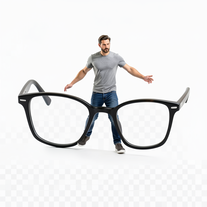 Open
Open -
 Open
Open -
 Transform portraits into cinematic macro masterpieces.Open
 -
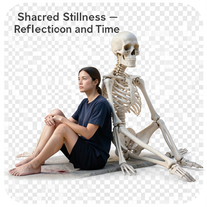 Create hyper-realistic 8K cinematic photos with skeleton companions.Open
 -
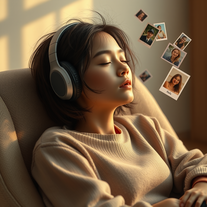
 Transform photos into cinematic 8K investigation boards.Open
 -
 Transform your photo into cinematic 8K nature sculptures.Open
 -
 Transform any portrait into a hyper-realistic volcanic stone masterpiece.Open
 -
Simply upload your photo; you don't need to type anything in the prompt field. Just click "generate" and watch the magic happen.
-
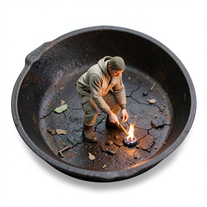
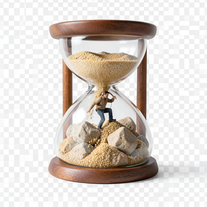 Transform photos into 8K hyper-realistic miniature survival scenes.Open
 -
 Open
Open -
Simply upload your photo; you don't need to type anything in the prompt field. Just click "generate" and watch the magic happen.
-
Simply upload your photo; you don't need to type anything in the prompt field. Just click "generate" and watch the magic happen.
-
 Open
Open -
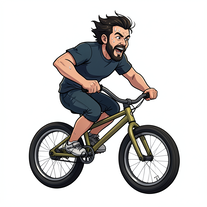 Transform photos into cinematic action portraits.Open
 -
 Transform selfies into ultra-realistic jet ski adventures.OpenSimply upload your photo; you don't need to type anything in the prompt field. Just click "generate" and watch the magic happen.
 -
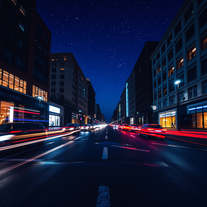
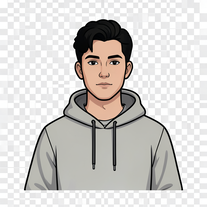 Transform your portrait into a cinematic night street scene.OpenSimply upload your photo; you don't need to type anything in the prompt field. Just click "generate" and watch the magic happen.
 -
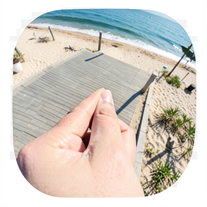 Creates ultra-realistic forced-perspective beach photos where you appear tiny.Open
 -
 Transform your photo into a cinematic masterpiece.Open
 -
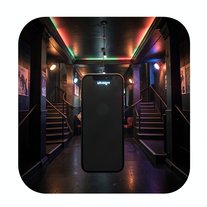 Create ultra-realistic selfies with The Mask characters.Open
 -
 OpenVideo editing is the process of selecting, trimming, and arranging footage to create a cohesive story or visual narrative. Here are some fundamental concepts and techniques: Types of Video Editing Linear editing: A straightforward, sequential approach to editing, where clips are arranged in a linear timeline. Non-linear editing: A more flexible approach, where clips can be arranged and rearranged freely in a timeline. Key Video Editing Techniques Cutting: A transition between two clips, where one clip ends and another begins. Cutting on action: Cutting between two clips while an action is in progress, to create a seamless transition. J-cut: Cutting from one clip to another while audio from the second clip starts playing before the video cuts to it. L-cut: Cutting from one clip to another while audio from the first clip continues to play. Video Editing Software Popular video editing software includes: Adobe Premiere Pro: A professional-level editing software with advanced features and integration with other Adobe tools. Final Cut Pro: A professional-level editing software for Mac users, known for its user-friendly interface and advanced features. DaVinci Resolve: A free and paid editing software that offers advanced color grading and audio editing tools. Best Practices for Video Editing Plan your edit: Develop a clear vision and storyboard before starting to edit. Organize your footage: Label and categorize your clips to make them easily accessible. Keep it simple: Avoid overusing transitions and effects; focus on telling a clear story. Advanced Video Editing Techniques Color grading: Adjusting the color and brightness of footage to create a specific mood or atmosphere. Audio ducking: Automatically reducing the volume of background audio when dialogue is present. Motion graphics: Adding animated text, logos, or other graphics to enhance the visual narrative. Video editing involves selecting, trimming, and arranging footage to create a cohesive story. Linear and non-linear editing are two fundamental approaches. Key techniques include cutting, cutting on action, J-cuts, and L-cuts. Popular software includes Adobe Premiere Pro, Final Cut Pro, and DaVinci Resolve. Best practices involve planning, organizing footage, and keeping it simple. Advanced techniques include color grading, audio ducking, and motion graphics. Capcat pro Capcat pro Download image-to-image-generator generated imagetransparent pixel Image to Image Generator Image to Image Generator Download image-to-image-generator generated imagetransparent pixel Image to Image Generator Image to Image Generator Download image-to-image-generator generated imagetransparent pixel Image to Image Generator Image to Image Generator Download image-to-image-generator generated imagetransparent pixel Image to Image Generator Image to Image Generator Download image-to-image-generator generated imagetransparent pixel Image to Image Generator Image to Image Generator Download image-to-image-generator generated imagetransparent pixel Image to Image Generator Image to Image Generator Download image-generator generated imagetransparent pixel Image Generator Image Generator Copy Video Editing Basics Video editing is the process of selecting, trimming, and arranging footage to create a cohesive story or visual narrative. Here are some fundamental concepts and techniques: Types of Video Editing Linear editing: A straightforward, sequential approach to editing, where clips are arranged in a linear timeline. Non-linear editing: A more flexible approach, where clips can be arranged and rearranged freely in a timeline. Key Video Editing Techniques Cutting: A transition between two clips, where one clip ends and another begins. Cutting on action: Cutting between two clips while an action is in progress, to create a seamless transition. J-cut: Cutting from one clip to another while audio from the second clip starts playing before the video cuts to it. L-cut: Cutting from one clip to another while audio from the first clip continues to play. Video Editing Software Popular video editing software includes: Adobe Premiere Pro: A professional-level editing software with advanced features and integration with other Adobe tools. Final Cut Pro: A professional-level editing software for Mac users, known for its user-friendly interface and advanced features. DaVinci Resolve: A free and paid editing software that offers advanced color grading and audio editing tools. Best Practices for Video Editing Plan your edit: Develop a clear vision and storyboard before starting to edit. Organize your footage: Label and categorize your clips to make them easily accessible. Keep it simple: Avoid overusing transitions and effects; focus on telling a clear story. Advanced Video Editing Techniques Color grading: Adjusting the color and brightness of footage to create a specific mood or atmosphere. Audio ducking: Automatically reducing the volume of background audio when dialogue is present. Motion graphics: Adding animated text, logos, or other graphics to enhance the visual narrative. Video editing involves selecting, trimming, and arranging footage to create a cohesive story. Linear and non-linear editing are two fundamental approaches. Key techniques include cutting, cutting on action, J-cuts, and L-cuts. Popular software includes Adobe Premiere Pro, Final Cut Pro, and DaVinci Resolve. Best practices involve planning, organizing footage, and keeping it simple. Advanced techniques include color grading,
 -
 Create striking moody black-and-white portraits with AI.Open
 -
 Transform photos into stunning vintage portraits with AI.Open
 -
 Transform ideas into stunning, photorealistic images.OpenJust kept copying my original image, and inserting a background that's a painting not photorealistic. 🤨
 -
 Creates stunning, high-resolution technological visuals from futuristic gadgets to AI concepts.Open
 -
 Open
Open -
 OpenSimply upload your photo; you don't need to type anything in the prompt field. Just click "generate" and watch the magic happen.
 -
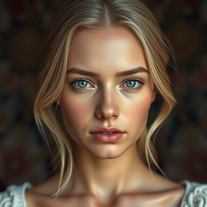
 Generate hyper-realistic portraits while preserving 100% facial identity.OpenSimply upload your photo; you don't need to type anything in the prompt field. Just click "generate" and watch the magic happen.
 -
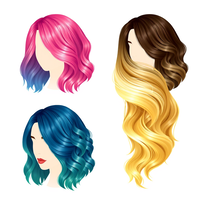 AI-powered hair design assistant for stunning, diverse hairstyles.Open
 -
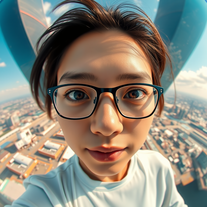 Create hyper-realistic fisheye skyscraper selfies with precise facial reproduction.Open
 -
 AI that creates cinematic images with exact facial precision.OpenSimply upload your photo; you don't need to type anything in the prompt field. Just click "generate" and watch the magic happen.
 -
 Transform ordinary scenes into stunning visual masterpieces.Open
 -
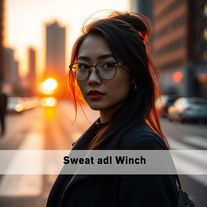 Transform ordinary urban moments into magical portraits.Open
 -
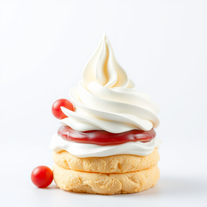 Open
Open -
 Transform portraits into cinematic window masterpieces.Open
 -
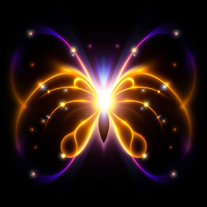 Transform ordinary images into luminous masterpieces with AI-powered shining effects.Open
 -
 Transform portraits into cinematic shooting range scenes.Open
 -
 Transform your photo into El Chavo del 8 memories.OpenSimply upload your photo; you don't need to type anything in the prompt field. Just click "generate" and watch the magic happen.
 -
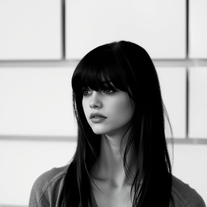 Transform colorful photos into stunning black-and-white masterpieces.Open
 -
Simply upload your photo; you don't need to type anything in the prompt field. Just click "generate" and watch the magic happen.
-
 OpenSimply upload your photo; you don't need to type anything in the prompt field. Just click "generate" and watch the magic happen.
 -
 Star in paparazzi photos with celebrities.Open
 -
 Transform any portrait into a cinematic time-travel experience.Open
 -
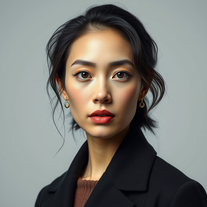 Transform your photos into stunning hyper-realistic studio portraits.Open
 -
 Transform photos into cinematic graphite portrait scenes.Open
 -
 Transform photos into cinematic movie scenes.Open
 -
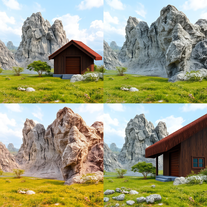 Transform detailed descriptions into breathtakingly realistic images.Open
 -
 Transform any photo into a giant parade balloon.Open
 -
 Transform any photo into hilarious Christmas lap portraits with Santa!Open
 -
 Transform subjects into cinematic 8K smartphone scenes.Open
 -
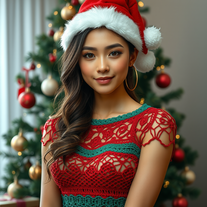 Transform photos into cinematic Christmas portraits.Open
 -
 Transform photos into ultra-realistic studio portraits.Open
 -
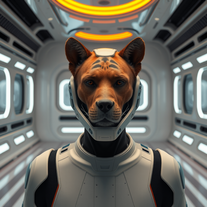 Transform photos into cinematic movie scenes instantly.Open
 -
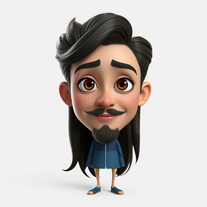 Transform photos into stunning Pixar-style 3D characters.Open
 -
 Transform text descriptions into stunning, artistic portrait images.Open
 -
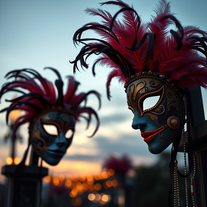 Creates stunning, ultra-realistic carnival masks with intricate fantasy details.Open
 -
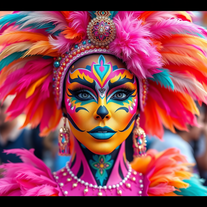 AI-powered digital artist creating ultra-realistic carnival performer images.Open
 -
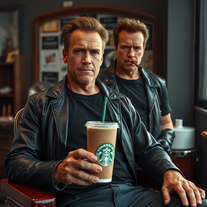 Transform photos into cinematic Arnold Schwarzenegger barbershop scenes.Open
 -
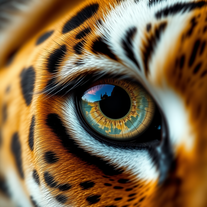 Creates stunning ultra-realistic animal eyeball close-ups.Open
 -
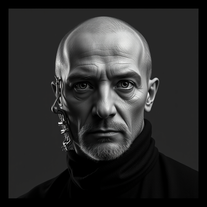 Open
Open -
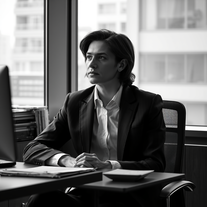 Transform any photo into stunning black-and-white editorial portraits.Open
 -
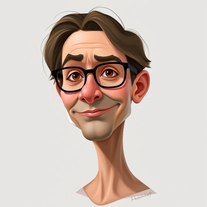 Transform photos into stunning semi-realistic caricature portraits.Open
 -
 Transform photos into ultra-realistic Disney park portraits.Open
 -
 Open
Open -
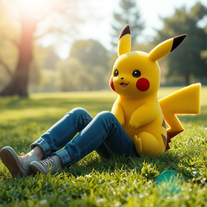 Transform photos into cinematic scenes with lifelike Pikachu.Open
 -
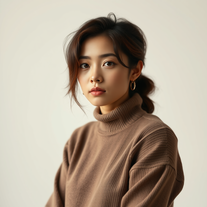 Transform photos into cinematic golden portraits.Open
 -
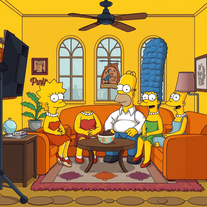 Transform yourself into a live-action Simpsons character.Open
 -
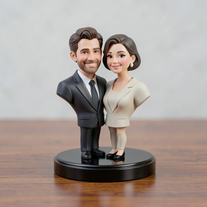
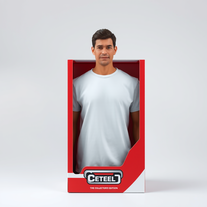 Transform yourself into a hyperrealistic collectible action figure.Open
 -
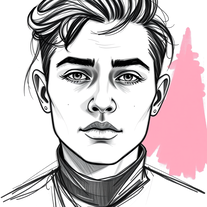 Transform photos into striking grunge-style portraits.Open
 -
 AI-powered image generator creating ultra-realistic photos.OpenI also asked for a knight in armor and got exactly that, it might have been something else in your prompt that confused the AI
 -
 Transform photos into stunning black and white portraits.Open
 -
 Transform your photos into cinematic masterpieces.Open
 -
 Open
Open
























Lists













Post





