Go to section
Sponsor
 Wispr Flow - Don’t type, just speak
🎤 Dictation
Wispr Flow - Don’t type, just speak
🎤 Dictation
The front page of AI.Used by 90M+ humans.

TAAFT Tutorial
Generate image
Tasks
Generate text
Free mode
Trending
Leaderboard
Characters
 Mini tools
New
Featured
Lists
Agents
Requests
Jobs
Map
Newsletter
Starter pack
Free tools
Speech to text
Text translator
Remove background
Settings
Edit profile
My tools
Gallery
Dashboard
Inbox
Get featured
Contact TAAFT
For you
Popular
Job impact index
Most saved
Affiliate program
Submit AI tool
Notification preferences
Glossary
Home
Timeline
My profile
Create tool
Deals
Companies
Models
Robots
Papers
Fundraises
Repositories
Devices
Organizations
Events
Prompt Pack
Merchendise
APIs
Features
Tools
Countries
Collections
Videos
Mini tools
New
Featured
Lists
Agents
Requests
Jobs
Map
Newsletter
Starter pack
Free tools
Speech to text
Text translator
Remove background
Settings
Edit profile
My tools
Gallery
Dashboard
Inbox
Get featured
Contact TAAFT
For you
Popular
Job impact index
Most saved
Affiliate program
Submit AI tool
Notification preferences
Glossary
Home
Timeline
My profile
Create tool
Deals
Companies
Models
Robots
Papers
Fundraises
Repositories
Devices
Organizations
Events
Prompt Pack
Merchendise
APIs
Features
Tools
Countries
Collections
Videos
Mini tools
New
Featured
Lists
Agents
Requests
Jobs
Map
Newsletter
Starter pack
Free tools
Speech to text
Text translator
Remove background
Settings
Edit profile
My tools
Gallery
Dashboard
Inbox
Get featured
Contact TAAFT
For you
Popular
Job impact index
Most saved
Affiliate program
Submit AI tool
Notification preferences
Glossary
Home
Timeline
My profile
Create tool
Deals
Companies
Models
Robots
Papers
Fundraises
Repositories
Devices
Organizations
Events
Prompt Pack
Merchendise
APIs
Features
Tools
Countries
Collections
Videos

▼ Most saved
Photography
Free mode
100% free
Freemium
Free Trial
Other tools
-
 OpenShiva Patel🙏 1 karmaFeb 13, 2026@1980s Pop Culture House PartyVideo editing is the process of selecting, trimming, and arranging footage to create a cohesive story or visual narrative. Here are some fundamental concepts and techniques: Types of Video Editing Linear editing: A straightforward, sequential approach to editing, where clips are arranged in a linear timeline. Non-linear editing: A more flexible approach, where clips can be arranged and rearranged freely in a timeline. Key Video Editing Techniques Cutting: A transition between two clips, where one clip ends and another begins. Cutting on action: Cutting between two clips while an action is in progress, to create a seamless transition. J-cut: Cutting from one clip to another while audio from the second clip starts playing before the video cuts to it. L-cut: Cutting from one clip to another while audio from the first clip continues to play. Video Editing Software Popular video editing software includes: Adobe Premiere Pro: A professional-level editing software with advanced features and integration with other Adobe tools. Final Cut Pro: A professional-level editing software for Mac users, known for its user-friendly interface and advanced features. DaVinci Resolve: A free and paid editing software that offers advanced color grading and audio editing tools. Best Practices for Video Editing Plan your edit: Develop a clear vision and storyboard before starting to edit. Organize your footage: Label and categorize your clips to make them easily accessible. Keep it simple: Avoid overusing transitions and effects; focus on telling a clear story. Advanced Video Editing Techniques Color grading: Adjusting the color and brightness of footage to create a specific mood or atmosphere. Audio ducking: Automatically reducing the volume of background audio when dialogue is present. Motion graphics: Adding animated text, logos, or other graphics to enhance the visual narrative. Video editing involves selecting, trimming, and arranging footage to create a cohesive story. Linear and non-linear editing are two fundamental approaches. Key techniques include cutting, cutting on action, J-cuts, and L-cuts. Popular software includes Adobe Premiere Pro, Final Cut Pro, and DaVinci Resolve. Best practices involve planning, organizing footage, and keeping it simple. Advanced techniques include color grading, audio ducking, and motion graphics. Capcat pro Capcat pro Download image-to-image-generator generated imagetransparent pixel Image to Image Generator Image to Image Generator Download image-to-image-generator generated imagetransparent pixel Image to Image Generator Image to Image Generator Download image-to-image-generator generated imagetransparent pixel Image to Image Generator Image to Image Generator Download image-to-image-generator generated imagetransparent pixel Image to Image Generator Image to Image Generator Download image-to-image-generator generated imagetransparent pixel Image to Image Generator Image to Image Generator Download image-to-image-generator generated imagetransparent pixel Image to Image Generator Image to Image Generator Download image-generator generated imagetransparent pixel Image Generator Image Generator Copy Video Editing Basics Video editing is the process of selecting, trimming, and arranging footage to create a cohesive story or visual narrative. Here are some fundamental concepts and techniques: Types of Video Editing Linear editing: A straightforward, sequential approach to editing, where clips are arranged in a linear timeline. Non-linear editing: A more flexible approach, where clips can be arranged and rearranged freely in a timeline. Key Video Editing Techniques Cutting: A transition between two clips, where one clip ends and another begins. Cutting on action: Cutting between two clips while an action is in progress, to create a seamless transition. J-cut: Cutting from one clip to another while audio from the second clip starts playing before the video cuts to it. L-cut: Cutting from one clip to another while audio from the first clip continues to play. Video Editing Software Popular video editing software includes: Adobe Premiere Pro: A professional-level editing software with advanced features and integration with other Adobe tools. Final Cut Pro: A professional-level editing software for Mac users, known for its user-friendly interface and advanced features. DaVinci Resolve: A free and paid editing software that offers advanced color grading and audio editing tools. Best Practices for Video Editing Plan your edit: Develop a clear vision and storyboard before starting to edit. Organize your footage: Label and categorize your clips to make them easily accessible. Keep it simple: Avoid overusing transitions and effects; focus on telling a clear story. Advanced Video Editing Techniques Color grading: Adjusting the color and brightness of footage to create a specific mood or atmosphere. Audio ducking: Automatically reducing the volume of background audio when dialogue is present. Motion graphics: Adding animated text, logos, or other graphics to enhance the visual narrative. Video editing involves selecting, trimming, and arranging footage to create a cohesive story. Linear and non-linear editing are two fundamental approaches. Key techniques include cutting, cutting on action, J-cuts, and L-cuts. Popular software includes Adobe Premiere Pro, Final Cut Pro, and DaVinci Resolve. Best practices involve planning, organizing footage, and keeping it simple. Advanced techniques include color grading,
 -
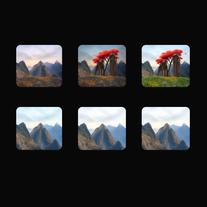 Transform ideas into stunning, photorealistic images.OpenJust kept copying my original image, and inserting a background that's a painting not photorealistic. 🤨
 -
 Open
Open - SponsorWispr Flow - Don’t type, just speak🎤 Dictation
-
 Transform ordinary product photos into stunning, market-ready e-commerce images.Open
 -
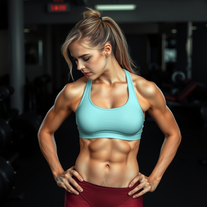
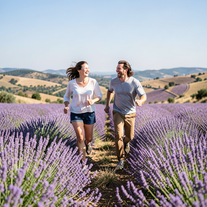 Create ultra-realistic 8K photos of real people.OpenSimply upload your photo; you don't need to type anything in the prompt field. Just click "generate" and watch the magic happen.
 -
 Transform photos into whimsical 8K miniature art.Open
 -
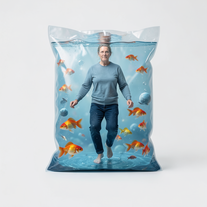
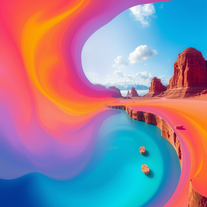 Generate vivid, surreal photos that tell stories.Open
 -
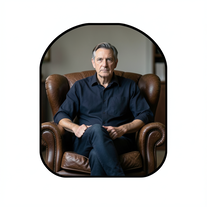 Create film-noir portraits through a keyhole perspective.Open
 - Didn't find the AI you were looking for?
-
 Transform your photo into a cinematic masterpiece.Open
 -
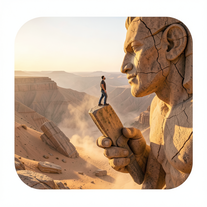 Ultra-realistic AI image generator creating hyper-detailed 8K cinematic photographs.OpenSimply upload your photo; you don't need to type anything in the prompt field. Just click "generate" and watch the magic happen.
 -
 OpenSimply upload your photo; you don't need to type anything in the prompt field. Just click "generate" and watch the magic happen.
 -
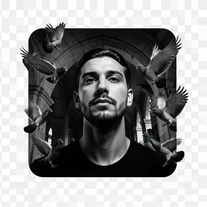 Transform any reference into cinematic 8K portraits.Open
 -
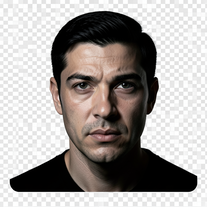 Turn portraits into cinematic masterpieces with dramatic lighting.Open
 -
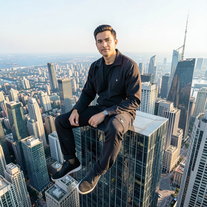 IMAX-grade cinematic portraits from your reference photo.Open
 -
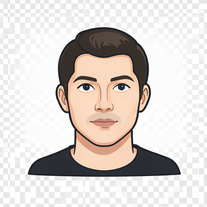 AI photo restoration that preserves original identity.Open
 -
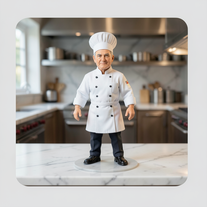 Transform photos into ultra-realistic miniature chef figurines.Open
 -
 Transform any description into stunning professional headshots using AI.Open
 -
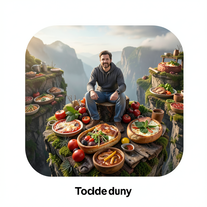 Transform photos into cinematic giant food landscapes.Open
 -
 Open
Open -
Simply upload your photo; you don't need to type anything in the prompt field. Just click "generate" and watch the magic happen.
-
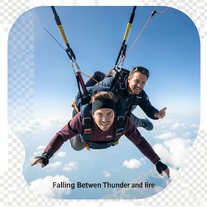 Generate cinematic 8K skydiving scenes from your photos.Open
 -
 Open
Open -
 Transform photos into ultra-realistic cinematic scenes.Open
 -
 Open
Open -
 Creates hyper-realistic 8K cinematic photographs featuring surreal human-animal interactions.OpenSimply upload your photo; you don't need to type anything in the prompt field. Just click "generate" and watch the magic happen.
 -
 Open
Open -
 Generate ultra-realistic candid photography with facial recreation.Open
 -
 Open
Open -
 Open
Open -
 Open
Open -
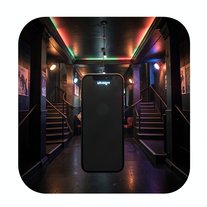 Create ultra-realistic selfies with The Mask characters.Open
 -
-
 AI-powered studio portraits that preserve your exact identity.Open
 -
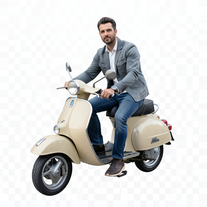 Transform portraits into cinematic Italian street-style magazine shots.Open
 -
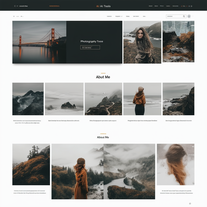 AI-powered portfolio sites for photographers.Open
 -
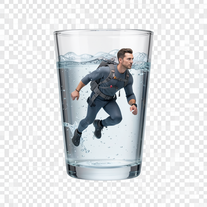 Generate surreal macro photography with miniature humans.OpenSimply upload your photo; you don't need to type anything in the prompt field. Just click "generate" and watch the magic happen.
 -
 Hyper-realistic portraits with cinematic lighting perfection.Open
 -
 Transform yourself into cinematic miniature adventures.Open
 -
 Create cinematic AI photographs of yourself anywhere.Open
 -
 Create photorealistic images in surreal food worlds.Open
 -
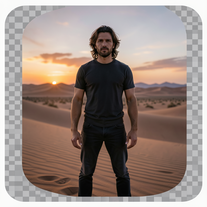 Generate ultra-realistic 8K cinematic photographs from prompts.OpenPlease only use the image and do not describe anything else in the prompt.
 -
 AI-powered romantic bedroom photography with cinematic realism.Open
 -
 Open
Open -
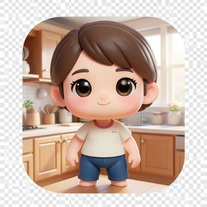 Open
Open -
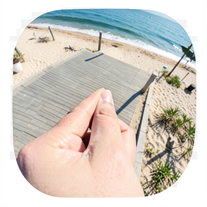 Creates ultra-realistic forced-perspective beach photos where you appear tiny.Open
 -
Simply upload your photo; you don't need to type anything in the prompt field. Just click "generate" and watch the magic happen.
-
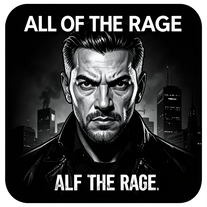
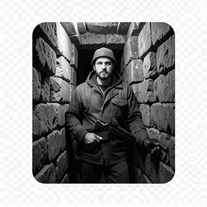
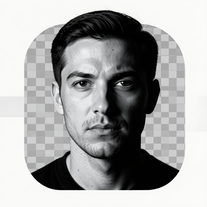 Transform photos into dramatic black-and-white chiaroscuro portraits.Open
 -
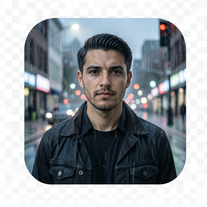
 Transform your portrait into a cinematic night street scene.OpenSimply upload your photo; you don't need to type anything in the prompt field. Just click "generate" and watch the magic happen.
 -
 Generate standout LinkedIn headshots that are crisp, confident, and inclusive.Open
 -
It's not clear from the description but I inferred from the generative input suggestions this tool specifically creates images of people in coffee shops, drinking while reading.
-
 Transform photos into ultra-realistic 1/6-scale collectible action figures.Open
 -
 Transform any face into stunning urban editorial photography.OpenSimply upload your photo; you don't need to type anything in the prompt field. Just click "generate" and watch the magic happen.
 -
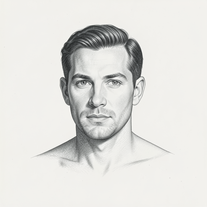
 Transform photos into museum-quality graphite portraits.OpenThe second attempt is much better, but added non-existing points.
 -
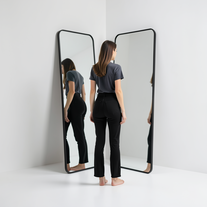 Generate ultra-realistic mirror photographs exploring self-perception psychology.Open
 -
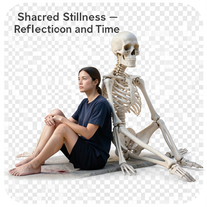 Create hyper-realistic 8K cinematic photos with skeleton companions.Open
 -
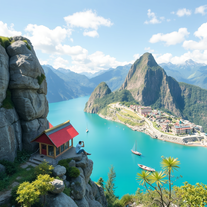 Open
Open -
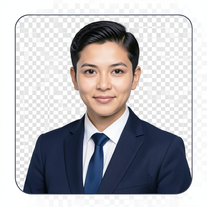 AI-powered corporate portrait generator for ultra-realistic executive headshots.Open
 -
 AI-generated landscapes for stunning art prints and displays.Open
 -
Changed the prompt to improve results.
-
 Wrestle giant food in hyper-realistic cinematic photos.Open
 -
 Transform ideas into ultra-realistic 8K cinematic photographs.Open
 -
 Transform portraits into cinematic macro masterpieces.Open
 -
Simply upload your photo; you don't need to type anything in the prompt field. Just click "generate" and watch the magic happen.
-
 Transform selfies into ultra-realistic jet ski adventures.OpenSimply upload your photo; you don't need to type anything in the prompt field. Just click "generate" and watch the magic happen.
 -
 Generate professional cookbook-quality food photography prompts instantly.Open
 -
 Creates 8K cinematic soccer portraits from photos.Open
 -
 Generate ultra-realistic 8K freefall photographs with perfect identity accuracy.Open
 -
 Transform ordinary scenes into extraordinary cinematic adventures.OpenSimply upload your photo; you don't need to type anything in the prompt field. Just click "generate" and watch the magic happen.
 -
Simply upload your photo; you don't need to type anything in the prompt field. Just click "generate" and watch the magic happen.
-
 Open
Open -
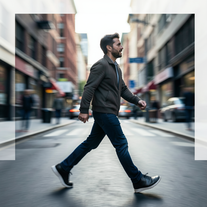 Open
Open -
 Transform portraits into high-fashion editorial magic.Open
 -
 Open
Open -
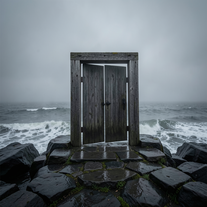 Creates ultra-realistic cinematic photographs of people through mystical doorways.Open
 -
 Transform your photo into hyper-realistic cinematic scenes.OpenThis tool is designed to only receive a photo as a reference; just use this and see the result.
 -
 Create cinematic space portraits with zero-gravity realism.OpenSimply upload your photo; you don't need to type anything in the prompt field. Just click "generate" and watch the magic happen.
 -
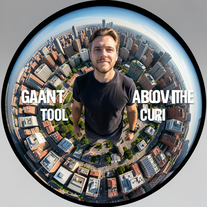 Transform portraits into cinematic fisheye masterpieces.Open
 -
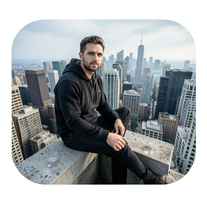 Generate cinematic 8K photos of people in towering cityscapes.OpenSimply upload your photo; you don't need to type anything in the prompt field. Just click "generate" and watch the magic happen.
 -
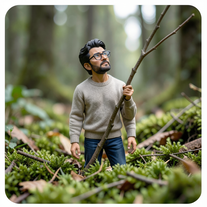 Open
Open -
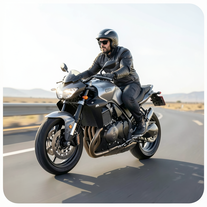 Turn reference images into ultra-realistic 8K motorcycle portraits.Open
 -
 Transform photos into cinematic cloud scenes with perfect identity preservation.Open
 -
 Generate hyper-realistic photos of people hilariously trapped in washing machines.Open
 -
 Generate hyperreal portraits that preserve your exact identity.Open
 -
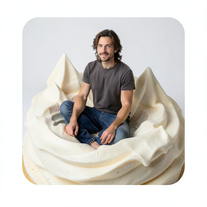 Transform into ultra-realistic 8K cinematic photographs in whimsical dessert environments.Open
 -
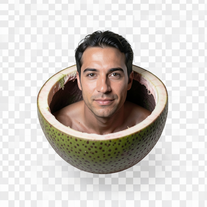 Ultra-photorealistic AI creates cinematic 8K images of people.Open
 -
 Creates ultra-realistic 8K cinematic library photographs.Open
 -
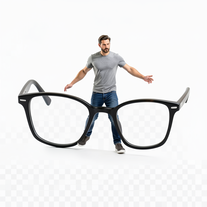 Open
Open -
 Creates stunning AI images with extreme wide-angle distortion.OpenChanged the prompt to improve results.
 -
 Open
Open -
 Open
Open -
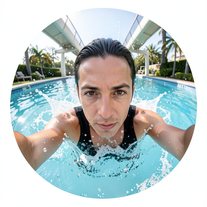
 Generate hyper-real GoPro-style self-portraits from your reference photo.Open
 -
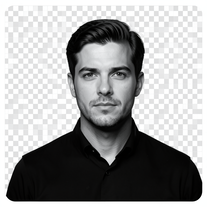 Generate identity-locked monochrome portraits with cinematic lighting.Open
 -
 Create ultra-realistic 8K cinematic photographs with whimsical concepts.Open
 -
 Open
Open -
 Transform photos into cinematic 8K investigation boards.Open
 -
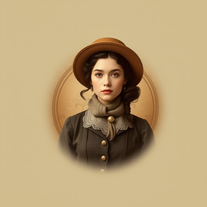 Transform photos into stunning vintage portraits with AI.Open
 -
 Transform photos into stunning 1920s Jazz Age masterpieces.Open
 -
 Open
Open -
 Open
Open -
 Studio-grade AI fashion portraits with ultra-real consistency.Open
 -
 Open
Open -
 Create striking moody black-and-white portraits with AI.Open
 -
 Create hyper-real, 8K studio portraits that keep your face exactly yours.Open
 -
 Open
Open -
 Transform tiny figures into cinematic magical worlds.Open
 -
 Create cinematic photos of specific people in surreal scenarios.OpenSimply upload your photo; you don't need to type anything in the prompt field. Just click "generate" and watch the magic happen.
 -
 Open
Open -
 Open
Open -
 Open
Open -
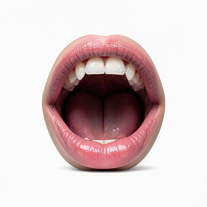 Creates ultra-realistic cinematic photographs featuring miniature humans in giant mouths.Open
 -
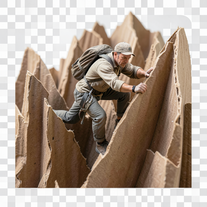 Transform ordinary objects into epic cinematic adventures.Open
 -
 Transform your photo into cinematic 8K nature sculptures.Open
 -
 Transform any portrait into a hyper-realistic volcanic stone masterpiece.Open
 -
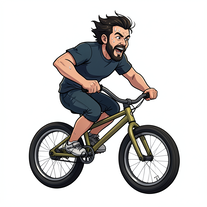 Transform photos into cinematic action portraits.Open
 -
 Open
Open -
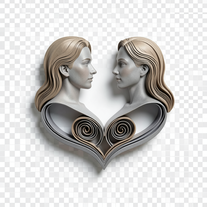 Transform photos into hyper-realistic 3D papercraft portraits.Open
 -
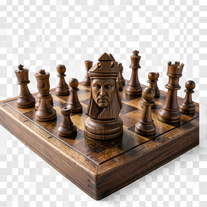 Turn portraits into hyper-realistic carved wooden chess pieces.Open
 -
 Transform photos into cinematic Ferris wheel masterpieces.Open
 -
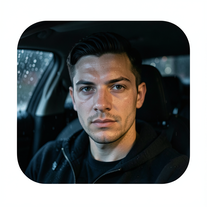 Open
Open -
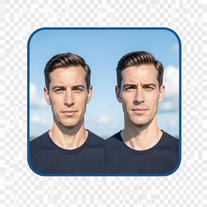 Create cinematic photos with giant and miniature versions of yourself.Open
 -
 Generate ultra-realistic cinematic action photographs with perfect physics.Open
 -
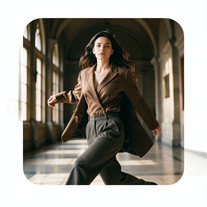 Hyper-real cinematic fashion portraits from single reference photos.Open
 -
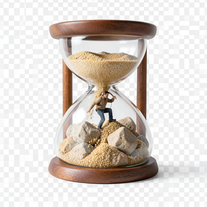 Transform photos into 8K hyper-realistic miniature survival scenes.Open
 -
 Creates stunning, high-resolution technological visuals from futuristic gadgets to AI concepts.Open
 -
 Transform photos into Parisian fashion editorials instantly.Open
 -
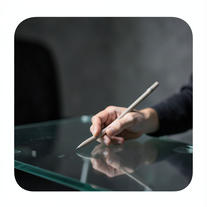 Create cinematic photos with holographic twin projections.Open
 -
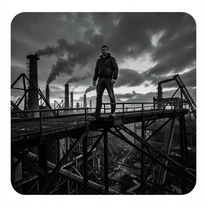 Forge ultra-real 8K industrial portraits from reference images.Open
 -
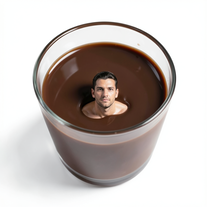 Transform yourself into surreal miniature scenes with hyper-realistic 8K imagery.Open
 -
 Creates hyper-realistic cinematic selfies with giant-scale perspective effects.Open
 -
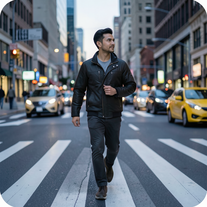 Open
Open -
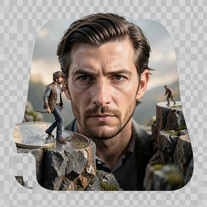 Create ultra-photorealistic macro photographs with miniature people.Open
 -
 AI-powered cinematic photography for ultra-realistic social portraits.Open
 -
 Open
Open -
 Creates ultra-realistic cinematic portraits from your photos.Open
 -
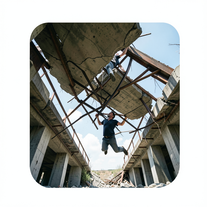 Generate ultra-realistic photos of people supporting massive debris.Open
 -
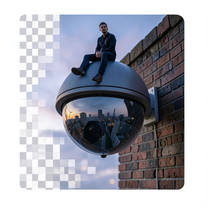 Create surreal 8K photos with miniature humans.Open
 -
 Create hyper-realistic, magazine-quality portraits from reference images.Open
 -
 Creates ultra-realistic 8K fashion portraits with perfect identity duplication.Open
 -
 Open
Open -
 Open
Open -
 Transform photos into hyper-realistic 8K cinematic masterpieces.Open